
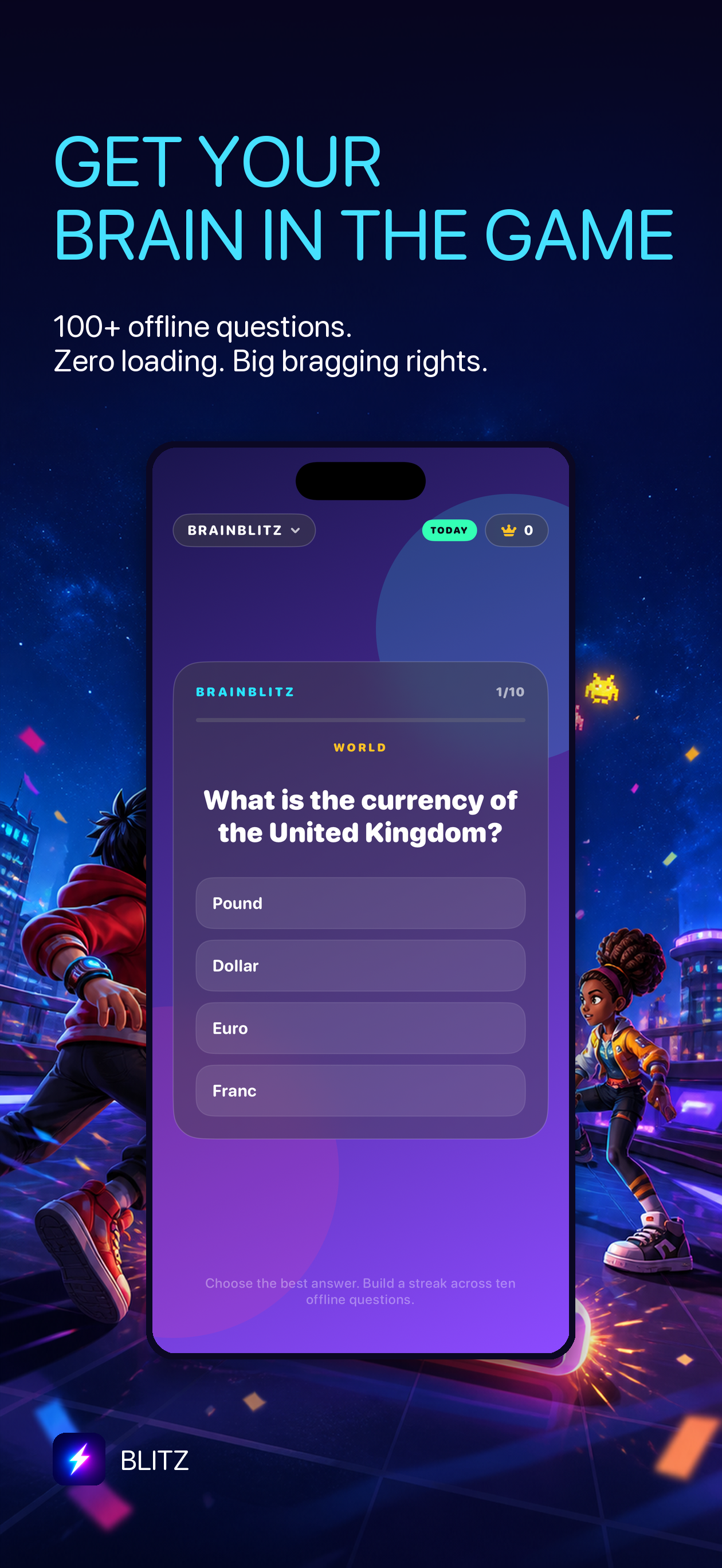
A useful offline game should be ready before you need it: on a flight, in a station with weak reception, or during a commute where you would rather not depend on a connection. Blitz is a small iPhone arcade built for short sessions. Apple’s listing says its core play does not require a network connection or an account, and specifically lists more than 100 offline BrainBlitz questions.
What “offline” means in Blitz
After you install Blitz, you can open the cabinet and play its core games without signing in or keeping a connection active. BrainBlitz has 100+ offline questions for a fast mental round, alongside arcade-style games designed for immediate play. It is a fit for spare minutes, not a large world that has to stream new content continuously.
Offline does not mean every internet service suddenly works without internet. Downloading or updating the app still needs a connection, and sending a score through Messages or a social app depends on that destination being available. The practical promise is narrower and more useful: core play does not depend on a signal.
Prepare your iPhone before a flight or commute
- Install or update Blitz while you have Wi-Fi or mobile data.
- Open it once before leaving, so you know the app is ready.
- Try a BrainBlitz question round and an arcade game.
- Keep the phone charged; games still use the screen and processor.
- Reconnect later if you want to send a score card to someone.
This small check is helpful before a long flight or a place where you expect patchy reception. You do not need to switch off mobile data to play; the point is simply that the core game does not rely on it.
Small games for a small break
Blitz is designed around quick starts, short rounds and personal scores. Choose a reflex game when you want a quick reaction test, or BrainBlitz when you want to answer a few questions. The cabinet keeps several kinds of play together, so an offline break does not have to mean repeating one mechanic every time.
There is no need to turn a spare minute into a productivity routine. Play a round, try to beat your own score if you feel like it, and close the app when the break is over. Sharing a result is optional; the game is still a game without posting it anywhere.
Try the pocket arcade
If you want an offline iPhone game for a commute or travel day, start with Blitz’s quick arcade rounds or BrainBlitz questions. Install it before you lose signal, then keep it around for the next short break.
One more go—signal optional.
Download Blitz free from the App Store. Core play works without an account or an active network connection.
Get Blitz for iPhone ↗