Put the QR anywhere
Use a table card, welcome sign, menu or NFC sticker to give guests a clear starting point.
Give an event a playful shared activity without collecting sign-ups or asking guests to install a full app. Boothly opens from a QR code, captures three frames and makes a shareable strip.
See how the App Clip works ↓
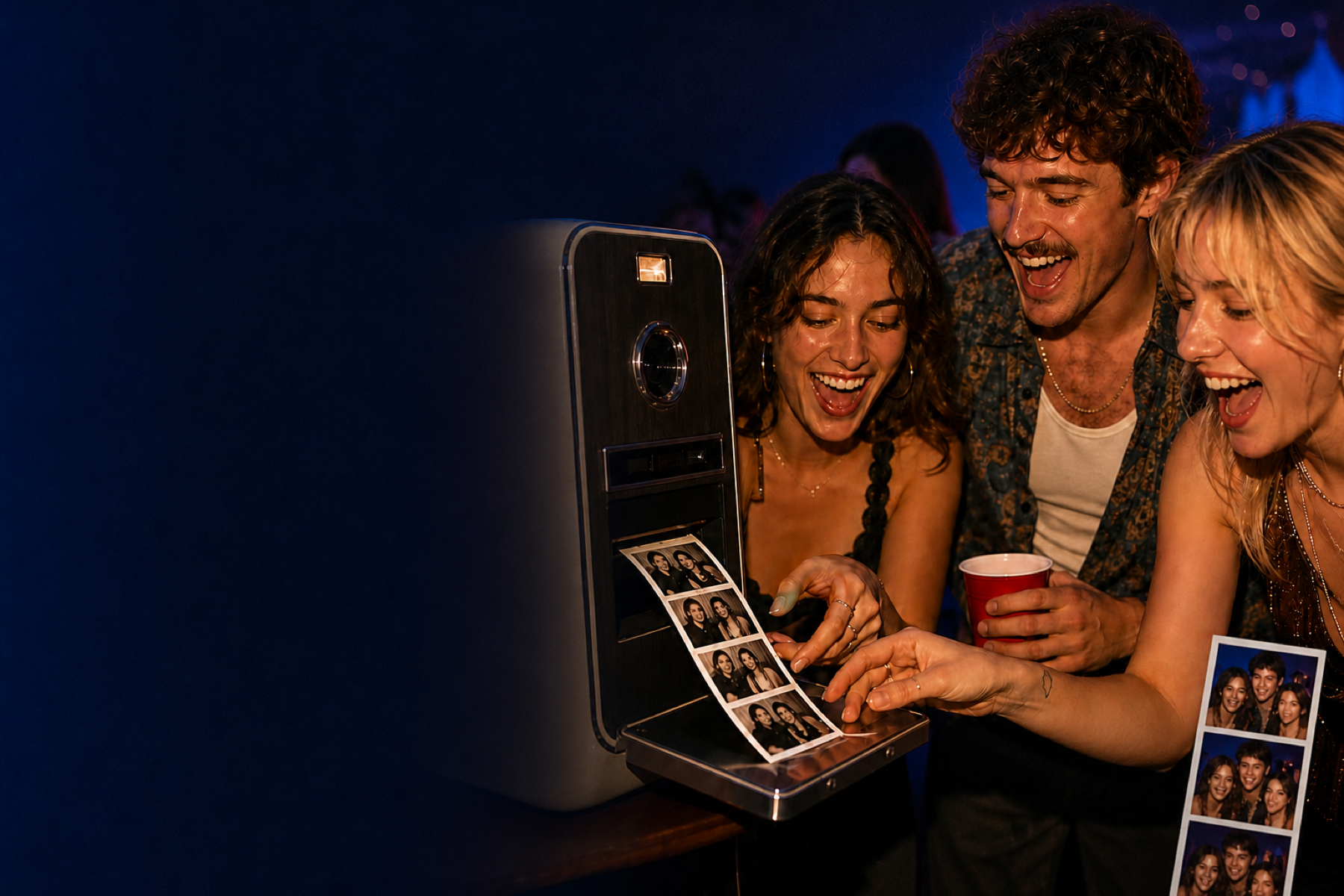
Use a table card, welcome sign, menu or NFC sticker to give guests a clear starting point.
The three-frame flow is fast enough for receptions, pop-ups, parties and community events.
Boothly is intentionally lighter than a full event platform. There are no logins to explain, no gallery to moderate and no dashboard to manage. Guests make their own strip and leave with it.
For event organisers, that means a low-friction activity that can sit beside the main programme rather than compete with it.
Put the QR code where people naturally pause: near the welcome table, bar, coat area or lounge seats. Add one short instruction such as “Scan on iPhone, take three frames, save your strip.” A visible sign with a clear verb usually works better than a long explanation of the app.
Before doors open, scan the printed code from a second iPhone and complete the whole flow. Check that the App Clip opens, camera access is clear, the room has enough light, and the finished strip can be saved or shared. Keep the QR large enough to scan without guests needing to move furniture or crowd around one small card.
An App Clip is a lightweight iPhone experience, not a browser-based photo-upload service. Boothly lets a guest make a three-frame strip; it does not collect everyone’s photos into a host gallery or replace a staffed booth with a backdrop and printer. For other phones, give guests a clear alternative instead of implying every device opens an App Clip.
Read Apple’s App Clips overview, then compare the practical QR photo booth setup and no-full-download iPhone flow.