Dispatch is a Mac toolkit for indie Apple developers working on App Store research, listing metadata and launch preparation.
Explore Revenue Bear
What an indie ASO workflow needs to do
ASO is the work of helping the right people understand and find an app in the App Store. A useful workflow connects the audience, the search language, the listing and the product itself. No tool can promise a specific ranking: competition and the app’s fit for people matter too.
Research the language
Collect phrases that describe the job the app actually does. Keep a note of where each idea came from instead of treating a keyword suggestion as proof of demand.
Review competing listings
Compare how relevant apps explain their audience and purpose. Look for a real positioning gap, not just words you can copy.
Prepare the listing
Draft metadata and store-page assets around one clear promise. Verify every field and final submission in App Store Connect.
Three ways to handle ASO work
App Store Connect plus notes
A sensible starting point for one app and occasional updates. You keep control, but research, comparisons and drafts may be scattered across tabs and documents.
A spreadsheet
Useful when you want a lightweight record of phrases, competitor observations and changes. It depends on you to keep the structure current and connect each note to the next decision.
A dedicated ASO workspace
Worth evaluating when research and launch preparation recur. Check that its actual features match your work, platform and budget; a larger dashboard is not automatically a better fit.
Where Dispatch fits
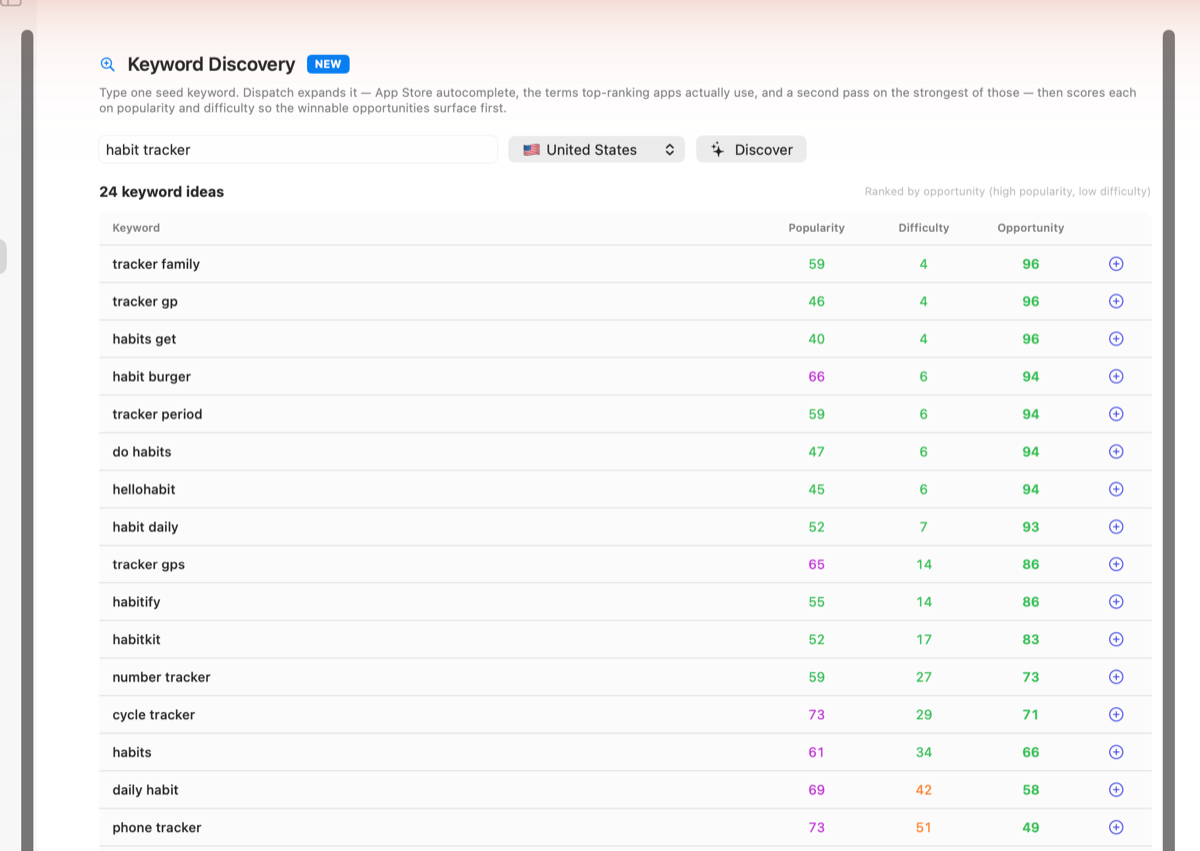
Dispatch is a native Mac toolkit for indie Apple developers. Its product pages describe App Store keyword research, competitor comparison, metadata preparation and launch workflows. If you want one place to do that work on a Mac, review the Explore Revenue Bear before deciding whether it fits your routine.
- You prepare or update Apple app listings yourself.
- You want keyword and competitor research close to listing preparation.
- You prefer a Mac app over adding another browser dashboard.
- You are comfortable checking final metadata and publishing in Apple’s own tools.
If those points do not describe your workflow, App Store Connect plus a well-kept document may be enough.
A practical checklist before you change metadata
- Write down the person the app is for and the task it helps them complete.
- Gather candidate phrases from real customer language and relevant App Store searches.
- Review a small set of genuinely comparable apps; note how their promise differs from yours.
- Draft listing fields and screenshots so they tell one consistent, accurate story.
- Check the current Apple requirements and submit changes through App Store Connect.
- Record what changed and review later data without claiming that one change caused every movement.
Questions indie developers ask
Do I need a paid ASO tool for one app?
Not necessarily. Start with Apple’s own tools and a lightweight record if the work is occasional. Consider dedicated software when the research and preparation repeat often enough that keeping context becomes the problem.
Can an ASO tool guarantee better rankings?
No. A tool can organize research and help you prepare a listing, but it cannot promise a position, download count or commercial result.
Does Dispatch replace App Store Connect?
No. Dispatch is a research and preparation workspace. Apple’s App Store Connect remains where you manage and submit your listing.
Is Dispatch an iPhone app?
This guide is about Dispatch for Mac. It does not describe the separate Dispatch Kun iPhone app, so no iOS Smart App Banner applies here.
See the current Mac app features, screenshots and purchase options on the product page.