Early app plans often grow because every possible feature sounds reasonable in isolation. The cure is not to guess a smaller number. Define one audience, one situation and one outcome, then keep only the work needed to test that outcome.
The one-page iPhone app MVP scope template
Who has this problem often enough to notice it? Describe a real group, not “everyone with an iPhone.”
When does the person need help? Name the moment the current workaround begins.
What should they be able to finish from start to end in one sitting?
What do they do now, and what is already good about that method?
What visible result proves the main job worked—for example a saved record, a clear decision or a completed handoff?
Who can try this workflow, what will you observe, and what would make you revise the scope?
Map the core workflow before listing features
Write the shortest path in verbs. A shared-expense app might be: create a trip, add a cost, choose who paid, see each person’s balance. A pet-care app might be: choose a pet, record a dose, see what is due. If the list needs many branches before the first result appears, you may be combining multiple jobs.
For every proposed feature, ask: does the first user need it to complete this path, understand the result, or recover from a likely mistake? If not, write it under “later” rather than forcing it into the first build.
Separate essentials from attractive extras
The core action, the data needed for that action, a useful empty state, confirmation that the action worked, and a basic way to correct or remove an entry.
Multiple themes, advanced analytics, social feeds, complex settings, broad integrations, gamification and elaborate onboarding.
Accounts, cloud sync, notifications and payments are not automatically “later” or “required.” Include them only when the core promise depends on them.
Use constraints to make scope real
Choose a time box, a platform and a testing boundary. For example: “In one week, on iPhone, build the add-and-review flow with local sample data and let three intended users try it.” A constraint is not a guarantee of delivery; it makes trade-offs visible and gives the experiment an end.
Write down what you are deliberately not testing. If the first build uses sample data, it cannot prove that sync is reliable. If the test is with friends who already understand the idea, it cannot prove that new visitors understand the onboarding. Clear limits keep a promising prototype from being mistaken for market validation.
Run a small usability test
- Give a likely user a realistic task without explaining the interface.
- Watch where they pause, what they expect and whether they reach the intended result.
- Ask what they do today and how often this situation actually occurs.
- Separate observed behavior from suggestions for extra features.
- Fix the largest blocker, then test again before expanding the scope.
Do not treat a compile, a polished mock-up or a positive reaction as proof of demand. A useful signal is a person completing the job, returning to the workflow, or taking a concrete next step because the problem matters to them.
Turn the scope into a build brief
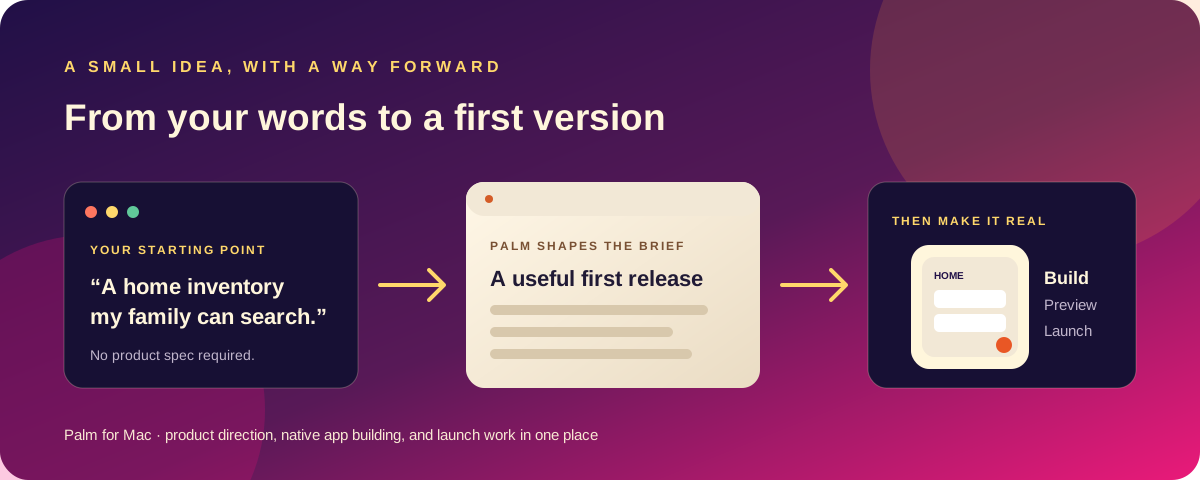
Once the MVP is clear, summarize the audience, problem, core workflow, screen list, data, edge cases and exclusions in a brief. That gives a builder or collaborator something testable to work from. If you need help shaping the product idea before writing code, use Palm’s app idea brief workflow and its guide to validating an app idea before coding.
For a quick starting point, run the free app MVP scope planner. It creates a copyable first-pass scope in your browser. Palm is the Mac app for carrying a plain-language idea through product planning, a native SwiftUI project and launch preparation; see the Palm product page for current details.