Use the result as a working note
This free Revenue Bear-related tool is designed to make one small task easier to start. It runs in this page, without an account or server-side submission. The generated text is a prompt for your own judgment—not professional, financial, legal, medical or platform advice.
Start with comparable periods
Choose a consistent weekly window and write down which date convention you used. App Store Connect, payment processors and direct-sales platforms can define dates and proceeds differently. A stable review habit matters more than forcing unlike numbers into a single precise-looking total.
Keep sales, refunds and payouts distinct
Sales activity, refunds, fees and cash payouts are not interchangeable. Keep the source next to each figure and record refunds separately instead of silently subtracting them from a number with a different basis. When you need accounting records, use the statements and exports from the provider.
Write down each source’s definition
A total is only useful when you can explain what it includes. Note whether a figure means customer spend, developer proceeds, net receipts or a payout received, and keep the currency beside it. If a provider revises a report or uses a different reporting window, record that change rather than comparing it as if nothing changed.
Treat small weekly changes as clues, not proof
For a small portfolio, one purchase or refund can move a weekly percentage sharply. Compare the underlying counts as well as the percentage, and look for patterns across several consistent periods before changing pricing or abandoning a channel. The review is a decision aid, not a forecasting model.
Turn the review into one experiment
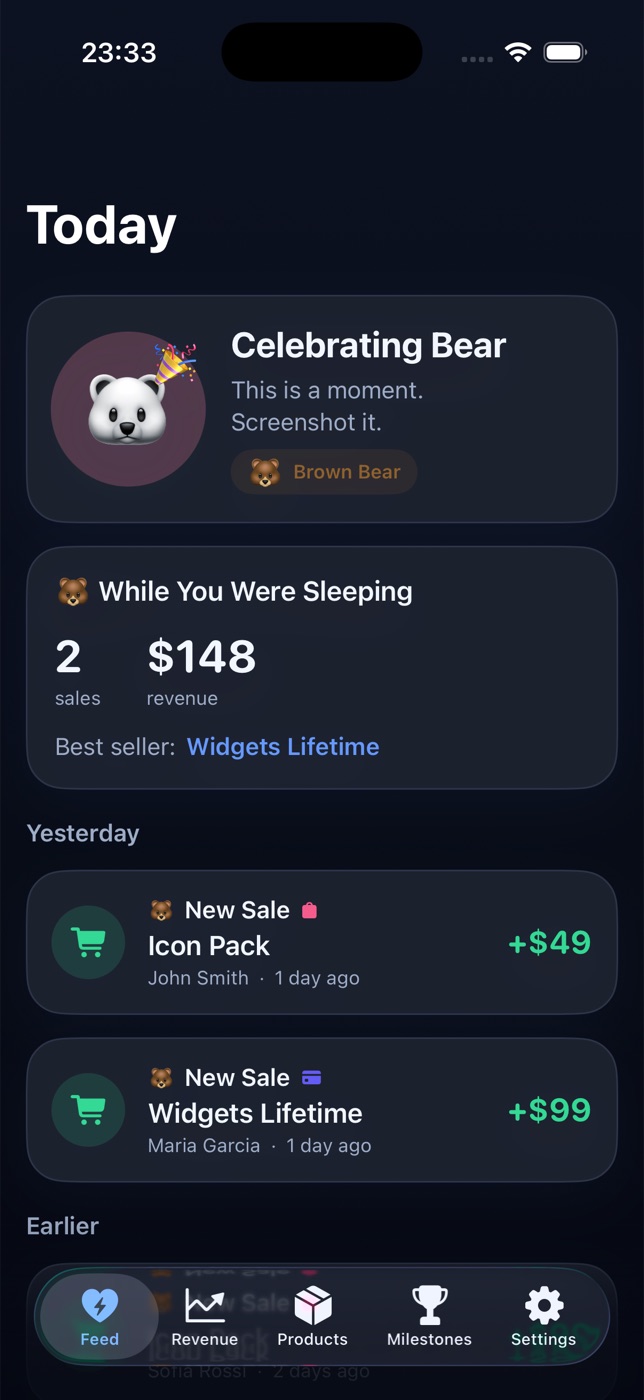
Finish with a question you can answer next week: did a particular product page change help, did a channel go quiet, or did a refund cluster appear? Revenue Bear brings supported sources into one iPhone view; this worksheet is a lightweight way to make the weekly review repeatable.
Keep the next step small
Save the output for your own reference, verify details against the real product and source records, and decide whether a dedicated app would make the recurring workflow easier. You can explore Revenue Bear below and check the current product details before downloading or purchasing.
Read the related guide
For a fuller walkthrough, see One revenue routine for an app portfolio →