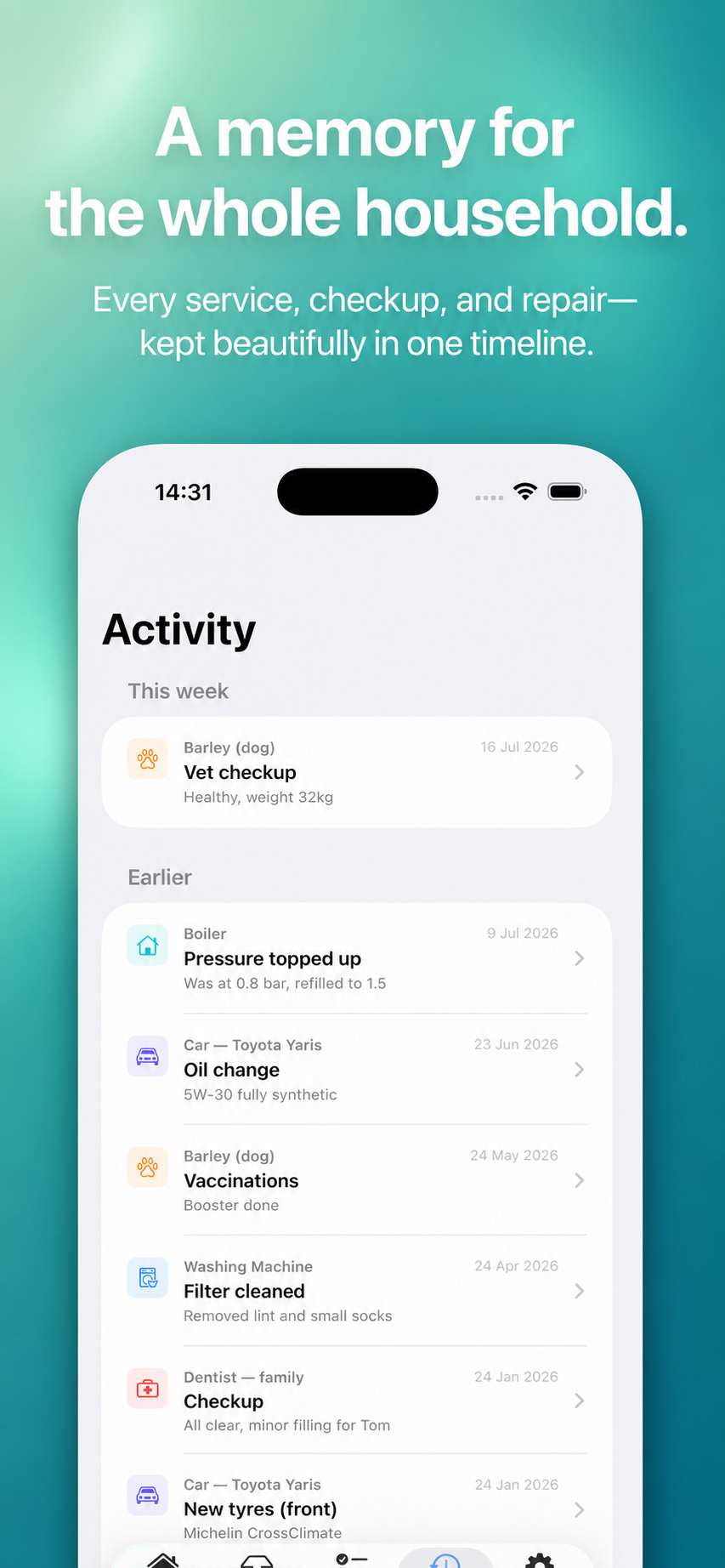
When a repair happens, the useful details are obvious for about a day: which part failed, who came to fix it, what they recommended and where the receipt went. Months later, the same appliance makes a noise and the story has disappeared into texts, email and memory.
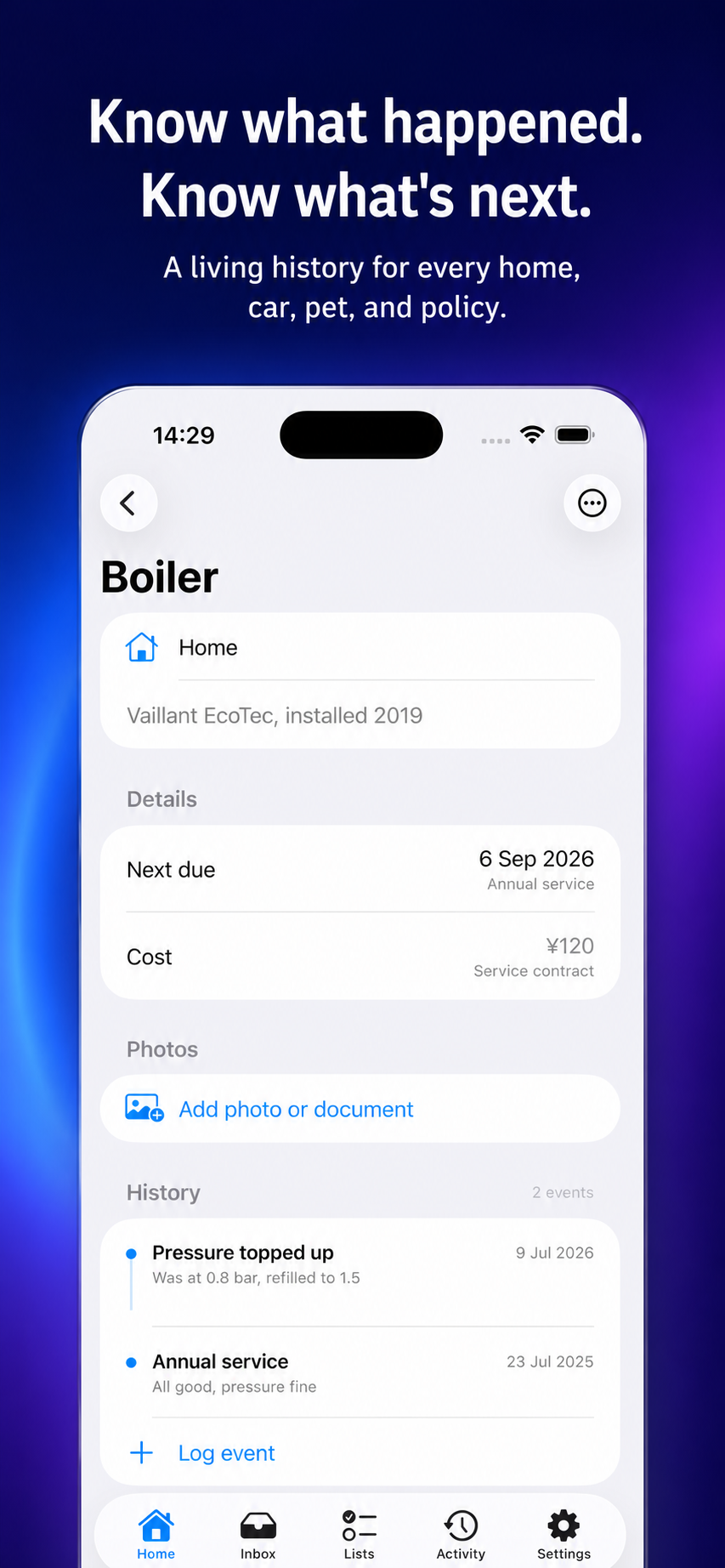
A home repair log does not need to be a contractor database. It needs to answer a few ordinary questions: what happened, when, what was done, and is there anything to follow up? Keeping that small history beside the appliance or home record makes it easier for anyone in the household to take the next step.
A simple structure for every repair entry
Finish with one follow-up: a part to order, a check after a week, a quote to compare or a date to service the item again. If no action is needed, say that too. A future reader should not have to guess whether the job is still open.
Use the log to spot repeat issues, not to diagnose them
A timeline can show that a problem has returned, how often a repair was needed and what was previously tried. That context can make a conversation with a qualified professional more precise. It cannot tell you what caused a fault, whether a repair is safe or which technical fix is correct. For electrical, gas, structural or other safety-critical work, use a licensed professional and follow local requirements.
Make it easy for another person to help
Give the record a plain name—“upstairs bathroom tap” or “laundry machine”—and keep the most recent event near the top of your own routine. If several people handle the home, shared access can prevent duplicate calls and make the status visible: booked, completed or waiting for a part.
- Put provider contact details in the note only if you will use them again.
- Record the amount and date when they help with future decisions.
- Use one reminder for a follow-up you might otherwise forget.
- Keep receipts and manuals where your household can actually retrieve them.
From repair notes to a calm home system
Tend is designed for household records that come back later: appliances, vehicles, pets, appointments and the small jobs around them. Add an item, record events, keep a cost or photo, add a reminder and share the record privately through iCloud. The aim is not a perfect archive. It is a reliable answer when someone asks, “Did we already fix this?”
Related Tend guides
Tend stores household notes and reminders. It does not provide repair advice, contractor bookings or emergency services.