Choose Sendy If
- You prefer self-hosted infrastructure and technical control.
- You are primarily running newsletter or bulk-style list sends.
- You are comfortable managing server-level setup and maintenance.
Compare
Sendy is typically used for self-hosted newsletter-style sending, while Drip Send focuses on personal one-by-one outreach with queue safeguards.
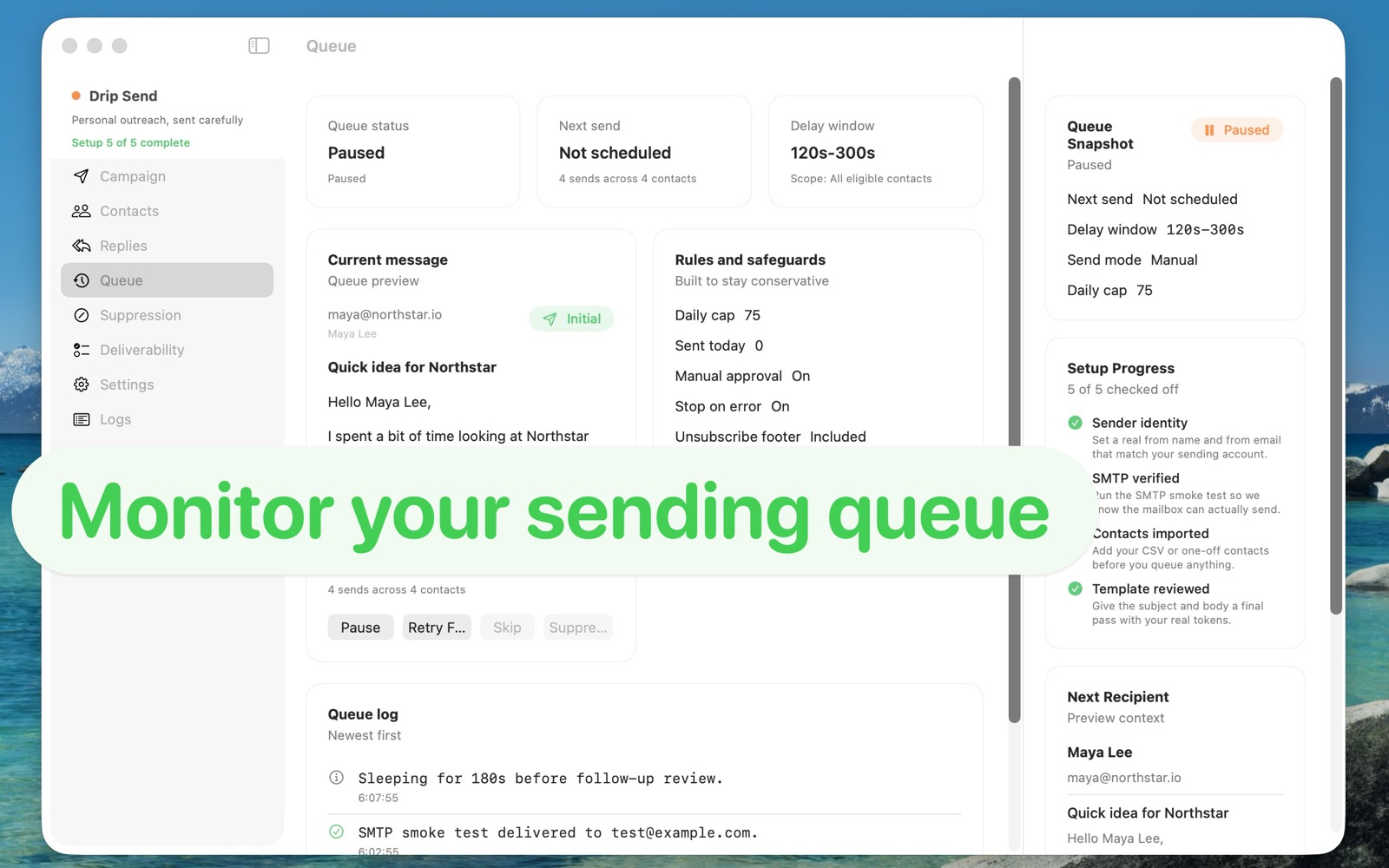
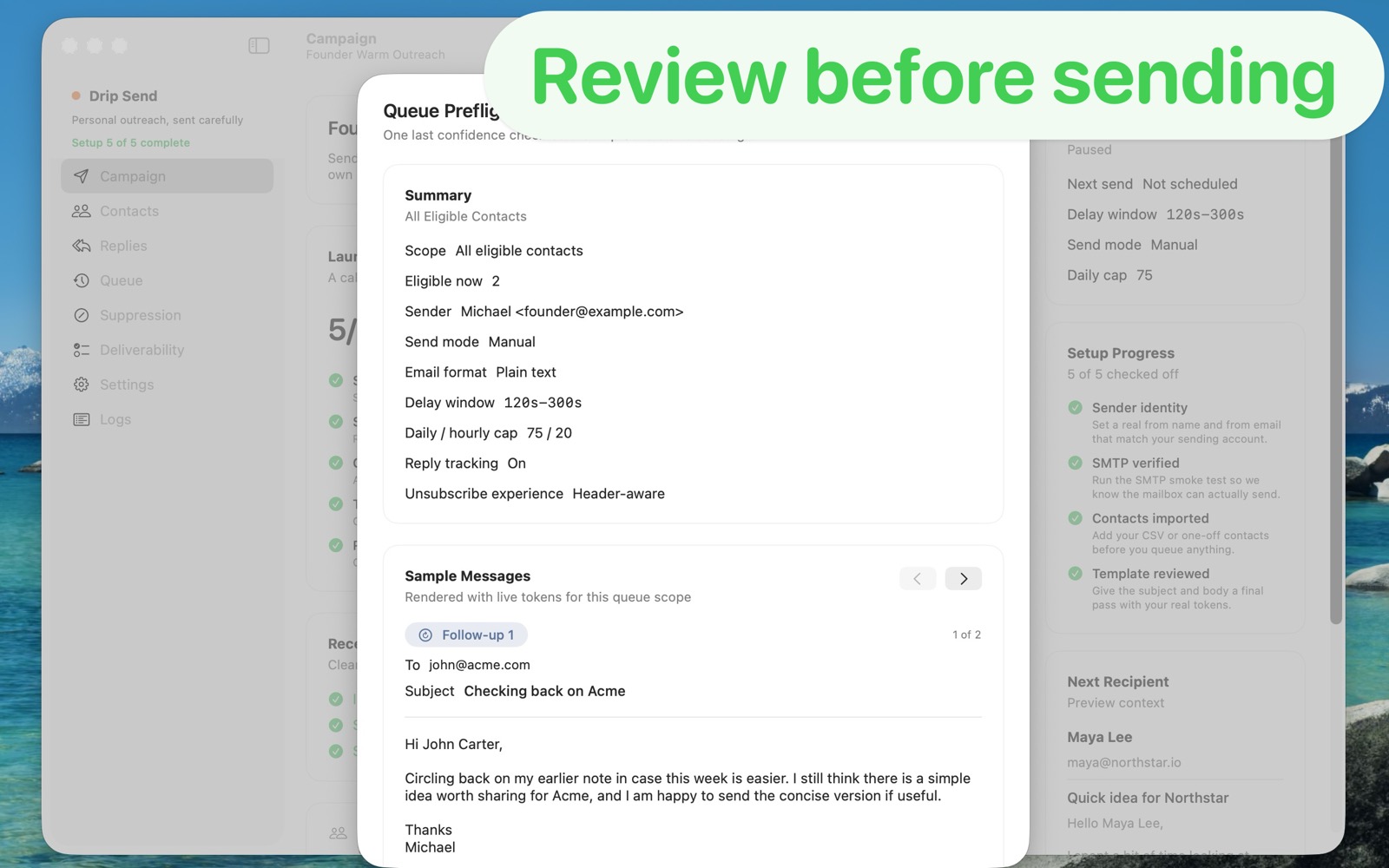
Use a focused personal outreach workflow: import contacts, preview before sending, and run a paced queue from your own mailbox.
| Area | Drip Send | Sendy |
|---|---|---|
| Primary use | Dedicated personal outreach queue from your own sending account | Self-hosted newsletter and bulk-style sending platform |
| CSV upload for campaigns | Built-in CSV import workflow for outreach lists | CSV support exists, but workflows are generally list-broadcast oriented |
| Pacing and send safety | Delay windows, daily/hourly caps, and pre-send checks | Pacing and queue safety depend on custom setup and discipline |
| Reply and suppression handling | Designed to track replies/unsubscribes and prevent bad follow-ups | Often requires manual workflow or external logic, depending on setup |
| Price model | One-time App Store purchase ($34.99) | Lower software cost but requires self-hosting and operational ownership |
Choose Sendy If
Choose Drip Send If
Drip Send is built for careful personal outreach from your own mailbox with safer defaults and less operational overhead.