Choose SerialMailer 8 If
- You already use SerialMailer workflows and need minimal change.
- You are focused on traditional list send operations.
- You do not need a dedicated personal-outreach queue model.
Compare
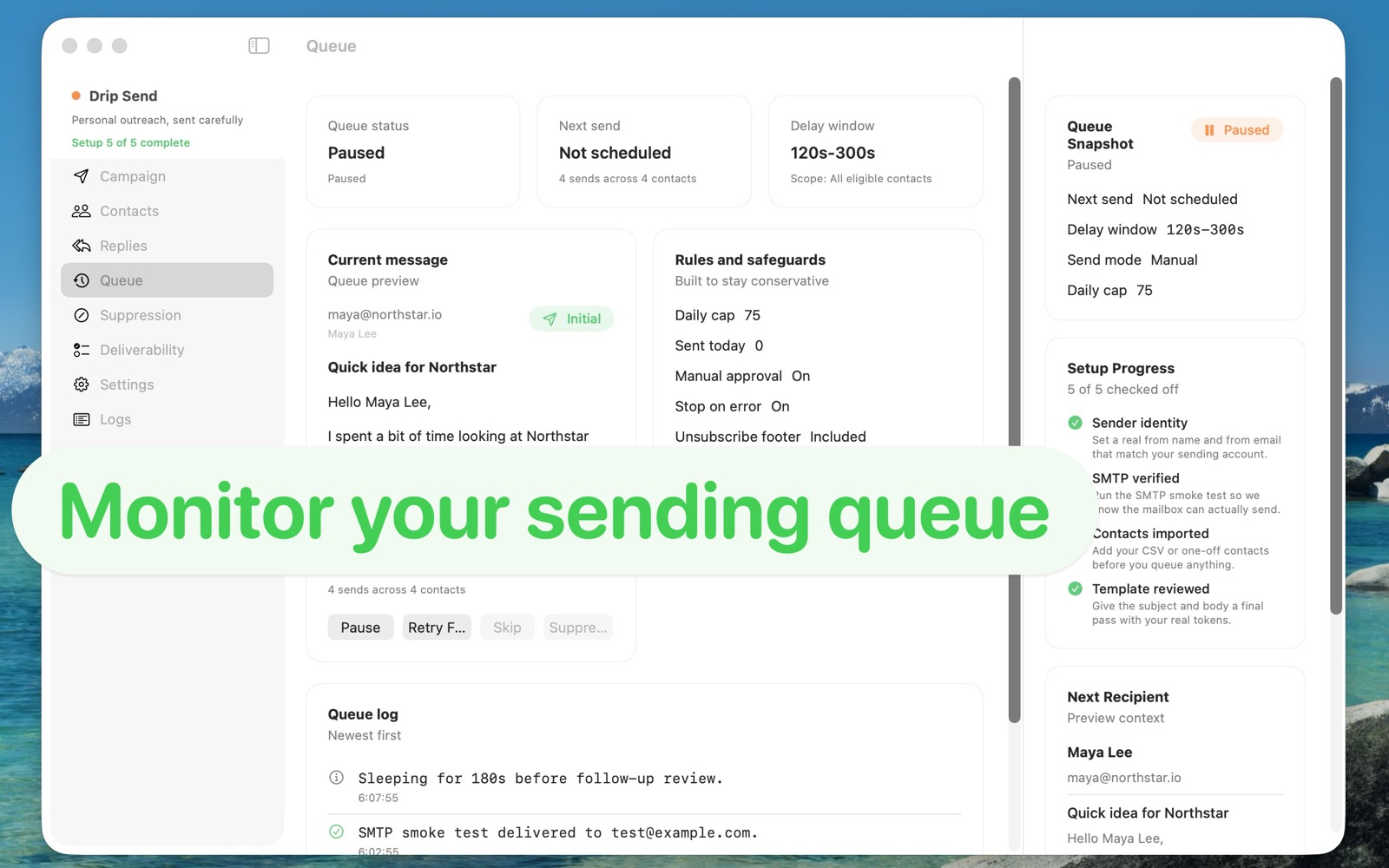
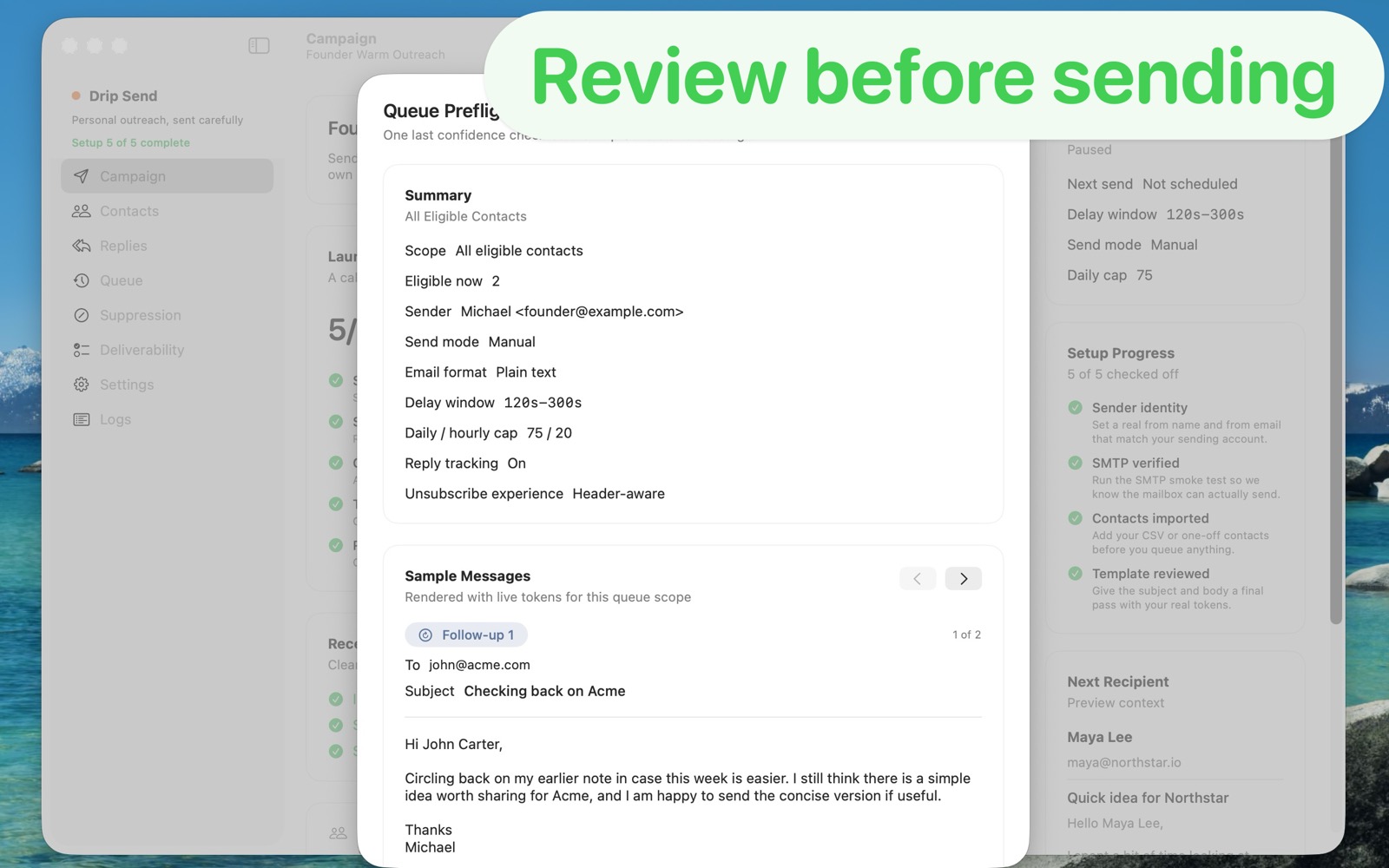
SerialMailer 8 can support bulk and list-based sending workflows. Drip Send is designed around careful pacing, preview checks, and reply-safe personal outreach.
Use a focused personal outreach workflow: import contacts, preview before sending, and run a paced queue from your own mailbox.
| Area | Drip Send | SerialMailer 8 |
|---|---|---|
| Primary use | Dedicated personal outreach queue from your own sending account | List-based email sending from Mac |
| CSV upload for campaigns | Built-in CSV import workflow for outreach lists | CSV/list operations exist, but personal queue review depth varies by workflow |
| Pacing and send safety | Delay windows, daily/hourly caps, and pre-send checks | Safety controls vary by setup; less emphasis on modern suppression-first queue behavior |
| Reply and suppression handling | Designed to track replies/unsubscribes and prevent bad follow-ups | Often requires manual workflow or external logic, depending on setup |
| Price model | One-time App Store purchase ($34.99) | License-based desktop pricing model |
Choose SerialMailer 8 If
Choose Drip Send If
Drip Send is built for careful personal outreach from your own mailbox with safer defaults and less operational overhead.