Outreach Guide

Personal Outreach Playbook

Personal outreach works when it feels human, targeted, and respectful. This playbook covers the why, do's and don'ts, and who this strategy is actually for.

One-by-One Quality First Reply Safety Founder Outreach

What “careful outreach” looks like in practice

The goal is simple: each send feels deliberate. Keep volume conservative, review each message before it leaves, and use suppression rules to avoid bad follow-ups.

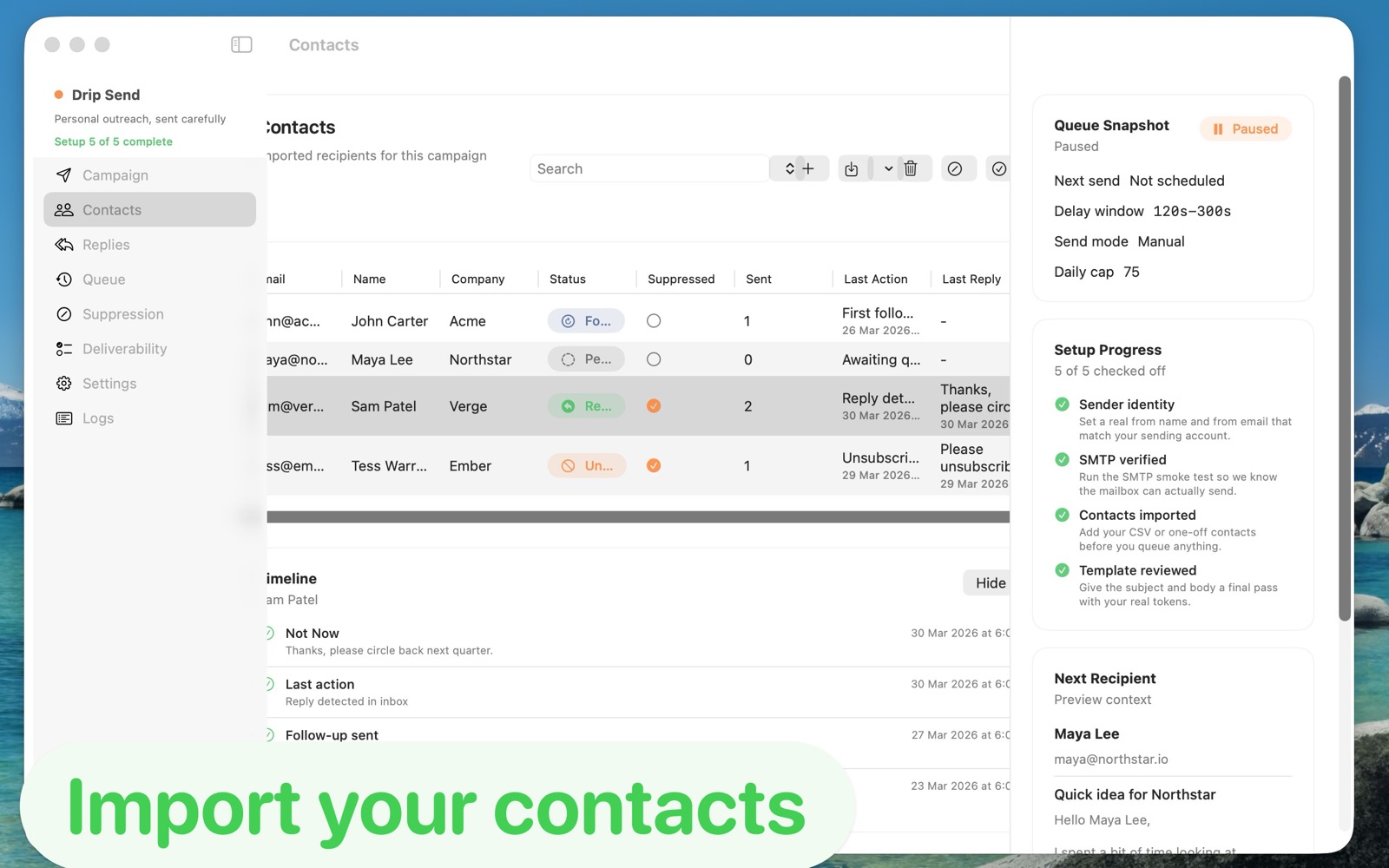
DripSend campaign setup and launch checklist.
Campaign setup with readiness checks before launch.
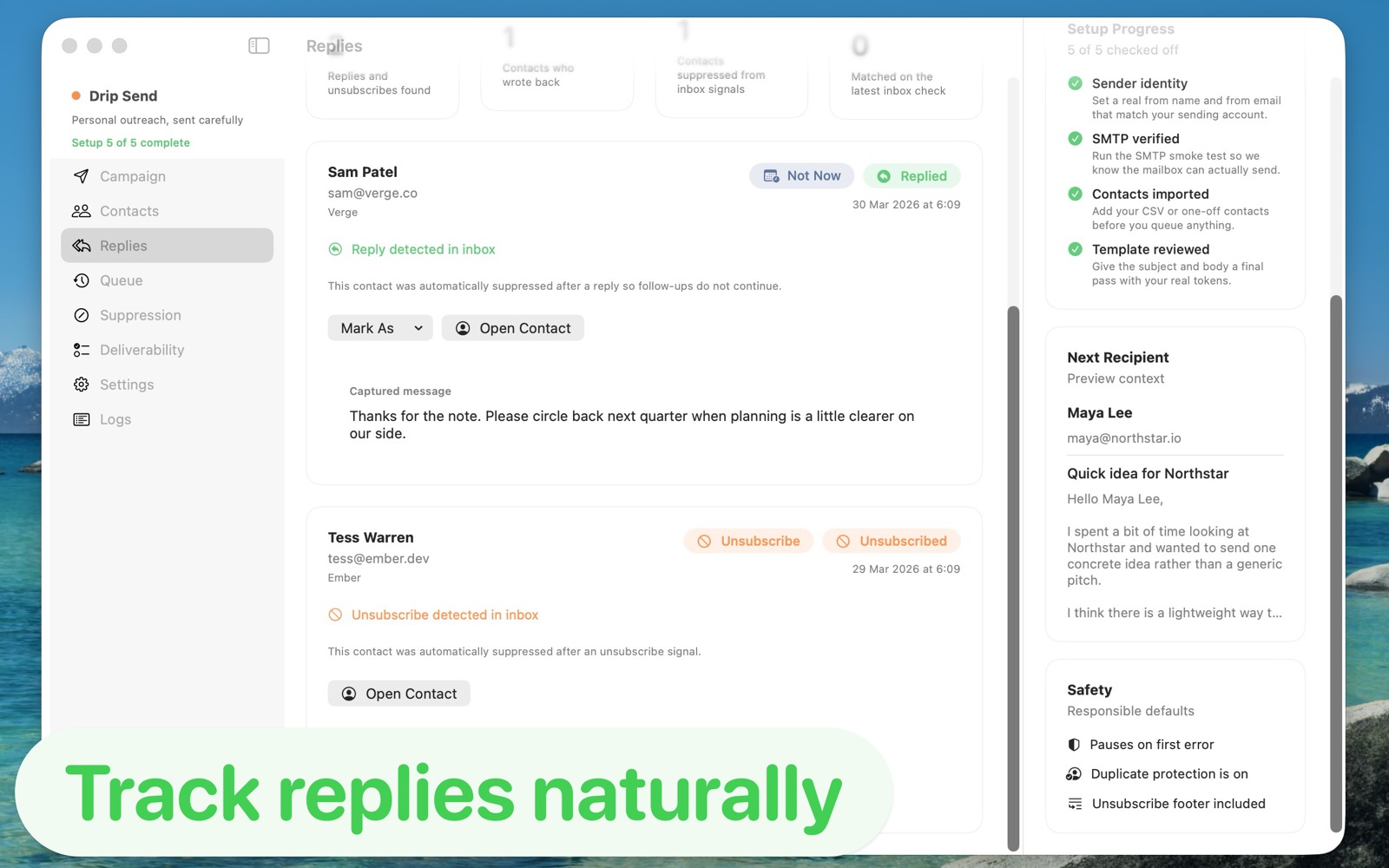
DripSend reply handling and unsubscribe signals view.
Reply and unsubscribe handling inside the same workflow.

Why personal outreach works

Do this

  • Import a clean list and verify basic data quality first.
  • Send in conservative batches with clear daily and hourly limits.
  • Personalize around a specific trigger: product update, role change, or context fit.
  • Preview each message before queueing, especially subject and opening line.
  • Stop follow-ups on reply or unsubscribe immediately.
  • Track what language gets useful responses and refine weekly.

Don't do this

  • Don't blast large cold lists with identical copy.
  • Don't push aggressive volume while mailbox reputation is still warming up.
  • Don't ignore bounce/reply signals and keep retrying contacts.
  • Don't hide intent. Be direct, short, and transparent.
  • Don't turn personal outreach into campaign spam behavior.
  • Don't add complexity before you have a message that actually converts.

Who this is for (and not for)

Best Fit

  • Founders doing early outbound to design partners or leads.
  • Consultants and agencies running selective prospecting.
  • Operators who need controlled outreach from their own mailbox.

Not A Great Fit

  • Teams focused on bulk newsletters and lifecycle marketing automation.
  • High-volume senders that need large-scale campaign tooling.
  • Workflows where personal relevance is not part of the strategy.

Mistakes that quietly kill response rates

15-minute setup checklist