 Palm
Email header and banner image size (600 px layout, 1200 px images)
Lay the email out 600 px wide (600–640 is the industry range; Gmail may drop background colours past 640). Export images at 1200 px (2×) and display them at 600. Headers of 60–200 px tall are common. Keep words in live text: many inboxes block images by default.
The details
| Format | Pixels | Keep clear | File | Text | Source |
|---|---|---|---|---|---|
| Email header / banner image | 1200×auto | avoid putting text inside the image; many clients block images by default | — | — | help.klaviyo.com community |
Notes: Lay the email out 600 px wide (Klaviyo default, updated 28 Oct 2026; 600-640 is the industry range, and Gmail may drop background colours past 640). Export the header at 1200 px (2x) and display it at 600. Height is up to you; 60-200 px headers are common.
What usually goes wrong
- The logo or the headline as an image (blocked images show broken alt text).
- Images at 600 px that look soft on phones.
- A layout wider than 640 px.
Before and after, from Palm's tests
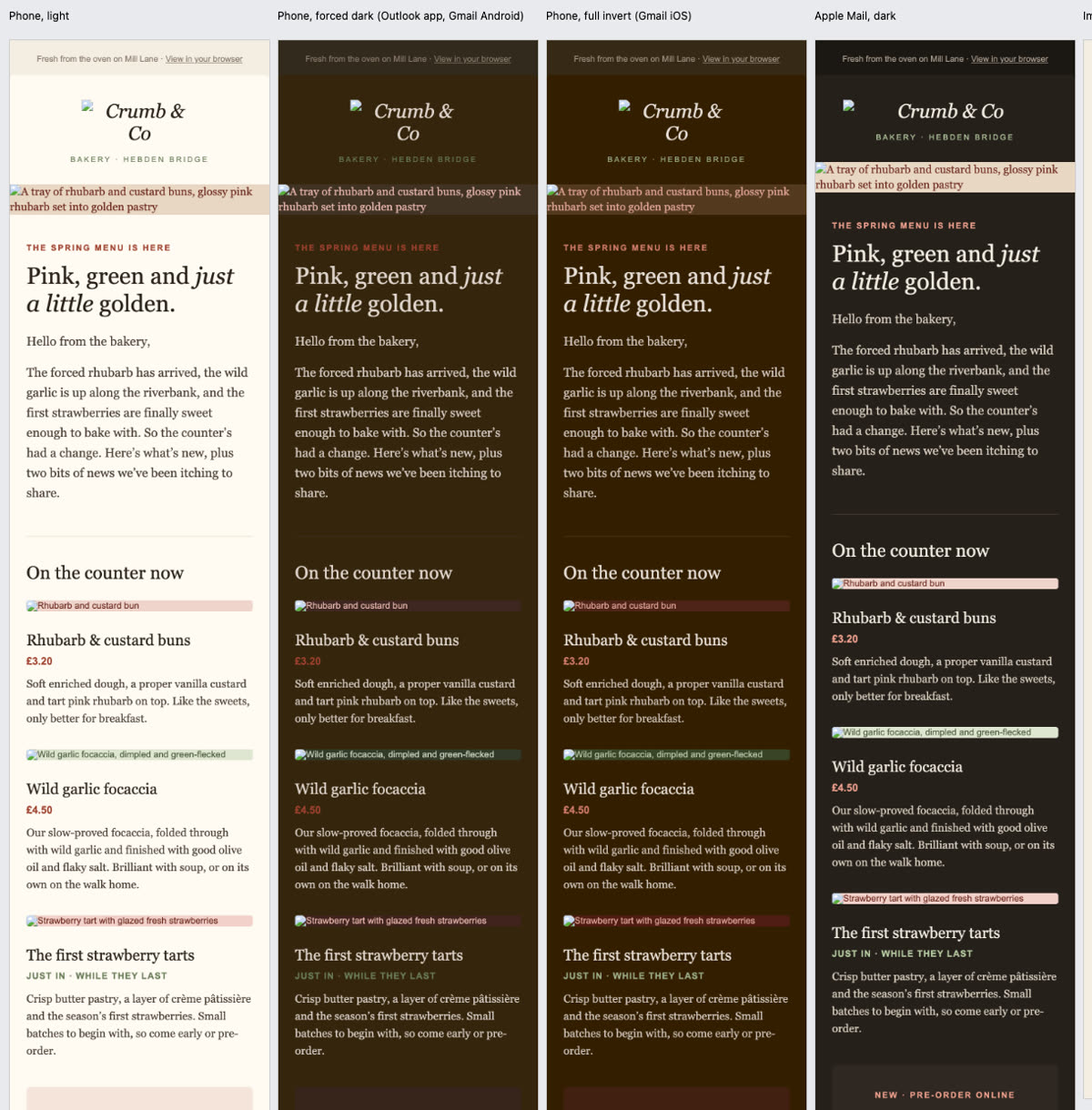
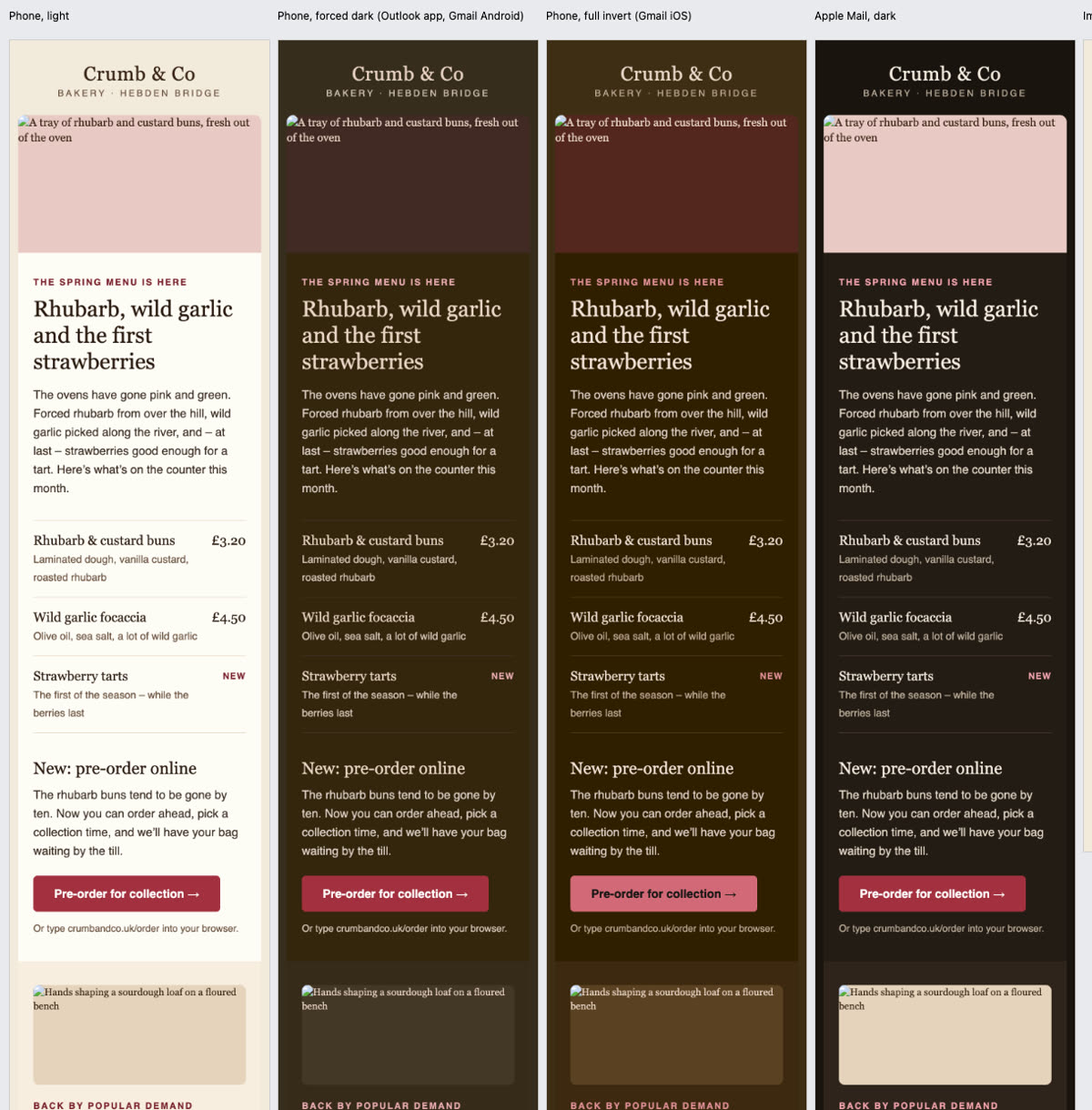
Blind judges (two models) picked the Palm email in 16 of 18 pairs.
Same agent (Claude Code), same request, a fresh folder each run; judged blind by a separate session that never knew which side used Palm. All results.
What your agent can't do alone
Palm's email-render (Pro) shows the agent its email in six inbox views, including images blocked, so it can see what a header image turns into.
Questions
How wide should an HTML email be?
600 px (up to 640).
What size should the header image be?
1200 px wide, displayed at 600 px.