 Palm
Why your link shows no picture when shared (and the sizes that work everywhere)
Use one 1200×630 JPEG (under ~300 KB) as og:image, with an absolute https URL, in the page's HTML itself (link scrapers don't run JavaScript). Add og:title, og:description, og:image:width/height and twitter:card = summary_large_image. SVG and AVIF images don't show.
The details
| What | Value | Note | Source |
|---|---|---|---|
| Open Graph default | 1200×630 | Facebook: 1200x630 recommended; below 600x315 a small preview is shown; minimum 200x200. One 1200x630 image under 300KB works almost everywhere. | developers.facebook.com |
| iMessage | at least 900 px wide | Images should be at least 900 px wide. Images under 150 px wide may be ignored or shown as an icon. Icons should be square and at least 108 px. Falls back to apple-touch-icon or favicon. Doesn't run JavaScript or follow client-side redirects. | developer.apple.com |
| min width 300 px | Minimum width 300 px. Use an absolute HTTPS URL with no login. Keep it under ~300 KB: large files often show no image. | developers.facebook.com | |
| 1200×627 | 1200x627 is LinkedIn's minimum for the large preview. | linkedin.com | |
| X (summary_large_image) | 1200×628, min 300×157 | Needs twitter:card = summary_large_image, or X shows a small square card. Falls back to og:image. | kb.theseoframework.com |
| Slack | 1200×630 | Slack reads Open Graph and X card tags but documents no image size or crop. Community guides say it shows a reduced preview and caches the first unfurl for a long time. | docs.slack.dev |
| Bluesky | 1200×630 | Bluesky reads og:image for the link card, and the card thumbnail stays capped at 1MB even though post images are now 2MB. Keep og:image under 1MB. | github.com |
What usually goes wrong
- Tags added by JavaScript (React apps, shop widgets): scrapers never see them.
- A relative og:image URL ("img/share.jpg").
- The logo as the share image: square, small, often transparent, so it vanishes on dark backgrounds.
- Every page sharing the same image and title.
- Expecting a change to show at once: apps cache previews (use Facebook's Sharing Debugger and LinkedIn's Post Inspector to refresh).
Before and after, from Palm's tests
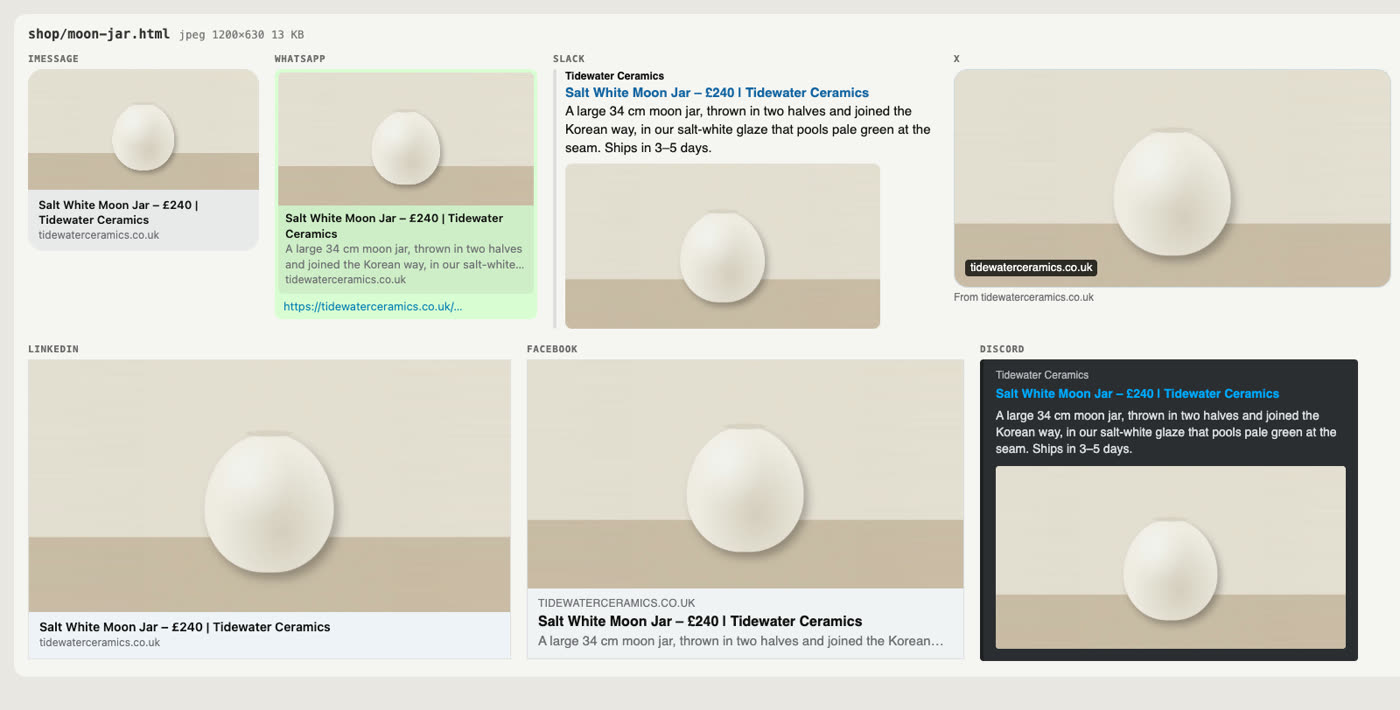
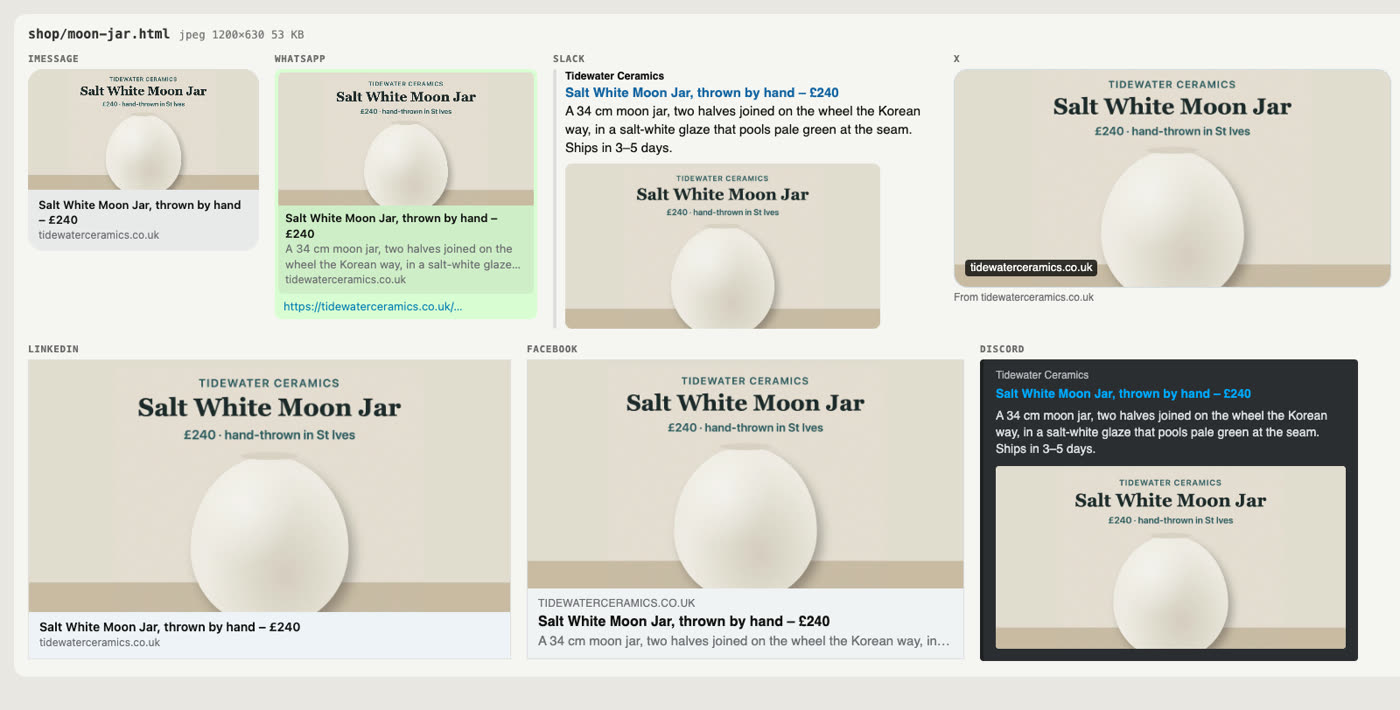
Blind judges (two models) picked Palm's previews in 17 of 18 pairs. Both sides got the tags right.
Same agent (Claude Code), same request, a fresh folder each run; judged blind by a separate session that never knew which side used Palm. All results.
What your agent can't do alone
Palm's share-preview draws every page's card as iMessage, WhatsApp, Slack, X, LinkedIn, Facebook and Discord show it, from the raw HTML the way their scrapers read it. It flags script-only tags, relative or SVG images, size and weight, and renders 1200×630 share images from HTML.
Questions
Why does WhatsApp show no image for my link?
Usually the image is too large (keep it under ~300 KB), the URL is relative or not https, or the tags are added by JavaScript.
What size should an og:image be?
1200×630 pixels, JPEG, under ~300 KB. One image works for every major app.
How do I refresh a link preview?
Facebook's Sharing Debugger and LinkedIn's Post Inspector re-fetch it; iMessage and WhatsApp keep their copy for a while.