Free Quick Design template
Birthday invitation template
Open the template and type the birthday child’s name and age, the party’s date, time and place, and who to reply to. Download it to print, or save it as a picture and send it in a message to the other parents.
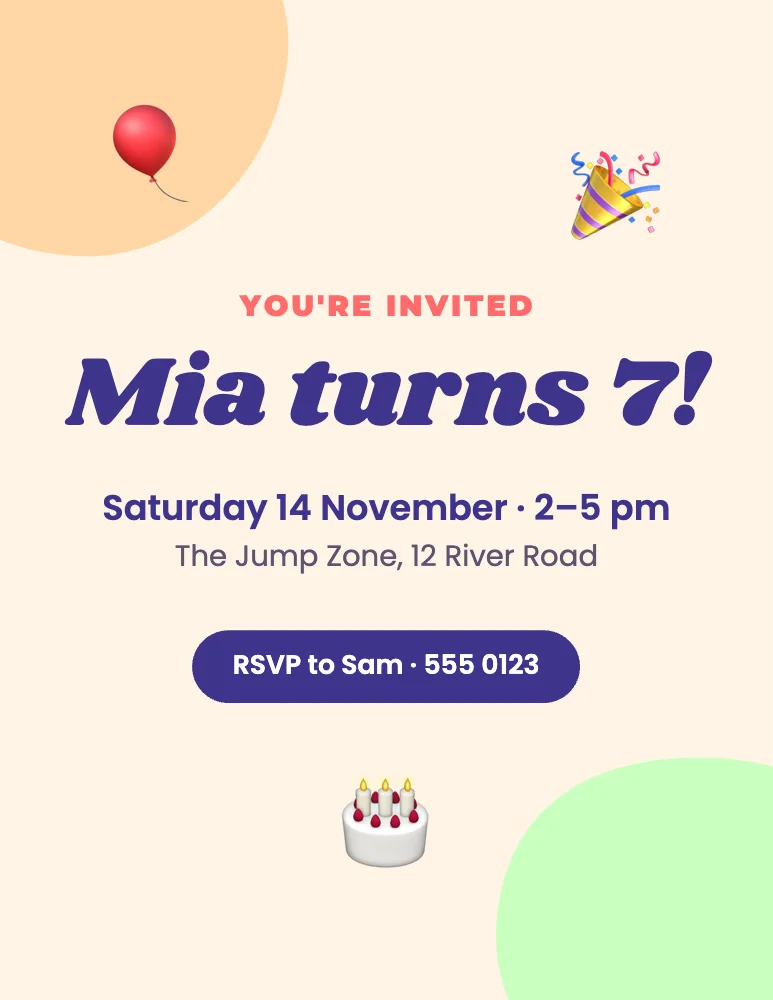
What’s in it
- Size: 1275 × 1650 pixels, the shape of US Letter (8.5 × 11 inches); it prints on A4 with a thin margin. Download at 2× or 3× for a sharp print.
- Fonts: Montserrat, Shrikhand, Poppins.
- Animated in an MP4 or GIF.
How to make it
- Use this template.
- Change the name and age, the date and time, the place and the RSVP name and number.
- Download a PNG at 3× and print.
Tips
- Put the end time on the invitation as well as the start: parents plan their pick-up around it.
- If you’re sending it by message, the PNG looks crisp on a phone; for paper invitations, print the 2× download.
- Use Make many to put each guest’s name on their own invitation from a list.
Questions
Can I make it for an adult’s birthday?
Yes. Change the words, the colours and the stickers: everything on the invitation can be edited, and Shuffle colours gives it a grown-up palette in a tap.
Can guests reply online?
Quick Design makes the picture or the printout. For an invitation with an online RSVP, Yuzool’s Website Maker has a birthday party template with a reply button.