Use the result as a working note
This free Drip Send-related tool is designed to make one small task easier to start. It runs in this page, without an account or server-side submission. The generated text is a prompt for your own judgment—not professional, financial, legal, medical or platform advice.
Build the list around relevance
A contact belongs in a small outreach batch only when their role and current work make the message useful. Record where you found the address, verify it from a first-party source, and remove stale or mismatched records before writing.
Treat replies and objections as stop signals
A reply changes the conversation; it is not a cue to keep running a sequence. Stop planned follow-ups when someone answers, asks not to hear from you, or the address bounces. Keep a suppression list so a removed contact does not quietly re-enter a later batch.
Pacing is not permission
Sending fewer messages can reduce operational risk, but a slow cadence does not make an irrelevant or prohibited message appropriate. Check the rules for the recipient’s country, your own location and the mailbox provider. Identify yourself honestly, include a working way to opt out where required, and keep records of objections.
Keep the personalization factual
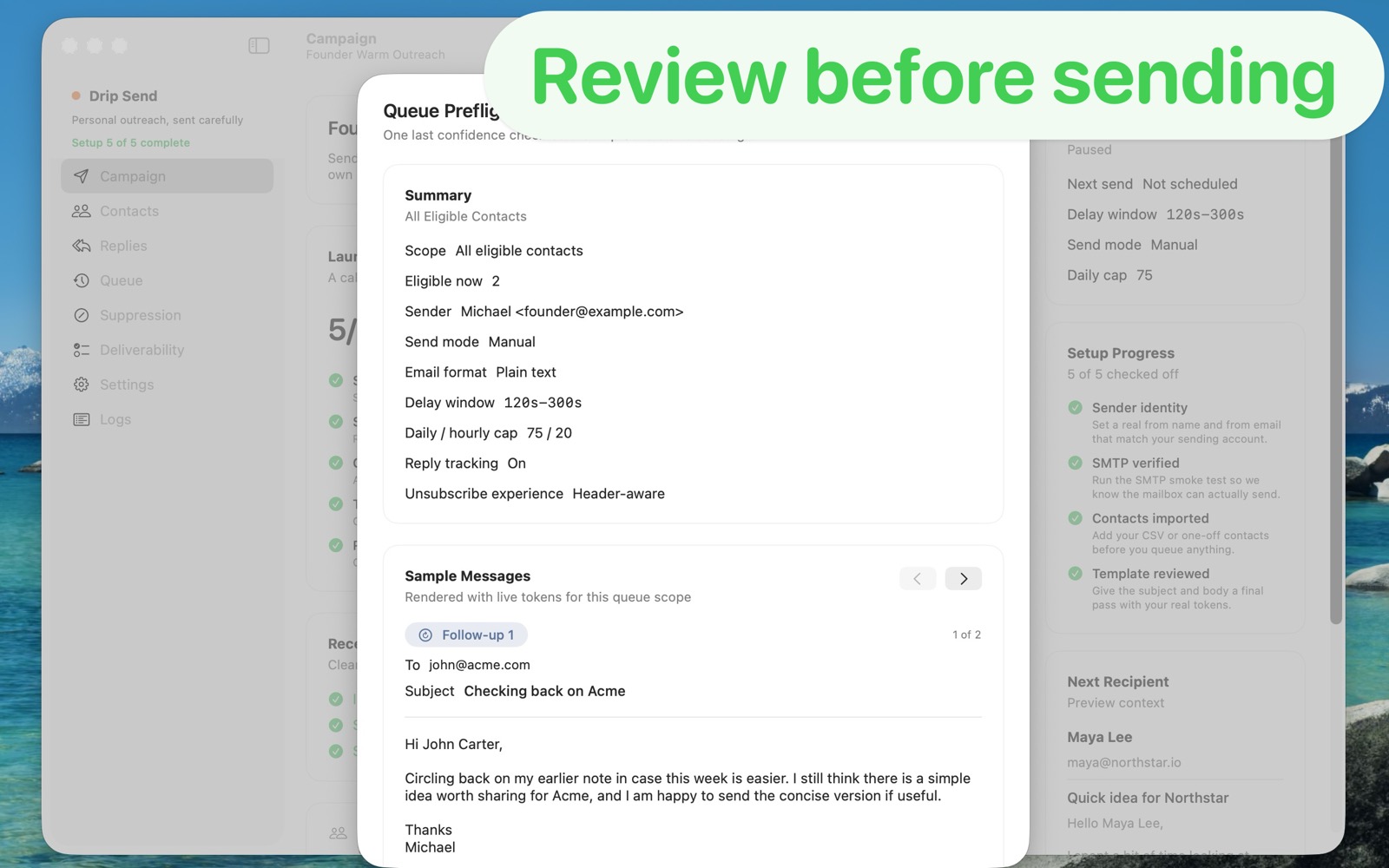
A useful first line should point to something you actually observed about the person’s role, work or public business—not a guessed compliment or scraped personal detail. If you cannot explain why this specific recipient would benefit, remove them from the batch. Review the final message and links before it leaves your mailbox.
Keep sending under your control
Drip Send is a Mac app for personal outreach. This planner is deliberately separate: it helps you think through a modest cadence, while any actual email should remain accurate, individually reviewed and compliant with the rules that apply to you.
Keep the next step small
Save the output for your own reference, verify details against the real product and source records, and decide whether a dedicated app would make the recurring workflow easier. You can explore Drip Send below and check the current product details before downloading or purchasing.
Read the related guide
For a fuller walkthrough, see Personal outreach without marketing automation →