Drip Send
Personal Outreach Without Turning It Into Marketing Automation
A practical guide to small-list personal outreach: relevance, review, pacing, privacy and why a focused Mac workflow can be better than a broad campaign platform.
Published July 3, 2026 · Michael at Yuzool

Personal outreach is easy to ruin by making it too big too quickly.
You start with a reasonable goal: contact a small group of people who might genuinely care about what you are building, ask for a conversation, propose a partnership, invite feedback, or follow up after a real interaction.
Then the tools pull you toward a different shape.
Import the list. Segment the audience. Create a campaign. Design a template. Add automation. Track opens. Optimize the sequence. Build a dashboard. Suddenly the original job was not "write to these people carefully." It became "operate a small marketing system."
That can be right for newsletters and large audiences. It is often wrong for personal outreach.
Personal outreach starts with relevance
The best outreach does not begin with copy.
It begins with the list.
If you cannot explain why someone belongs on the list, the message will probably feel vague. A good list is smaller than your ambition. It has a reason. Each person has some relationship to the problem, product, article, partnership, client work or research you are contacting them about.
That does not mean every message needs to be long. It means every message should have a visible reason to exist.
A useful test:
- Why this person?
- Why now?
- What are you asking for?
- What would make the message easy to ignore?
- What would make it useful even if they say no?
If those answers are weak, the tool cannot fix the outreach.
The review step is where quality happens
Most automation tools are proud of removing friction. For personal outreach, some friction is useful.
You want to catch the awkward merge field. You want to notice when the first line sounds fake. You want to see that the link is wrong, the company name is stale, the claim is too broad, or the call to action is asking too much.
Review is not a delay. Review is the product quality step.
That is why a smaller workflow can be healthier. Import contacts, prepare the message, preview what will be sent, then send deliberately. The goal is not to create a machine that sends while you forget. The goal is to keep enough attention in the system that the person receiving the message can tell there is a person behind it.
Pacing protects both deliverability and tone
Pacing is usually discussed as a deliverability tactic, but it also changes how the work feels.
If you are trying to send hundreds or thousands of messages, your incentives shift. The list becomes less careful. The copy becomes more generic. The reply becomes a metric instead of a conversation.
Small-list outreach has different economics. Ten good messages can be more valuable than a thousand weak ones if the recipients are genuinely relevant.
Pacing helps you keep that shape:
- send in batches you can review
- avoid hammering a new domain or inbox
- keep replies manageable
- leave room to learn from the first responses
- stop quickly if the angle is wrong
The first replies are data. Treat them like feedback, not just conversion.
Privacy is part of the decision
Outreach data can be sensitive even when it is not dramatic.
CSV lists, notes, message drafts, reply status and contact context can include client leads, research participants, partnership targets, journalists, customers or people you personally know. It is worth asking whether that needs to live in another cloud marketing account.
A local-first Mac workflow is not automatically better for every team, but it is a better fit when:
- the list is small
- the sender is close to the work
- the campaign does not need shared team dashboards
- review matters more than automation depth
- the contact data should stay near the person sending
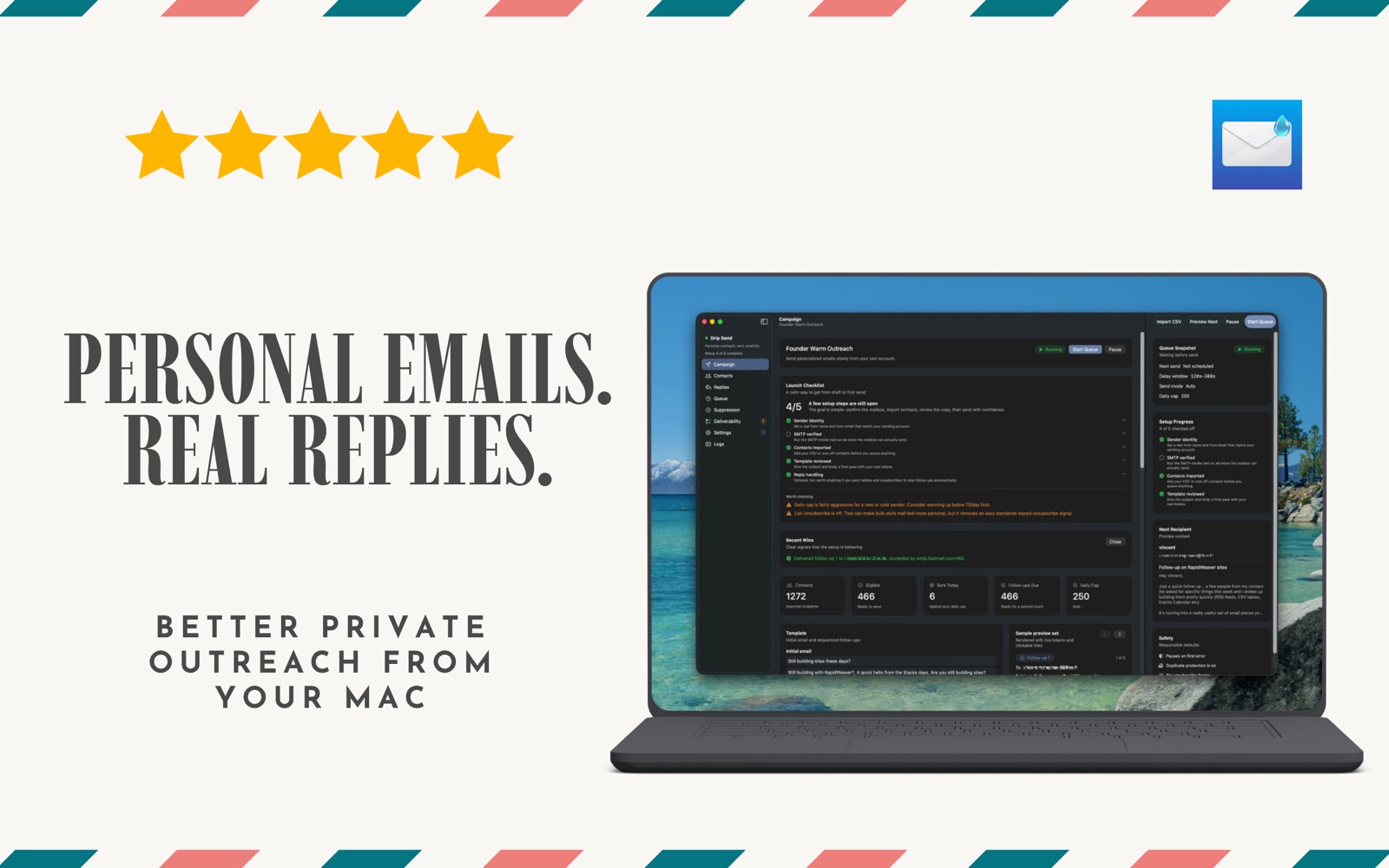
That is the kind of workflow Drip Send is built for.
When a campaign platform is still the right choice
Newsletter and marketing automation platforms exist for good reasons.
Use them when people opted into a recurring publication, when you need segmentation and templates, when a team needs reporting, when automation is genuinely part of the customer journey, or when the audience expects broadcast communication.
Do not use a small personal outreach app to pretend a newsletter audience is a handful of personal notes.
The distinction matters:
- newsletters are for audiences
- CRMs are for pipelines
- personal outreach is for specific people
The more honest you are about the job, the better the tool decision becomes.
A simple personal outreach workflow
Here is the workflow I like:
- Start with a reason for the outreach.
- Build the smallest useful list.
- Write one clear base message.
- Personalize only where the context is real.
- Preview every message before it leaves.
- Send at a pace where replies can be handled well.
- Stop and adjust when replies show the angle is off.
That is not glamorous. It is not "growth hacking." It is just a calmer way to contact people.
And for a lot of founder, freelancer and small studio work, that is enough.