Why a revenue tracker belongs on your phone
Most independent products do not sell in one place. A small app studio might have App Store sales, a Polar checkout, a Stripe product, a Gumroad freebie, a Lemon Squeezy legacy product and a Paddle experiment. Each dashboard is useful, but none of them tells the whole story.
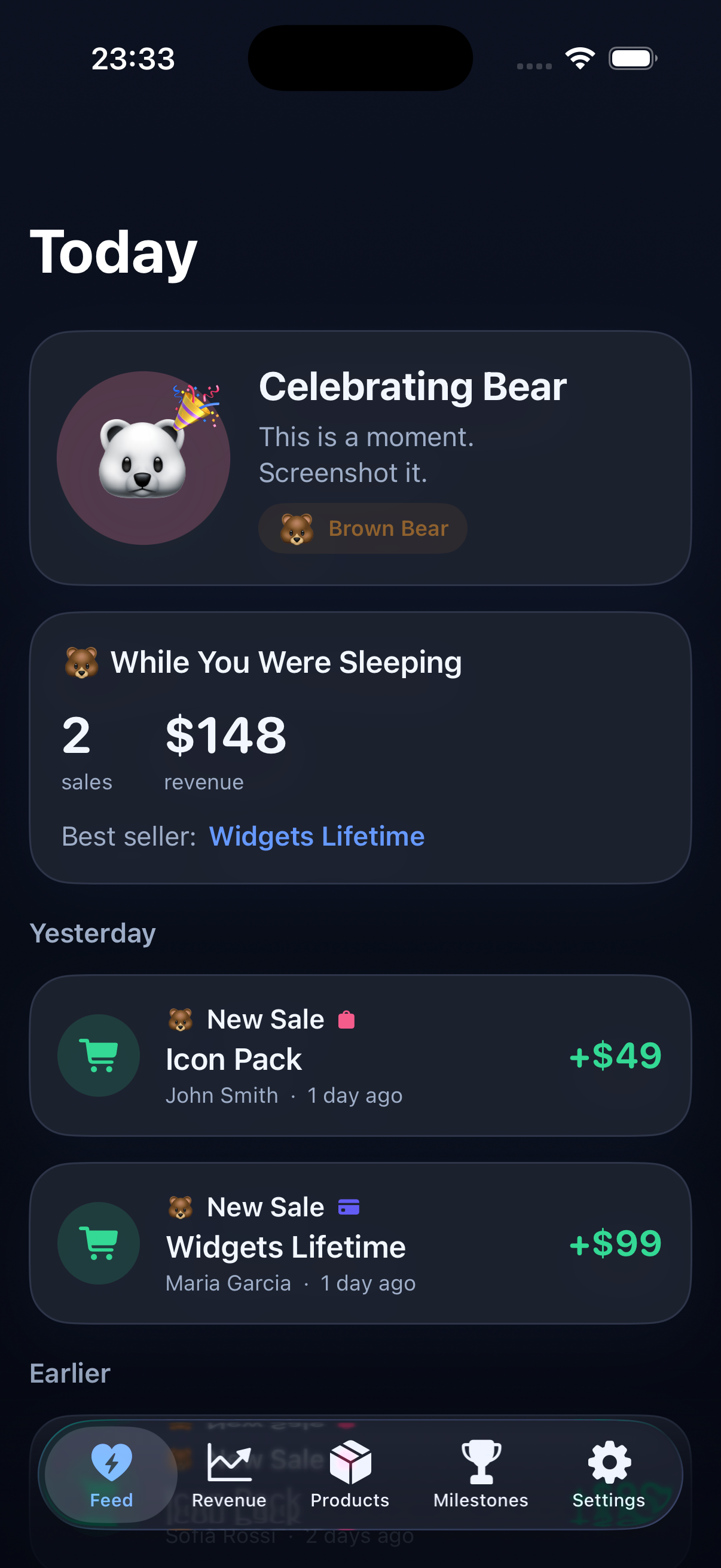
Revenue Bear is built for the daily emotional question behind the numbers: what happened while I was working, sleeping, building or ignoring the business for a few hours?
An iPhone app is a good fit for that question because checking revenue is usually a short, repeated moment. You want a quick signal, not a spreadsheet session.
What Revenue Bear brings together
Sales feed
See purchases, renewals and platform events together so the day feels visible.
Combined MRR
Bring subscription revenue into one number instead of mentally adding it across dashboards.
Goals and milestones
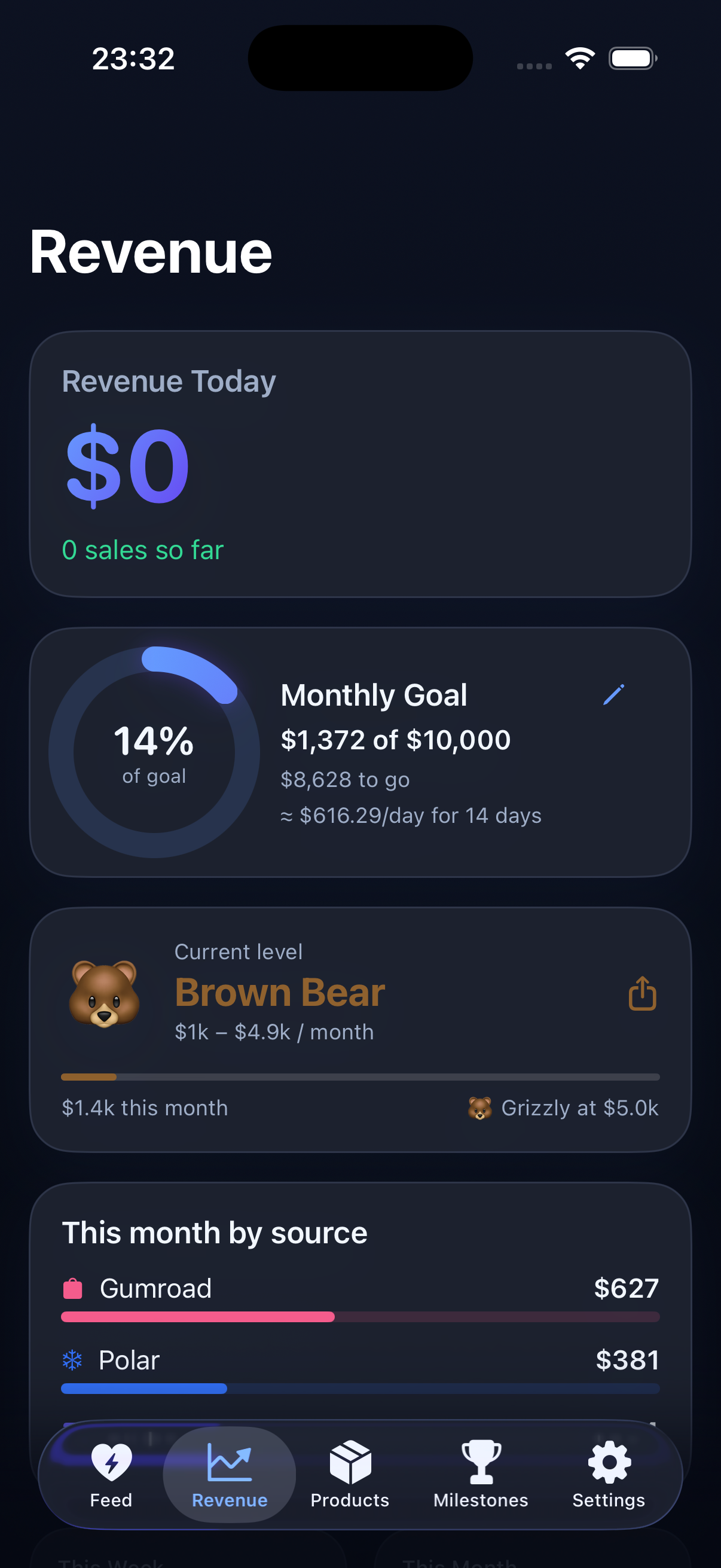
Monthly goal rings, streaks and founder levels turn progress into something you can feel.
Widgets and recaps
Use Home Screen and Lock Screen widgets, plus a morning recap, to stay close to momentum.
Designed for small business reality
Revenue Bear is not trying to be enterprise analytics. It is for makers, app developers, digital product sellers and small SaaS founders who want enough context to stay motivated and make better decisions.
The app makes most sense when revenue is spread across platforms and you are still close enough to the business that each sale matters.
Privacy and setup
Revenue Bear talks to each provider from your iPhone. Access keys stay in the device Keychain, provider data is cached on-device, and there is no Revenue Bear backend tracking your business.
You can also explore with demo data before connecting anything, which is useful if you want to feel the workflow first.