Why Paddle and App Store Connect feel disconnected
Paddle gives you a useful view of software payments, refunds and subscriptions. App Store Connect gives you a separate view of downloads, proceeds and in-app activity. Neither dashboard is designed to answer the founder’s small daily question: “Did anything happen across the whole business?”
Revenue Bear combines supported sources into one iPhone timeline. The goal is not another analytics warehouse. It is a quick signal that tells you whether to celebrate, investigate or get back to work.
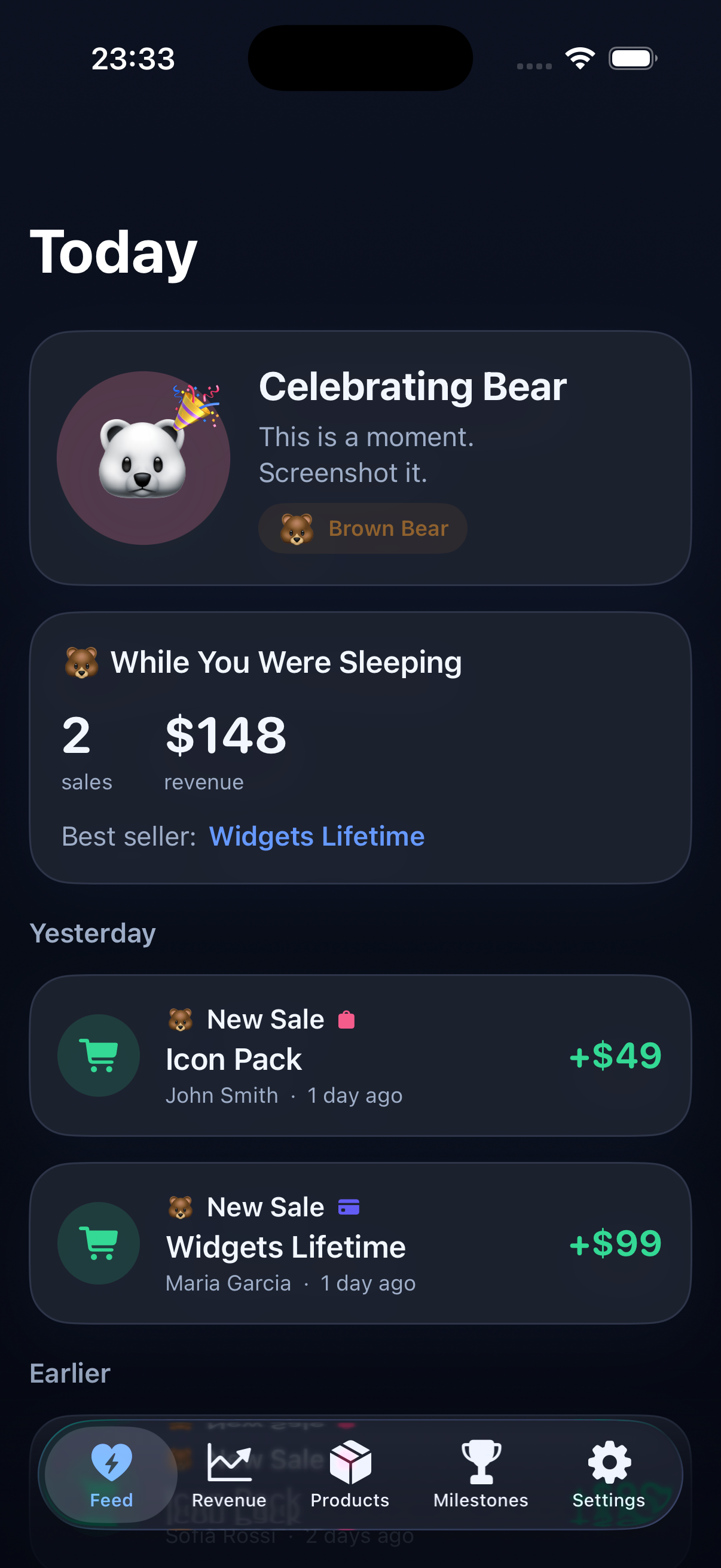
What to compare each day
New sales
Notice one-off purchases from Paddle alongside App Store sales.
Recurring revenue
Keep subscriptions in the same view as lifetime purchases.
Product mix
See which app, course or desktop product is actually moving.
Quiet days
Spot a dry spell without refreshing six tabs to confirm it.
Private by default
Revenue Bear is designed as a local-first iPhone app. You add the provider connections you want to use, credentials stay in the device’s secure storage, and the app does not require a Yuzool cloud account for a revenue dashboard.
If your sales live in Paddle and App Store Connect, Revenue Bear gives you one place to notice the next sale.