Yuzool Store · Revenue Bear
Track App Sales and Refunds on iPhone | Revenue Bear
Track app sales, refunds and product revenue on iPhone with Revenue Bear. Keep the commercial signals visible without rebuilding reports by hand.
See Revenue Bear ↗ See the app page
Sales are not the whole picture
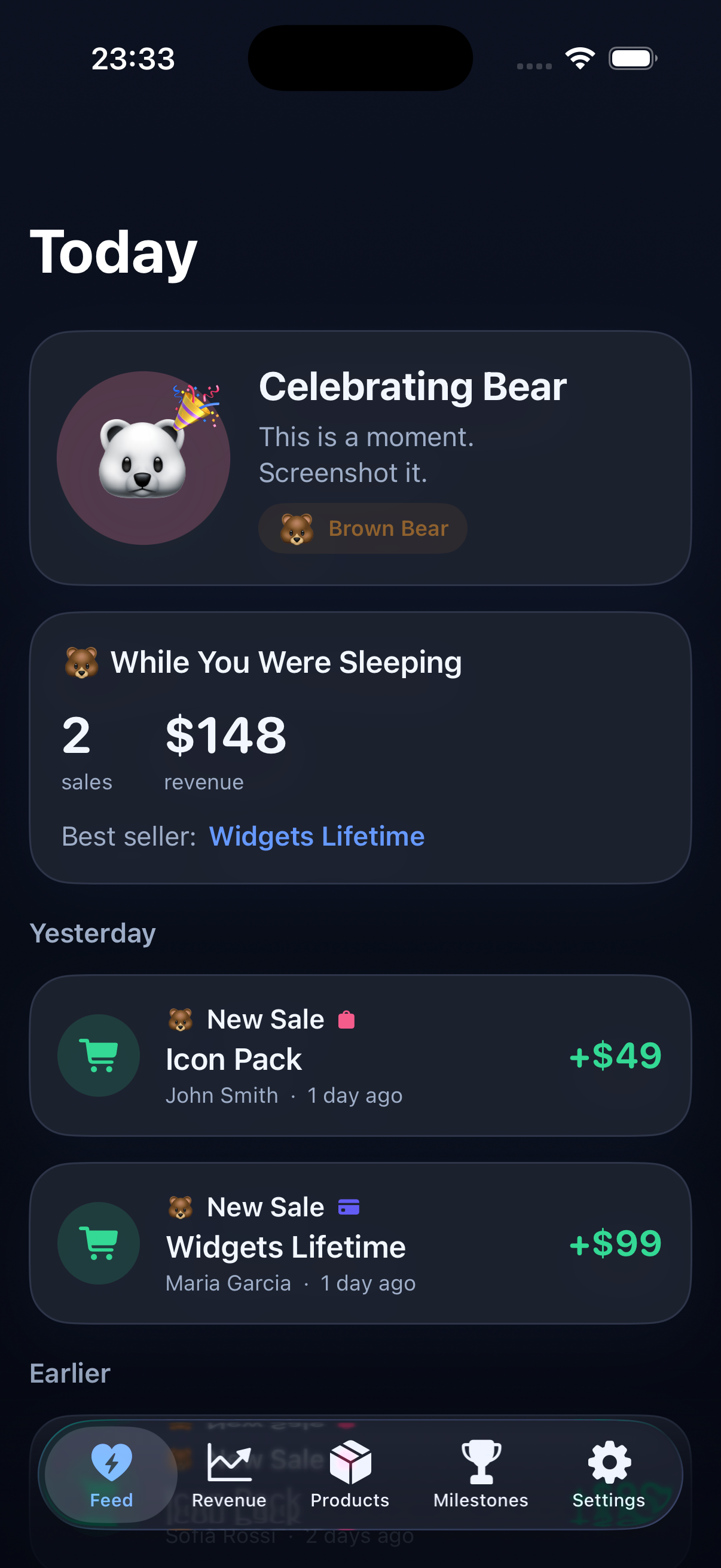
A gross sale can look encouraging until a refund or platform fee changes the result. Keep the important movements visible together.
Check products, not just totals
The next decision may depend on which app or offer moved. Product-level context turns a number into something you can act on.
Review on the device you carry
An iPhone dashboard makes it easier to check the business between other tasks. The goal is a repeatable review, not another elaborate reporting project.
Common questions
Who is this for?
Revenue Bear is for independent developers who want a focused workflow for this job.
What should I compare?
Compare the actual decision you need to make, the data you need and how often you will review it.
Where is the app page?
Visit the Revenue Bear overview for features, screenshots and the current App Store or checkout option.
Make the next decision clearer
See whether Revenue Bear gives you a smaller, more useful workflow for the job you need to do.