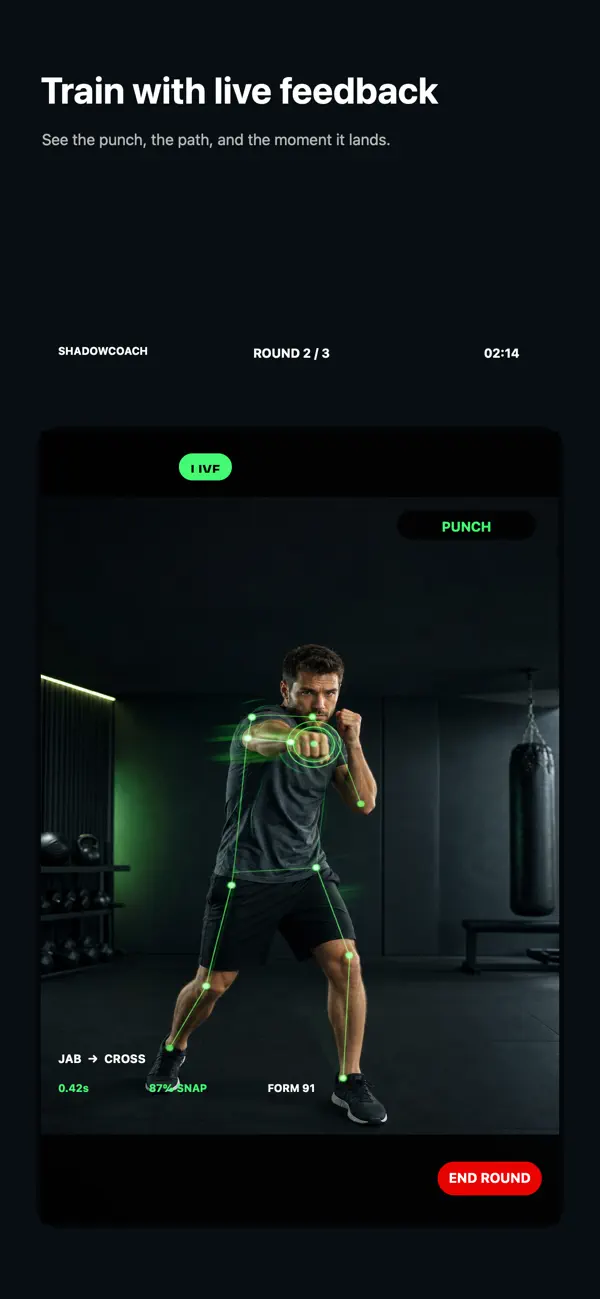
A Boxing App with Spoken Form Feedback for Solo Training
Practise boxing alone with live spoken cues for guard, chin and hip rotation, plus punch tracking that helps you review a home session.
Read postYuzool / The Journal
Practical posts about native apps, technology, internet culture, makers, privacy and the product decisions behind Yuzool apps.
The Yuzool pillars
The Journal follows the ideas behind the products: how useful software is made, found, chosen and kept.
Latest posts
The blog is here to support buyers and searchers who are already trying to understand the work these apps help with.
Practise boxing alone with live spoken cues for guard, chin and hip rotation, plus punch tracking that helps you review a home session.
Read post
Start a beginner boxing workout at home with short shadowboxing rounds, simple movement and a routine that does not require a gym or equipment.
Read post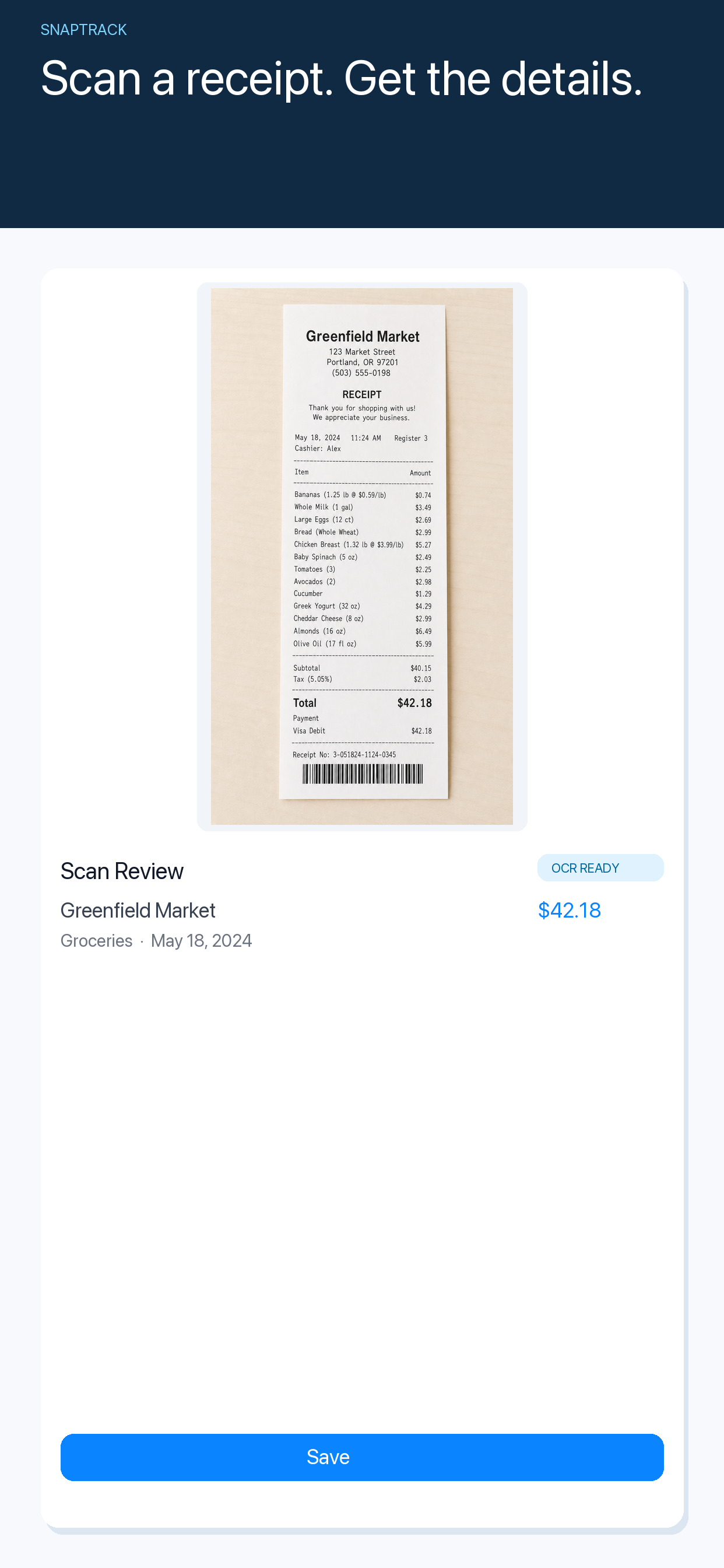
Keep travel receipts, currencies and business expenses organised on iPhone while working across countries, without waiting until the end of the month.
Read post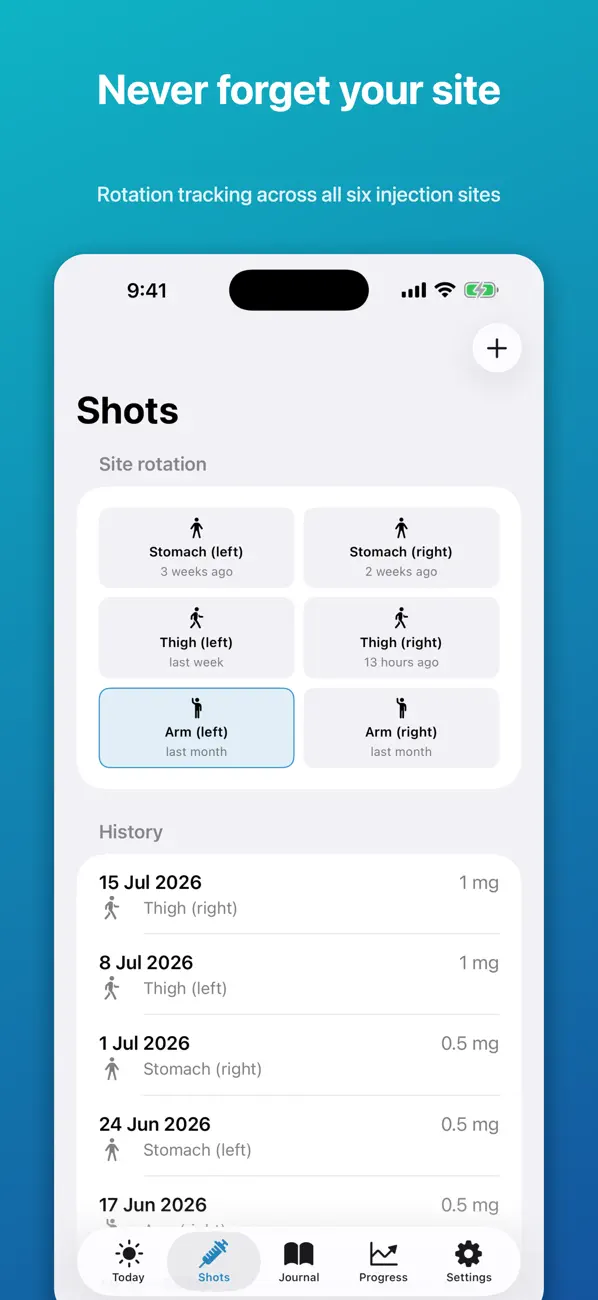
Keep a clear personal history of GLP-1 injection dates, clinician instructions and questions so your next appointment starts with useful context.
Read post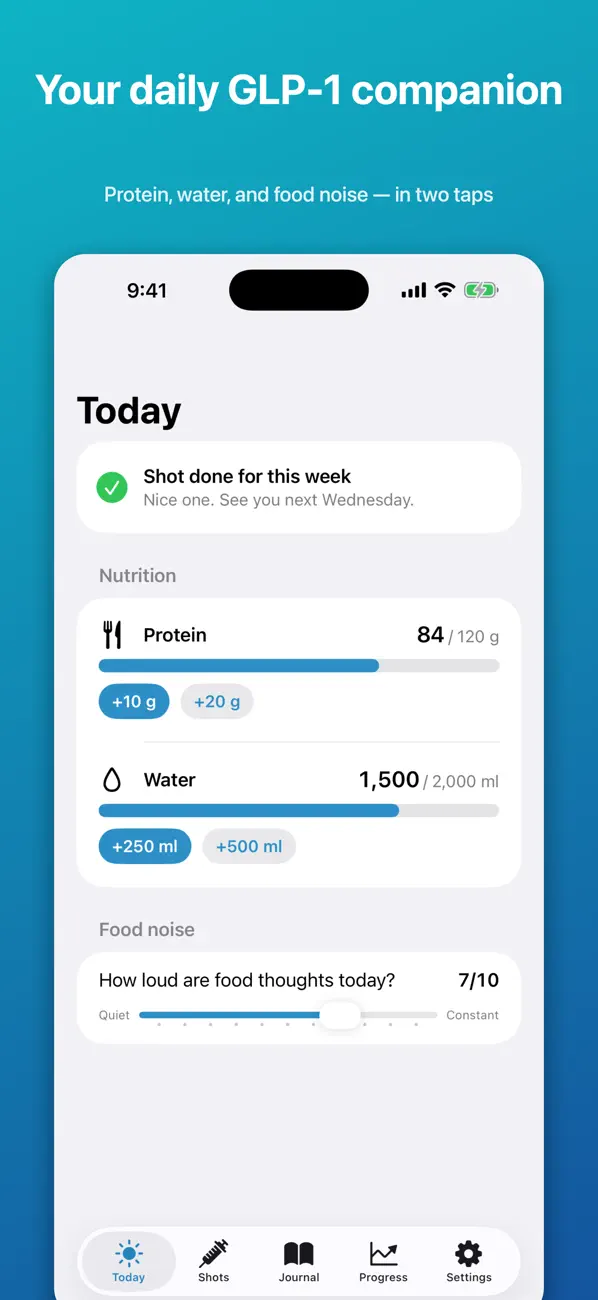
Keep a private weekly record of GLP-1 injection dates, routine notes and questions without turning a personal tracker into medical advice.
Read post
A practical way to keep GLP-1 dates, routine observations and appointment questions together in a private iPhone record without treating an app as medical advice.
Read post
Choose a private GLP-1 shot tracker for iPhone without another account: keep dated shot notes, questions and routine context together for your own reference.
Read post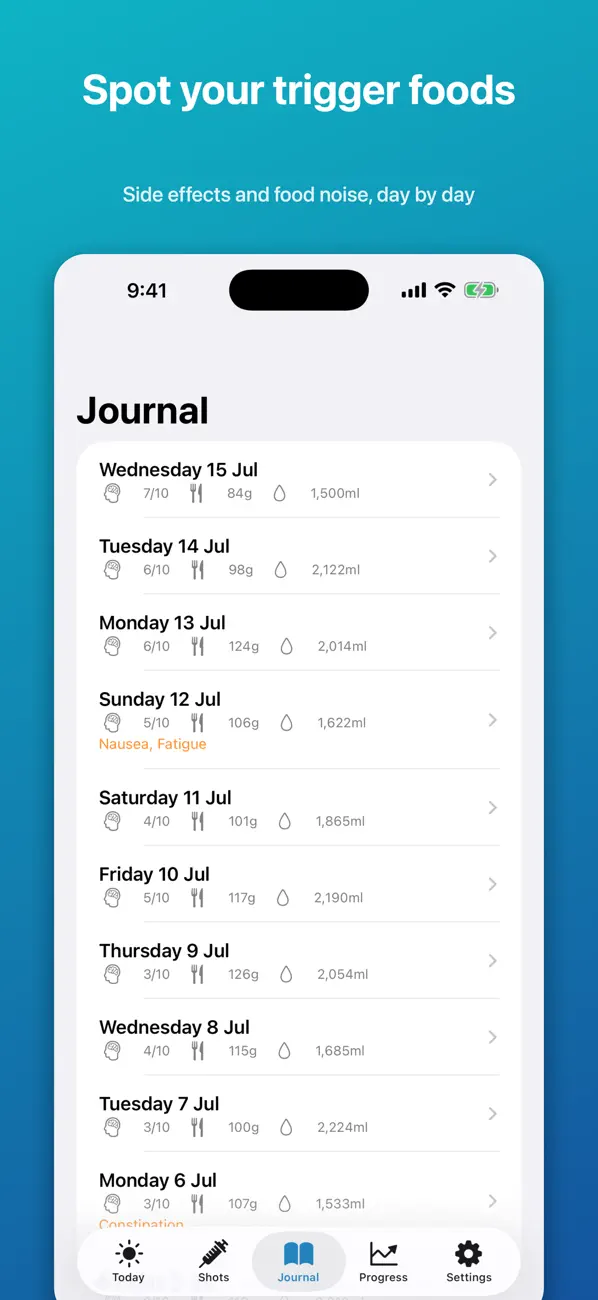
Prepare a private GLP-1 travel record with recent shot dates, questions and routine notes to discuss with your clinician before a trip.
Read post
How group leaders can keep the itinerary, shared costs, packing details and trip documents in one private iPhone space without relying on a long chat thread.
Read post
How to keep a group trip itinerary, shared costs and packing list together on iPhone when the plan keeps changing.
Read post
Plan a group trip when friends have different budgets by separating shared costs, optional activities and decisions everyone needs to make.
Read post
Keep overdue freelance invoices visible, write a calm follow-up and track what still needs attention with a focused invoicing app for iPhone.
Read post
Choose a practical Mac app bundle for a small design studio with tools for email, SEO, automation, planning and client work without stacking subscriptions.
Read post
How freelancers can plan a realistic week across changing locations, client deadlines and limited focus time with a native Mac weekly planner.
Read post
Build a small daily journaling habit with one clear prompt, a short entry and a private iPhone journal that does not demand pages of writing.
Read post
A simple way to build an evening journaling habit on iPhone with short prompts, private entries and less pressure to write a perfect page.
Read post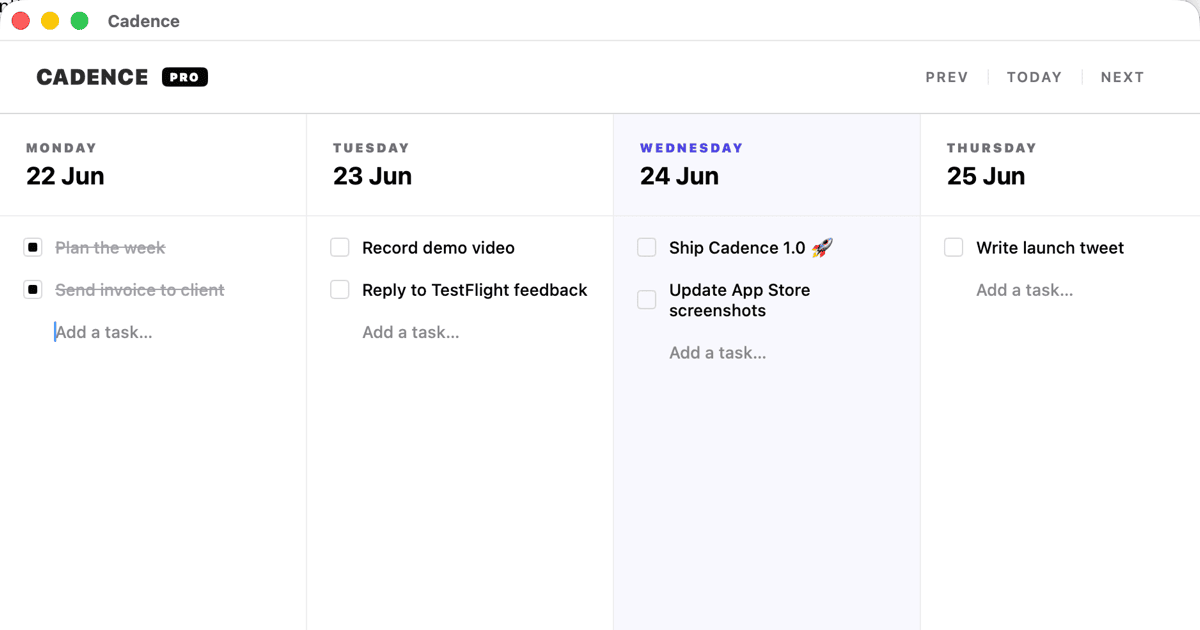
Keep the clarity of a paper weekly planner while gaining a native Mac view for unfinished tasks, client work and changing priorities.
Read post
Start a private one-minute morning journal without a blank page, long prompts or a daily writing target that turns into homework.
Read post
A practical Mac software toolkit for remote workers who want focused apps for email, planning, automation and research without another monthly subscription.
Read post
Keep a new puppy's vaccinations, medications, weight and vet appointments organised with a simple private pet health record.
Read post
Prepare a dog's vaccination and medication information for boarding with a clear pet health record that a sitter or kennel can check quickly.
Read post
Give a small dinner party a simple photo keepsake with an iPhone photo booth app, three-frame strips and no rented booth or complicated setup.
Read post
Set up a simple bridal shower photo booth with an iPhone, three-frame photo strips and prompts guests can use without renting a booth.
Read post
Turn an iPhone into a simple party photo booth without renting equipment or connecting a printer. A practical guide to taking, styling and sharing event photos.
Read post
Turn a photographed receipt into an editable reminder or follow-up action on iPhone, with a quick review step before you file the detail away.
Read post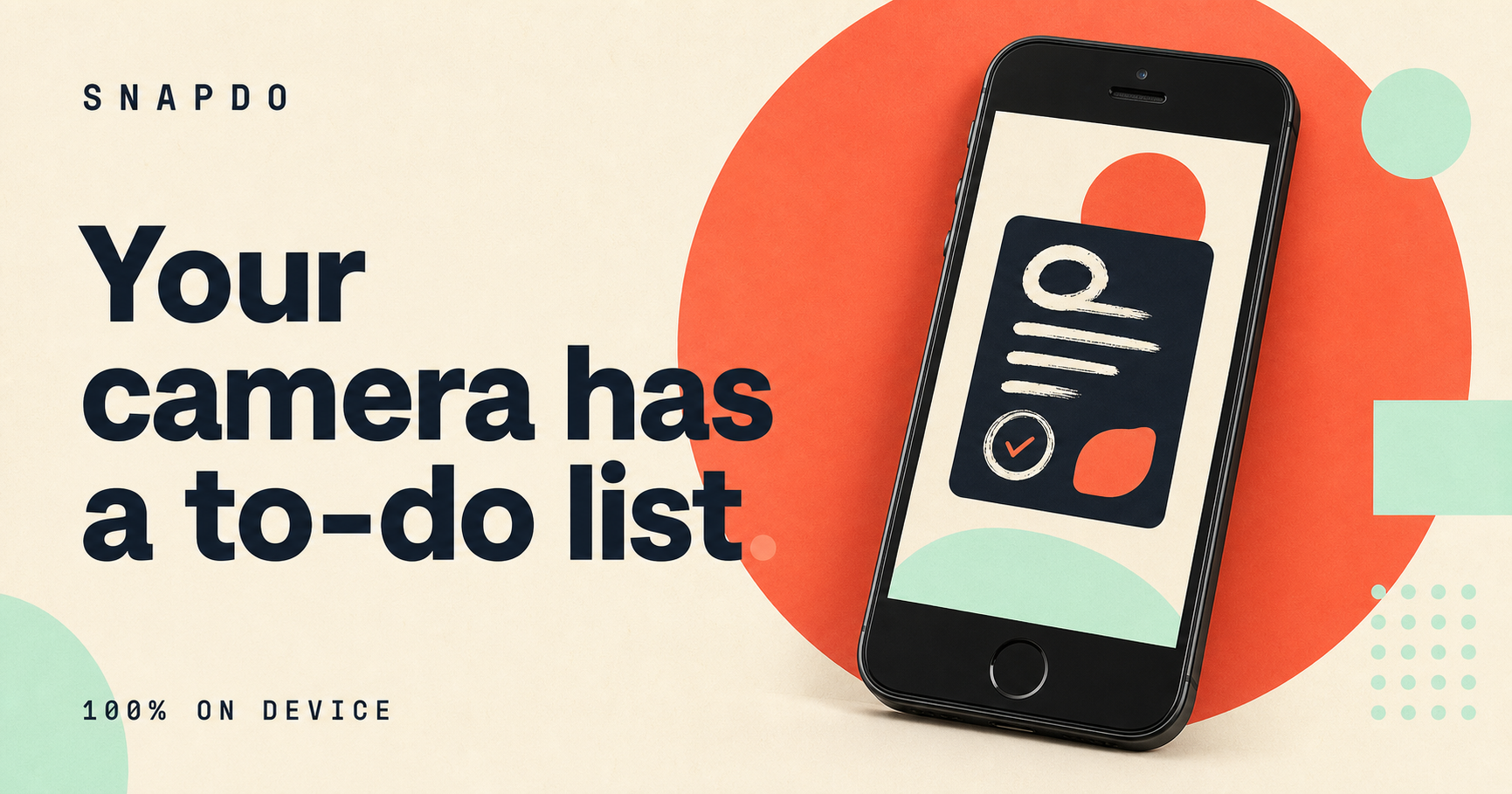
Turn a photo of a whiteboard, receipt or handwritten note into a short list of useful actions on iPhone, without retyping everything later.
Read post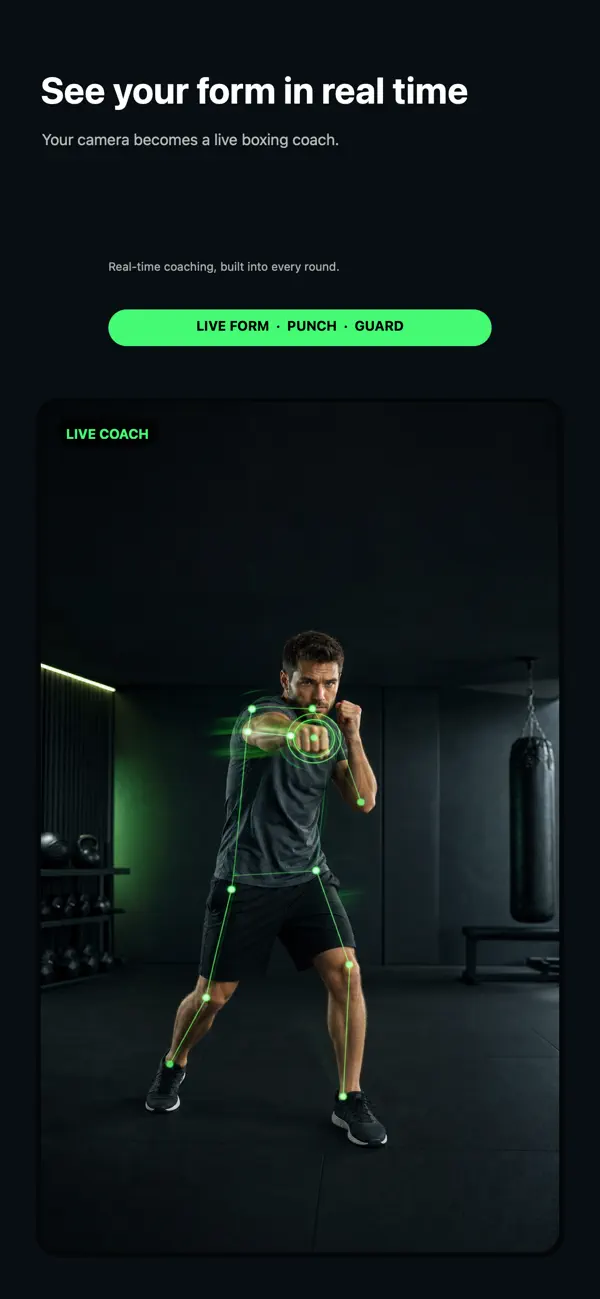
Count punches, track pace and review a solo shadowboxing session with an iPhone app that gives you useful feedback without a bag or wearable.
Read post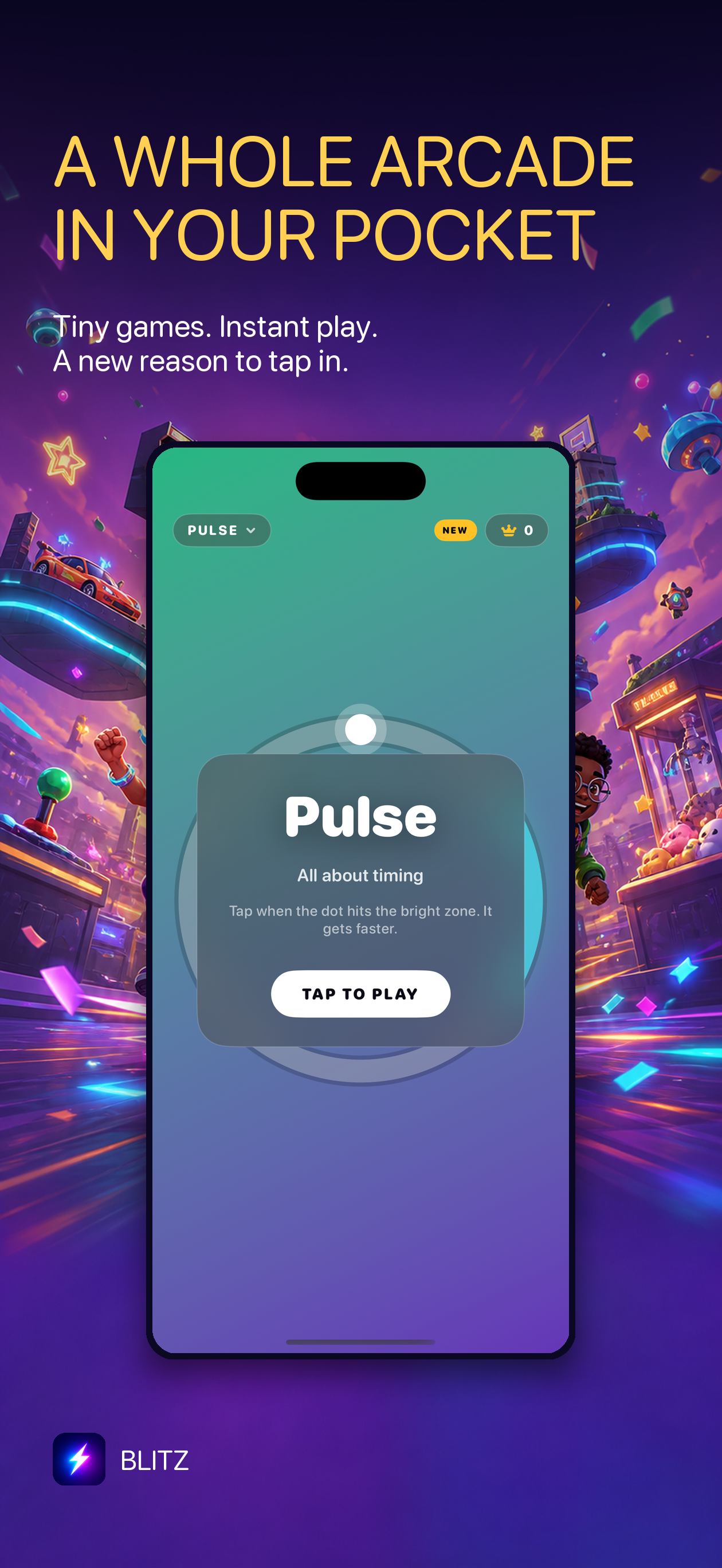
A guide to finding quick arcade games for iPhone: short rounds, simple controls and enough variety for a commute or a spare five minutes.
Read post
Use an iPhone photo-to-action workflow to turn emailed receipts and order confirmations into clear reminders for returns, reimbursements and delivery checks.
Read post
Find a native Mac weekly planner for freelance work that keeps priorities visible, carries unfinished tasks forward and avoids another recurring subscription.
Read post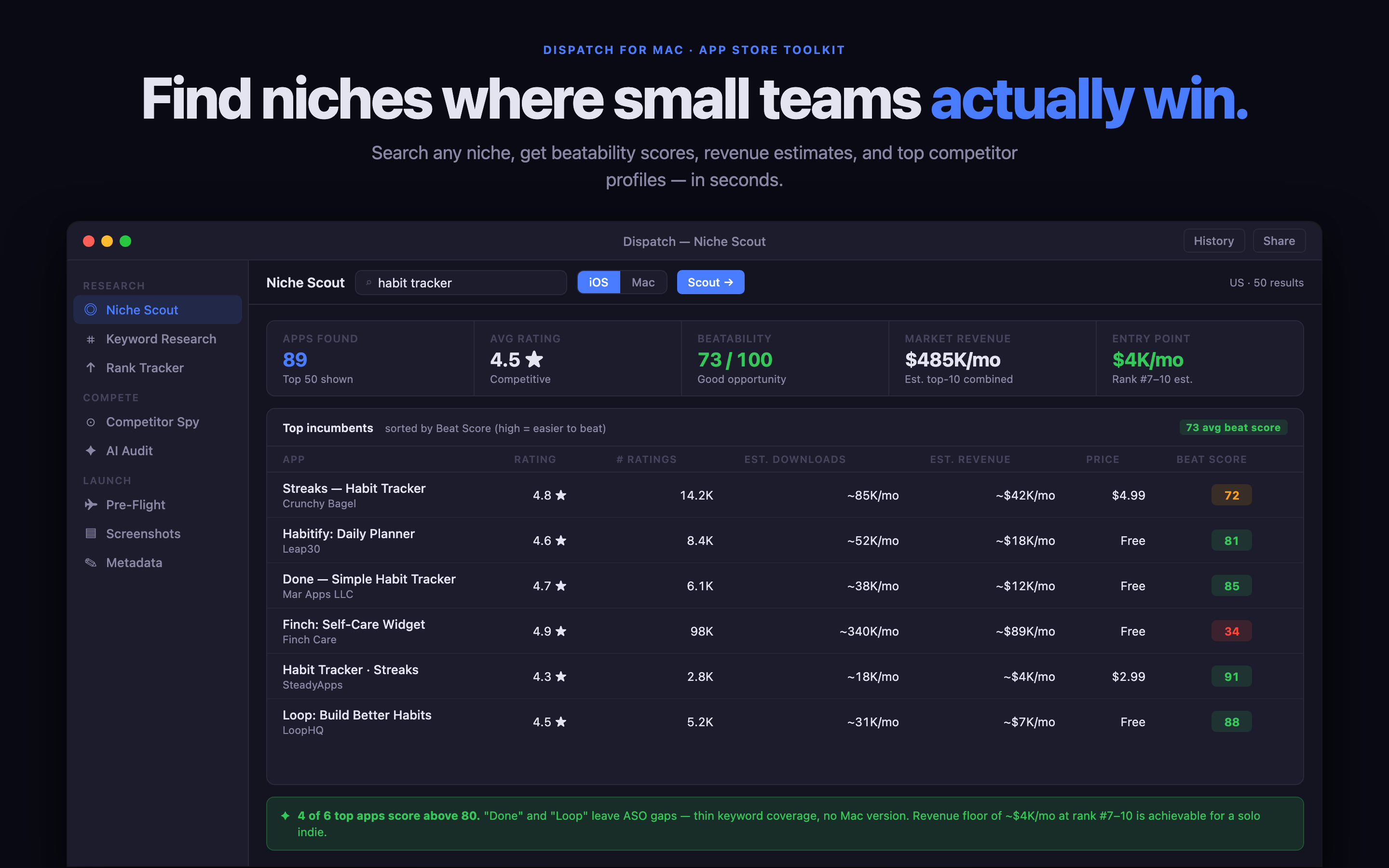
How a Mac ASO tool can help an indie developer research competitors, compare keywords, audit metadata and prepare an App Store launch with less guesswork.
Read post
A practical App Store keyword research workflow for small developers: find search intent, compare competitors, prioritise phrases and turn research into product-page copy.
Read post
Use a focused Mac app to research App Store keywords, compare competing promises and turn search ideas into clearer metadata before an indie app launch.
Read post
A practical App Store launch checklist for indie developers covering positioning, keywords, screenshots, review readiness, release notes, analytics and the first week after launch.
Read post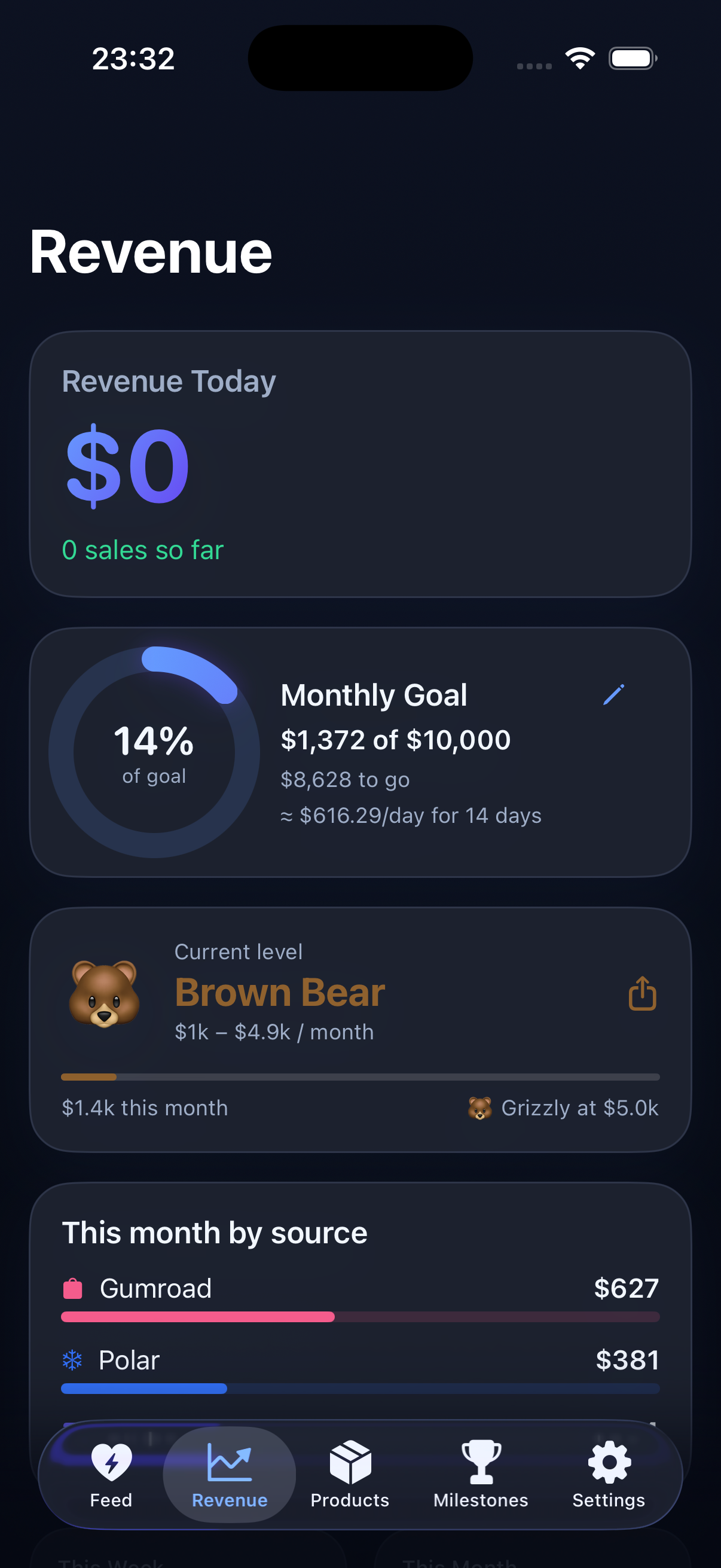
Use one daily revenue review for Apple App Store and Polar sales so an indie app portfolio has a clearer view of products, refunds and recent momentum.
Read post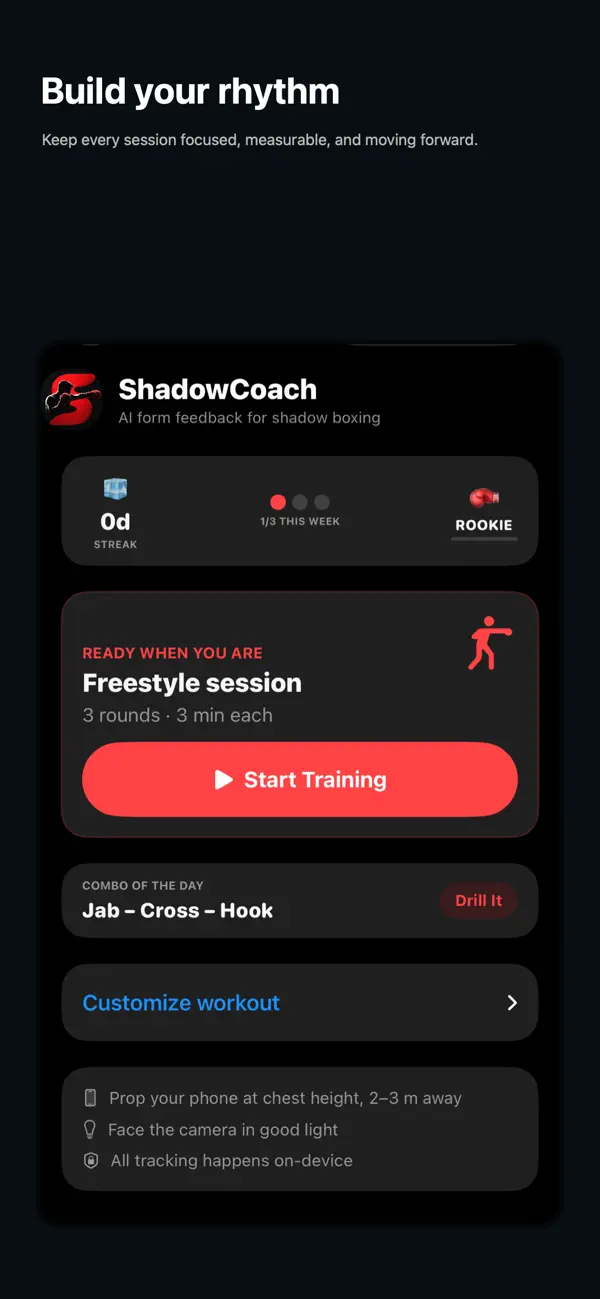
How to start a beginner boxing workout at home without equipment: short rounds, simple footwork, safe intensity and a routine you can repeat.
Read post
How to choose an app revenue dashboard for an indie developer: compare App Store data, refunds, subscriptions, multiple apps, privacy and review speed.
Read post
What to look for in a cat vaccine tracker for iPhone: dated records, documents, vet visits, privacy and easy sharing with a sitter or clinic.
Read post
What to look for in a conference expense tracker for iPhone: fast receipt capture, original currencies, travel context, manual entry and easy review.
Read post
How to choose a private GLP-1 injection-site tracker for iPhone: dated notes, routine context, clinician questions and clear medical boundaries.
Read post
Planning a family trip when budgets, arrival times and priorities differ? Here is a practical way to agree on the itinerary, optional activities and shared costs.
Read post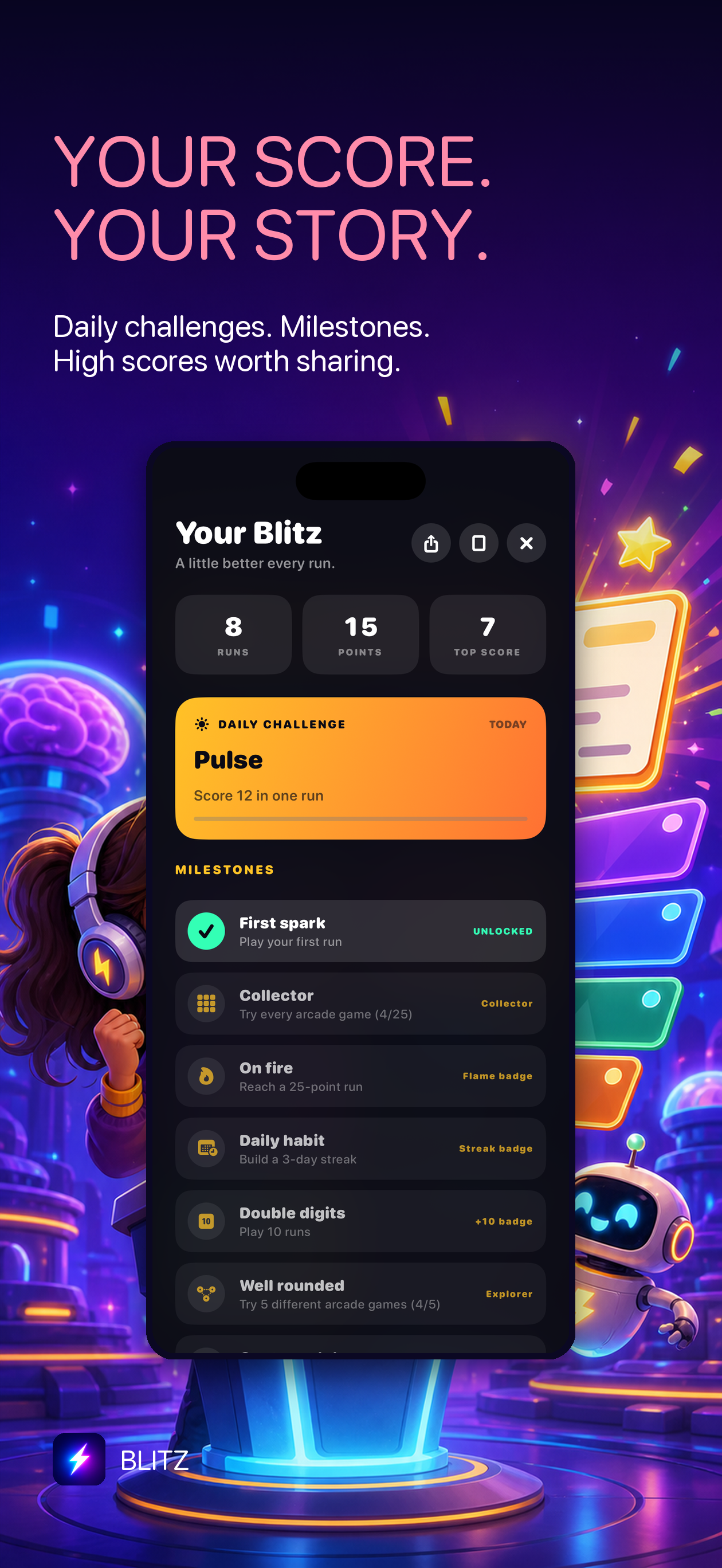
What to look for in an iPhone arcade game for a quick reset: instant starts, short rounds, readable controls and a score worth trying again.
Read post
What to look for in a good five-minute iPhone arcade game: quick starts, short rounds, readable controls and no complicated setup.
Read post
Looking for a quick iPhone game for a waiting room, commute or short break? Here is what makes a small offline-friendly arcade game worth keeping.
Read post
Looking for an iPhone game that works on a flight? Here is what makes an offline-friendly arcade game good for boarding, takeoff and short travel breaks.
Read post
A practical guide to choosing a Mac app bundle for indie developers who need SEO, email, automation, privacy and focused work tools without monthly subscriptions.
Read post
A practical guide to choosing a Mac app bundle for a one-person business, including weekly planning, SEO, email, automation and private tools.
Read post
A practical guide to choosing offline iPhone games for five-minute breaks, with short sessions, simple controls, no-pressure progress and privacy in mind.
Read post
How to choose a party photo strip app for iPhone: fast setup, three-frame prompts, easy sharing, privacy and a format guests will actually use.
Read post
Need to turn screenshots, photos and visual notes into tasks on iPhone? Here is how to choose a photo-to-action app without creating another inbox.
Read post
Compare the features that matter in an iPhone receipt scanner for freelancers: fast capture, manual entries, project context, privacy and useful expense reports.
Read post
Looking for a shadowboxing app for home? Here is what to look for in a guided, no-equipment workout that fits a small room and a busy schedule.
Read post
Looking for a weekly planner for Mac without a subscription? Compare the features that matter: carrying unfinished work forward, focus, privacy and a realistic weekly view.
Read post
Compare Blitz with Apple Arcade for quick iPhone play: session length, discovery, commitment, daily challenges and what to choose for a five-minute break.
Read post
Compare Boothly with hiring a photo booth for a small party, office event or wedding: cost, setup, privacy, sharing and the guest experience.
Read post
A practical guide to starting a short boxing workout at home without a gym, heavy bag or complicated training plan.
Read post
Use a short shadowboxing workout to reset after a desk-heavy day, with beginner-friendly rounds that need no gym, bag or special equipment.
Read post
Compare a general task manager with Cadence, a native Mac weekly task board for freelancers who need to plan around changing client work.
Read post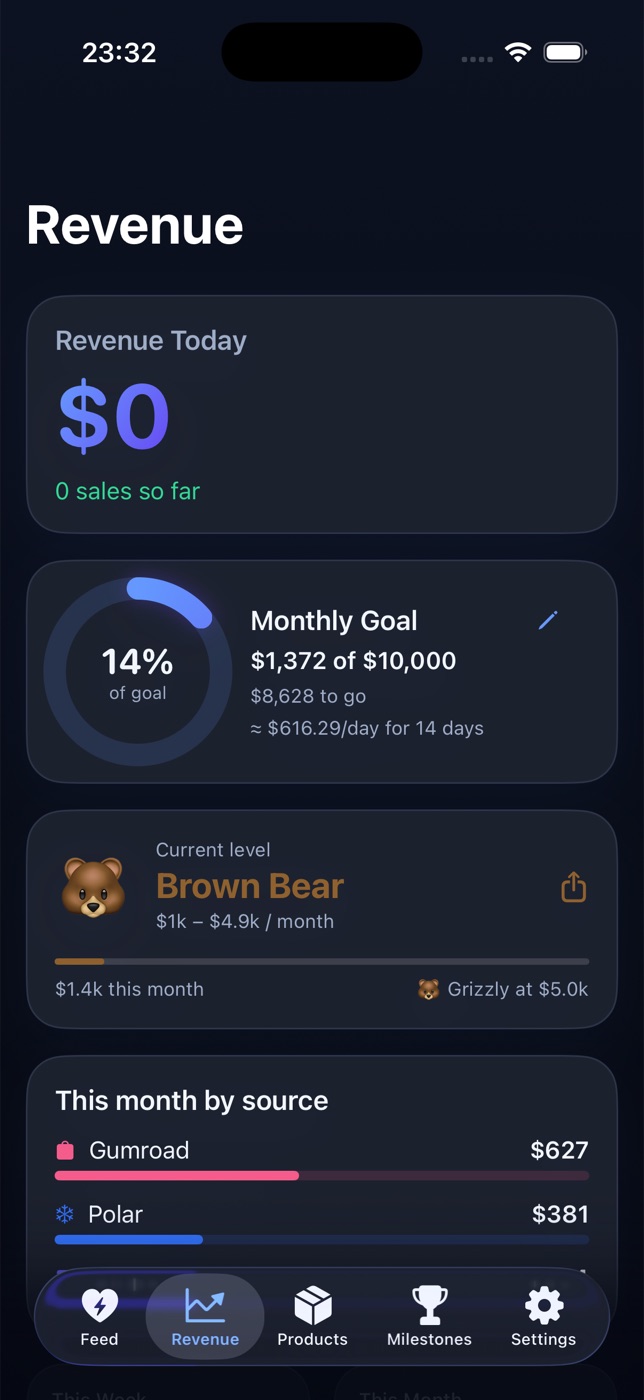
A practical way for indie developers to review Polar, App Store Connect, Stripe and other sales in one iPhone revenue dashboard without opening several dashboards.
Read post
Track reimbursable travel, meals and project costs by client with a focused iPhone expense tracker for freelance consultants who do not want to rebuild receipts at month end.
Read post
Track receipts, client costs, currencies and reimbursable expenses on iPhone without turning a freelance design project into a spreadsheet exercise.
Read post
Keep freelance photography receipts organised by shoot, client and category with a simple iPhone expense tracker that captures costs before they disappear.
Read post
Track travel, client and home-office expenses on iPhone before receipts disappear, with a simple review workflow for remote workers and freelancers.
Read post
Plan a family holiday with different arrival times using a shared itinerary, clear first-day expectations and one place for bookings, costs and contact details.
Read post
Plan freelance capacity across multiple clients without maintaining a complicated Notion database, using a simple weekly view for real work and changing priorities.
Read post
A practical guide to choosing a Google Search Console tool for a small business on Mac, from finding low-CTR pages to recording SEO changes and follow-up.
Read post
A focused Google Search Console workflow for freelancers: check anomalies, review low-CTR pages, prioritise fixes and keep SEO work from becoming an endless spreadsheet.
Read post
Plan a group road trip with a shared itinerary, stops, bookings and expenses that everyone can check without searching through a chat thread.
Read post
Plan a group trip without a giant spreadsheet: collect ideas, agree on a realistic itinerary and keep changing travel details in one place.
Read post
Plan a bachelor weekend with one shared itinerary, clear costs and optional activities so the organiser is not stuck managing a group chat.
Read post
Plan a bachelorette weekend with shared bookings, optional activities, different budgets and group costs without losing the itinerary in a chat thread.
Read post
A practical group-trip planning method for friends with different budgets, arrival times and preferences, including how to keep shared costs clear.
Read post
Plan a family reunion trip with different arrival times, ages, budgets and optional activities without losing the important details in a group chat.
Read post
Plan a short weekend away with friends using a compact itinerary, clear arrival details, optional activities and a visible list of shared costs.
Read post
Plan a group trip when friends arrive at different times and pay for different parts, without losing the details in a busy group chat.
Read post
How to plan a group trip without losing decisions in a chat: use one shared itinerary, clear owners and an expense plan everyone can understand.
Read post
Plan a group trip when friends arrive and leave at different times, with a shared itinerary that keeps optional plans separate from the important details.
Read post
Plan a group holiday rental with friends by recording who is staying when, separating shared and personal costs, and keeping check-in details visible in one shared itinerary.
Read post
Plan a group trip with one shared itinerary, arrival details, packing list and expense view so the important decisions do not disappear into chat.
Read post
Planning a group trip when one person handles the bookings? Use a shared itinerary, clear cost ownership and a simple record of what is confirmed, optional and still owed.
Read post
Plan a group trip when friends have different phones, preferences or patience for new apps, with a shared itinerary, costs and packing details in one place.
Read post
A practical guide to choosing a freelance invoice app without a subscription: compare invoice speed, payment tracking, expenses, exports, privacy and complexity.
Read post
A practical group trip planning method for friends with different arrival dates, budgets and energy levels, including a shared itinerary that stays flexible.
Read post
A practical way to review App Store sales and refunds for an indie app: separate signals from noise, compare periods, check product changes and decide what to do next.
Read post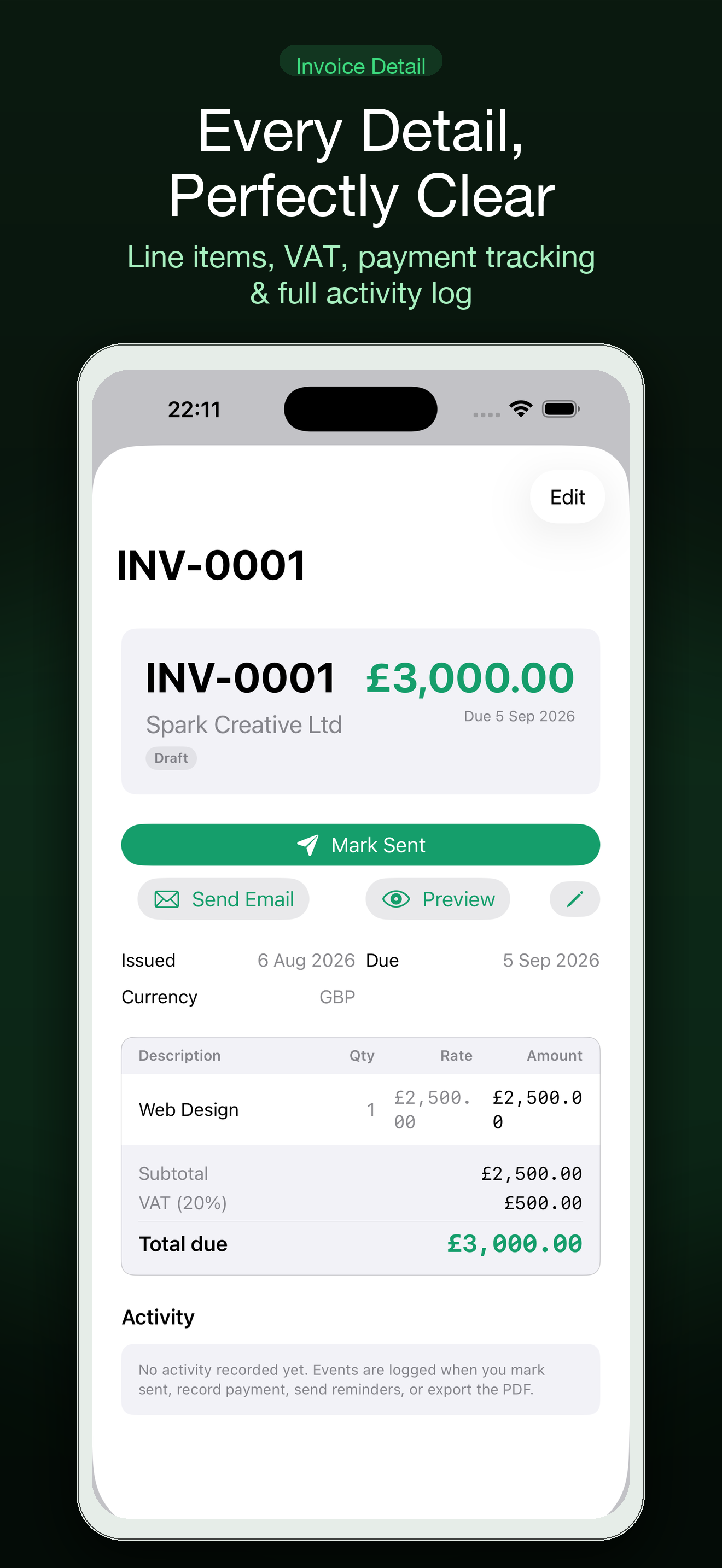
Organise project invoices, deposits, milestones and follow-ups as a freelance developer with a simple Mac and iPhone invoicing workflow.
Read post
What freelancers should look for in an invoice app for recurring client work: reusable line items, client history, payment status, PDF export and simple follow-up.
Read post
A simple retainer invoicing workflow for freelancers: keep recurring work clear, send consistent invoices and follow up on overdue payments without a large accounting system.
Read post
Build a calmer invoice follow-up routine as a freelancer: track what was sent, what is due and when to send the next polite reminder.
Read post
A simple iPhone toolkit for hosting a small event: share the plan, collect guest photos and keep the practical details out of a busy group chat.
Read post
A practical iPhone setup for a wedding weekend: share arrival details, keep optional plans clear and collect guest photos without another complicated platform.
Read post
Find an iPhone arcade game for a train, bus or subway commute that works in short sessions and does not require a constant internet connection.
Read post
Find an iPhone arcade game for a short commute with quick rounds, simple controls and a clear stopping point when your journey ends.
Read post
Choose an iPhone arcade game for a waiting room with short rounds, clear controls and easy stopping points when your name could be called.
Read post
Find a quick iPhone arcade game for the quiet gaps on a trip: short rounds, fast restarts and enough variety to play without committing to a huge mobile game.
Read post
Find a low-pressure iPhone arcade game for short breaks, with quick rounds, simple controls and no long tutorial to learn before you can play.
Read post
Looking for an iPhone arcade game for a quick work break? Choose short rounds, instant restarts and a clear high-score loop instead of a game that takes over your afternoon.
Read post
What to look for in an iPhone arcade game for a quiet commute: fast starts, short rounds, offline play and controls that work one-handed.
Read post
Find an iPhone arcade game for a quiet evening: short sessions, simple rules and a satisfying challenge without a long campaign or daily grind.
Read post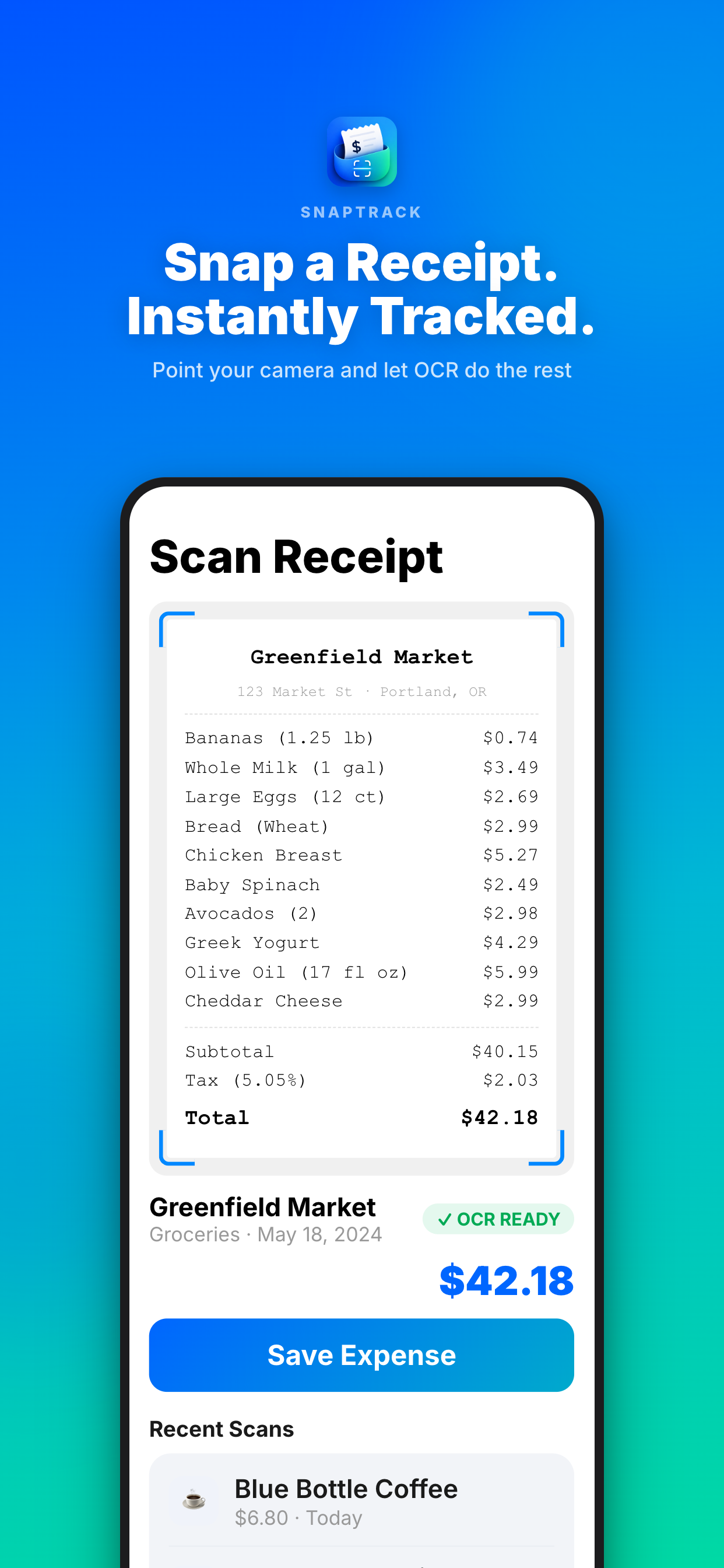
A practical receipt workflow for freelancers on a business trip: capture receipts immediately, label them by project and review expenses before returning home.
Read post
Choose an iPhone game for an airport layover with short rounds, quiet controls and a quick restart so you can stop when boarding is called.
Read post
Find quick iPhone games for short breaks, flights and waiting rooms that work offline and do not require a long campaign or a subscription.
Read post
Find quick iPhone games for waiting rooms that start fast, work without sound or Wi-Fi and are easy to stop when your name is called.
Read post
A practical Mac app bundle for creative freelancers who need help with planning, SEO, email, launch work and automation without adding another monthly software stack.
Read post
A practical Mac app bundle for freelance designers who need weekly planning, SEO, email, automation and private tools without paying for a large agency platform.
Read post
A focused one-time-purchase Mac toolkit for freelance developers who need SEO, App Store research, automation, email and weekly planning in one affordable bundle.
Read post
Compare a focused Mac app bundle for freelancers who need SEO, email, automation, weekly planning and private tools without adding another monthly subscription.
Read post
Compare a practical Mac app bundle for independent developers who need SEO, email, App Store launches, automation, private AI and weekly planning tools without eight subscriptions.
Read post
Choose a focused Mac toolkit for remote work, including weekly planning, private AI, email, SEO and automation without adding a subscription for every small job.
Read post
A practical Mac app toolkit for a one-person business that wants SEO, email, automation, App Store research and weekly planning without adding eight monthly subscriptions.
Read post
A practical one-time-purchase Mac software toolkit for a small agency that needs SEO, email, automation, launch research and weekly planning.
Read post
A practical Mac app toolkit for solo consultants who need better SEO, email, research, automation and weekly planning without adding another subscription to the stack.
Read post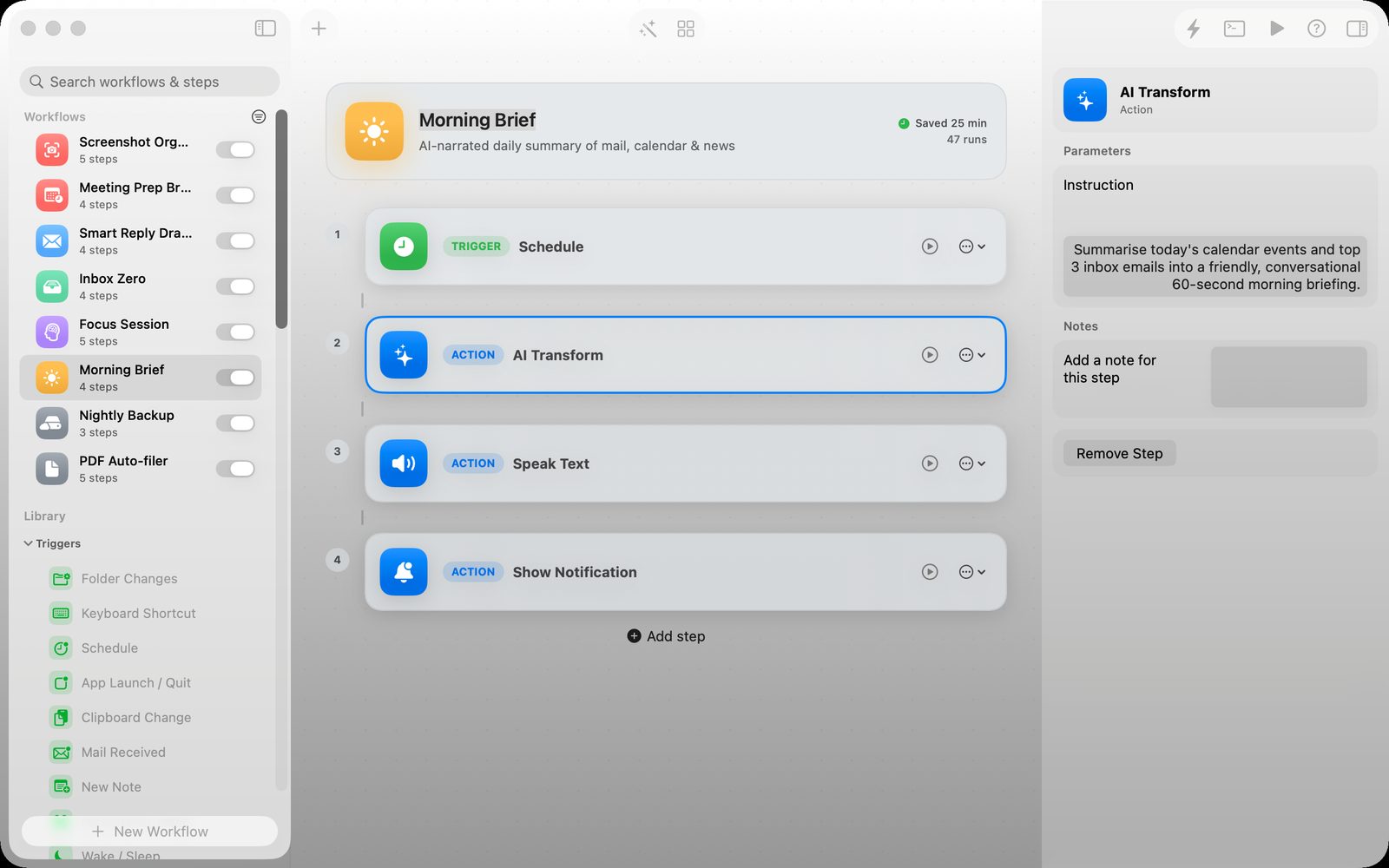
Use a Mac automation app to move files, trigger repeatable actions and reduce small chores without building a large cloud workflow.
Read post
Choose a focused Mac toolkit for product, SEO, email, automation and weekly planning without turning a one-person business into a pile of monthly subscriptions.
Read post
Choose a Mac weekly planner for independent contractors who balance client deadlines, changing priorities and unfinished work without a monthly productivity subscription.
Read post
Plan a realistic consulting week on Mac with a focused weekly task board for client work, proposals, admin, follow-ups and unfinished tasks that need to move forward.
Read post
Compare a Mac weekly planner with Todoist for freelance work: weekly capacity, carrying unfinished tasks, subscriptions, focus and realistic planning.
Read post
Compare a focused Mac weekly planner with Trello for freelance work, including client boards, capacity, unfinished tasks and the cost of maintaining another system.
Read post
Choose a Mac weekly planner with iCloud sync when you want one realistic task board across Mac and iPhone without a subscription or an overloaded project system.
Read post
A practical set of native Mac apps for freelancers managing several clients: weekly planning, SEO, email, automation, private AI and app launches without a monthly software stack.
Read post
A practical collection of one-time-purchase Mac apps for indie developers who need SEO, App Store research, email, automation and weekly planning without another subscription.
Read post
Compare PawKeep with a general notes app for pet vaccinations, medications, vet visits, documents and sharing care details with a sitter.
Read post
Prepare a clear pet emergency information card for a dog sitter with vaccine records, medications, vet details and the information needed in a hurry.
Read post
Keep your pet's medications, allergies, microchip number and vet details ready for an emergency visit with a private iPhone pet health record.
Read post
Keep a new puppy's vaccinations, medication, microchip details and vet contacts together on iPhone with a private pet health record.
Read post
Compare a pet health record app with a paper folder for vaccines, medications, vet visits and emergency details, including privacy and sharing.
Read post
Prepare a clear pet health record for a dog sitter with medication, vet, microchip and emergency details in one private iPhone-friendly place.
Read post
Prepare the pet health details a dog walker may need, including medication, allergies, vet contacts and emergency instructions, in one private iPhone record.
Read post
Prepare a clear pet health record for a sitter with medication instructions, vet details, allergies and emergency contacts in one private iPhone app.
Read post
Prepare a clear medication handoff for a dog sitter with doses, timing, food instructions and emergency contacts in one private iPhone record.
Read post
A practical emergency vet checklist for dog and cat owners: medication, vaccination, microchip and contact details to keep together on an iPhone.
Read post
Prepare vaccination dates, medication notes, vet details and emergency contacts for dog boarding with a private iPhone pet health record app.
Read post
A simple photo booth plan for a book club or dinner party using an iPhone, a few prompts and a printable photo strip guests can keep.
Read post
Set up a simple photo booth for a team offsite with an iPhone, a few prompts and a private way to share the finished photos.
Read post
Create a low-pressure baby shower guestbook with an iPhone photo booth app, simple prompts and printable or shareable photo strips.
Read post
How to set up a simple baby shower photo booth at home with an iPhone, printable prompts, retro photo strips and a keepsake-friendly guest activity.
Read post
Create an easy birthday party photo booth at home with an iPhone, simple prompts and printable-style photo strips guests can share.
Read post
Set up a low-cost photo booth at a charity fundraiser with an iPhone, a simple backdrop and a shared guest-photo workflow that does not need rented equipment.
Read post
Create a low-pressure photo booth at a family reunion with an iPhone, a simple backdrop and one app for collecting memorable guest photos without renting equipment.
Read post
Set up a simple office holiday party photo booth with an iPhone, a small backdrop and retro photo strips everyone can share.
Read post
Set up a simple rehearsal dinner photo booth with an iPhone, a few prompts and retro photo strips that give guests an easy shared activity.
Read post
Set up a simple school dance photo booth with an iPhone, a few prompts and a retro photo app that keeps the activity quick, social and easy for volunteers.
Read post
Set up a simple iPhone photo booth for a school event, fundraiser or graduation with clear privacy choices and no rented booth required.
Read post
Use an iPhone photo booth app at a school fundraiser to create a fun queue, collect shareable memories and keep volunteers focused on the event.
Read post
Set up a simple photo booth for a small corporate event, team dinner or offsite with an iPhone, clear prompts and shareable retro photo strips.
Read post
Set up a simple photo booth for a work retreat using an iPhone app, light prompts and a private keepsake workflow without renting equipment.
Read post
Turn a photo of meeting notes or a whiteboard into a clearer task list on iPhone, with a quick review step before the next actions leave the room.
Read post
What to look for in a private AI writing assistant for Mac: local processing, source context, editing control, privacy boundaries and a useful workflow.
Read post
A practical guide to finding a private one-sentence journal app that is easy to keep using, stays out of the social feed and preserves ordinary days.
Read post
A practical checklist for preparing pet vaccine records, medication notes, vet contacts and emergency information before a boarding stay or sitter handover.
Read post
What to look for in a private terminal AI assistant for Mac: command boundaries, local context, reviewable suggestions, privacy and safe automation.
Read post
Capture receipts on iPhone as an independent contractor, keep the amount and business purpose together, and review expenses before invoicing or tax time.
Read post
Keep Airbnb, transport and meal receipts organized during a business trip with an iPhone workflow that preserves dates, categories and project context.
Read post
Capture software, travel and client-project receipts on iPhone as a freelance developer, with enough context to reconcile expenses later.
Read post
A practical receipt-tracking workflow for independent consultants: capture expenses on the go, add context and prepare a cleaner record before reimbursement or tax time.
Read post
A practical receipt-tracking workflow for self-employed people travelling for work, from the first purchase to a clean expense report.
Read post
Set up a retro photo booth at home with an iPhone, simple prompts and shareable photo strips instead of renting a full event booth.
Read post
Plan a low-cost birthday photo booth with an iPhone, simple prompts and a retro photo-strip app that guests can use without a rented booth.
Read post
Use an iPhone retro photo booth app to make a simple wedding guestbook with photo strips, prompts and keepsakes guests will actually enjoy.
Read post
Compare the practical SEO jobs indie app developers need on Mac: Search Console review, launch-page checks, App Store research and a simple content workflow.
Read post
A beginner-friendly shadowboxing routine you can do at home without equipment: warm up, learn a simple combination and finish with controlled rounds.
Read post
Compare using a shadowboxing app with attending a boxing class for private practice, feedback, equipment, scheduling and building a consistent home routine.
Read post
Learn how to shadowbox in a small apartment with quiet footwork, simple combinations and an iPhone workout app that keeps the session structured.
Read post
Try a quiet shadowboxing workout in a small apartment with no equipment: a short round structure, safe spacing and an iPhone coach for guidance.
Read post
Plan a ski trip with a shared itinerary, lift-pass details, packing list and group expenses in one place, even when friends arrive on different days.
Read post
Compare SnapTrack with a spreadsheet for freelance expenses: receipt capture, project context, currencies, corrections and preparing a clean reimbursement record.
Read post
Follow a short boxing workout at home without equipment using stance, footwork, punches and timed rounds designed for beginners.
Read post
Track business-trip receipts on iPhone as you go, with a simple workflow for photos, categories, currencies and an expense report at the end.
Read post
Compare Troupe and Splitwise for a group trip: shared itinerary, expenses, packing lists, bookings and the amount of setup your friends need.
Read post
Compare Troupe and Wanderlog for a group holiday, including itinerary detail, shared costs, packing, collaboration and how much planning your friends need.
Read post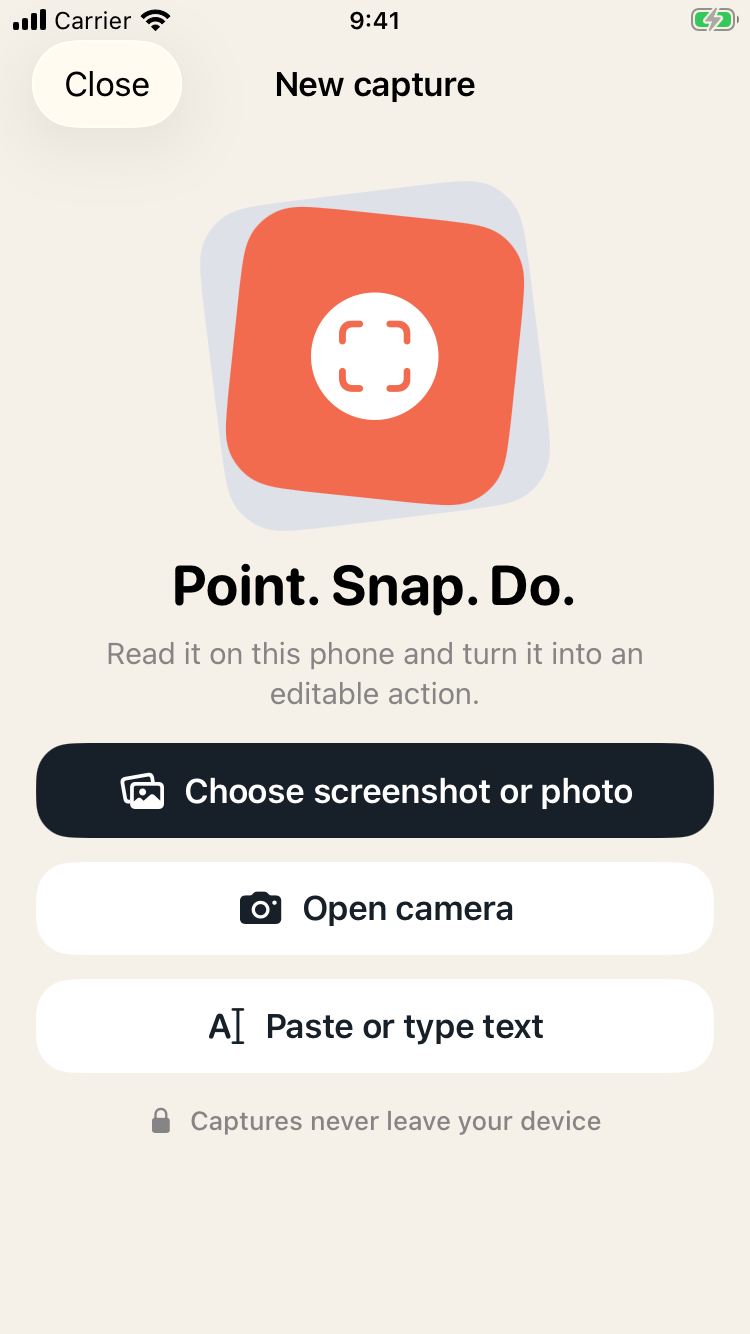
A simple iPhone workflow for turning photographed recipes, event flyers and handwritten notes into actions instead of letting them disappear into the camera roll.
Read post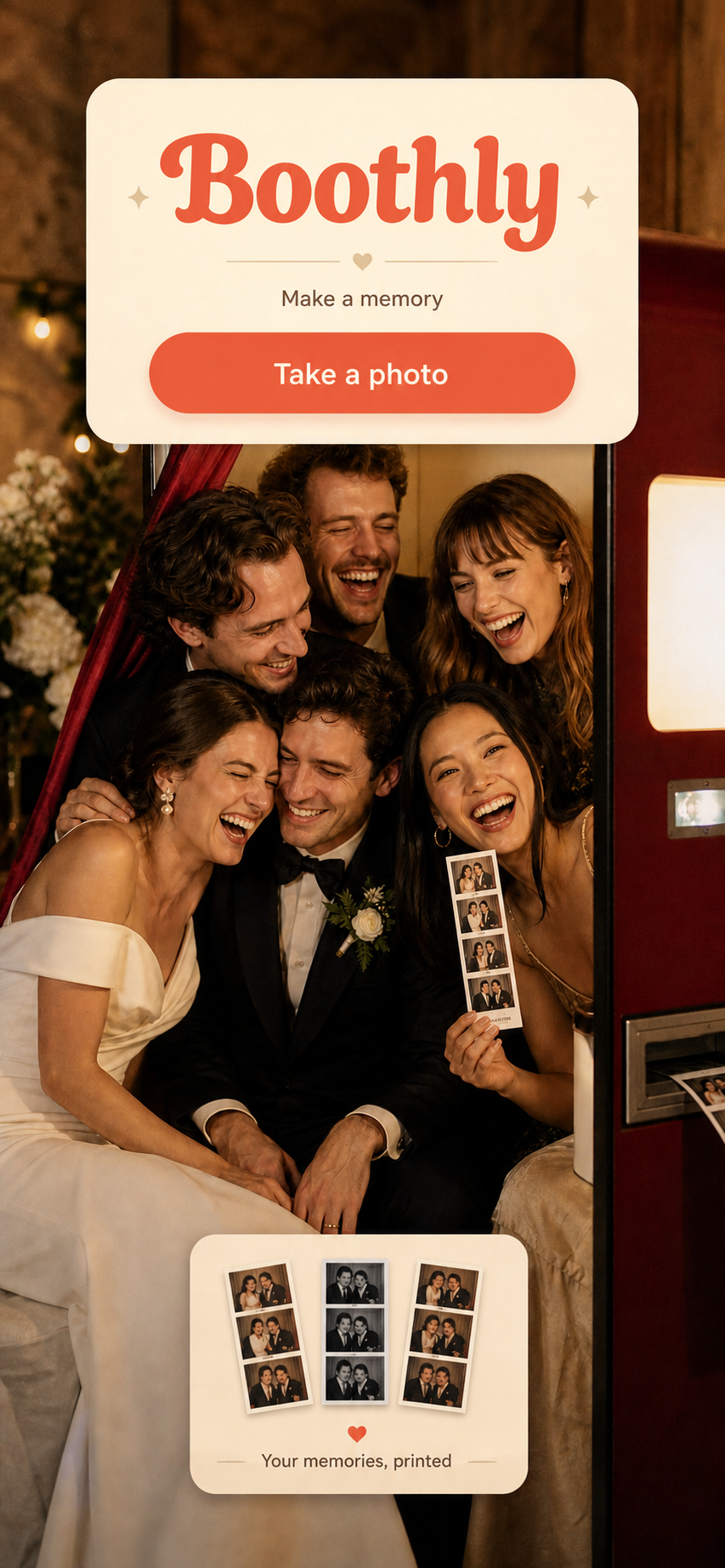
Create a simple wedding guest photo booth with an iPhone, retro photo strips and a QR-friendly sharing flow instead of renting a full booth.
Read post
Plan design projects, client reviews and production work with a focused Mac weekly planner that keeps a realistic amount of work visible.
Read post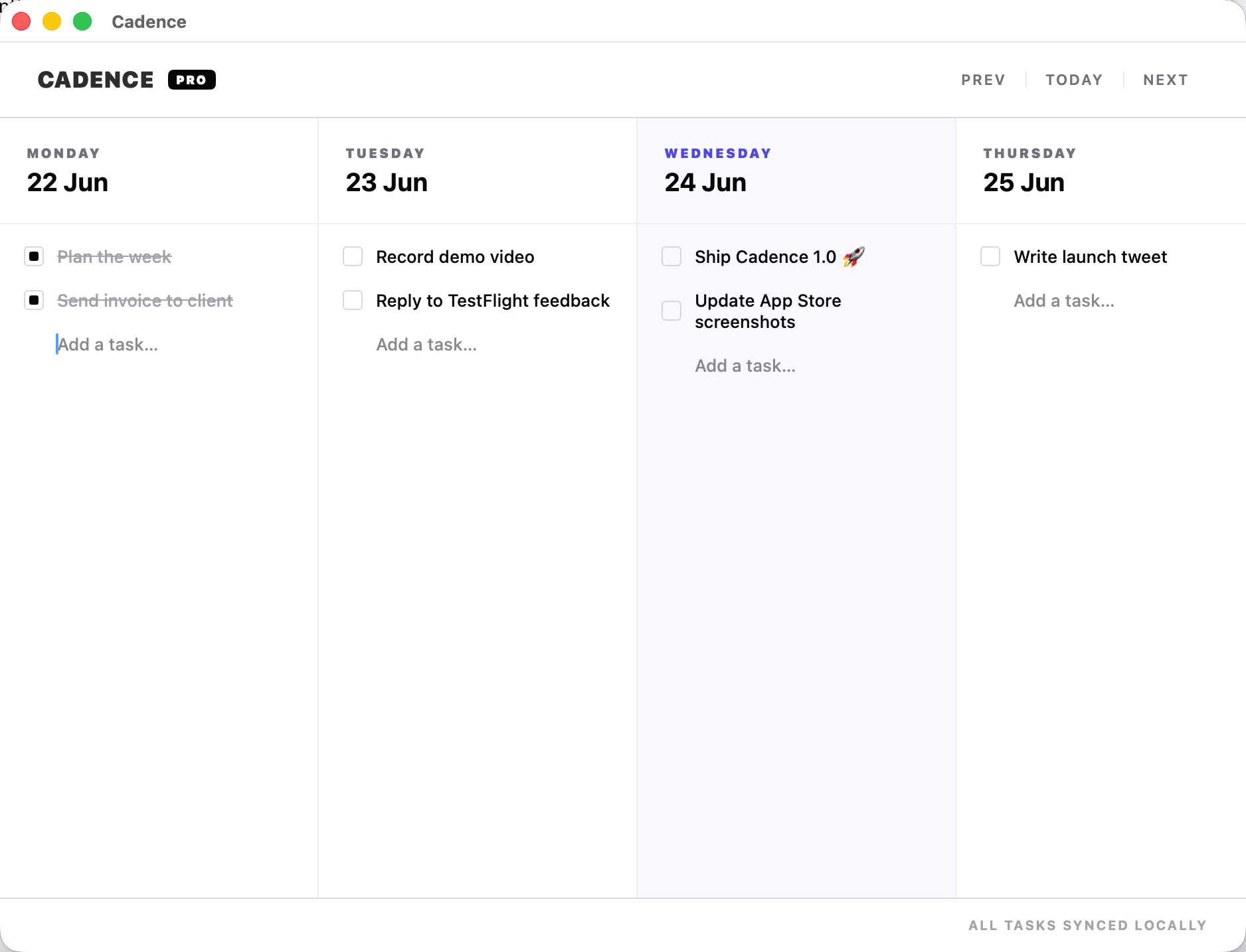
A realistic weekly planning method for freelancers handling several clients: reserve focus blocks, carry unfinished work forward and protect admin time.
Read post
Plan a freelance week when client deadlines change, with a simple Mac task board for reordering work without rebuilding your whole plan.
Read post
Plan freelance work when your hours change from day to day, with a weekly view that protects client commitments without pretending every day has the same capacity.
Read post
Plan a realistic consulting week on Mac when client projects have moving deadlines, review cycles and interruptions that do not fit an endless task list.
Read post
A realistic weekly planning method for freelancers managing multiple clients, competing deadlines and unfinished work without losing the shape of the week.
Read post
Find iPhone games that fit a real lunch break: quick to start, satisfying in short sessions and easy to put down when the break ends.
Read post
Planning a graduation party? Compare what matters in a photo booth app for family, classmates and quick keepsake photos.
Read post
Plan a short boxing workout during a lunch break with a safe space, a simple round structure and one technique focus—without needing a bag or a full gym session.
Read post
A practical GLP-1 doctor visit checklist: record injection dates, dose instructions from your clinician, side effects, questions, meals and progress so the appointment starts with useful context.
Read post
Use a simple group trip decision workflow: separate confirmed bookings from open questions, set a deadline, record the decision and keep the current itinerary in one place.
Read post
A practical group trip planning method for friends with different budgets: separate shared essentials, optional upgrades and expenses that belong to one person.
Read post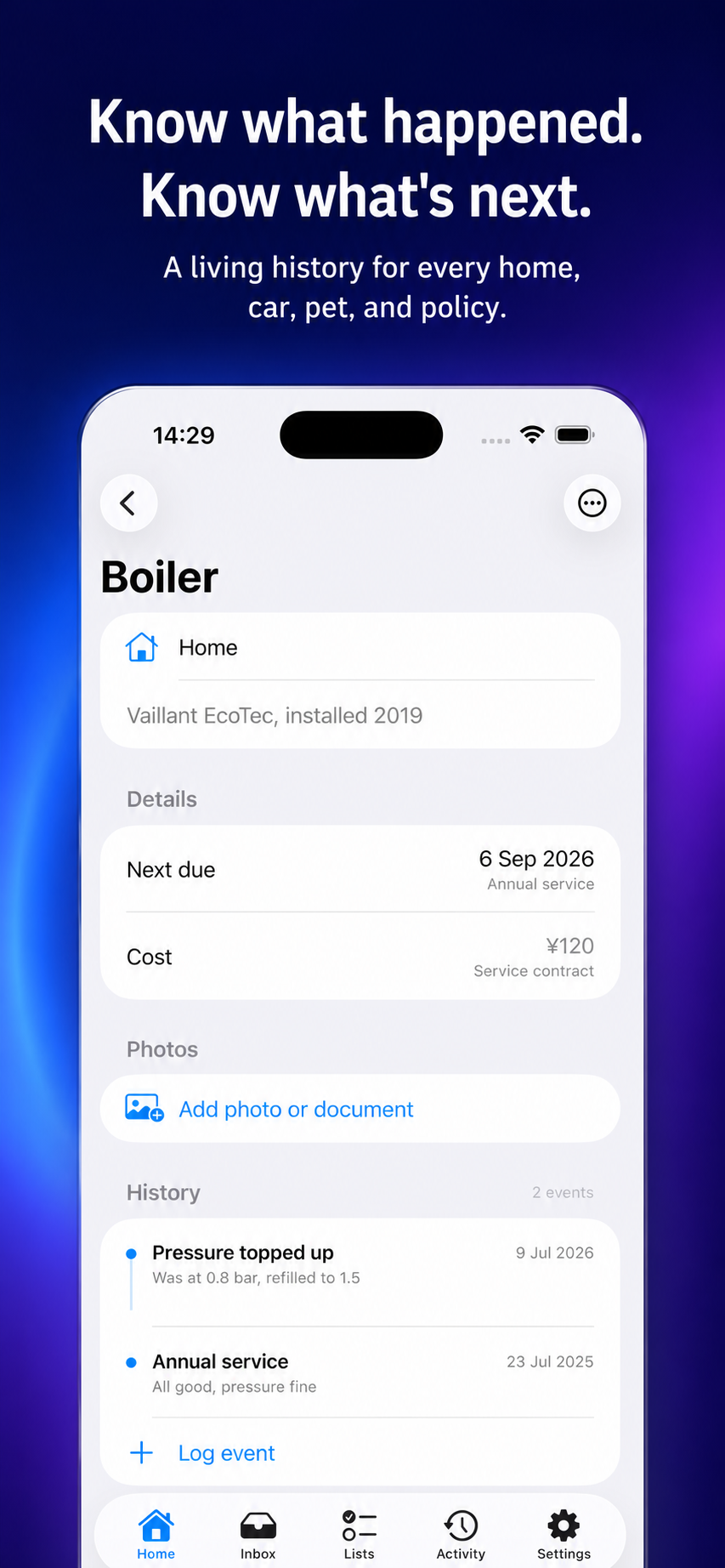
A practical home maintenance system for new homeowners: track repairs, appliances, records and the next small job without relying on memory.
Read post
A practical guide to choosing short-session iPhone arcade games for a commute, coffee break or five minutes between tasks.
Read post
Looking for an iPhone photo booth app for a birthday, dinner or house party? Here is how to choose a simple photo-strip setup that guests will actually use.
Read post
What to look for in an iPhone trip planner with shared expenses: a shared itinerary, clear cost ownership and a simple way to settle up after the trip.
Read post
A practical guide to Mac automation for repetitive tasks, including screenshots, files, notifications and small daily workflows.
Read post
A practical one-sentence journaling habit for busy people who want a private daily record without writing a long diary entry.
Read post
A practical guide to choosing a daily challenge game for iPhone: keep the round short, the rules clear and the replay optional so a small habit stays enjoyable.
Read post
Set up a small birthday photo booth at home with a phone, good light, simple prompts and a clear way for guests to save or share their three-frame photo strips.
Read post
Learn how App Store custom product pages can align screenshots, promotional text and a campaign link with a specific audience—and how to measure whether the message fits.
Read post
Create a useful group travel itinerary without overplanning: anchor the day with fixed bookings, leave open blocks, label optional plans and keep key details easy to find.
Read post
Coordinate a group holiday with staggered arrivals by separating fixed bookings, arrival-specific plans, optional activities and shared costs before anyone travels.
Read post
A practical checklist for planning a limited-time Mac app discount: choose an offer, schedule its dates, prepare the product page, promote it clearly and measure the result.
Read post
Set up a low-fuss photo booth for an office party: choose an accessible spot, make participation optional, explain where images go and test the phone workflow first.
Read post
Compare one-time purchase Mac apps and subscriptions by ongoing value, support, upgrade costs and how often you use the software.
Read post
A practical checklist for checking an iPhone game’s privacy labels, tracking, permissions, account requirements and optional features before you install it.
Read post
Share an iPhone game score in a way friends can understand: include the game, mode and challenge, use the built-in share card when available, and protect private details.
Read post
Plan a simple at-home party photo booth with a good spot, soft light, easy prompts and a sharing plan guests understand—without turning the room into a production.
Read post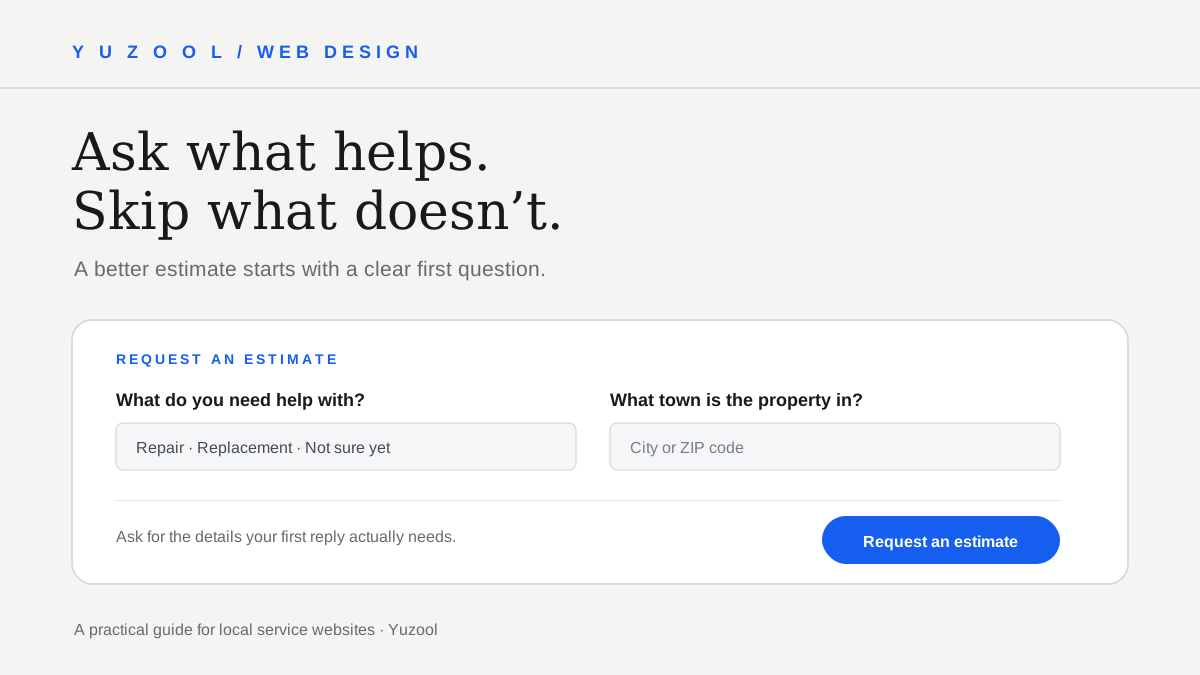
A practical home-service quote form checklist: the details contractors need to respond, what to leave optional, and how to make the next step clear.
Read post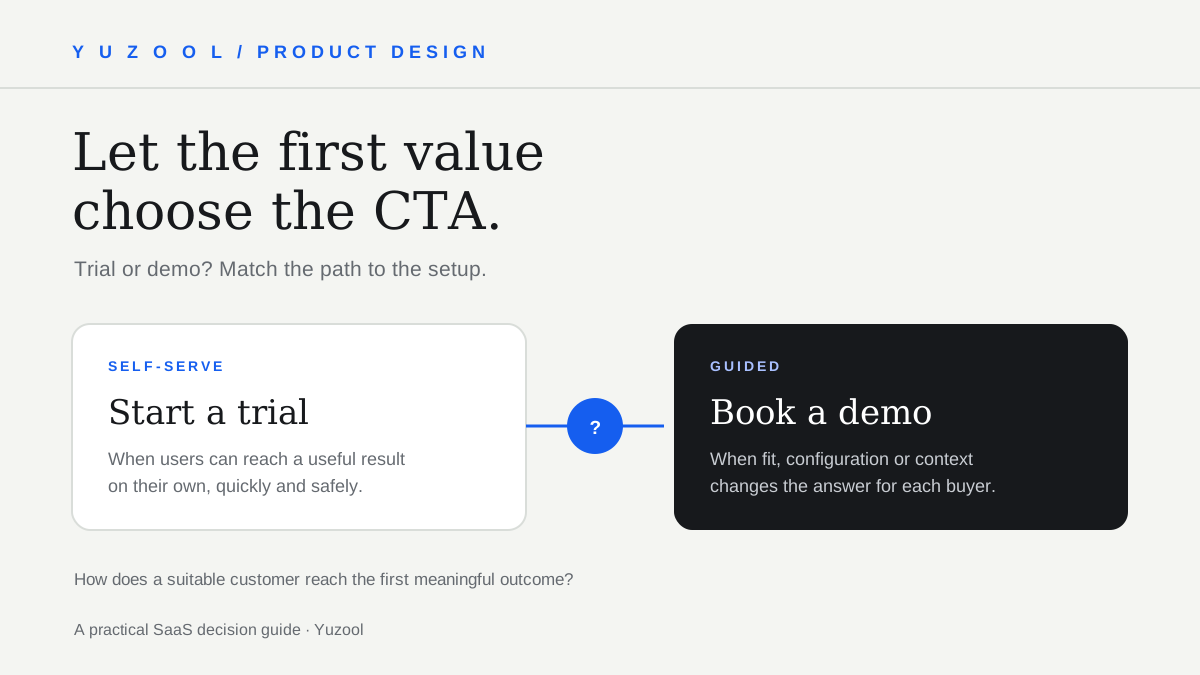
Choose between a SaaS free trial and a demo request by comparing time-to-value, setup effort, buyer confidence, support needs and what you can measure.
Read post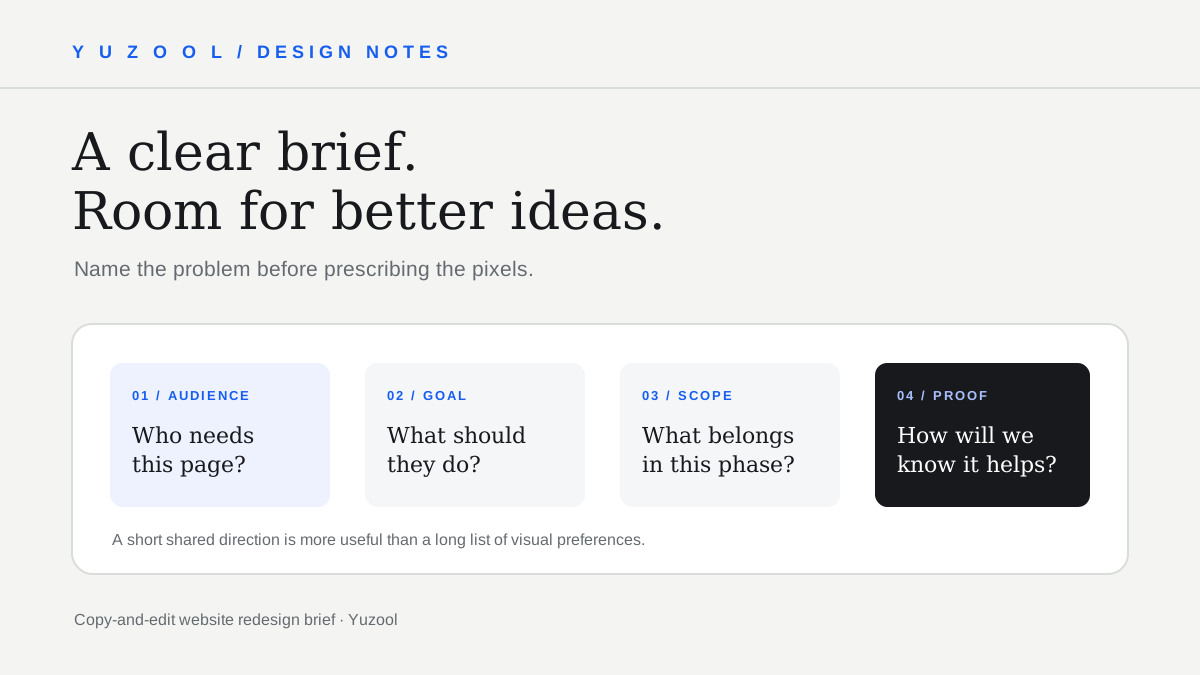
Use this website redesign brief template to explain the audience, business goal, pages, content, constraints, examples and success measures before design starts.
Read post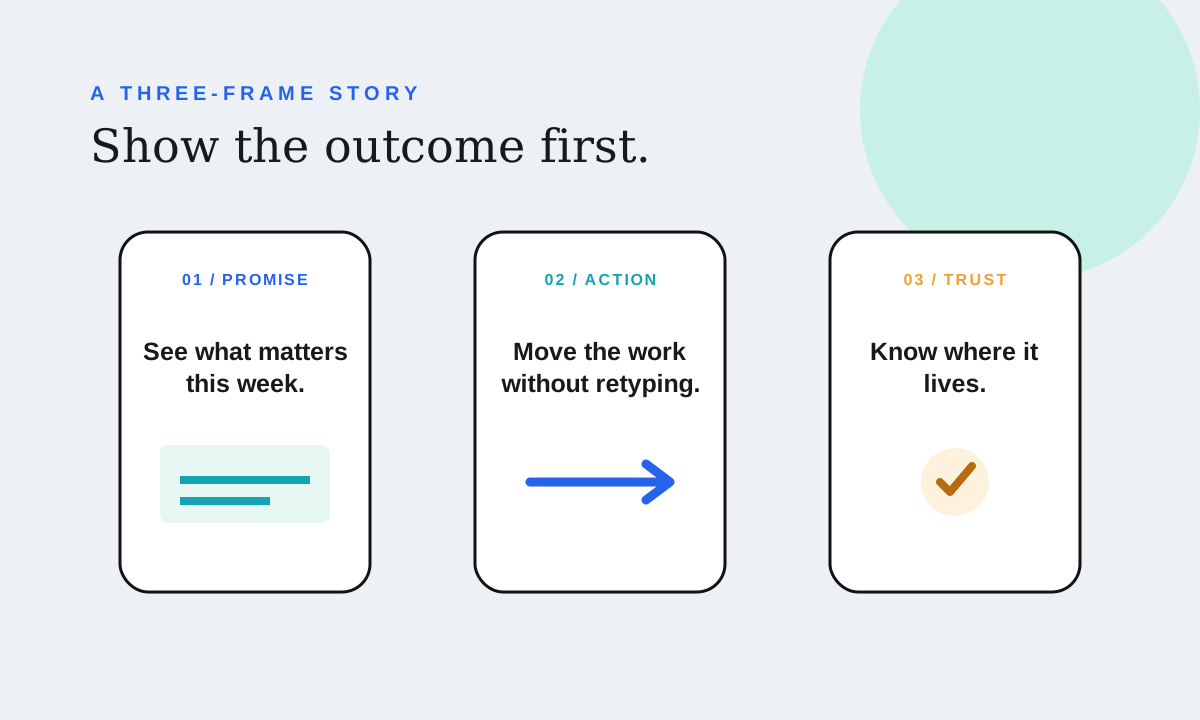
A practical App Store screenshot sequence for a small iPhone app: what to show first, how to write benefit-led captions and how to make the first three frames work together.
Read post
A short Strange & Interesting find: OpenWeird is a curated portal to strange websites, internet toys and odd browser experiments when the normal feed feels dull.
Read post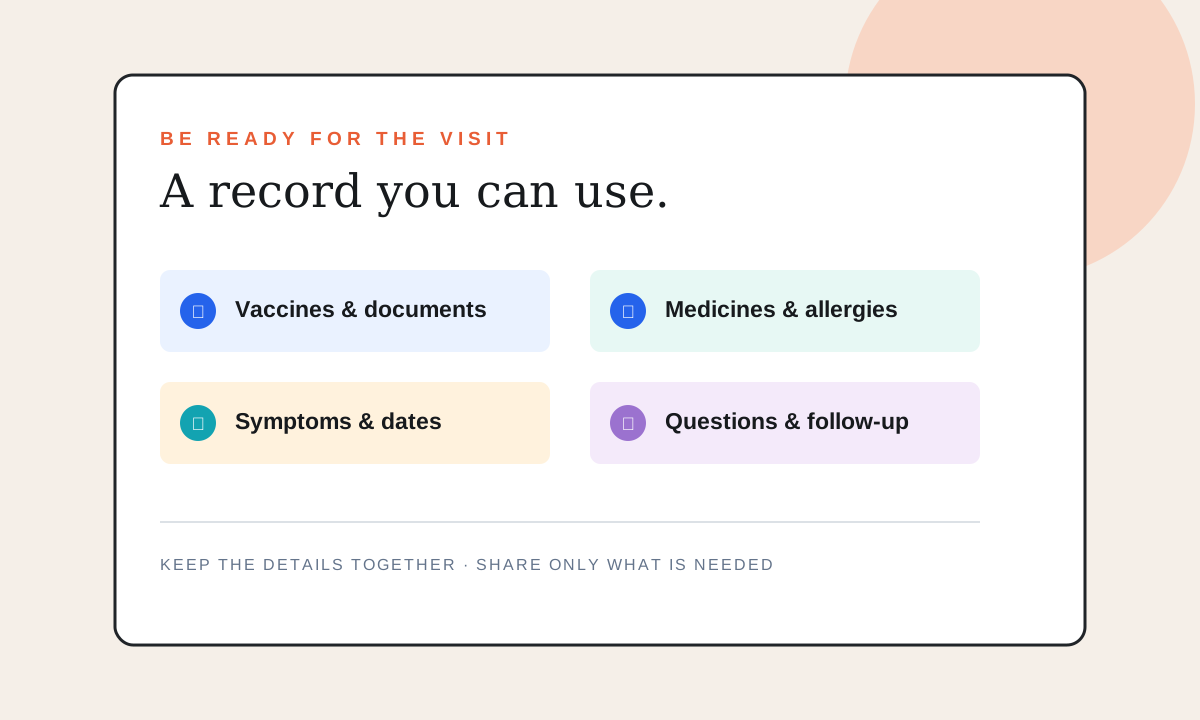
A practical pet health record checklist for a dog or cat vet visit, including medications, vaccines, symptoms, documents, allergies and emergency contacts.
Read post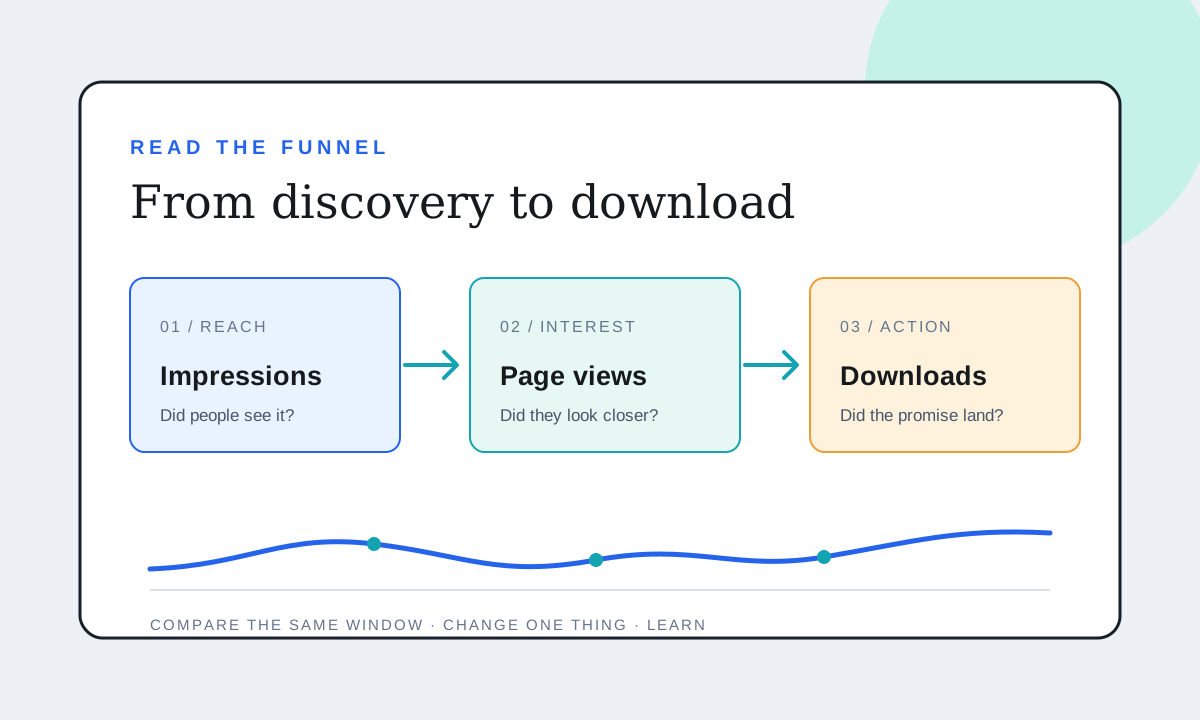
A practical guide to App Store Connect impressions, product-page views, downloads and conversion rate—plus how to make decisions when the numbers are still small.
Read post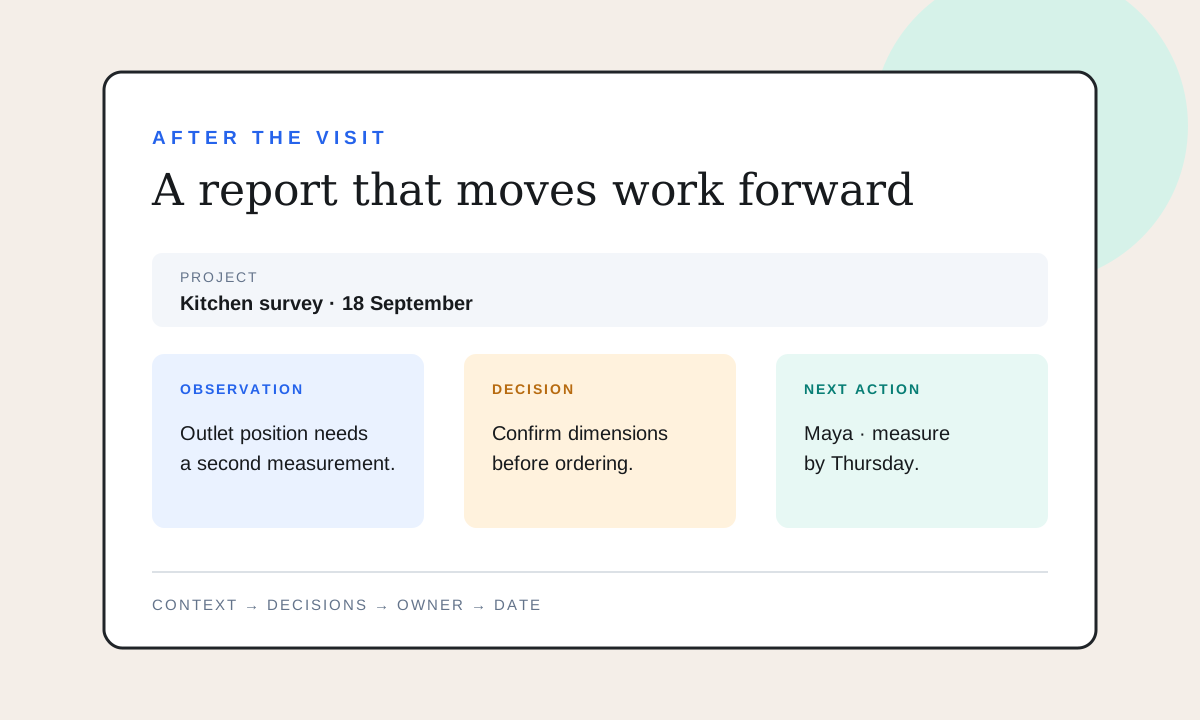
A practical client handoff report template for freelancers after a site visit or project meeting, with sections for decisions, evidence, open questions and next steps.
Read post
A short find for the Strange & Interesting shelf: Nothing Happens turns an intentionally pointless website into a playful, shared place to idle online.
Read post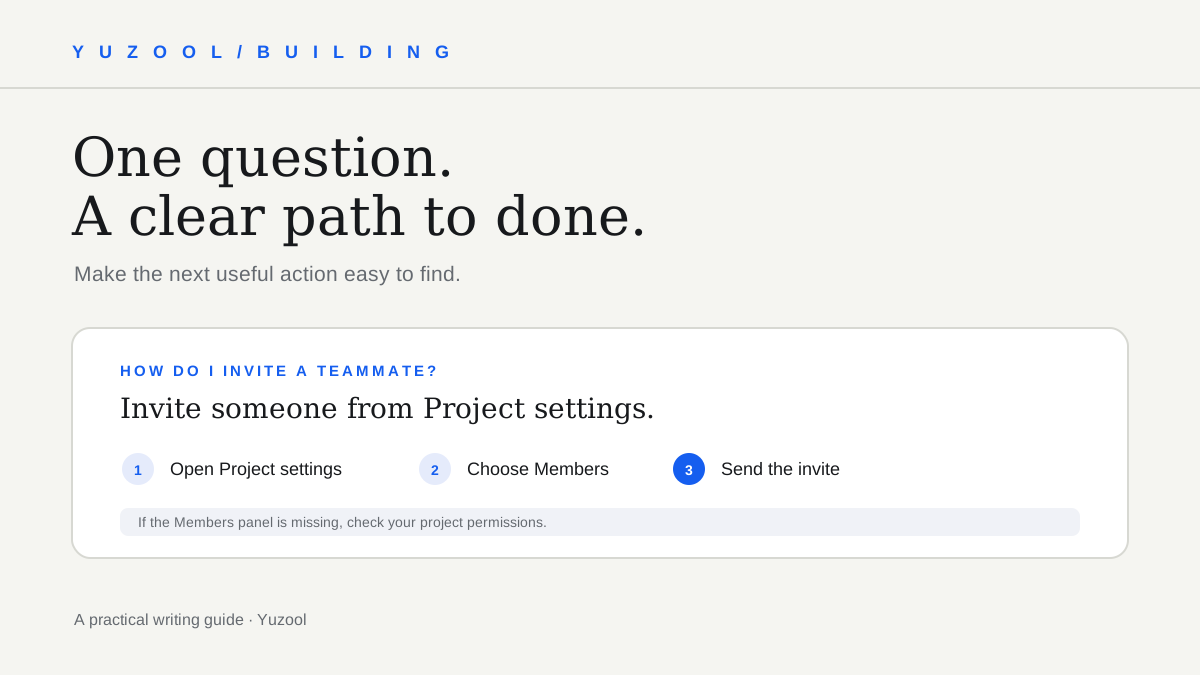
A practical structure for writing help-center articles that answer one question, guide each action, cover likely snags and stay maintainable for a small software team.
Read post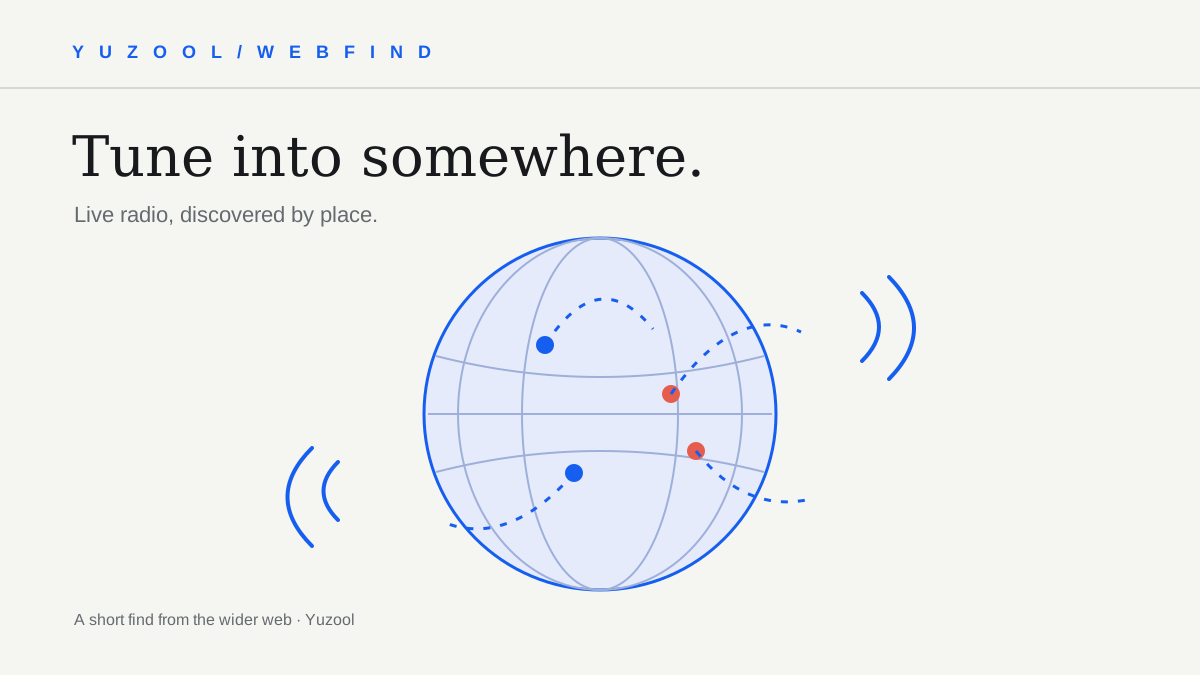
A short find for curious web wanderers: Radio Garden turns live radio into a map, making it easy to tune into places you might never search for by genre.
Read post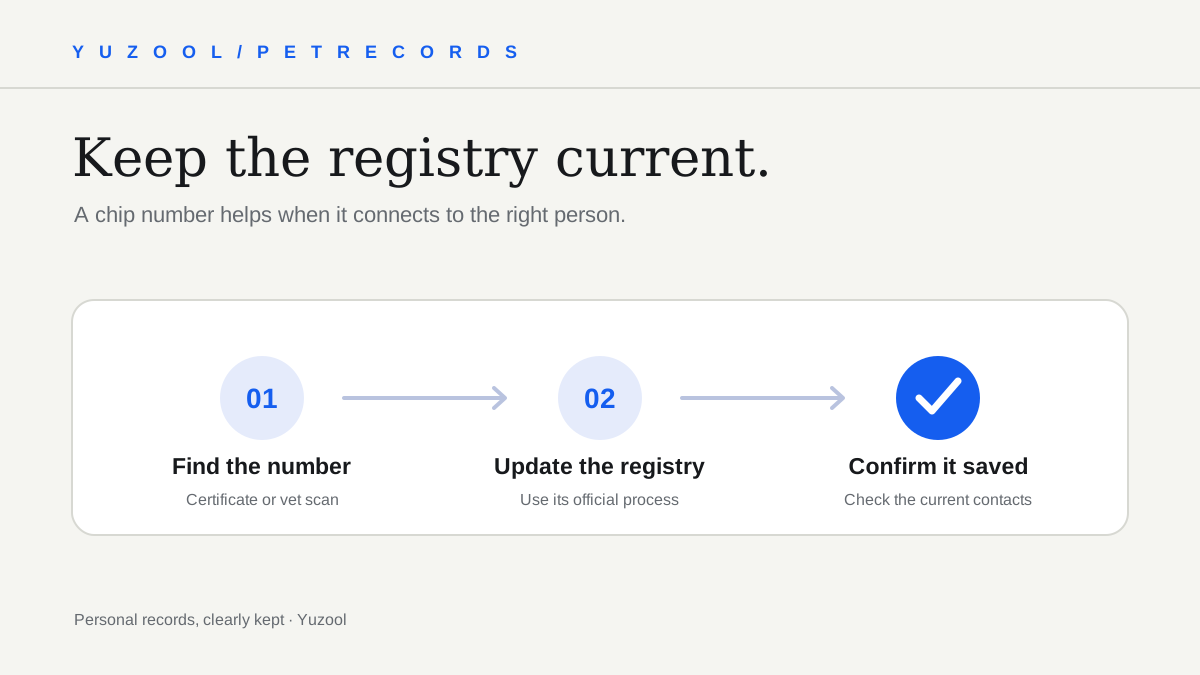
A clear checklist for updating a dog’s microchip registry after a move: find the chip number, identify the right database, change contacts and confirm the update.
Read post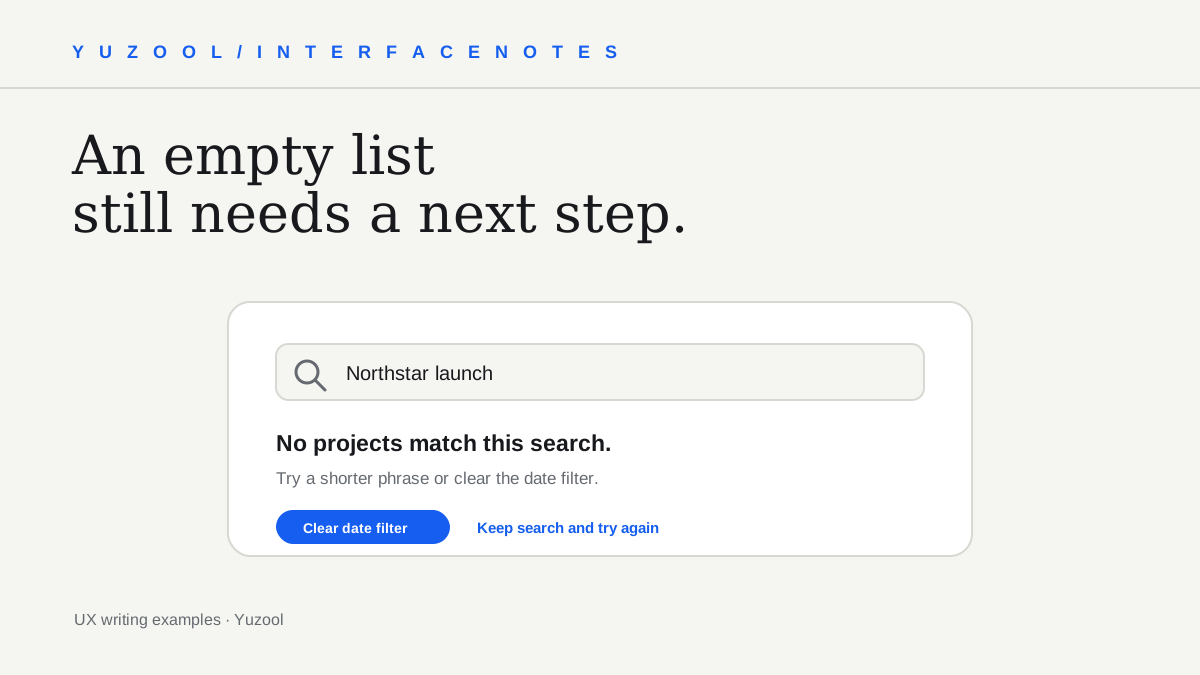
Improve no-results page UX with clearer messages, useful recovery actions, preserved search terms and examples for empty searches and filters.
Read post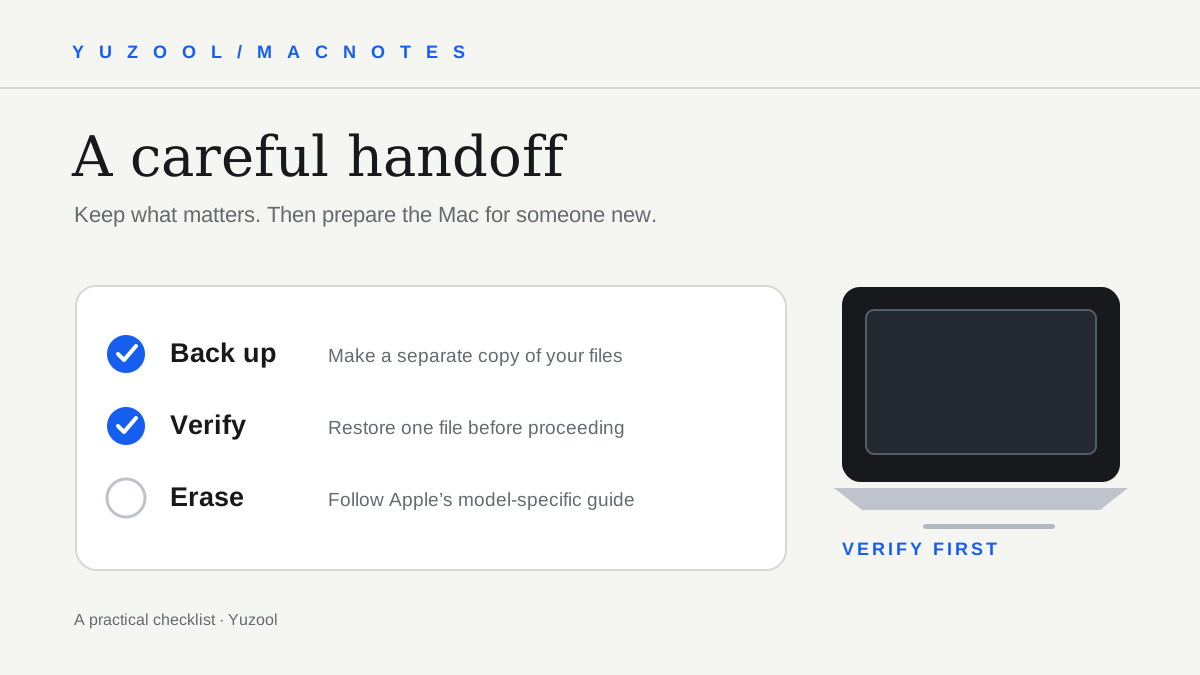
A careful checklist for preparing a Mac for sale or trade-in: plan the transfer, make and verify a backup, sign out, erase, and confirm the handoff.
Read post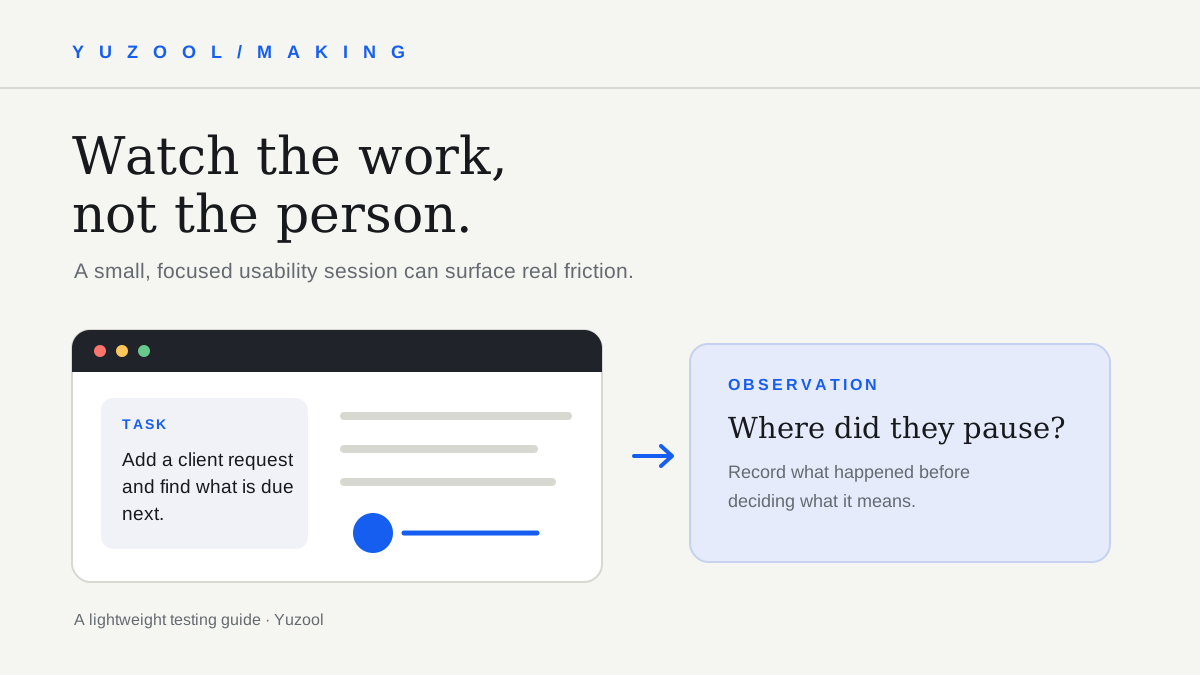
A practical plan for testing a small web app with real users: choose one task, recruit relevant participants, observe without leading, and turn findings into fixes.
Read post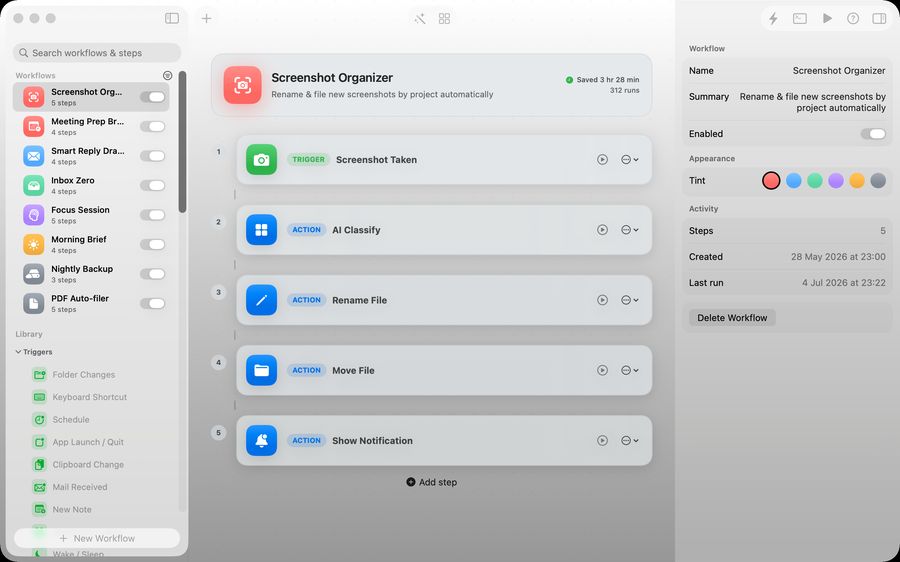
A clear bug report template for recording steps to reproduce, expected and actual results, environment details, evidence and impact.
Read post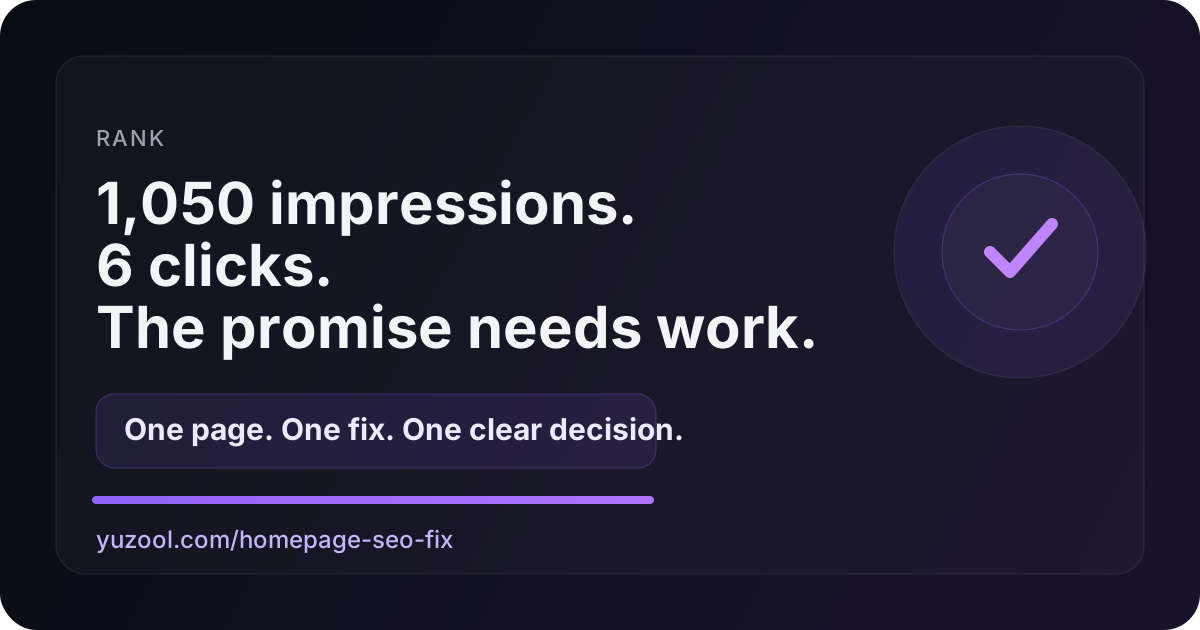
Use this practical 30-minute freelance client kickoff agenda to align on outcomes, scope, feedback, communication, risks and the first next steps.
Read post
Use these freelance invoice line item examples to describe project work, milestones, revisions and expenses so clients can understand what they are paying for.
Read post
A practical freelance project closeout checklist for approvals, deliverables, access, final invoices, open items and a tidy archive.
Read post
A practical structure for app release notes: explain what changed, who benefits, what to do next, and any limitation users should know.
Read post
Stop letting screenshots pile up on your desktop. Set a Mac save location, use a project-and-date folder structure, and name important captures so they are easy to find.
Read post
A playful 24-photo weekend trip challenge: capture the journey, small details, people and quiet moments as one deliberate photographic roll.
Read post
A simple cash expense tracking workflow for freelancers: record the amount, date, purpose, category and receipt while the purchase is still easy to remember.
Read post
A practical overnight pet sitter checklist covering routines, food, medications, emergency contacts, home details and what to do if plans change.
Read post
A practical way to set a group trip budget with friends: agree on a comfortable range, separate shared and personal costs, and decide who books what.
Read post
Use this one-page software project brief template to define the user, problem, outcome, constraints, non-goals and first test before building.
Read post
A polite, practical overdue invoice reminder email template for freelancers, plus a simple follow-up sequence that keeps the relationship professional.
Read post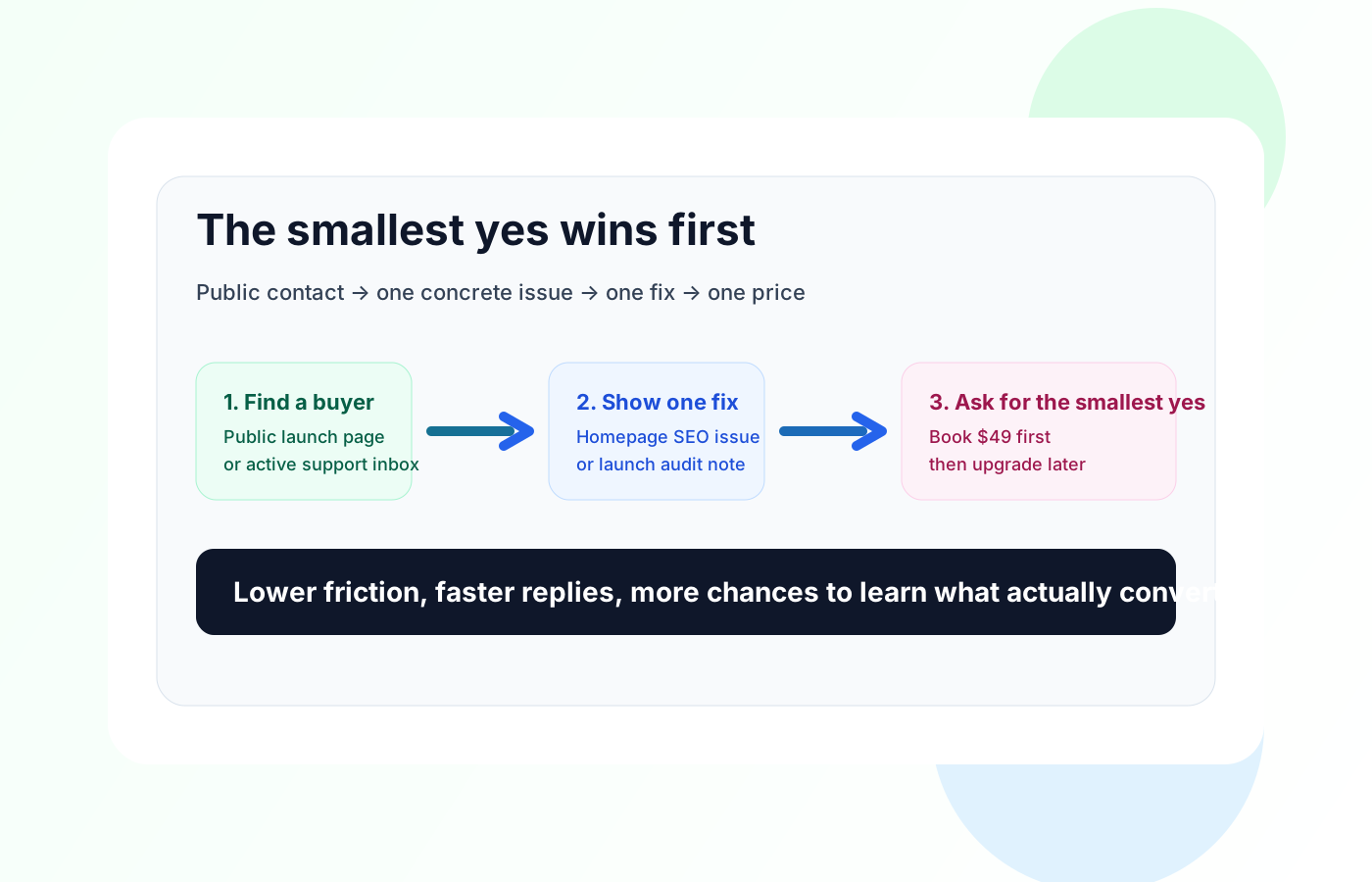
A practical guide to running a QR code photo booth at a wedding: where to place it, how to explain it, and how to make guest photos feel like keepsakes.
Read post
A simple iPhone workflow for turning paper receipts into an expense report: capture each purchase, add context, review currencies, and export a clean summary.
Read post
A realistic weekly planning routine for freelancers on Mac: review open work, choose a few outcomes, place admin deliberately, and move unfinished tasks without starting over.
Read post
A low-friction one-sentence journaling method for iPhone: choose a daily prompt, write one honest line and build a private record that is easy to revisit.
Read post
A clear guide to wedding photo booths and shared guest galleries. Boothly makes personal iPhone photo strips; it does not collect every guest’s photos.
Read post
A guide to choosing short-session arcade games for iPhone: quick starts, clear rules, score chasing and games that fit into spare minutes.
Read post
A practical guide to writing App Store screenshot captions that explain an app quickly: lead with the job, show the workflow and make every frame earn its place.
Read post
A simple travel expense workflow for freelancers: scan receipts when you receive them, add the missing context and keep business spending ready for review.
Read post
A calmer way to carry unfinished tasks into next week: identify the next action, keep the original context and make repeated delays visible.
Read post
A practical expense tracking system for freelancers with several clients: label costs at capture, keep receipts attached and review billable spending without a spreadsheet maze.
Read post
A practical pet travel checklist for road trips: the health records, medications, contacts and emergency details to keep ready on your iPhone.
Read post
A practical checklist for moving your dog or cat's health records to a new vet, including vaccines, medications, allergies, microchip details and emergency contacts.
Read post
A simple workflow for organizing conference receipts after a work trip: capture the receipt, add context, separate personal spending and prepare a clean review.
Read post
A practical weekly planning method for freelancers with multiple clients: protect deadlines, see capacity across projects and keep personal business work visible.
Read post
A practical reset for freelancers when the week goes off-plan: protect commitments, move unfinished work and make a smaller plan without starting over.
Read post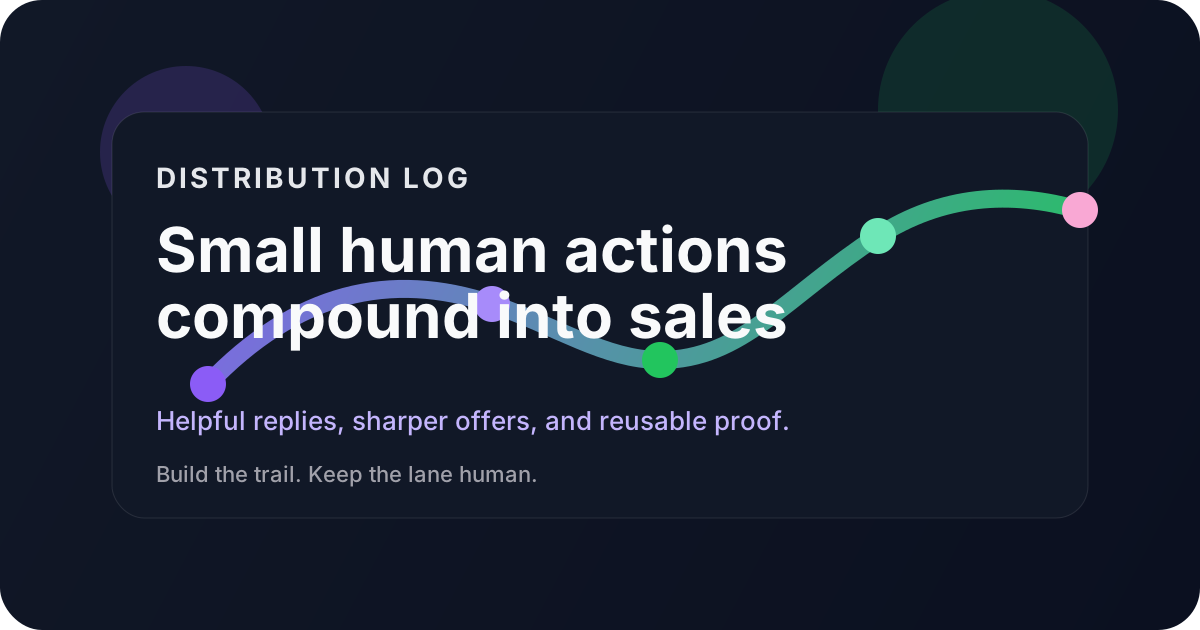
Seven small ways to make the web more human: keep a personal archive, link generously, publish odd details and make useful pages that do not demand everything back.
Read post
A practical app launch page checklist for indie developers: explain the job, show the product, build trust and give visitors one obvious next step.
Read post
A realistic weekly planning method for freelancers who need to match demanding work to their best energy, leave recovery room and still handle moving deadlines.
Read post
A low-friction weekly review for freelancers: see unfinished work, choose a few priorities and reset the next seven days without a complicated productivity system.
Read post
A practical checklist for choosing a small app you will keep using: one clear job, low friction, portable data, fair pricing and a workflow you can explain.
Read post
Why tiny websites with one odd, useful or delightful purpose remain memorable—and how focused web experiences make the internet feel human again.
Read post
What makes a good weekly planner for freelancers on Mac: visible capacity, quick capture, easy rescheduling, iCloud sync and a clear one-time price.
Read post
A simple event photo workflow for parties, weddings and small events: let guests take part quickly, keep the atmosphere moving and gather better shared memories.
Read post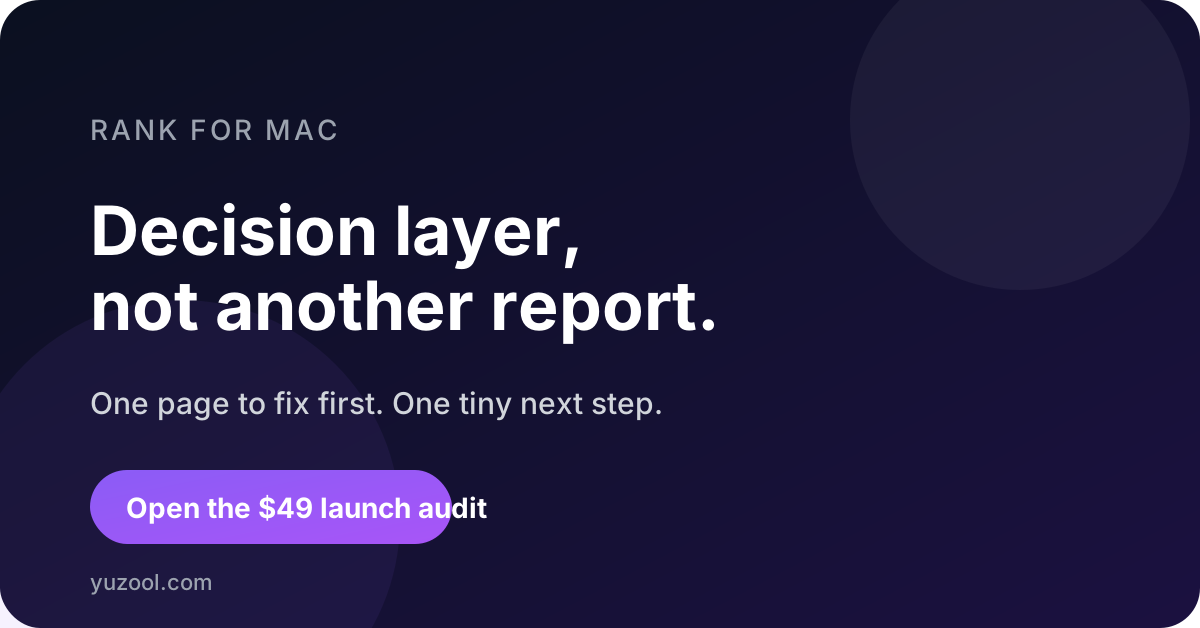
A realistic weekly planning method for freelancers and independent workers when deadlines move, priorities change and the original plan stops matching the week.
Read post
A practical indie software launch page checklist covering the promise, audience, proof, screenshots, pricing, privacy and the one action a visitor should take next.
Read post
A practical guide to choosing Mac productivity apps without a subscription, including weekly planners, focused utilities, privacy and one-time pricing.
Read post
A Strange & Interesting essay on memorable independent websites, recurring details, clear edges and the value of leaving a little room for curiosity.
Read post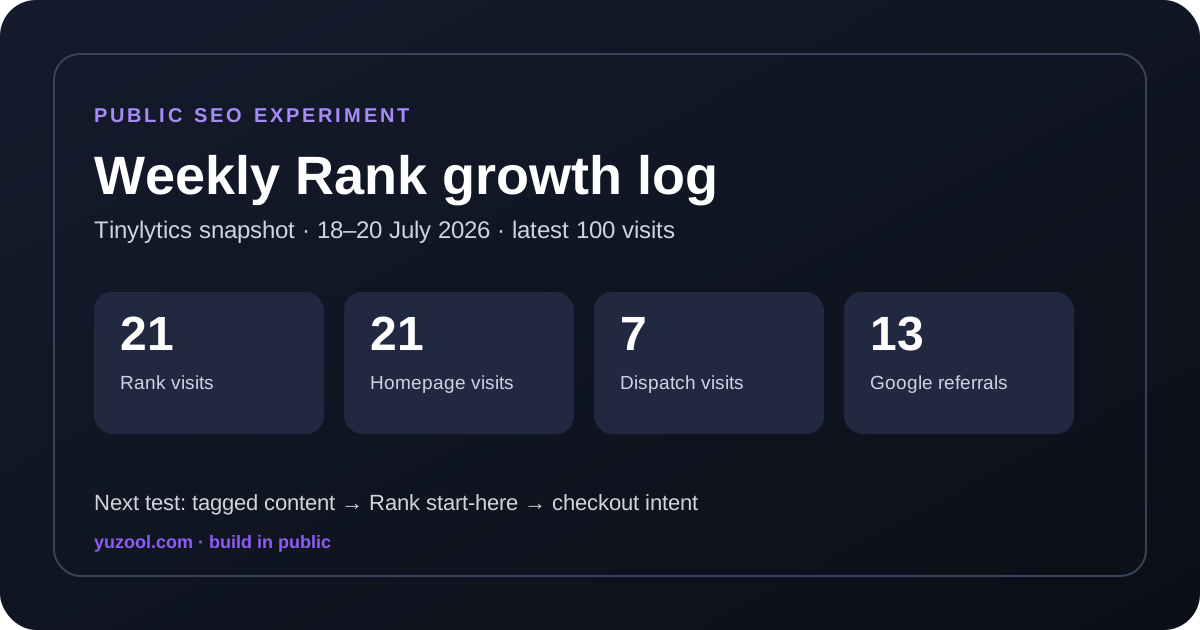
A practical explanation of why a weekly planning board can work better than an endless task list for freelancers, makers and independent workers.
Read post
A practical weekly review system for freelancers and small teams: capture loose ends, choose priorities, clear admin and start Monday with less mental noise.
Read post
What to look for in an iPhone receipt scanner for freelance expenses: fast capture, original currency, useful context, privacy and a review workflow.
Read post
A Strange & Interesting essay about abandoned pages, quiet archives, unfinished projects and why the internet’s dead ends can still be worth visiting.
Read post
A practical checklist for preparing pet vaccine records before boarding, daycare or a sitter: dates, certificates, medications, contacts and emergency details.
Read post
A practical product page structure for a small software business: clear positioning, useful proof, honest limits, search intent and a confident next step.
Read post
A Strange and Interesting reflection on why some web pages feel like places to return to, through archives, odd links, small rituals and a sense of human attention.
Read post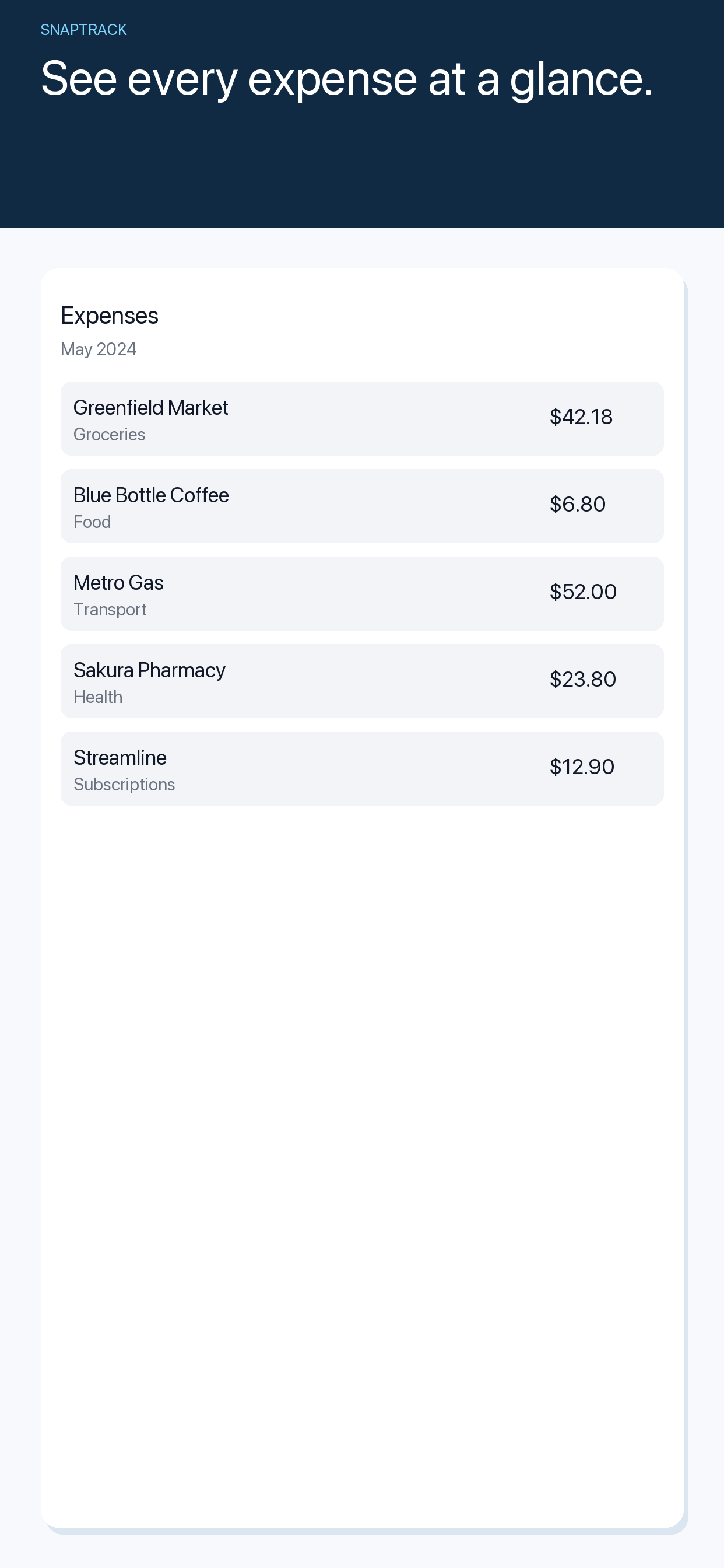
A simple receipt organization system for freelancers: capture expenses quickly, add context, separate business costs and prepare a cleaner tax review.
Read post
A Strange and Interesting look at why tiny digital oddities, abandoned pages, personal archives and imperfect tools can feel more human than polished feeds.
Read post
A practical distribution rhythm for small software products: turn support questions, product decisions and useful examples into a steady stream of discoverable content.
Read post
Learn what to put on a pet emergency card on iPhone, including medications, allergies, vet details, microchip information and who to call.
Read post
A strange and interesting tour of internet objects that kept spreading after their original purpose faded, from buttons and badges to abandoned directories.
Read post
A practical guide to designing a small software homepage that explains the product quickly, earns trust and gives every visitor a useful next step.
Read post
A simple pet medication schedule checklist for vet visits, including doses, timing, missed doses, preventive treatments and what to record at home.
Read post
Search is not only a marketing channel for small software. It is a product surface where people describe the job they need done before they know your app.
Read post
Why small personal archives feel different from feeds: a reflection on saved links, pet records, travel notes and the useful pleasure of keeping things findable.
Read post
Choosing a receipt scanner for freelance work? Compare the features that matter most: fast capture, searchable context, privacy, currency support and easy review.
Read post
A practical way to track travel expenses in different currencies on iPhone, with a simple receipt workflow for freelancers, business trips and holidays.
Read post
A practical pet health record checklist for a vet visit: vaccines, medications, symptoms, weights, documents, allergies and emergency contacts.
Read post
Travel admin gets easier when small apps each handle one useful job. A practical look at receipts, packing lists, notes and the quiet value of focused software.
Read post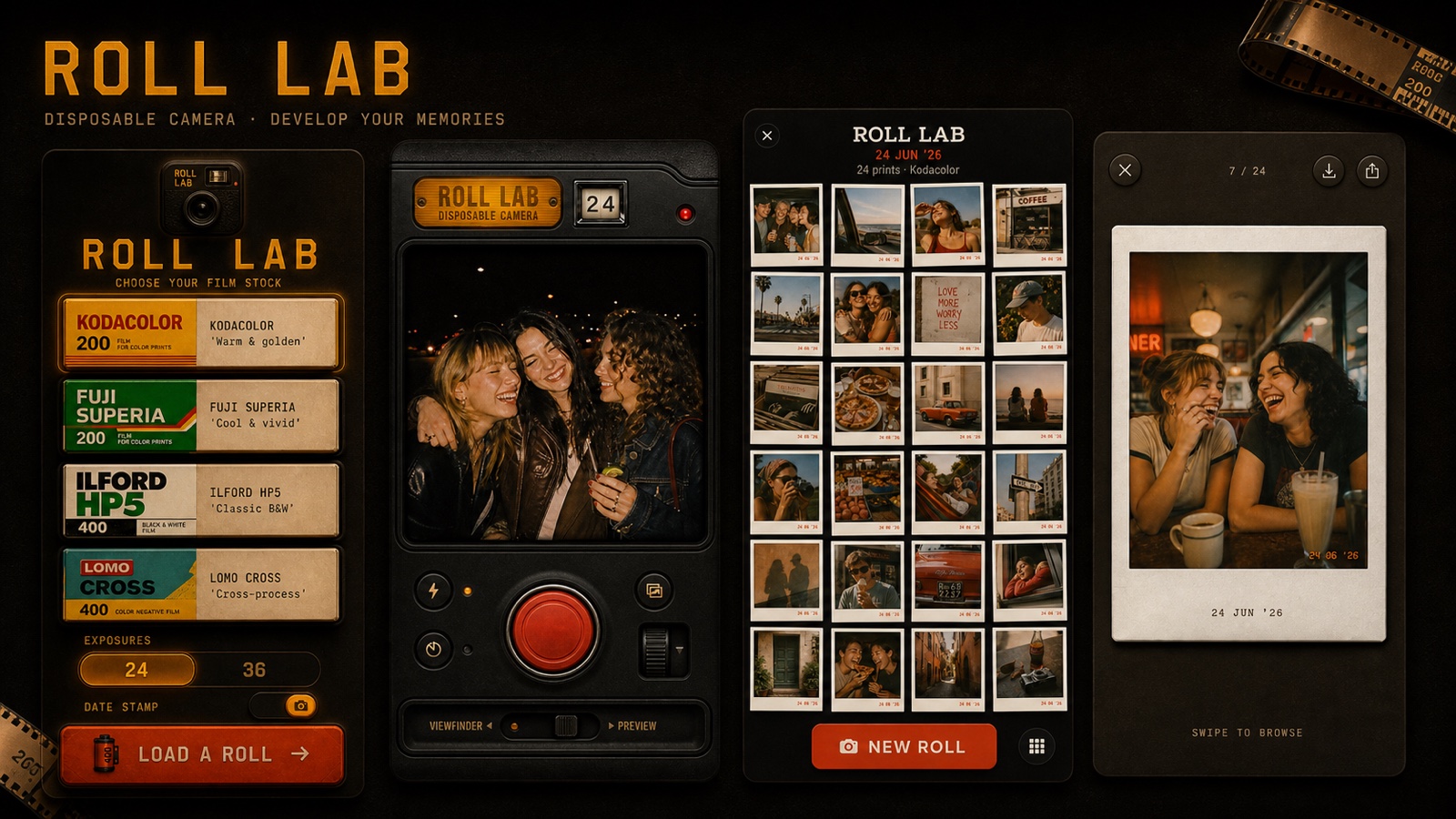
Disposable camera apps add a little friction to phone photography. Here is why choosing a roll, waiting for the reveal and using a contact sheet can make memories feel more present.
Read post
A practical workflow for turning screenshots, photographed notes and copied text into clear actions without letting the camera roll become a second to-do list.
Read post
A one-sentence journal can be a practical way to build a lasting daily writing habit. Start with ordinary details, keep the prompt small and return to the same date.
Read post
The simple build-in-public content loop Yuzool uses to turn product decisions, support questions and release work into useful editorial.
Read post
A review of Cadence Weekly Planner for Mac and iPhone: a simple weekly planning app for freelancers, independent workers and unfinished tasks.
Read post
A lean App Store launch asset checklist covering screenshots, icons, copy, support pages, release notes and the small details that make an indie app easier to trust.
Read post
A practical guide to choosing a local-first notes app: storage, sync, search, exports, AI boundaries and the tradeoffs behind the label.
Read post
A maker profile of the one-person software studio: why product decisions, support, writing and distribution increasingly belong in the same working notebook.
Read post
A practical review of Rank for Mac, a focused SEO workflow for turning Google Search Console impressions and clicks into a short list of pages to improve.
Read post
A curious roundup of internet objects worth opening: personal archives, tiny databases, public notebooks, weird directories and pages that reward wandering.
Read post
Why the best Mac menu bar apps disappear into the edge of your screen until the exact moment their small job becomes useful.
Read post
A practical framework for deciding which AI tasks belong on-device, which can use a private service and which need a clear cloud boundary.
Read post
An essay about why focused software can make clearer promises, show its boundaries and earn trust without trying to become a platform.
Read post
A practical app launch assets checklist for indie developers: define the promise, build the page, prepare store copy, create proof and write one clear announcement.
Read post
A practical App Store launch plan for indie developers: research the market, choose the promise, prepare the store page, run a pre-flight check and distribute the release.
Read post
A simple email triage workflow for Mac: scan, decide, write and revisit important threads without trying to reach inbox zero.
Read post
A practical group trip planning method for keeping the itinerary, packing list, decisions and shared expenses together without relying on a chaotic group chat.
Read post
A practical guide to indie app revenue dashboards: bring the signal together, keep providers as the source of truth and use a small review rhythm for better decisions.
Read post
A practical way to prepare pet health records for a vet visit: gather current details, review history, collect documents and write down questions.
Read post
A practical SEO content refresh workflow for small sites: find the page with real demand, name the mismatch, ship one change and review the evidence.
Read post
A practical weekly planning method for freelancers: separate committed work from important work, leave room for change and carry unfinished tasks forward without guilt.
Read post
A practical guide to long-tail SEO for indie apps: build pages around the exact job someone is trying to finish, then connect the page to a product that genuinely helps.
Read post
A lightweight weekly review for founders with several Mac and iPhone apps: check evidence, choose one product, make one distribution move and stop before the review becomes anxiety.
Read post
A practical weekly revenue routine for indie developers with several Mac and iPhone apps: what to check, what to ignore, and how to choose the next distribution action.
Read post
A practical way for indie developers to read Paddle and App Store Connect sales together without replacing either provider's reports.
Read post
A practical guide to small-list personal outreach: relevance, review, pacing, privacy and why a focused Mac workflow can be better than a broad campaign platform.
Read post
Why local providers, BYOK cloud models, small prompts, terminal-style interfaces and clear data boundaries matter for practical Mac AI tools.
Read post
Why I built Cadence around a weekly board, GTD principles, dragging tasks forward, and the reality of freelance work.
Read post
Cloak is a terminal-style AI sidekick for Mac because quick questions need speed, privacy boundaries, keyboard flow and a little character.
Read post
Why Rank exists: Search Console data is useful, but SEO work gets easier when checks, changes and decisions live in one Mac workspace.
Read post
A practical case for small native Mac apps when the job needs speed, privacy, files, keyboard flow and fewer subscriptions.
Read post
Algorithmic feeds are excellent at keeping attention moving. The next web may be more personal: newsletters, RSS, small communities and deliberate reading.
Read post
AI privacy is becoming a product-design question: show the provider, keep small tasks local when possible, and make cloud use an explicit choice.
Read post
The Mac is powerful because of small, durable details: files, keyboard flow, windows, local state and an environment that lets focused work stay focused.
Read post
A one-person hardware business is a lesson in constraints: choose one useful object, explain it clearly, and make every production decision count.
Read post
Clipboard managers are useful because they remember the small things. That makes local storage, clear controls and privacy boundaries essential.
Read post
Independent developers are building focused software again: smaller products, clearer boundaries, direct support and more ownership for the people who use them.
Read post
Productivity software often adds more planning than progress. A better approach is to make one meaningful job visible and remove the rest.
Read post
Local-first software is not simply software without a server. It is a clearer product decision about where data lives, what works offline, and what leaves your device.
Read post
Why small, opinionated software can feel better than a general-purpose suite when it understands one repeated job deeply.
Read post
Small teams can compete with bigger companies by reducing decisions, staying close to users, and building software around a clear job.
Read post
A practical launch plan for independent app developers: choose one audience, make one promise clear, and measure what happens after release.
Read post
The most memorable corners of the web are often small, personal and imperfect. A case for curiosity over algorithmic certainty.
Read post
A small reading list for leaving the algorithmic centre: archives, personal sites, web toys, independent newsletters and places built around curiosity.
Read post