Use the result as a working note
This free Suzume Mail-related tool is designed to make one small task easier to start. It runs in this page, without an account or server-side submission. The generated text is a prompt for your own judgment—not professional, financial, legal, medical or platform advice.
Sort by the next action, not by the sender
A useful first pass distinguishes messages to answer, messages blocked on someone else, records worth keeping and messages that need no action. That gives each email a job without forcing every conversation into a complicated folder system.
Make waiting visible
“Waiting for a reply” is easy to forget when it lives only in an inbox. Write the person or decision you are waiting on and when you will check again. A short reminder is more reliable than repeatedly reopening the same thread.
Protect the first few minutes
Start by checking for a real deadline, an urgent customer issue or a time-sensitive request. Do not let newsletters and notifications set the agenda. If a message needs research or careful writing, turn it into a next action and move it out of the quick-reply batch instead of sending a rushed answer.
End with a clean stopping point
When the timer ends, leave unfinished work with a clear owner and next step. Archive or file only when your system makes retrieval reliable; do not move a message just to make the inbox count look better. A repeatable stopping rule makes it easier to return to focused work.
Choose a mail client for the way you read
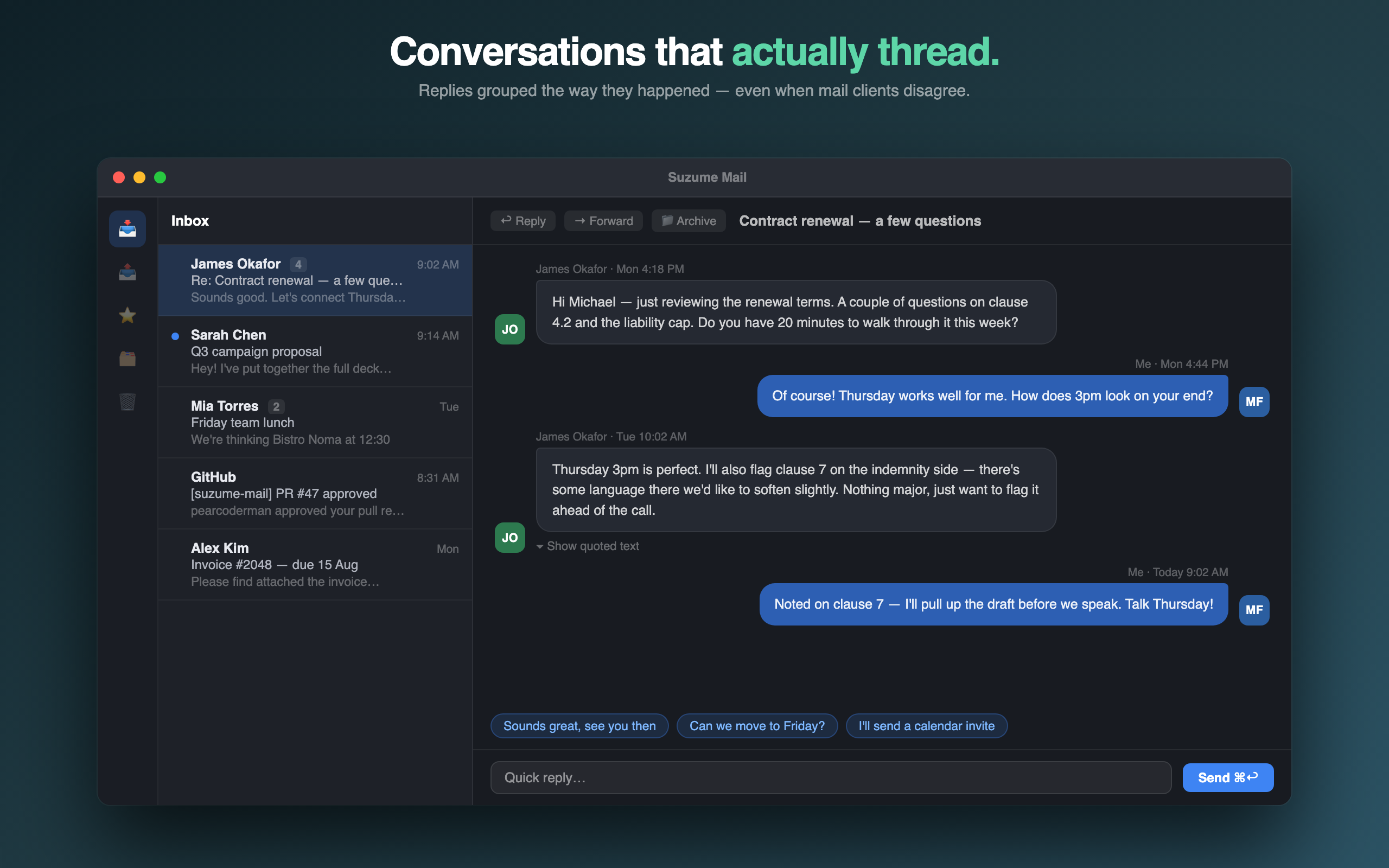
If you spend a lot of the day inside long threads, the reading experience itself matters. Suzume Mail is a Mac email client with conversation-style threads and on-device summaries; check the product page for current supported accounts and feature details.
Keep the next step small
Save the output for your own reference, verify details against the real product and source records, and decide whether a dedicated app would make the recurring workflow easier. You can explore Suzume Mail below and check the current product details before downloading or purchasing.
Read the related guide
For a fuller walkthrough, see A practical email triage workflow for Mac →