Choose Mailbutler If
- You mainly want inbox productivity features like notes and signatures.
- You work inside your existing mail client and want lightweight add-ons.
- You are not running structured outreach queues from CSV lists.
Compare
Both tools can help with email, but they solve different jobs. Mailbutler is mainly an inbox productivity layer. DripSend is a dedicated personal outreach queue designed for one-by-one sending with pacing and safety controls.
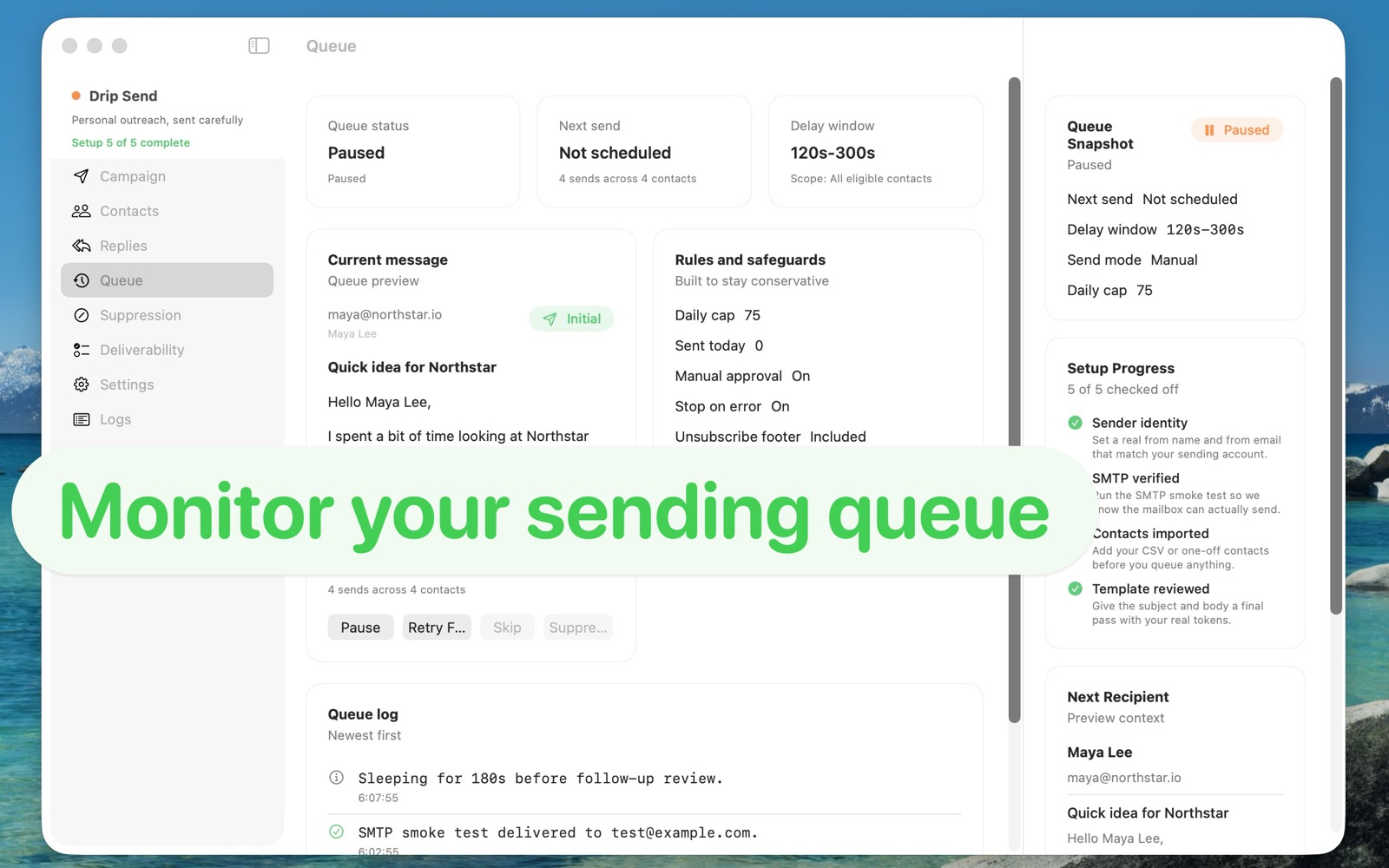
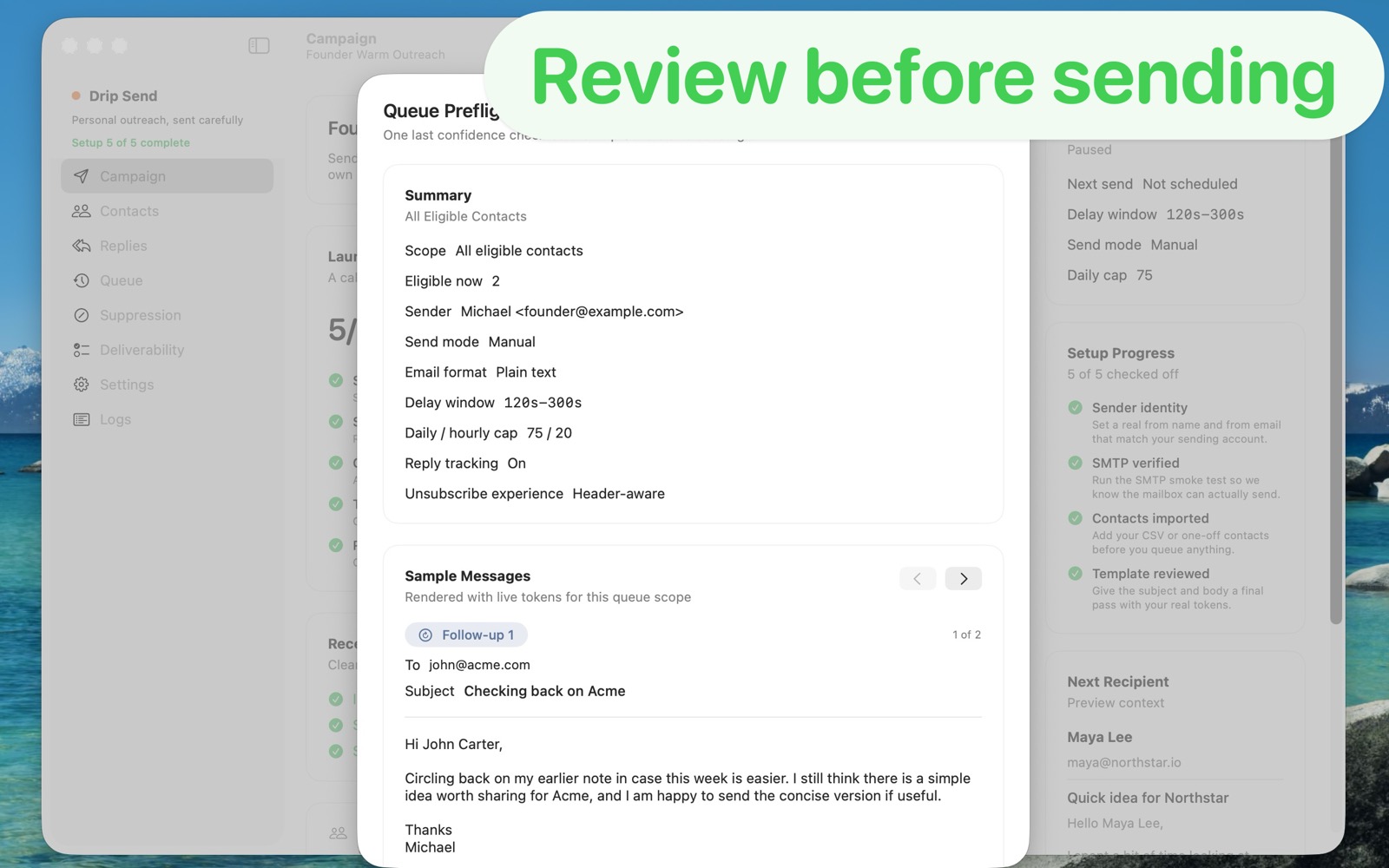
DripSend is purpose-built around a queue workflow, not inbox overlays. You import contacts, preview with live data, and send with conservative pacing and safety defaults.
| Area | DripSend | Mailbutler |
|---|---|---|
| Primary use | Dedicated personal outbound queue from your own sending account | Inbox productivity add-on for Apple Mail, Gmail, and Outlook |
| CSV upload for campaigns | Built-in CSV import workflow for recipient lists | No dedicated CSV campaign upload flow for outreach queues |
| Pacing and send safety | Delay windows, daily/hourly caps, and pre-send queue checks | Not centered on outbound queue pacing as core behavior |
| Reply and suppression flow | Designed to track replies/unsubscribes and prevent bad follow-ups | Strong mailbox-level helpers, but not a dedicated suppression queue system |
| Ease of use for outreach | Focused workflow: import, personalize, review, queue, monitor | Easy for inbox enhancements; less direct for campaign-style personal outreach |
| Price framing | $34 one-time (charged in local currency at checkout) | Subscription-oriented pricing model |
Choose Mailbutler If
Choose DripSend If
Mailbutler is strong for mailbox productivity. DripSend is stronger when your priority is careful one-by-one outreach with CSV-driven queue management, pacing controls, and suppression-safe follow-up behavior.