Free Quick Design template
Instagram carousel template
The carousel has four 4:5 slides: a hook that makes people swipe, numbered tips and a closing slide. Type your own topic over the example, add or remove slides, and download them all to post together.

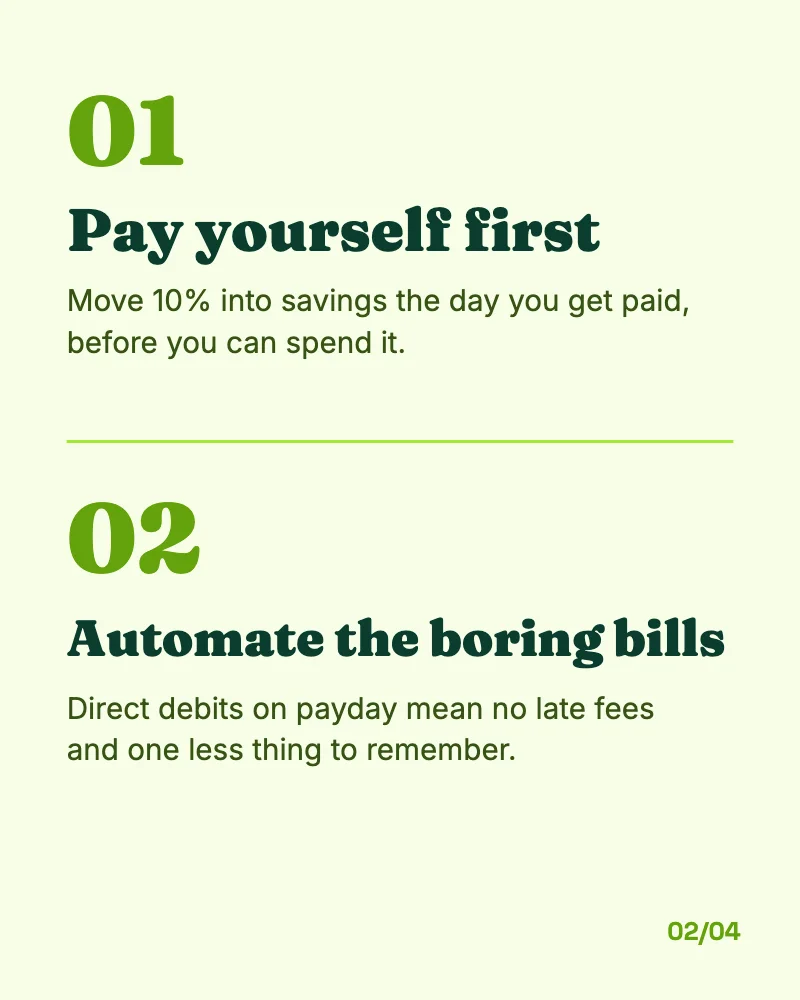
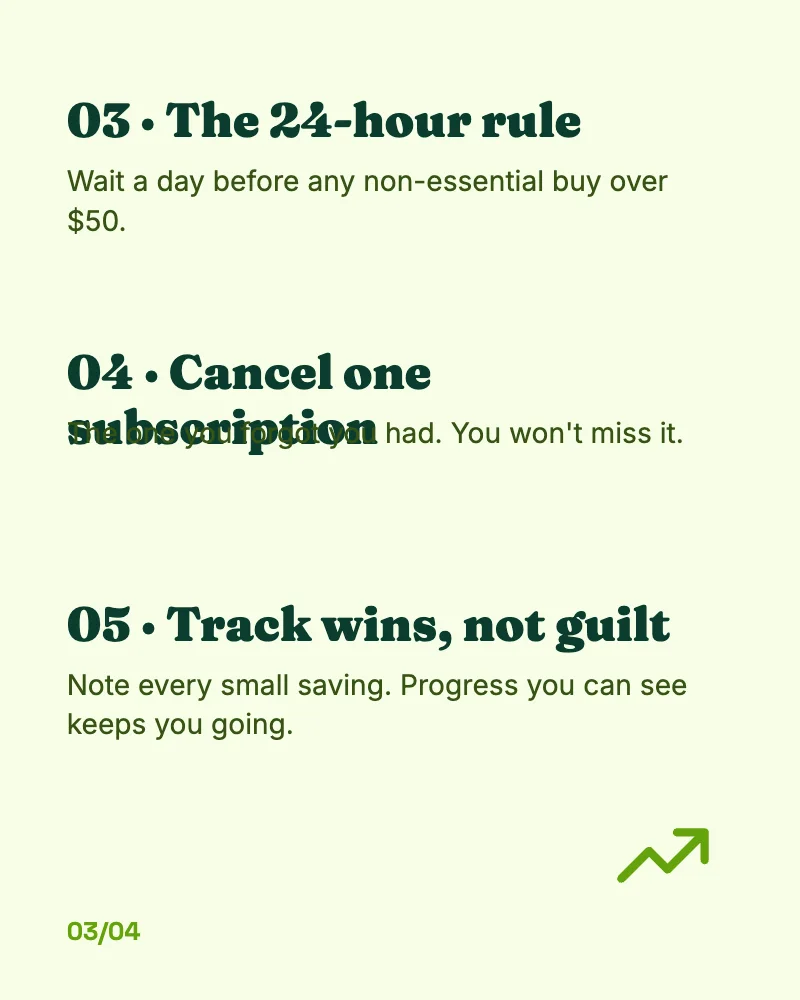

What’s in it
- Size: 1080 × 1350 pixels a slide (4:5, the tallest a feed post can be, so it takes up the most of the screen).
- Pages: 4, downloaded together or one at a time.
- Fonts: Space Grotesk, Fraunces, Inter.
- Animated in an MP4 or GIF.
How to make it
- Use this template.
- Write your own hook on the first slide, your tips on the middle slides and a call to save or follow on the last.
- Download a PNG, JPG, MP4 or GIF.
Tips
- The first slide is the whole job: a number and a promise (“5 money habits that actually work”) make people swipe.
- One tip a slide, in a sentence or two. Carousels are read on a phone.
- Duplicate a middle slide (tap it in the pages bar) to add another tip with the same layout.
Questions
How many slides can a carousel have?
Instagram allows up to 20 slides in a carousel post. Duplicate a slide in Quick Design to add more.
Can I use it on LinkedIn?
Yes. Download the slides as PNGs and post them together, or add them to a document post.