Free Quick Design template
YouTube thumbnail template
Open the template, put in a frame from your video or a photo, type three or four words, and download it at 1280 × 720, the size YouTube asks for. There’s a second free thumbnail, Sunday Reset Vlog, for vlogs.
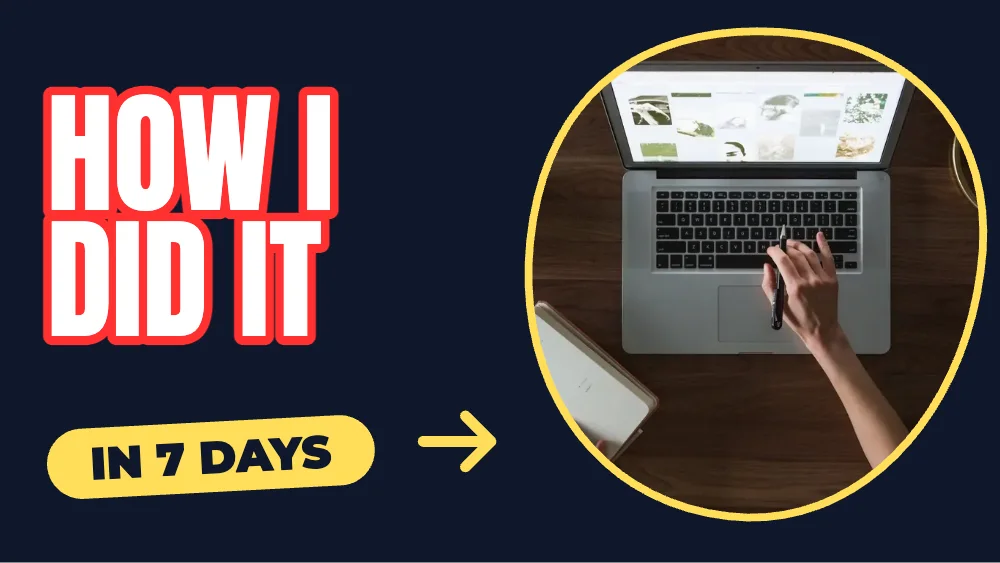
What’s in it
- Size: 1280 × 720 pixels (16:9), the size YouTube asks for.
- Fonts: Anton, Montserrat.
- Photo: CC0, yours to keep or swap.
- Animated in an MP4 or GIF.
How to make it
- Use this template.
- Swap the photo for a still from your video, and change the words to your title in three or four words.
- Download a PNG, JPG, MP4 or GIF.
Tips
- Three or four words at most: the thumbnail and the title should say different things.
- A face looking at the camera or at the words gets more clicks.
- Check it small: zoom out in the editor to see it at the size people scroll past.
Questions
What size is a YouTube thumbnail?
1280 × 720 pixels (16:9), under 2 MB, as JPG or PNG. The template is that size; download the JPG if the PNG is over 2 MB.
Can I remove the background from my photo?
Background removal (on your device) is in Quick Design Pro. Free, you can crop the photo, add filters and frames.