Free Quick Design template
Pet adoption post template
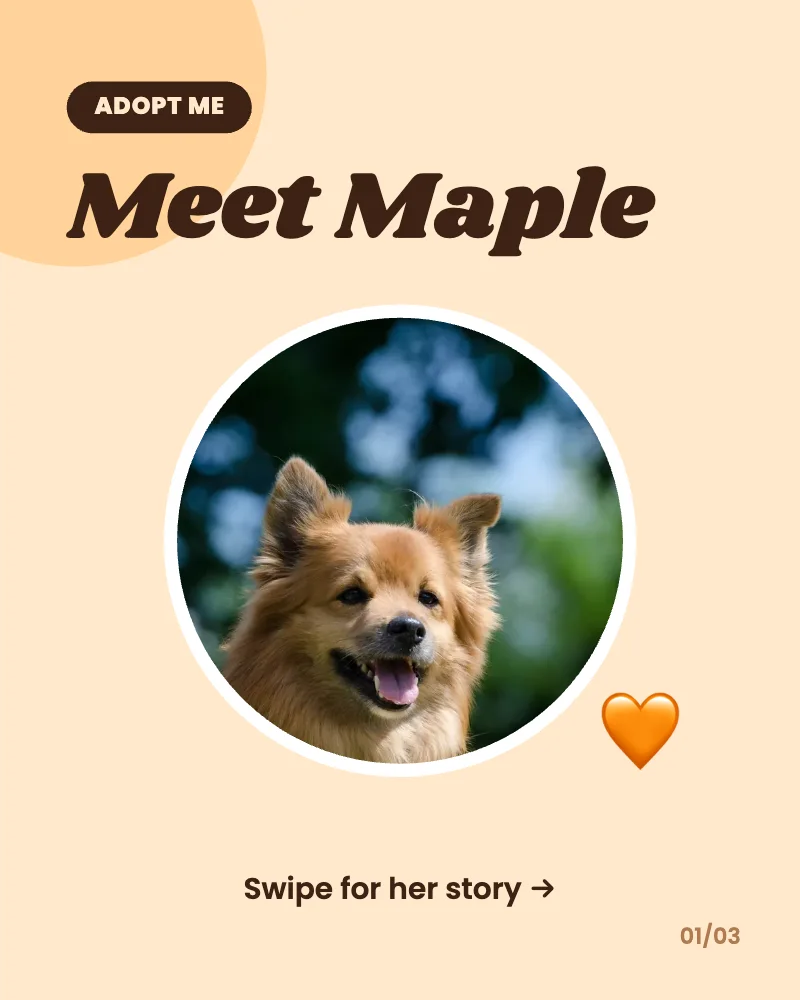
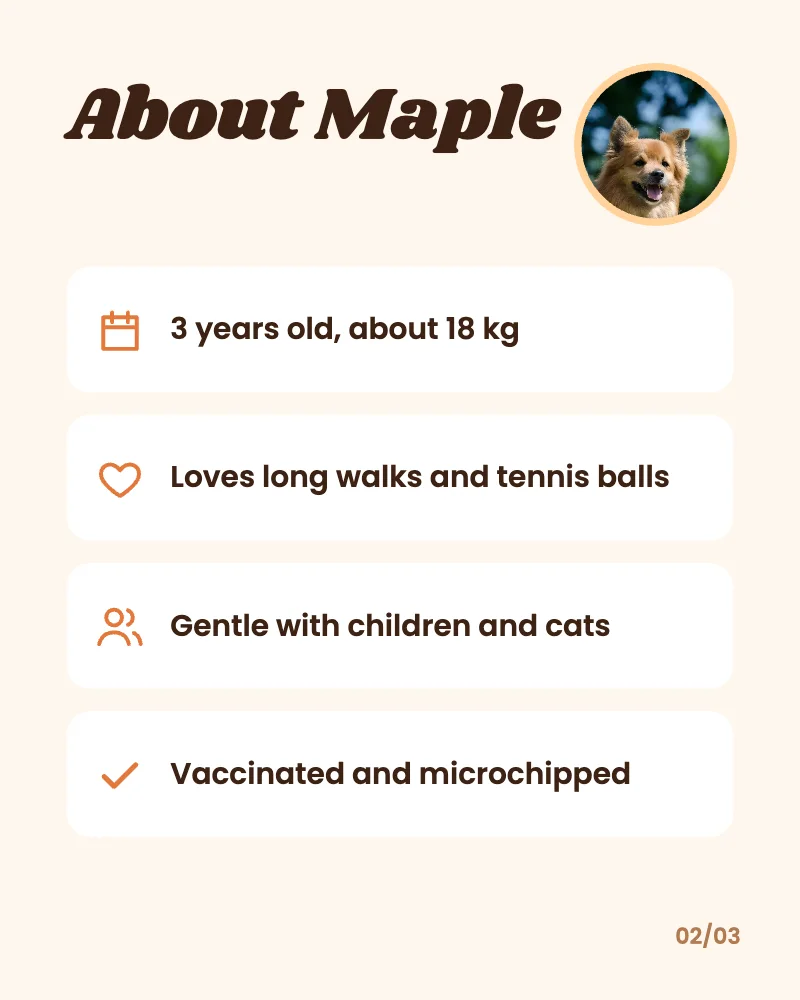
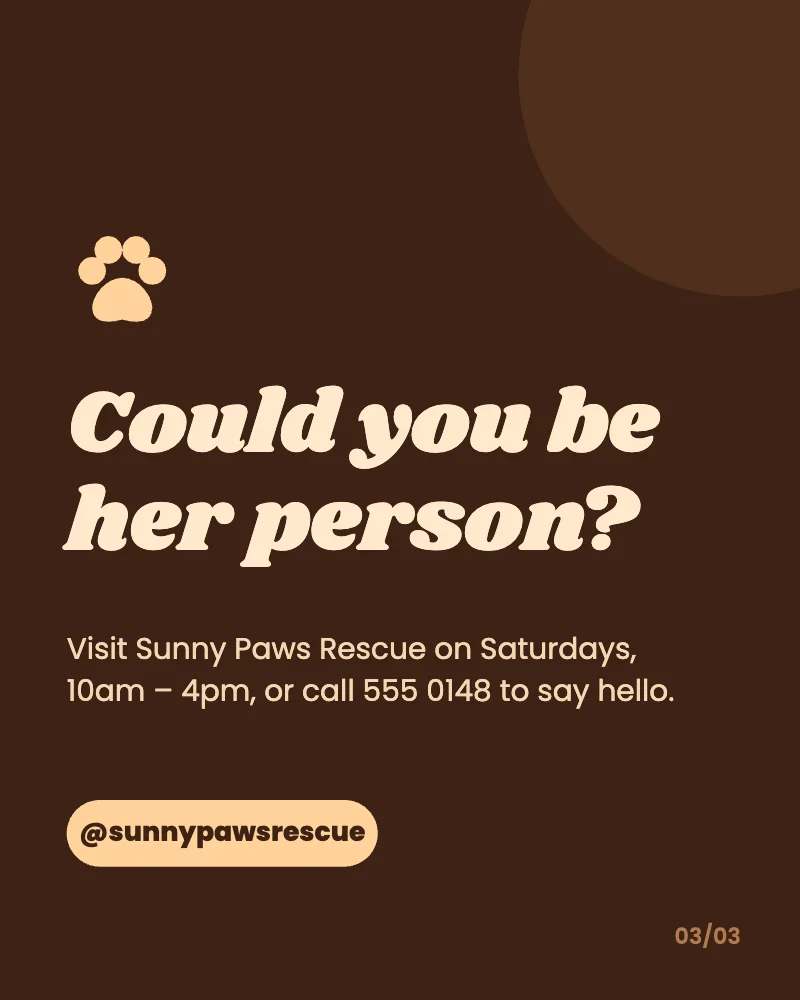
The template is a three-slide Instagram carousel: “Adopt me” with a big photo and the pet’s name, then four facts about them, then how to meet them. Put in your animal’s photo, name and details, and download the slides to post together.
What’s in it
- Size: 1080 × 1350 pixels a slide (4:5, the tallest a feed post can be, so it takes up the most of the screen).
- Pages: 3, downloaded together or one at a time.
- Fonts: Poppins, Shrikhand.
- Photos: CC0, yours to keep or swap.
- Animated in an MP4 or GIF.
How to make it
- Use this template.
- Put in the animal’s photos and name, change the four facts on the second slide and the rescue’s opening times and phone number on the last.
- Download a PNG, JPG, MP4 or GIF.
Tips
- Use the first slide’s photo to show the face, close up and in good light: that slide decides whether people swipe.
- Be honest in the facts. “Needs a home with no cats” finds the right person faster than a perfect-sounding pet.
- Make one for each animal with Make many: a list of names, ages and facts fills a carousel for every row.
Questions
Can I post it on Facebook too?
Yes. Download the three slides and add them as one post with several photos. They’re 4:5, which Facebook shows at full size too.
Are the dog photos free to use?
The example photos are CC0, so they’re free for any use, but you’ll want your own animal’s pictures: tap a photo and choose a new one.