Free Quick Design template
Place card template with names from a list
Open the template, change the style to match your day, then use Make many: paste your guest list with each table and Quick Design makes a card for every guest. Download them and print.
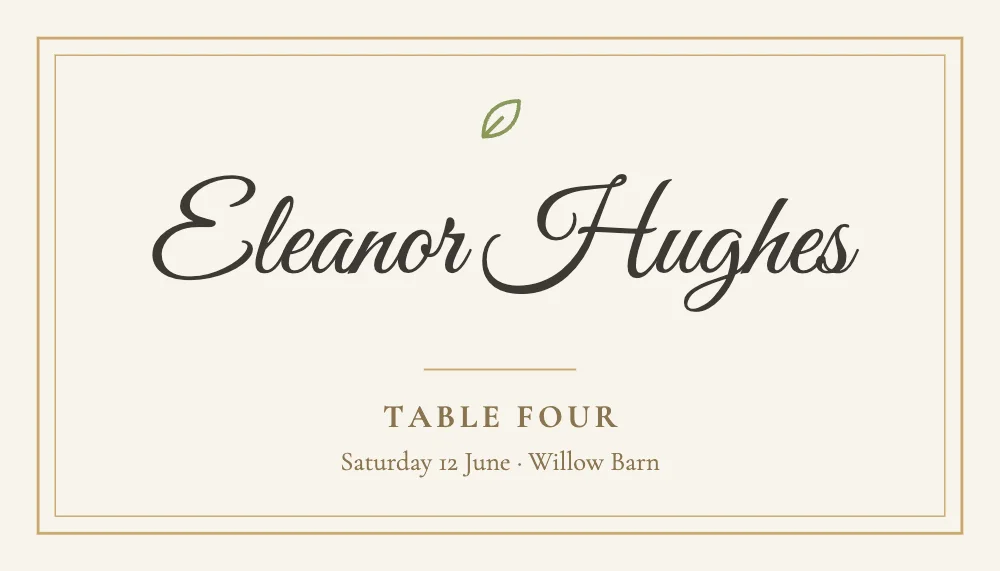
What’s in it
- Size: 1050 × 600 pixels, a business card (3.5 × 2 inches) at 300 dpi.
- Fonts: Great Vibes, Cormorant Garamond.
- Animated in an MP4 or GIF.
How to make it
- Use this template.
- Change the date and place line, then use Make many with your guest list (names and tables) to fill one card for each guest.
- Download a PNG at 3× and print.
Tips
- Paste the guest list straight from a spreadsheet: one column for names, one for tables.
- Check long names: Make many shows every card before you download, so you can spot one that’s too long.
- Print on card and cut, or print on folded place card stock.
Questions
How do I put a different name on each card?
Use Make many (on the page’s toolbar when nothing is selected). Paste or type a list, match the columns to the name and table on the card, and it makes a copy for each row.
Can I use it for a dinner party or a conference?
Yes. Change the wording: it’s a name, a line and a date on a card.