Yuzool Store · App Store screenshots
Audit your App Store screenshots before they waste a launch
A screenshot can be beautiful and still fail to explain why somebody should tap. Use a short audit to make the first frame, sequence and proof easier to understand.
Get Dispatch — $39 once Explore Dispatch
Read the first frame at a glance
Give somebody five seconds and ask what the app does, who it is for and what problem the screen solves. If the answer depends on reading tiny copy or seeing the fourth screenshot, the first frame is carrying too little of the story.
Compare the promise, not just the pixels
Look at competing listings in the same search result. Note the words they repeat, the proof they show early and the job their screenshots make visible. The opportunity may be a clearer promise rather than a louder design.
Use a repeatable checklist
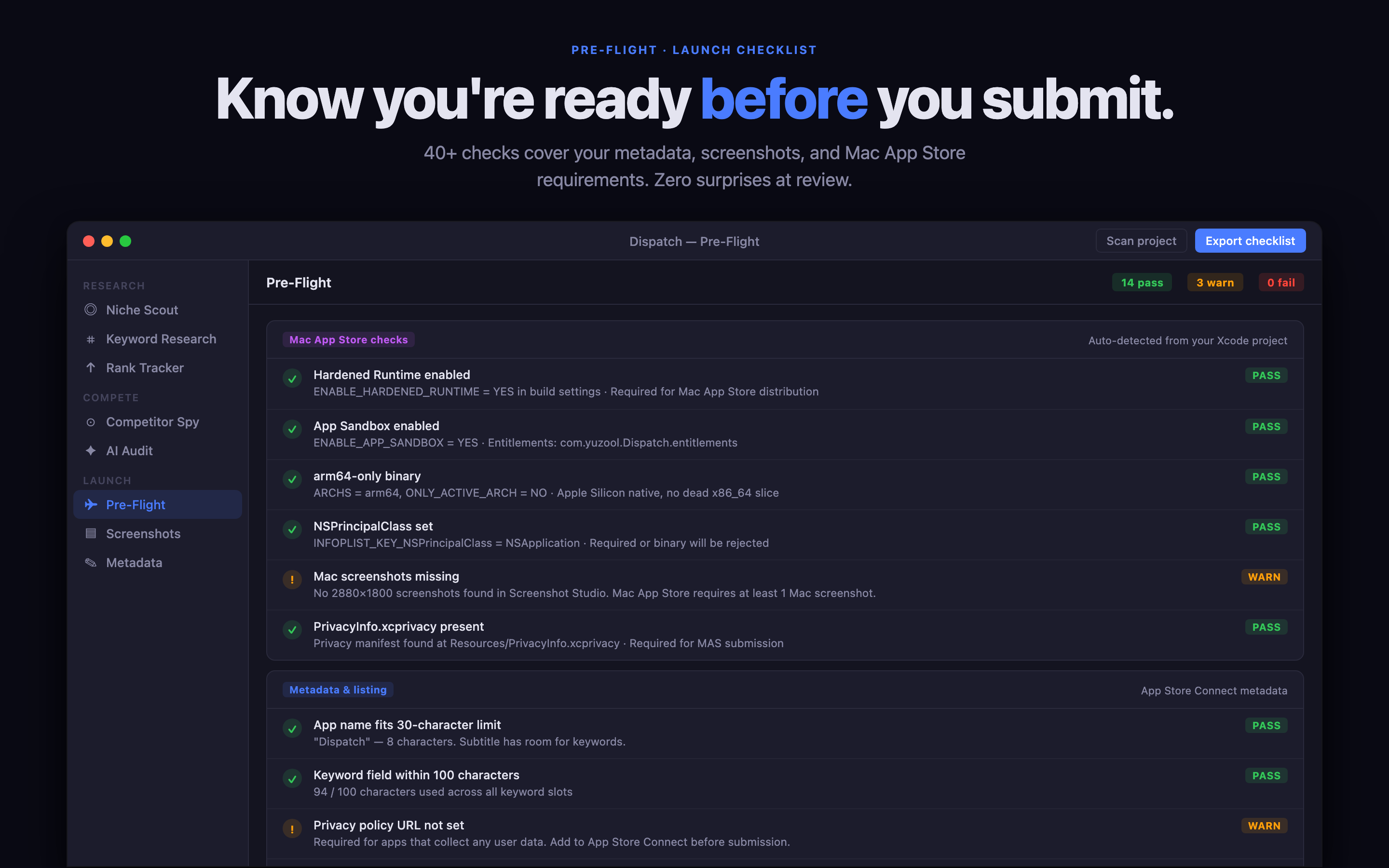
Check the first headline, contrast, device frame, feature order, screenshot dimensions, pricing language and whether every claim can be supported in the app. Keep the audit close to your keyword and metadata decisions so the listing reads like one product.
Dispatch keeps the launch chain together
Dispatch is a Mac workflow for app research, ASO, screenshot planning, metadata and preflight checks. It helps a solo developer move from “these screenshots look nice” to “this sequence explains the product to the right searcher.”