 Drip Send
Email outreach and marketing with privacy on your Mac
If your outreach list is sensitive, your workflow should be too. Running personal outreach locally on macOS helps you protect client data, maintain trust, and still move fast.
Why privacy-first outreach matters
Most outreach mistakes do not happen in the copy. They happen in the workflow. Exporting CSVs into multiple browser tools, connecting too many third-party automations, and sharing live contact data across dashboards all increase risk.
Privacy-first outreach means your contact lists, campaign logic, and message drafts stay close to where you work. On a Mac workflow, that usually means local storage, fewer integrations, and tighter operational control.
Core principles for safer outreach
- Keep source data local: Import only the contacts you need for the current campaign batch.
- Minimize tool sprawl: The more systems touching your list, the higher the leakage risk.
- Send from your own mailbox: Personal inbox context often improves trust and response quality.
- Throttle by design: Conservative send limits protect both deliverability and sender reputation.
- Audit before send: Pre-send previews catch bad merges, wrong names, and risky subject lines.
Where Drip Send fits
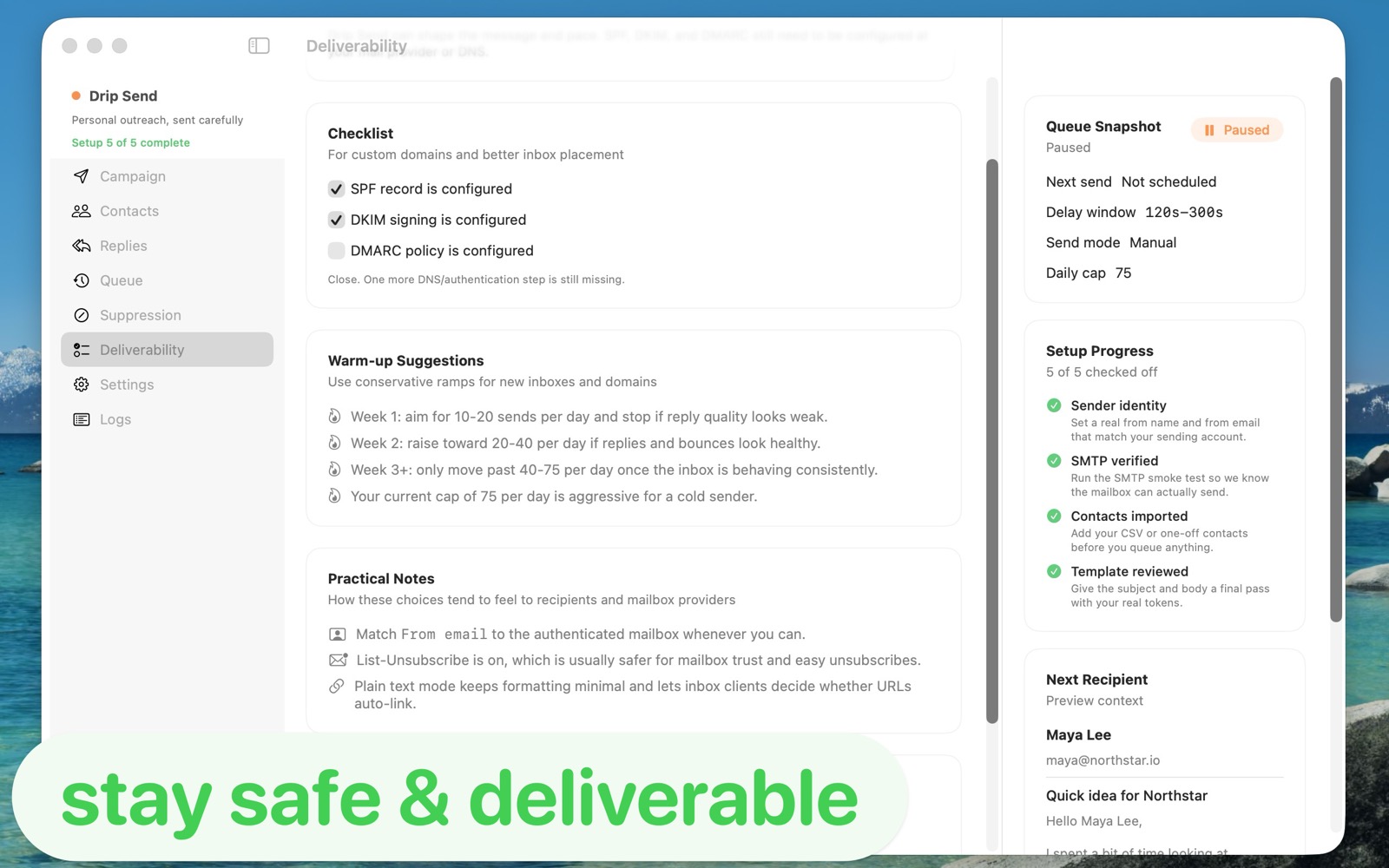
Drip Send is built around careful, one-by-one outreach from your Mac. Instead of blasting through bulk platforms, you can stage campaigns with pacing windows, queue controls, and suppression-safe logic.
That creates a better privacy posture and better outcomes: fewer accidental sends, cleaner follow-ups, and higher quality conversations.
A practical workflow to use this week
- Prepare a small CSV segment (for example 25-75 contacts).
- Review fields and personalization tokens before queueing.
- Set a conservative daily and hourly cap.
- Send manually first, then move to semi-automated cadence only after reply quality is stable.
- Suppress replies and unsubscribes immediately to avoid awkward re-sends.
Related guides
Email deliverability guide (SPF, DKIM, DMARC)
Set up authentication correctly to improve inbox placement.
How to set up and use Drip Send
From SMTP setup to your first safe outreach queue.
Sending limits on your email server
Use daily/hourly caps to protect sender reputation.
Run private outreach from your Mac
Use Drip Send to keep your outreach list local, controlled, and paced for quality replies.
See Drip Send Open App Store