 Drip Send
Sending through your email server with delivery limits
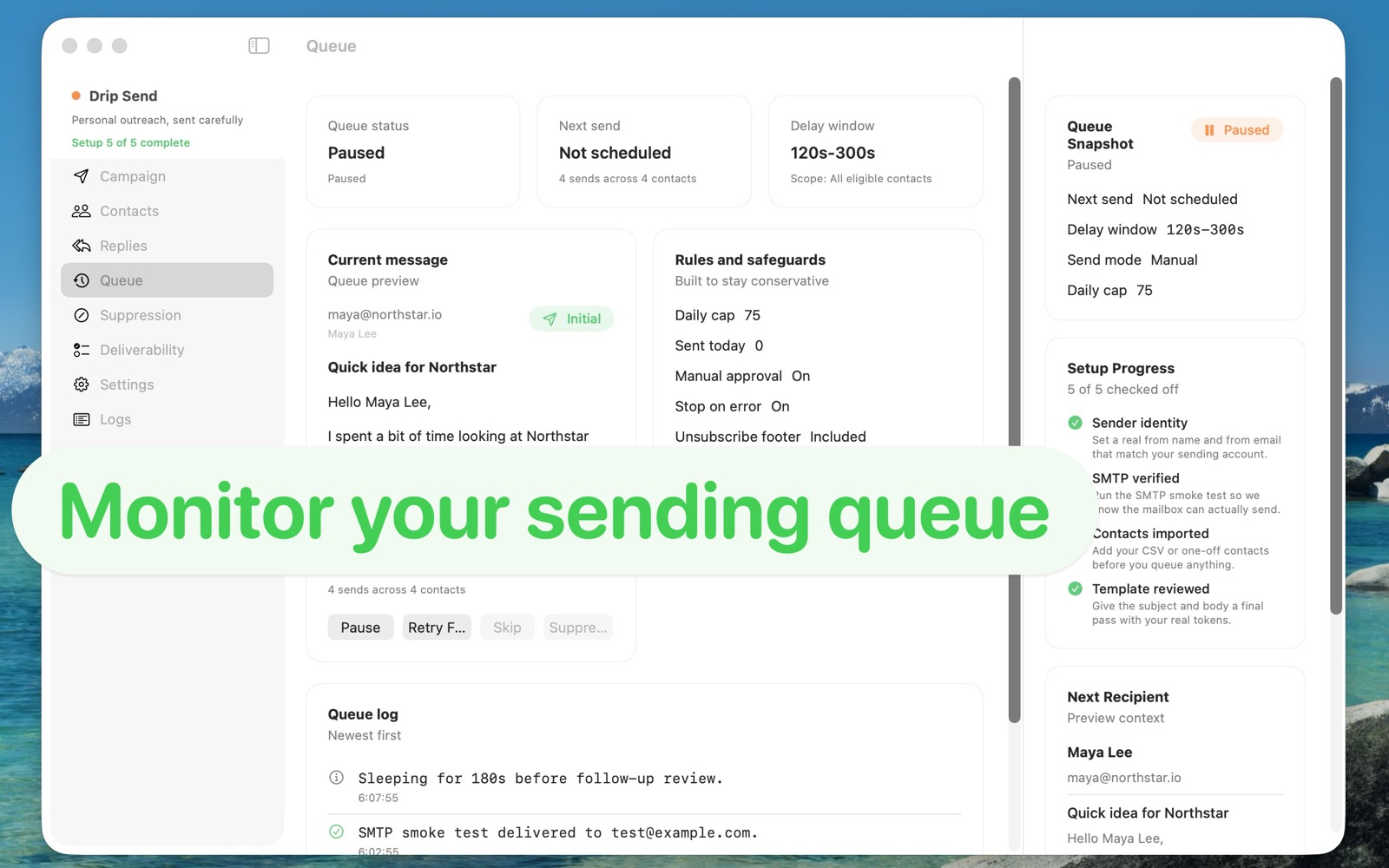
Outreach volume should match sender trust. With delivery limits and delay windows, you can grow campaigns while keeping bounce rates and spam risk lower.
Why limits matter
Mailbox providers watch consistency. Sudden spikes, high complaint rates, or repeated sends to bad addresses trigger filtering. Good limits create predictable behavior that providers trust over time.
What to limit
- Hourly cap: Keep bursts controlled to avoid suspicious traffic patterns.
- Daily cap: Match your domain age and recent sending history.
- Delay window: Spread sends naturally across minutes, not seconds.
Starter caps (conservative defaults)
- Cold/new mailbox: 10-25 per day, low hourly cap.
- Established but low-volume mailbox: 25-75 per day.
- Warm domain with stable engagement: 75+ only with careful monitoring.
Signals to watch weekly
- Bounces (hard and soft)
- Reply sentiment and quality
- Spam complaints
- Open trends (when available)
If quality drops, reduce volume first. Fix copy and list targeting before scaling again.
Related guides
Email outreach with privacy on Mac
Keep list data local while running higher-quality campaigns.
Email deliverability guide (SPF, DKIM, DMARC)
Set up authentication correctly to improve inbox placement.
How to set up and use Drip Send
From SMTP setup to your first safe outreach queue.
Configure limits directly in Drip Send
Set daily caps, hourly caps, and delay windows in one place, then monitor queue health before scaling volume.
See Drip Send Open App Store