 Drip Send
How to avoid spam filters in personal outreach
Spam placement is rarely about one "bad word." It is mostly about trust signals: authentication, list quality, consistency, and recipient engagement.
Anti-spam foundation checklist
- SPF, DKIM, DMARC all configured and valid.
- Consistent sender name and from address.
- Clean list with no purchased or stale records.
- Reasonable daily/hourly sending caps.
Copy signals that help
- Short, clear subject lines.
- Plain text style formatting.
- Specific relevance for each recipient.
- One clear CTA, no hype-heavy claims.
Behavior signals that hurt
- Sudden volume spikes.
- Ignoring unsubscribe or reply signals.
- Repeated sends to low-quality addresses.
- Running long automated sequences without review.
Fast recovery plan
- Reduce sending volume immediately.
- Pause weak sequences.
- Trim problematic list segments.
- Re-test with small batches.
Related guides
Email outreach with privacy on Mac
Keep list data local while running higher-quality campaigns.
Email deliverability guide (SPF, DKIM, DMARC)
Set up authentication correctly to improve inbox placement.
How to set up and use Drip Send
From SMTP setup to your first safe outreach queue.
Ship outreach with safer defaults
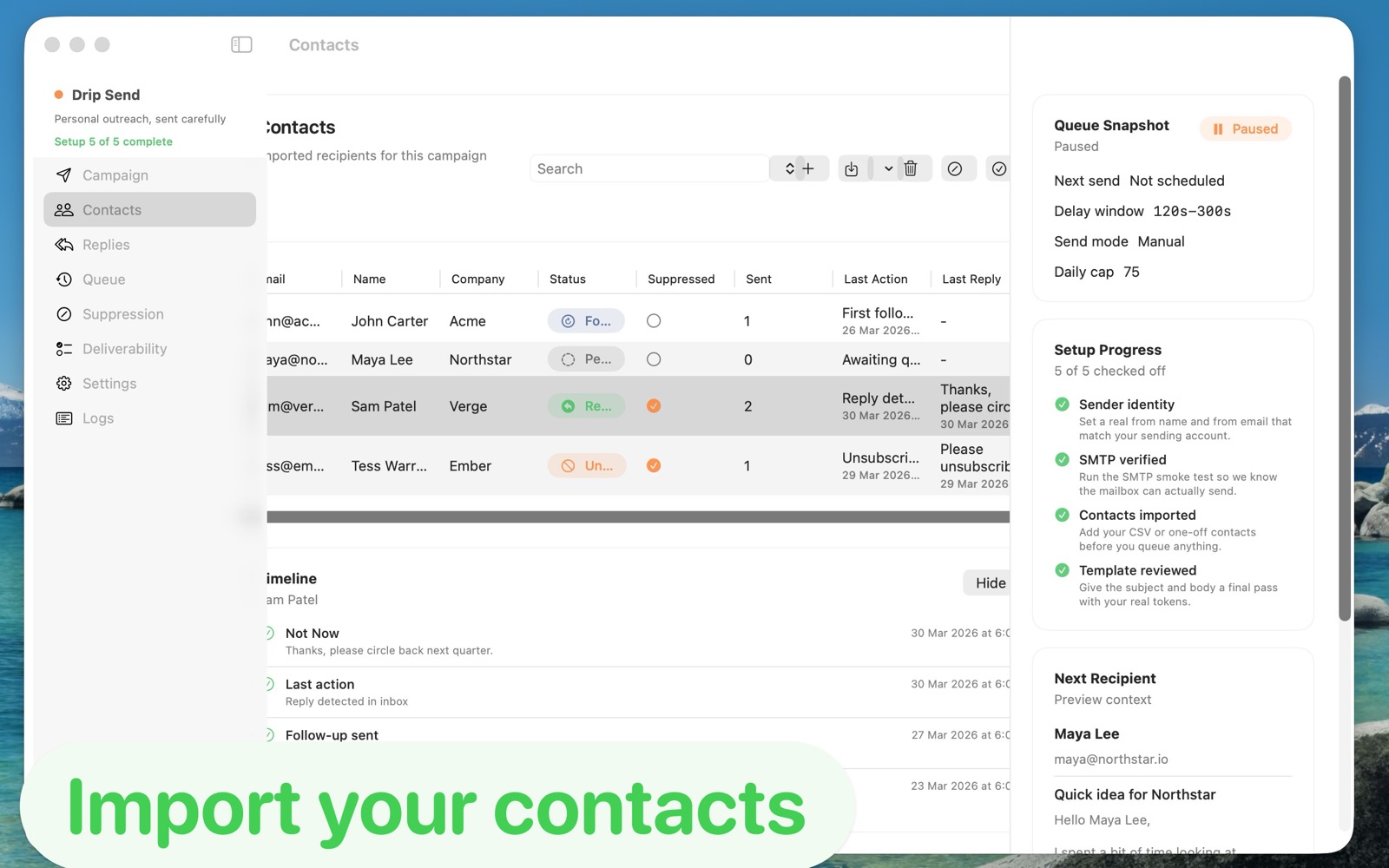
Drip Send helps you combine pacing control, previews, and suppression rules so anti-spam best practices are easy to keep.
See Drip Send Open App Store