 Drip Send
Improve email reply rates with personalization and timing
Higher reply rates come from relevance, clarity, and respectful cadence. Better timing and cleaner targeting often beat writing "fancier" copy.
Three levers that matter most
- Targeting: send to people who have a clear reason to care.
- Personalization: use specific context, not generic merge tokens only.
- Timing: use paced follow-ups, not aggressive bursts.
Personalization that feels real
- Reference one recent signal (launch, hiring, feature, post).
- Make one specific connection to your message.
- Ask one clear, low-friction question.
Timing pattern to test
- Touch 1: initial note.
- Touch 2: 3-4 days later with added value.
- Touch 3: 7-10 days later to close the loop.
What to track
- Positive reply rate by segment.
- No-response rate by template.
- Unsubscribe and complaint trend.
- Response quality, not just response count.
Related guides
Email outreach with privacy on Mac
Keep list data local while running higher-quality campaigns.
Email deliverability guide (SPF, DKIM, DMARC)
Set up authentication correctly to improve inbox placement.
How to set up and use Drip Send
From SMTP setup to your first safe outreach queue.
Turn reply-rate tactics into repeatable workflow
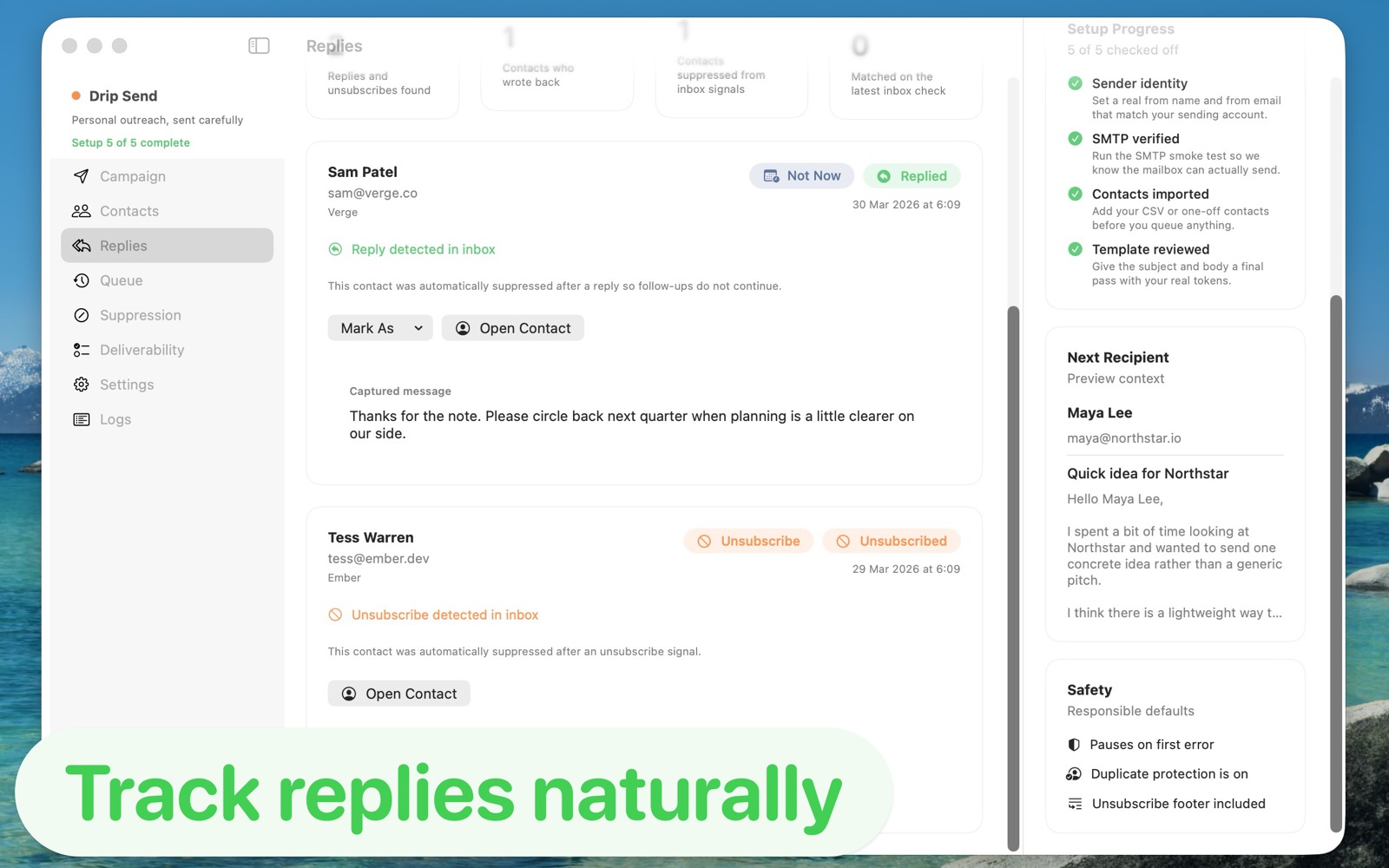
Drip Send helps you preview copy, pace sends, and adjust sequence behavior without leaving your local outreach workflow.
See Drip Send Open App Store