 Drip Send
Personal outreach templates that get replies
Templates should reduce writing friction, not create robotic emails. Use structure and intent, then personalize each message with relevant context.
Template 1: First-touch outreach
Subject: Quick idea for {{company}}
Body framework: Context line, relevance line, one concrete idea, soft CTA.
Template 2: Follow-up with new value
Reference prior note briefly, add one fresh insight, then ask one small question. Keep this shorter than the original email.
Template 3: Close-the-loop message
Politely close the thread and leave the door open. This reduces pressure while preserving goodwill.
Copy rules that improve response quality
- One clear ask per email.
- Avoid long paragraphs and abstract buzzwords.
- Use recipient language, not internal company language.
- Prefer simple plain text over heavy formatting.
Template QA checklist
- Does personalization read naturally?
- Is the promise specific and believable?
- Would this still work if read on mobile in 10 seconds?
Related guides
Email outreach with privacy on Mac
Keep list data local while running higher-quality campaigns.
Email deliverability guide (SPF, DKIM, DMARC)
Set up authentication correctly to improve inbox placement.
How to set up and use Drip Send
From SMTP setup to your first safe outreach queue.
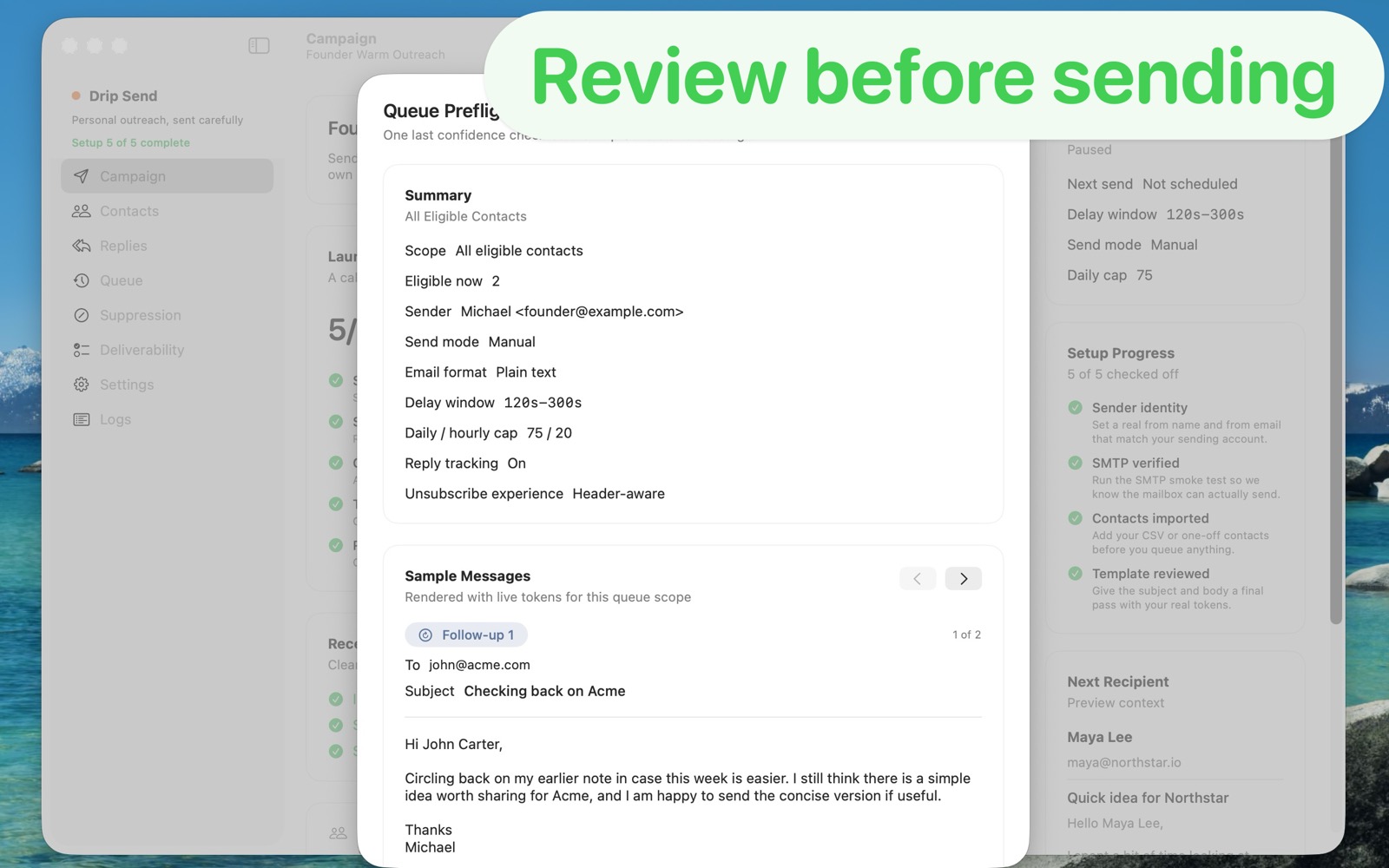
Preview every message before queueing
Drip Send lets you review merged copy with real contact data before send, so template mistakes are caught early.
See Drip Send Open App Store