 Drip Send
How to send personal outreach emails using Gmail
Gmail can work well for careful personal outreach when volume is controlled and authentication is correct. The key is quality over quantity.
Gmail SMTP basics
For most accounts, you should use an app password (with 2FA enabled) rather than your main Google account password. This keeps credentials safer and easier to rotate.
Recommended setup checklist
- Enable 2-step verification on Google account.
- Create an app password for SMTP usage.
- Set sender name and from address clearly.
- Run a smoke test before importing any list.
How to keep Gmail healthy for outreach
- Start with low daily sends and increase gradually.
- Use plain text style copy that reads naturally.
- Avoid spam-trigger language and overlinked emails.
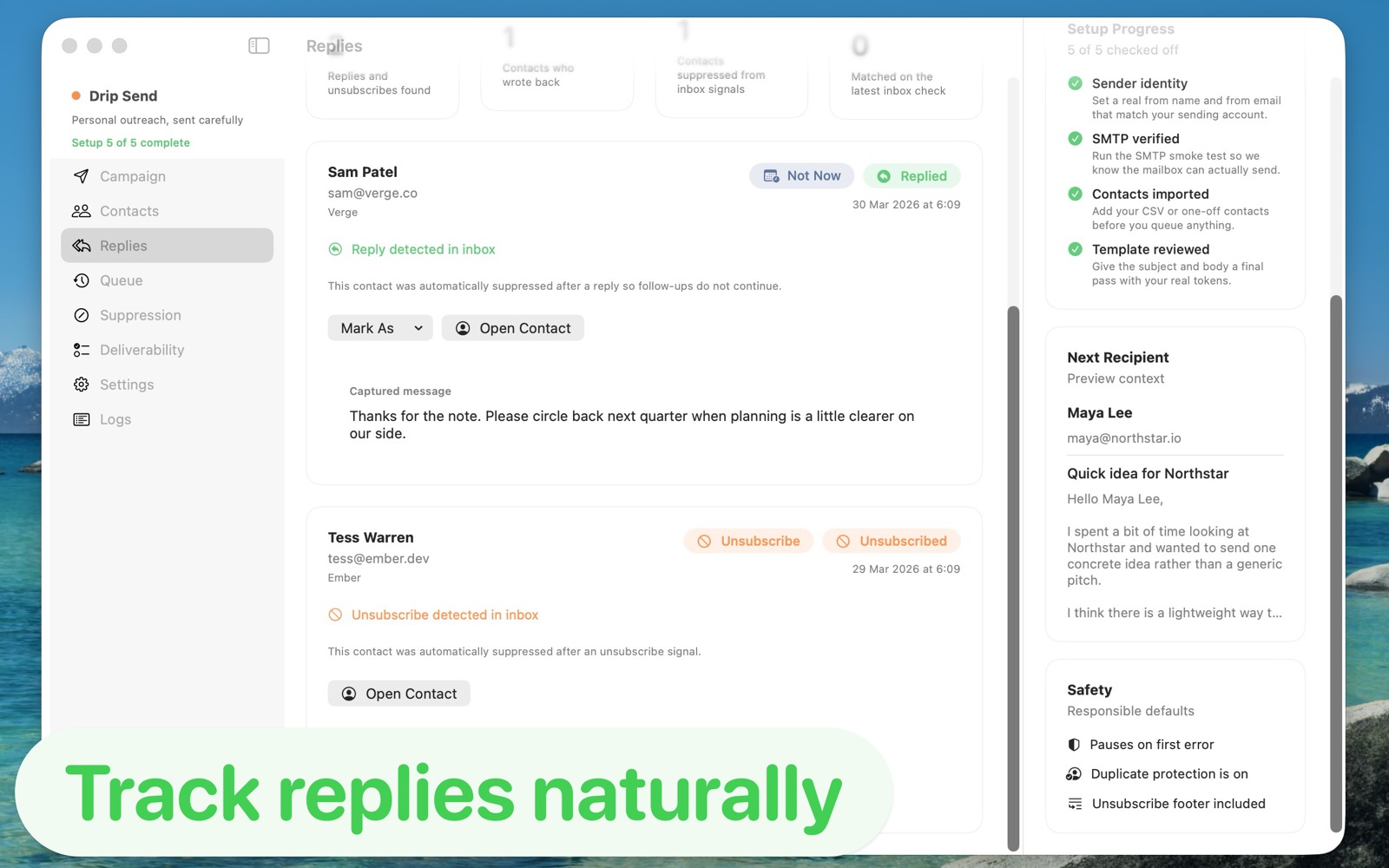
- Respect replies and unsubscribes immediately.
When to move beyond Gmail
If your outreach grows and you need stronger routing controls or higher stable volume, consider dedicated SMTP services like Amazon SES, Mailgun, SendGrid, or Postmark.
Related guides
Email outreach with privacy on Mac
Keep list data local while running higher-quality campaigns.
Email deliverability guide (SPF, DKIM, DMARC)
Set up authentication correctly to improve inbox placement.
How to set up and use Drip Send
From SMTP setup to your first safe outreach queue.
Run Gmail outreach with safer defaults
Drip Send gives you preview-before-send, pacing windows, and suppression handling so Gmail outreach stays personal and controlled.
See Drip Send Open App Store