GLP-1 Companion has no account and no sign-in. You install it and start logging. Shots, symptoms, meals and weigh-ins are stored locally on your iPhone. Apple Health access is optional and limited to weight, plus protein, water and fiber in Pro. You can export your records as a CSV file with Pro. Deleting the app removes its data from the device.
What "no account" means in practice
- No email address. There is no registration screen, password or verification link.
- No profile on a server. The app has nowhere to send your name or your medication, because it does not collect them centrally.
- No sign-in to lose. You cannot be locked out of your own record by a forgotten password.
The trade-off is honest: without an account there is no automatic sync between two iPhones. The record lives on the phone you log it on.
Where each kind of data lives
| Data | Stored | Shared with Apple Health? |
|---|---|---|
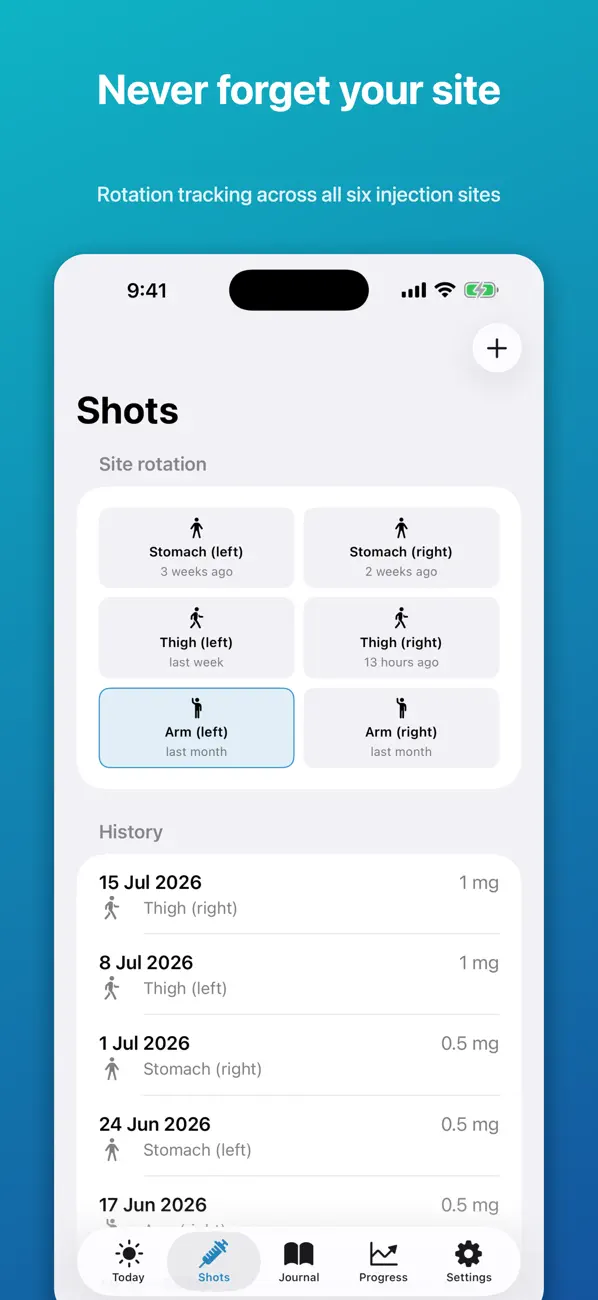
| Shots: date, medication, dose, site | On your iPhone | No |
| Symptoms and food-noise scores | On your iPhone | No |
| Meals and meal plans | On your iPhone | No |
| Weigh-ins | On your iPhone | Optional, both directions |
| Protein, water, fiber totals | On your iPhone | Optional, write only, Pro |
| Progress photos | On your iPhone | No |
Apple Health sharing is off until you turn it on, and iOS lets you change each permission later in Settings. The full policy is on the privacy page.
Why this matters for GLP-1 medicines in particular
These medicines attract opinions. Some people would rather colleagues, family or an insurer did not learn about a prescription from a data breach or a marketing email. Health apps are also not all covered by the medical privacy rules people assume apply; an app you download yourself is usually governed by its own privacy policy, not by the rules that bind your clinic. Keeping the record on the device, with no account, removes most of that exposure by design.
Backups and moving to a new phone
Because the data is local, your normal iPhone backup is what protects it. If you back up to iCloud or a computer and restore to a new iPhone, app data comes across with everything else. For a separate copy you control, Pro exports shots, daily logs and weigh-ins as a CSV file that opens in any spreadsheet app. Keep that file somewhere you trust.
What the app does ask for
- Notifications, if you want the shot-day reminder. Optional.
- Apple Health, if you want weigh-ins to sync. Optional.
- Photos or camera, only if you add progress photos. Optional.
You can decline all three and still log shots, symptoms and meals. The reminders guide explains what the notifications do.
Paying without an account
Pro is a one-time in-app purchase handled by Apple. The app does not see your card details or need an account of its own. If you reinstall or change phones, "Restore purchase" brings Pro back using your Apple ID.
| Free | Pro (one-time purchase) |
|---|---|
| Log shots with date, dose and injection site | Full history beyond the most recent 30 days |
| Daily protein, water, food-noise and symptom notes | CSV export of your own records |
| Weigh-ins and a trend chart | Weekly comparison and shot-day insights |
| A first weekly meal plan | More meal plans and a grocery list |
Common questions
Do I need to sign in with Apple or Google?
No. There is no sign-in of any kind.
Can the developer see my shot history?
No. Records are stored on your device and are not uploaded to a Yuzool server.
What happens to my data if I delete the app?
Deleting the app removes its local data from that iPhone. Export first with Pro, or make sure you have a device backup, if you want to keep it.
Does it sync to my iPad or a second phone?
No. There is no cloud account, so each device keeps its own record.
Is the app covered by HIPAA?
HIPAA applies to healthcare providers, insurers and their business associates. A personal tracking app you install yourself is not a covered entity. That is one reason storing data only on your own device is useful.
GLP-1 Companion is a personal tracking tool. It is not medical advice, diagnosis or treatment, and it is not affiliated with any medicine manufacturer. Brand names belong to their owners. Always follow your prescriber and the leaflet that came with your medicine.
Start logging in seconds, with nothing to sign up for: Download GLP-1 Companion.