Use the result as a working note
This free Relay-related tool is designed to make one small task easier to start. It runs in this page, without an account or server-side submission. The generated text is a prompt for your own judgment—not professional, financial, legal, medical or platform advice.
Look for a stable trigger
A task is easier to automate when its starting condition is observable: a file appears in a known folder, you press a shortcut, or a schedule reaches a set time. If the task depends on judgment that changes every time, keep that decision with a person.
Write down the boundary before the action
“Organize my files” is too broad to test safely. Specify the folder, file type, naming rule and destination. Avoid overwriting or deleting originals in an early version. A narrow workflow is easier to inspect and reverse.
Define an exception path
Real folders contain edge cases: duplicate names, unreadable files, incomplete downloads or items that do not match the rule. Decide whether the workflow should skip, label or ask for review when that happens. A safe automation makes unusual cases visible instead of quietly guessing.
Test, inspect, then widen the scope
Run the first version on copies or a small sample. Compare the before and after state, confirm the expected trigger, and check that the human-review step still appears where you intended. Only broaden the folder or file types after the narrow version behaves consistently. Keep an easy way to pause or undo the work.
Review the recipe before you automate
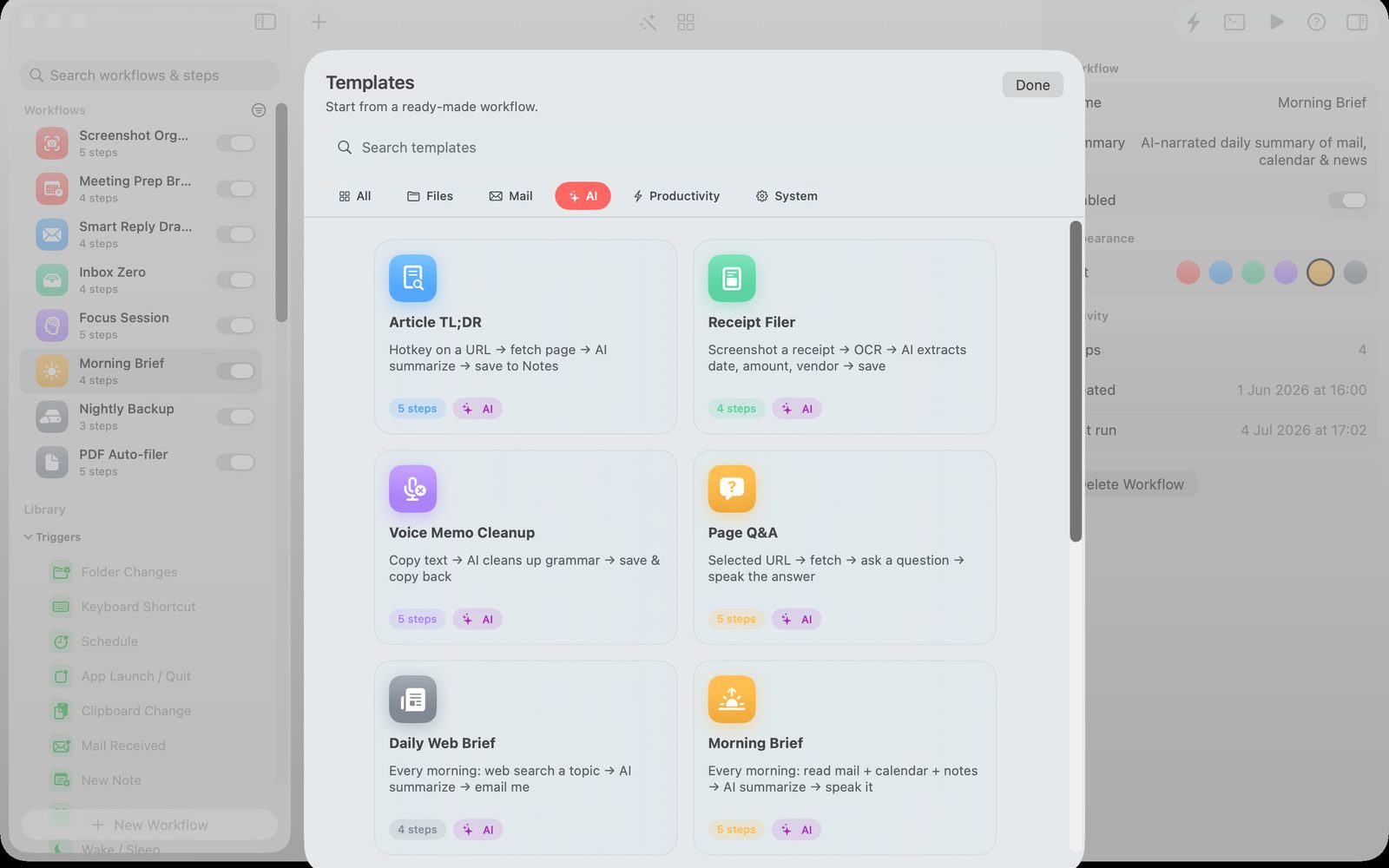
Relay is a visual Mac automation app for building workflows with triggers and actions. Use the outline above to decide whether a workflow is suitable, then explore Relay’s current capabilities and permissions on its product page before setting it up.
Keep the next step small
Save the output for your own reference, verify details against the real product and source records, and decide whether a dedicated app would make the recurring workflow easier. You can explore Relay below and check the current product details before downloading or purchasing.
Read the related guide
For a fuller walkthrough, see A careful way to automate repetitive Mac work →