Relay
Automating repeated Mac workflows without losing control
The best automations do not feel like magic. They feel like a repeated job made visible, checked once, then trusted gradually.
July 5, 2026 · Michael at Yuzool
Most people do not need an automation system for everything. They need relief from the three or four jobs that keep coming back.
A screenshot lands in Downloads and needs to be renamed. A client email needs a careful reply. A morning routine needs the same calendar, mail and notes context. A focus session needs the same apps opened and the same distractions closed.
That is the shape Relay is built around: repeated Mac work that is too small for a big platform, but too annoying to keep rebuilding by hand.
Start with a job, not a tool
The first mistake with automation is starting with the clever part. The better start is boring: what do you do more than twice a week?
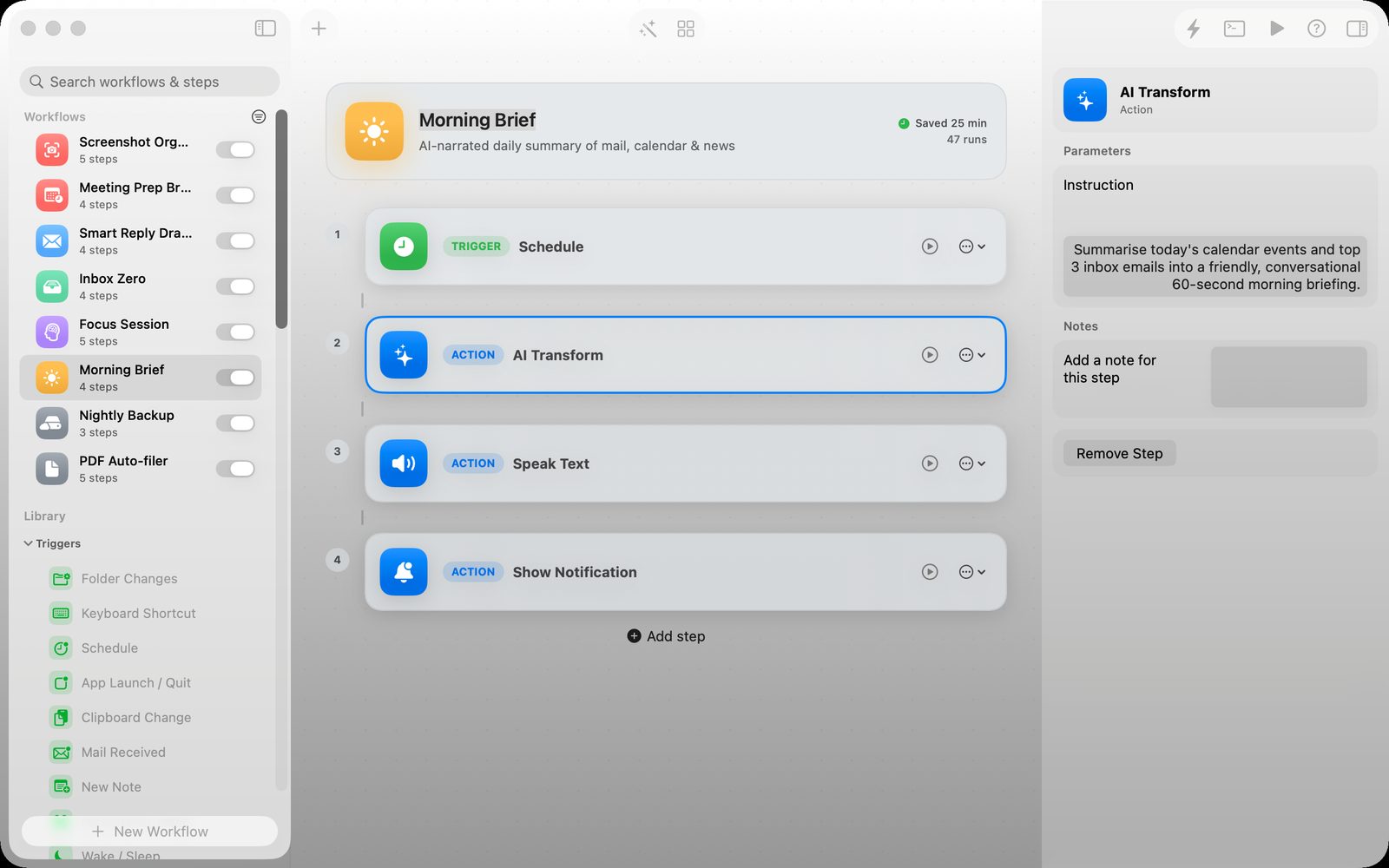
If the answer is “sort screenshots,” the workflow should begin with the screenshot folder. If the answer is “prepare for meetings,” the workflow should begin with the calendar. If the answer is “draft a reply,” the workflow should begin with Mail and the text that needs a response.
Automation works best when the trigger is close to the real work.
Keep the steps visible
A script can be powerful, but it can also disappear into a black box. That is fine when you are the kind of person who wants to maintain scripts. It is less fine when you want to understand what will happen before you run it.
Relay keeps the workflow on a canvas. The trigger, the action, the AI step, the notification and the inspector are all there. You can see the shape of the thing before it becomes habit.
Use AI as a step, not as the whole system
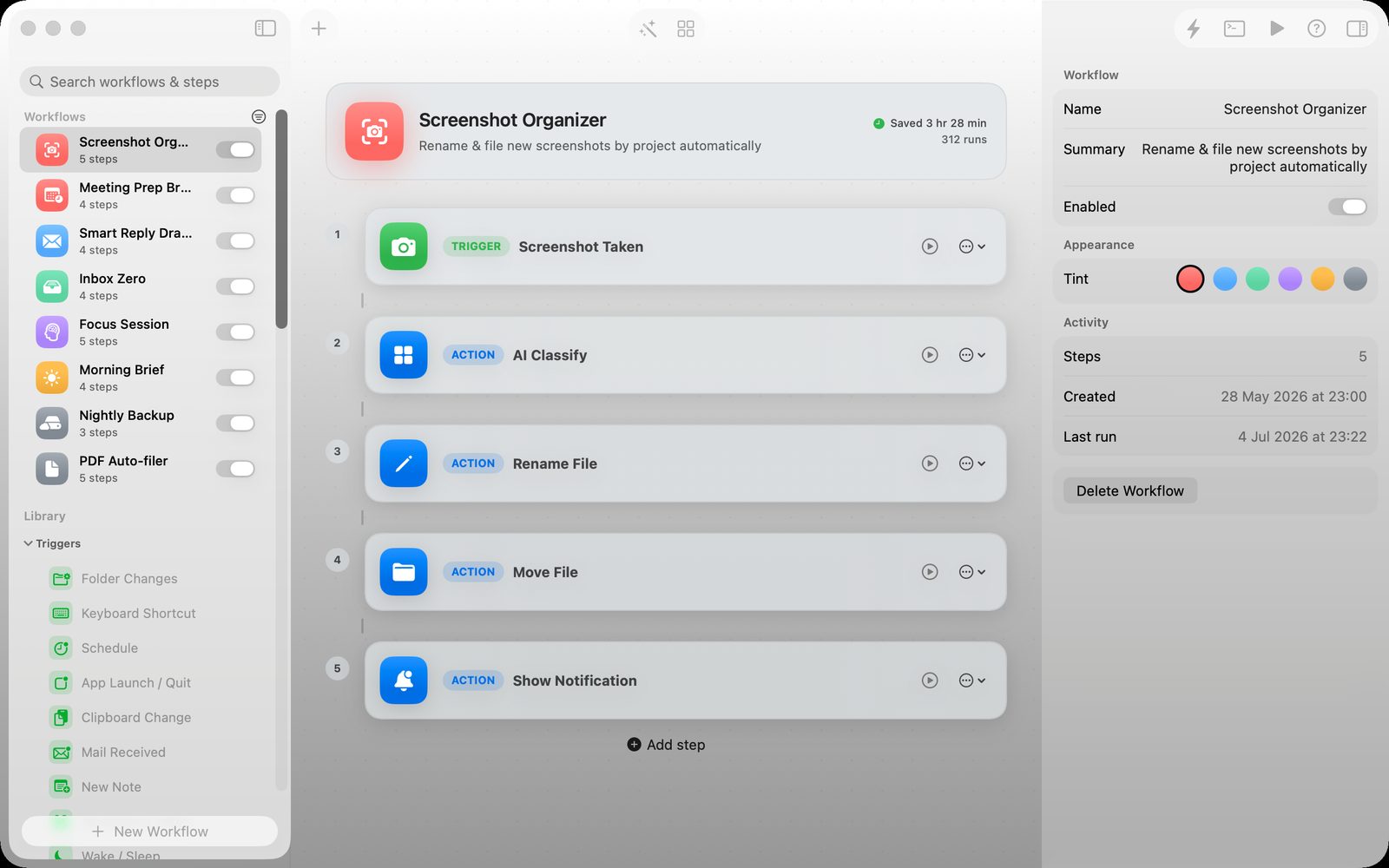
AI is useful inside an automation when it has a defined job: summarize this text, extract these fields, classify this file, draft this reply, fix this failed step.
It becomes harder to trust when the whole workflow is just “ask the model what to do.” For practical Mac work, I prefer AI as one visible part of a wider local workflow.
That is why Relay treats Apple Intelligence as a building block. The workflow still has triggers, files, text, app actions and review points around it.
Templates help, but ownership matters
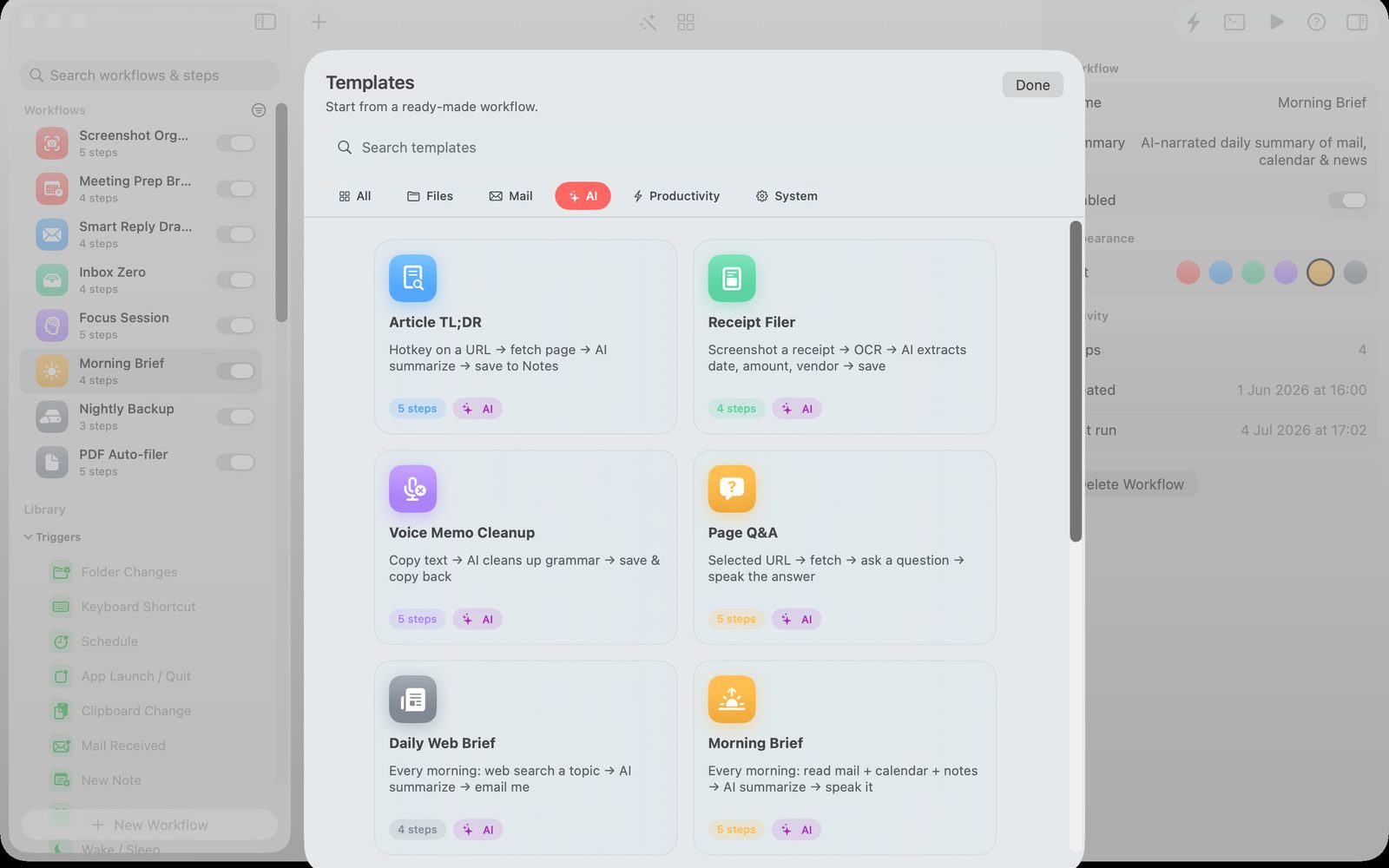
A good template is a starting point, not a lock-in. It should teach the structure of a workflow and then let you change the parts that are personal to your work.
That is why a template gallery matters for Relay. It gives you something useful on day one, then leaves the workflow visible enough to edit.
The standard I want for Mac automation
The automation should be local where possible. It should show what it is doing. It should make review easy before trust becomes automatic. It should save time without making the user feel locked out of their own process.
That is the product line Relay is trying to walk: powerful enough to remove repeated work, small enough to remain understandable.