Capture it
Use a receipt photo or an image already in your camera roll.
SnapDo / YUZOOL APP GUIDE
Use SnapDo to turn a receipt or photographed note into an editable action on iPhone, privately and without creating an account.
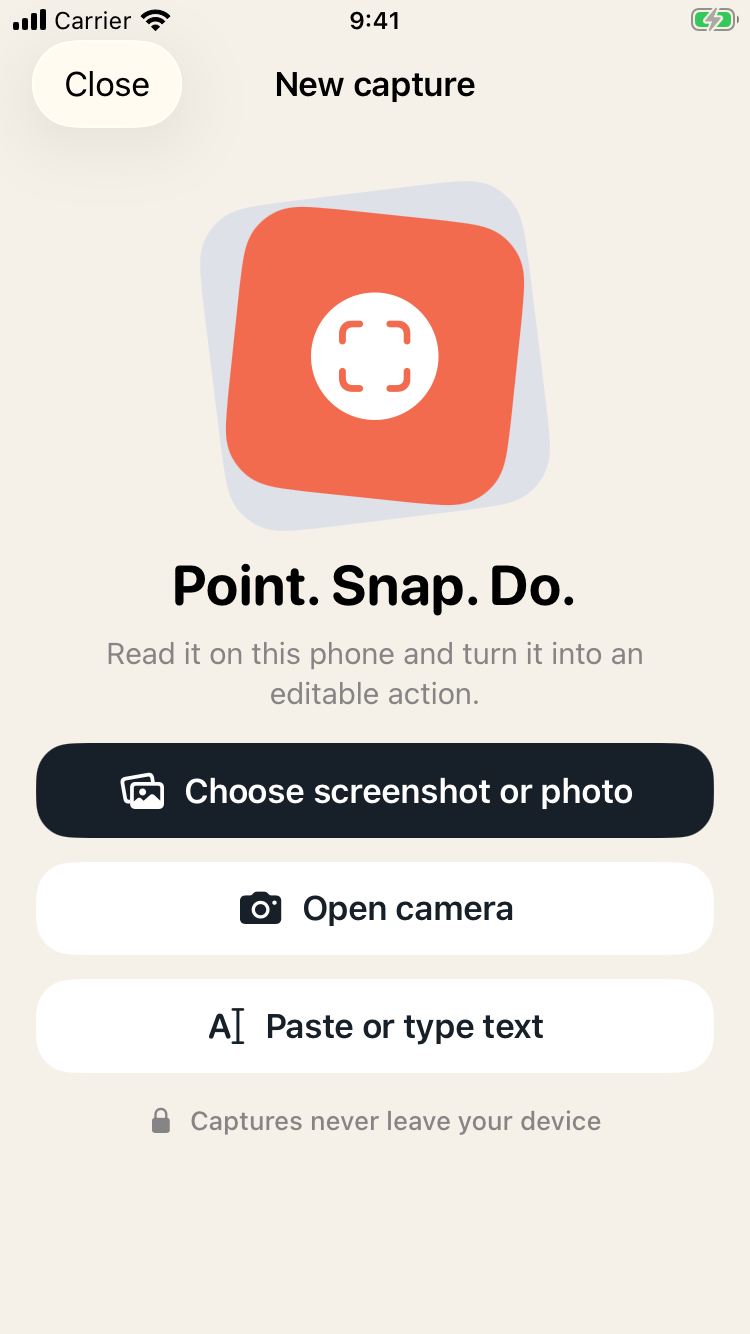
Use a receipt photo or an image already in your camera roll.
On-device text recognition can help structure supported information.
Turn the image into a reminder or another relevant editable action.
Confirm dates, names and amounts before you save anything.
The capture workflow is designed to run locally on iPhone.
Save, share or send the result to a supported Apple workflow.
Receipts often matter because something still needs to happen: return an item, check a warranty, split a purchase or keep a record for later. Taking a photo preserves the paper, but it does not automatically create a useful next step. SnapDo is a photo-to-action app for iPhone that helps turn visual information into an editable format.
Photograph the receipt in good light or choose an existing image. SnapDo can use on-device text recognition and a focused template to help organize supported details. Review the result carefully, especially dates and amounts; receipts can be faded, folded or printed in small type. Correct anything the scan gets wrong before saving or sending it on.
For example, a purchase you may need to return could become a reminder to check the item before the return window closes. A receipt can also be saved as supporting context for a separate expense workflow. SnapDo helps create or organize an action; it is not a tax-compliance tool, bookkeeping ledger or guarantee that every line item will be extracted correctly.
A traditional receipt scanner is the better choice when your goal is structured expense reports, accounting exports or tax records. SnapDo is useful when the image needs to lead to a practical next action and you want to keep the process local, editable and lightweight. It supports a wider range of photos and screenshots than receipts alone.
SnapDo’s core recognition and template processing is designed for the device, with no account or cloud upload required. The app is free to download with five saved actions; a one-time $9.99 US purchase unlocks unlimited saves. Check the current App Store listing for your region before purchasing.
Explore the broader offline photo-to-action workflow or see how SnapDo handles screenshots that should become tasks. Read the full SnapDo app page →
| Receipt | Action | Deadline to capture |
|---|---|---|
| Clothing or shoes | Return reminder | The returns window on the receipt |
| Appliance or electronics | Warranty note | Warranty end date |
| Work purchase | Expense claim | Your employer's cut-off |
| Shared dinner | Split-the-bill note | Before everyone forgets |
| Gift | Keep with gift receipt | Returns window |
| Subscription or trial | Cancellation reminder | A few days before renewal |
The date is what matters. A photo of a receipt reminds nobody of anything; a reminder two days before the returns window closes does.
SnapDo turns the receipt into an action on your iPhone, offline, and can add it to Reminders or Calendar. It is not an expense tracker with totals, currencies and reports. For that, see SnapTrack. The first five saved actions are free, then a one-time $9.99 unlock.
For purchases with a warranty, save two actions: a returns reminder now, and a note of the warranty end date. For anything bought for work, save the claim reminder before you leave the shop.
If a household shares purchases, add the reminder to a shared Reminders list so either person can act on a return before the window closes.
Until the returns window and any warranty have passed, and longer for anything you claim as an expense or for tax. Rules vary by country.
Shops differ. Keep the paper for anything you may return.
No. It creates actions. Use an expense tracker for totals.
Yes, often within months. Photograph them early.