 Tend
Tend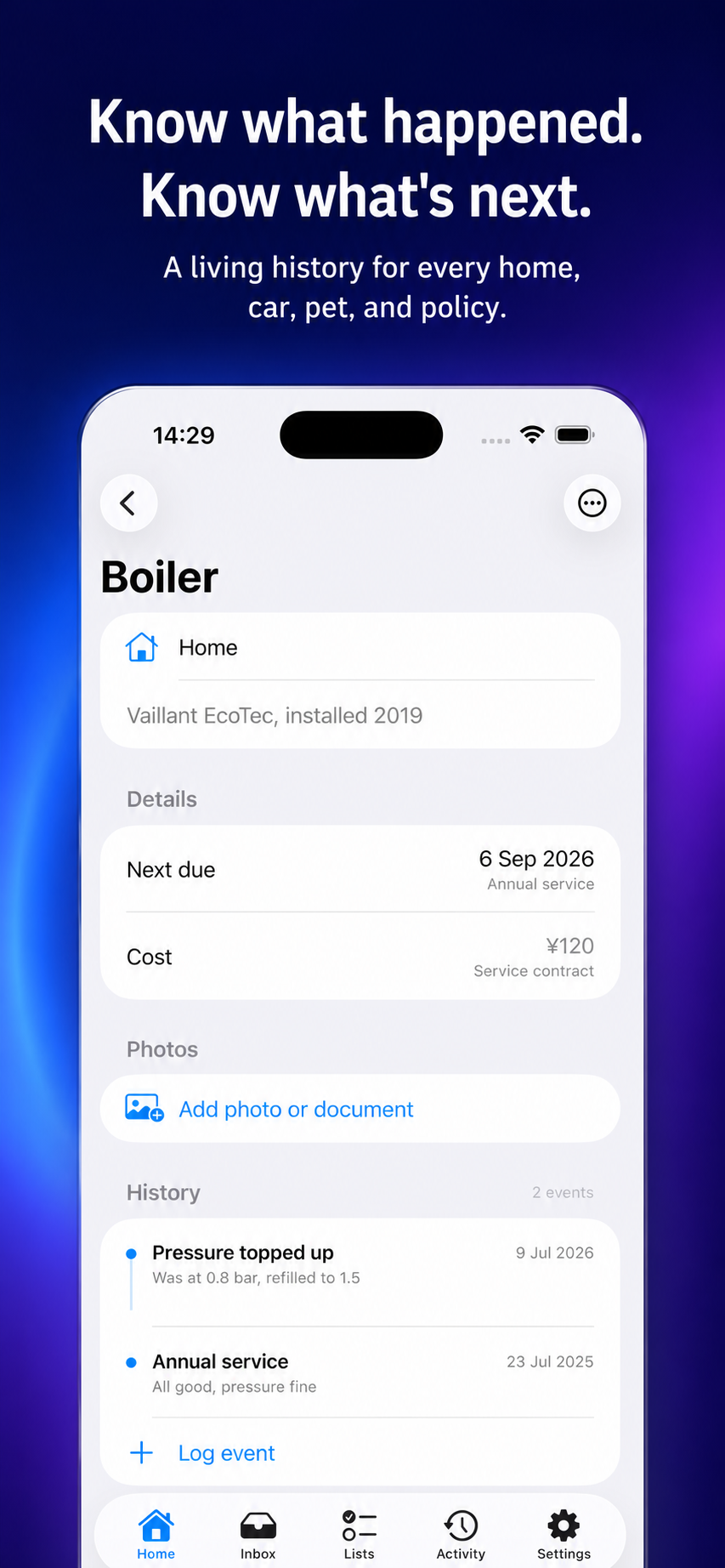
Start with the systems you own
List the appliances, vehicles and recurring appointments that matter in your household. Record model details or warranty information where useful, then note the source for each recommended interval. A boiler, air conditioner, smoke detector and car do not share one maintenance schedule.
Use seasons as prompts, not rules
Spring and autumn are convenient review points for many homes, but climate and equipment differ. Treat a seasonal checklist as a reminder to consult the owner’s manual, local guidance or a qualified professional—not as a substitute for them.
Record completion and the next due date
A task is only useful when the household can tell whether it happened. After a service or inspection, capture the date, provider, notes and the next recommended check. This avoids relying on one person’s memory when a job comes around again.
Assign the task to a real person
Shared lists often fail because “someone” is responsible. Put a name next to the next action and make the reminder visible to the people who need it. Keep the instruction short enough to understand without re-opening an old message thread.
Keep manuals, receipts and warranty details nearby
The service record is more useful when it connects to the relevant document. Store a photo or reference to the invoice, serial number and warranty terms. Tend is designed to keep household records and reminders together, with family sharing through iCloud.
Frequently asked questions
Is this tool free to use?
Yes. It runs in your browser without an account. You can use your browser’s print dialog to save a copy where appropriate.
Does this page replace professional advice?
No. It is an organizational aid. For medical, safety, legal, tax or reimbursement decisions, follow qualified professional guidance and the rules that apply to your situation.
What does Tend add beyond this free page?
Tend is the related iPhone app. Visit its product page and App Store listing to check the current feature set, availability and terms.
Continue with Tend
Use the free tool for a quick start, then see how the app supports the ongoing version of this workflow.