Free Quick Design template
Pitch deck template
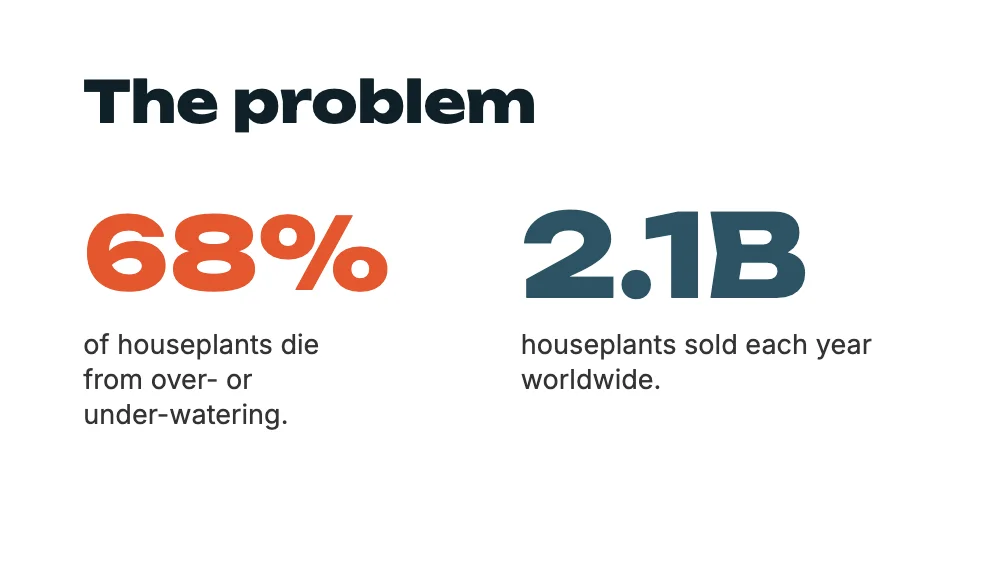
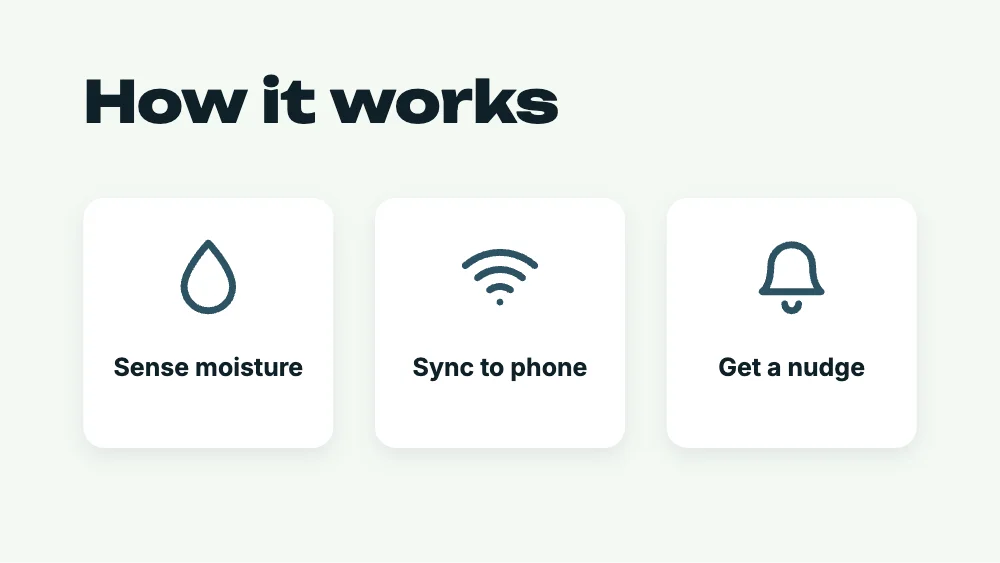
The deck has four slides: the company and its one-line pitch, the problem with two big numbers, how it works in three steps, and thank you with a contact. Type your own over the example, add slides, and present it full screen from the browser.


What’s in it
- Size: 1920 × 1080 pixels a slide (16:9, full HD), the shape of a laptop screen or a projector.
- Pages: 4, downloaded together or one at a time.
- Fonts: Unbounded, Inter.
- Animated in an MP4 or GIF.
How to make it
- Use this template.
- Change the company name and one-line pitch, the two numbers on the problem slide, the three steps and your contact address.
- Present it full screen, or download the slides.
Tips
- One idea a slide, with one big number where you can: investors remember numbers, not paragraphs.
- Add a slide by tapping it in the pages bar and choosing Duplicate: it keeps the layout, and you change the words.
- Practise with Present (full screen, arrow keys to move on).
Questions
Can I add more slides?
Yes. Duplicate a slide or add a blank one. Most pitch decks have 10 to 15: the problem, the solution, the market, the business model, traction, the team and the ask.
Can I export it to PowerPoint?
No, but you can download every slide as a PNG and drop them into PowerPoint, Keynote or Google Slides, or present straight from Quick Design.