 Drip Send
Email deliverability: SPF, DKIM, and DMARC explained simply
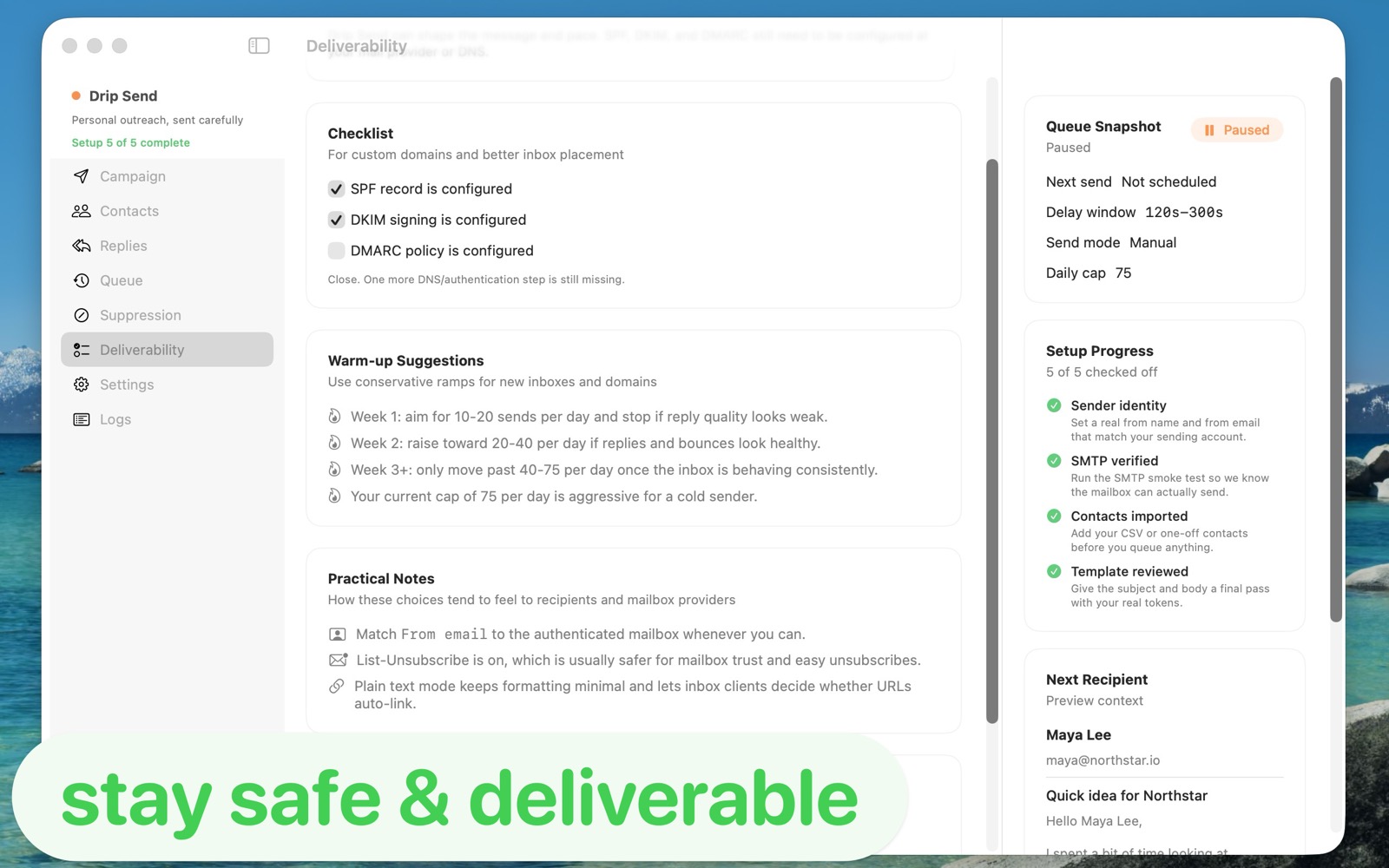
Authentication records are the foundation of reliable outreach. If SPF, DKIM, and DMARC are wrong or missing, even good emails can get filtered or spam-foldered.
The short version
- SPF tells receivers which servers may send for your domain.
- DKIM cryptographically signs messages so receivers can verify integrity.
- DMARC tells receivers how to handle failed checks and where to send reports.
You need all three to build long-term sender trust, especially for cold or semi-cold personal outreach.
SPF: common mistakes to avoid
- Publishing multiple SPF TXT records for one domain.
- Forgetting to include your SMTP provider in SPF include rules.
- Using overly permissive policies for too long.
DKIM: what good looks like
Your SMTP provider gives you DNS records for DKIM selectors. Add them exactly as provided, then verify status before sending campaigns. Rotate keys periodically if your provider supports it.
DMARC rollout plan
- Start with
p=noneand collect reports. - Move to
p=quarantinewhen alignment looks healthy. - Use
p=rejectwhen unauthorized sending is controlled.
Operational tips beyond DNS
- Warm up new domains and mailboxes gradually.
- Keep complaint and bounce rates low with suppression handling.
- Avoid sudden volume spikes.
- Use plain, honest copy instead of hype-heavy subject lines.
Related guides
Email outreach with privacy on Mac
Keep list data local while running higher-quality campaigns.
How to set up and use Drip Send
From SMTP setup to your first safe outreach queue.
Sending limits on your email server
Use daily/hourly caps to protect sender reputation.
Pair authentication with safer pacing
Drip Send helps you apply conservative caps and pre-send review so your authenticated domain also behaves consistently in production.
See Drip Send Open App Store