First, check where you are
This matters more than any feature. Wave's own help centre says that in November 2020 it moved to focus only on the United States and Canada, and ended product and customer support for users elsewhere. Its pricing is shown in US and Canadian dollars, and its payment terms are written for those two countries.
So if you freelance in the UK, Europe, Australia or anywhere else, this comparison is short: Wave is not built for you now. Settle is sold on the App Store wherever the app is listed, invoices in several currencies and supports six languages.
Where Wave is strong
For a US or Canadian freelancer, Wave has a lot going for it. It is accounting software as well as invoicing, so your income and expenses feed bookkeeping and reports rather than sitting in a separate app. As of November 2026 the Starter plan is $0 and includes unlimited estimates, invoices and bills. The Pro plan is $19 a month or $190 a year in the US ($25 or $250 Canadian).
Pro adds automatic late-payment reminders, your logo and brand colours, removal of Wave branding, attachments, reusable messages and invoices sent automatically. Wave also sells receipt capture as an add-on for Starter, payroll as an add-on, and a paid bookkeeping service if you would rather someone else kept the books.
Online payments are built in, subject to Wave's approval. Card fees as of November 2026 are 2.9% plus $0.60 per transaction on Starter (3.4% plus $0.60 for Amex). On Pro, the first ten card transactions each month drop the $0.60 part, then the standard fee applies.
Where Settle is different
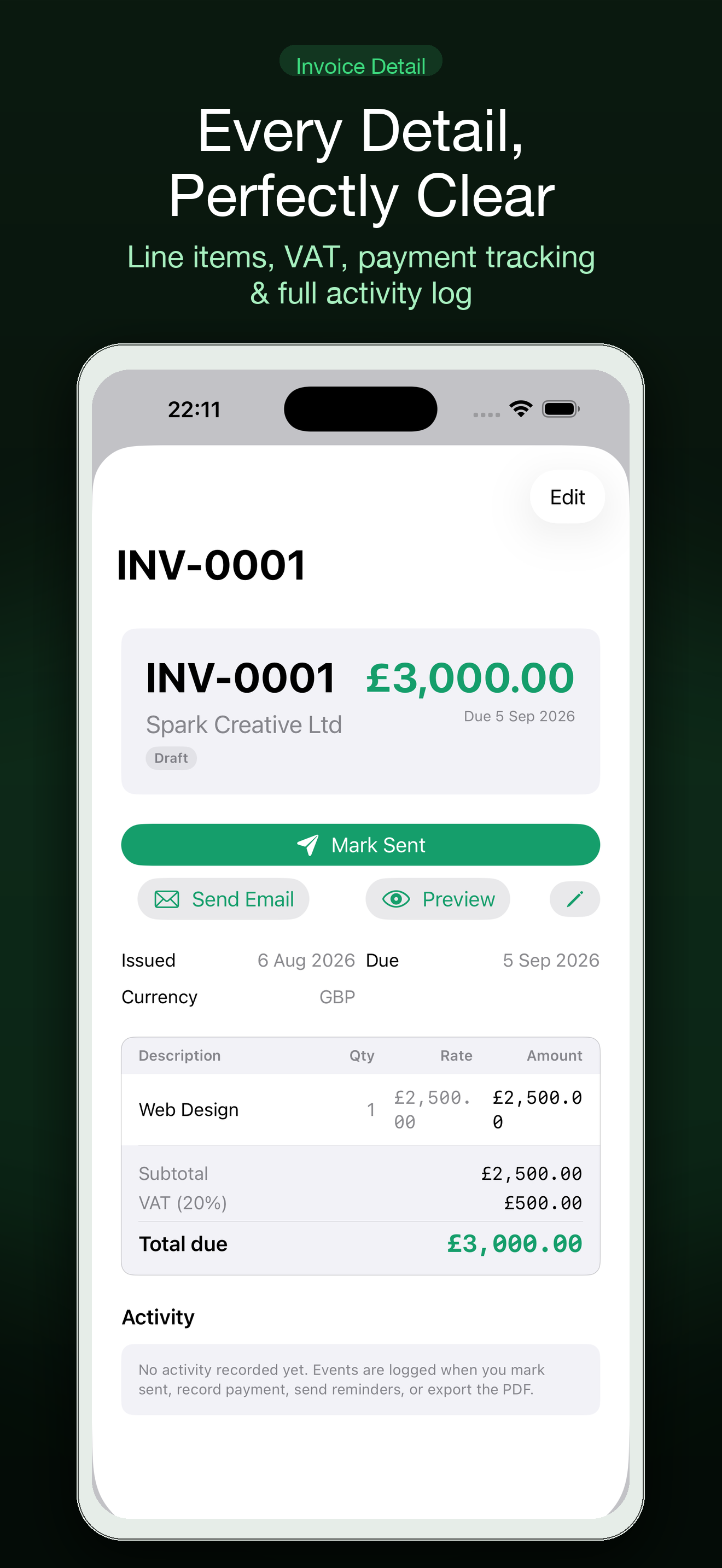
Settle is a native app for iPhone, iPad and Mac rather than a web service. PDFs are made on the device, it works offline, and your invoices, clients, quotes, expenses and timers sync through your private iCloud. There is no Settle account to sign up for.
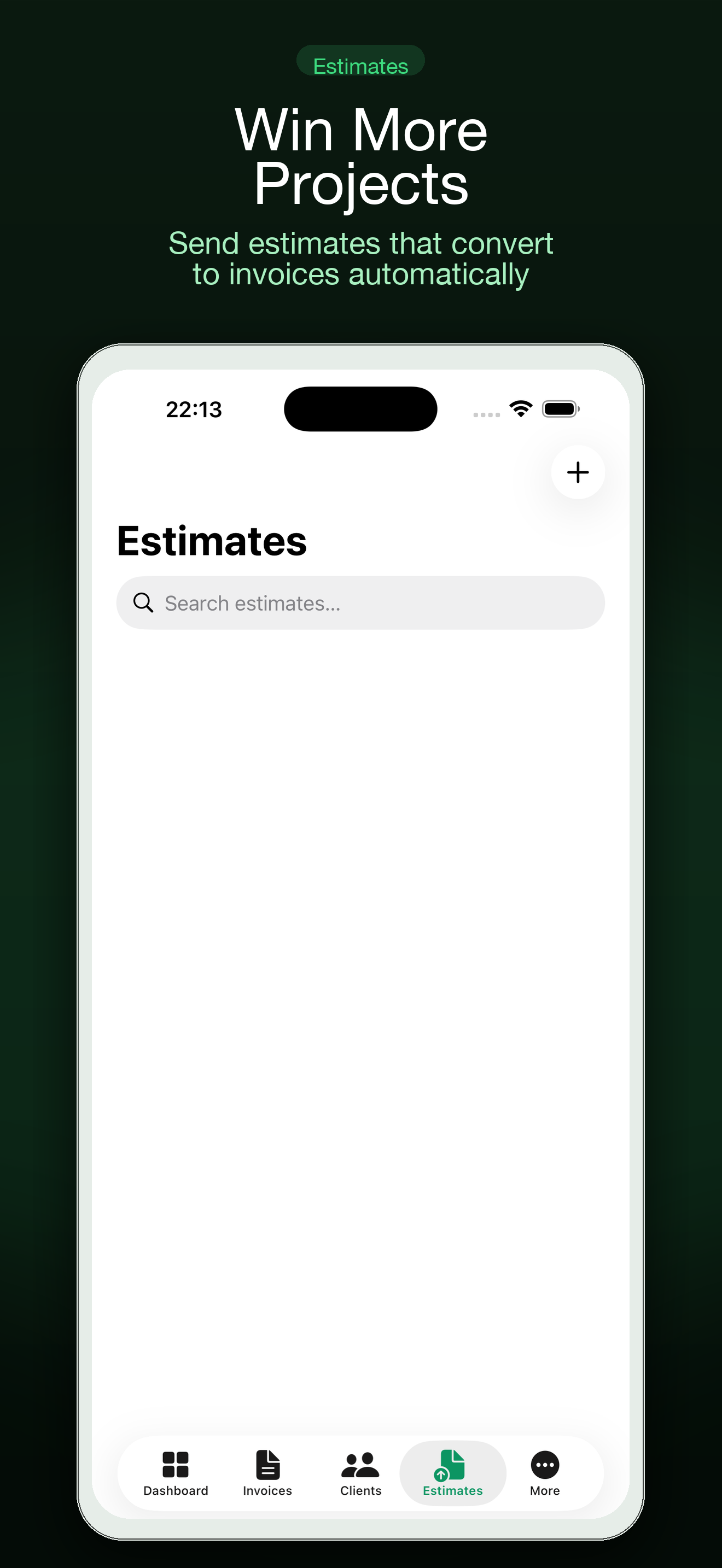
Its emphasis is winning and pricing the work. You can track leads and draft an outreach email series to send from your own Mail app, write a quote, then turn it into a proposal with a cover letter, scope, timeline and terms. Clients can pick from up to three options plus extras and sign on your device, and Settle creates the invoice for the chosen package. For getting paid, it makes Pay now links through your own payment account, such as Stripe, so card fees are whatever your provider charges.
Feature comparison
Bookkeeping
Wave includes accounting. Settle does not; it records invoices, time and expenses for you or your accountant.
Proposals
Wave has estimates. Settle has quotes plus proposals with options, extras and a signature.
Countries
Wave focuses on the US and Canada. Settle is available wherever the App Store lists it.
Expenses
Both handle expenses. Settle adds mileage, bank CSV imports and, with Pro, receipt scanning on iPhone.
What each costs
Wave Starter is free; you pay card fees when clients pay online, and add-ons if you want them. Wave Pro is the subscription above.
Settle is a free download. Quotes, proposals, leads, time tracking and expenses are free, along with your first five invoices. Settle Pro unlocks unlimited invoices, on-device drafting with Apple Intelligence, receipt and business-card scanning, recurring invoices, deposits and retainers, widgets, Shortcuts and Siri. The App Store lists Settle Pro at $7.99 a month, $24.99 a year or $59.99 for a lifetime licence in the US, and one purchase covers iPhone and Mac.
How I would decide
If you are outside the US and Canada, skip Wave and compare Settle with tools that serve your country.
If you are inside them, ask whether you want your invoicing app to also be your books. If yes, and you do not have an accountant who prefers something else, Wave's free Starter plan is hard to argue with. If you already keep books elsewhere, or hand a spreadsheet to an accountant once a year, you may prefer a lighter invoicing tool and Settle is worth a try.
Then think about how you sell. If you send written proposals with a few options, Settle handles that in one place; with Wave you would likely write the proposal elsewhere and send an estimate.
When to choose Settle
Choose Settle if you work alone on iPhone, iPad and Mac, you quote and propose before you invoice, you work outside North America, or you want a native app that keeps your records in your iCloud. It is new and made by one independent developer, so weigh that against Wave's longer history.
When Wave is enough
Wave is enough, and probably better, if you are a US or Canadian business that wants free invoicing tied to real bookkeeping, payroll or a bookkeeping service, or if you need it in a browser on any computer.
Verdict: in the US and Canada, Wave is the stronger all-in-one money tool. Settle is the native Apple alternative for solo workers who care most about quotes, proposals and invoices, wherever they are.
Side by side
| Settle | Wave | |
|---|---|---|
| Where it works | Wherever the App Store lists it | US and Canada |
| Runs on | iPhone, iPad, Mac | Web and mobile app |
| Free use | Quotes, proposals, time, expenses, first five invoices | Starter: unlimited estimates, invoices and bills |
| Paid plan | Settle Pro | Pro, $19 a month or $190 a year (US) |
| Bookkeeping | No | Yes |
| Proposals with options and signing | Yes | Estimates |
| Card payments | Through your own Stripe or similar account | Built in, with Wave's fees |
| Where data lives | Your iCloud, no account | Your Wave account |
Checked against Wave's pricing page and help centre, and Settle's App Store listing, in November 2026. Plans, fees and availability change, so confirm before you decide.
If you are moving from Wave
- Keep copies of your past Wave invoices and customer details for your records before you change anything.
- Add your current clients in Settle, or scan their business cards with Pro.
- Send new quotes and invoices from Settle; let old Wave invoices be paid where they are.
- Keep your bookkeeping wherever your accountant wants it.
Questions people ask
Does Settle replace Wave's accounting?
No. Settle handles quotes, proposals, invoices, time and expenses. It is not bookkeeping software.
Is Settle affiliated with Wave?
No. Settle is made by an independent developer at Yuzool. Wave is a trademark of its owner.