Create professional invoices in seconds, scan receipts, accept Stripe payments, and stay in sync across all your Apple devices. Built for freelancers and small service businesses.
Native on Mac and iPhone. Everything in one place — clients, invoices, expenses, timers, and payments.
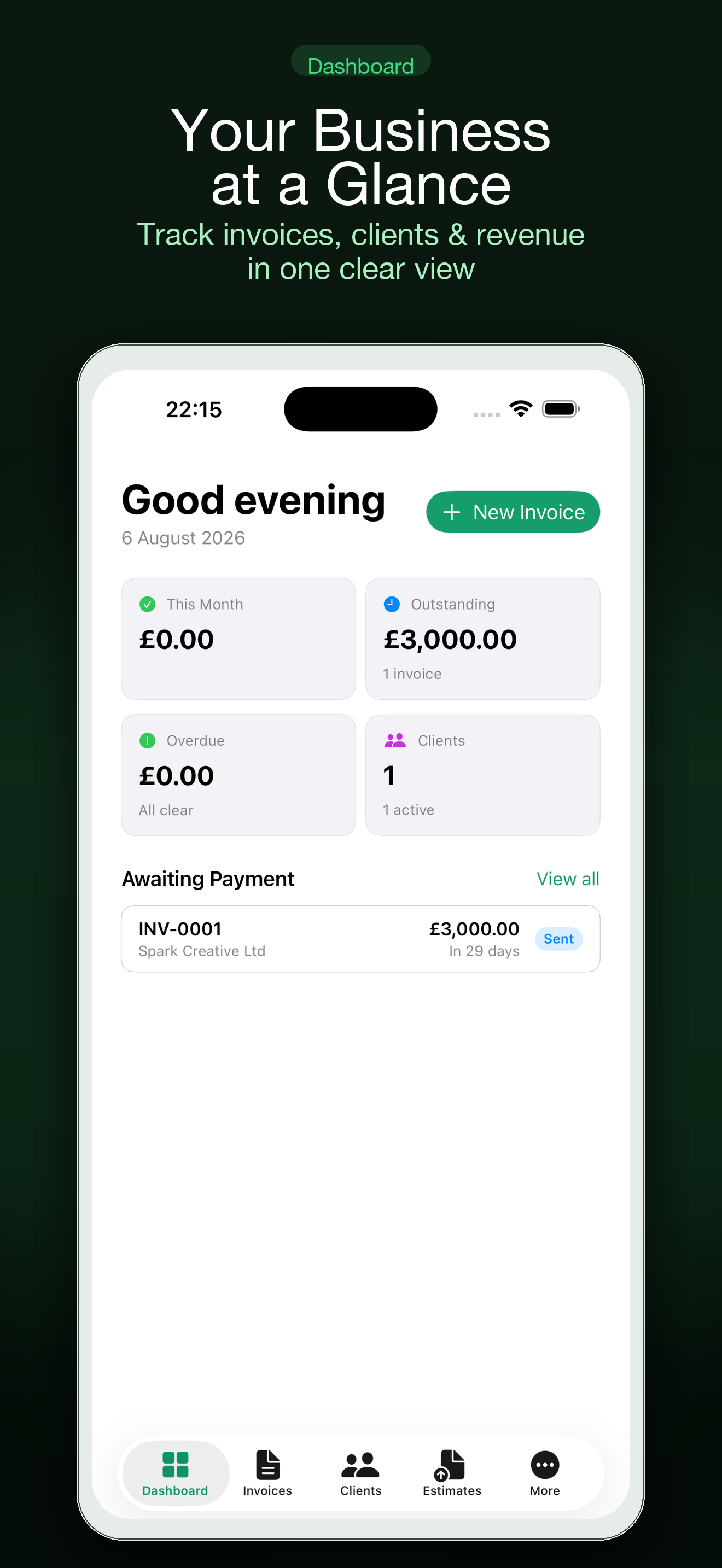
Dashboard
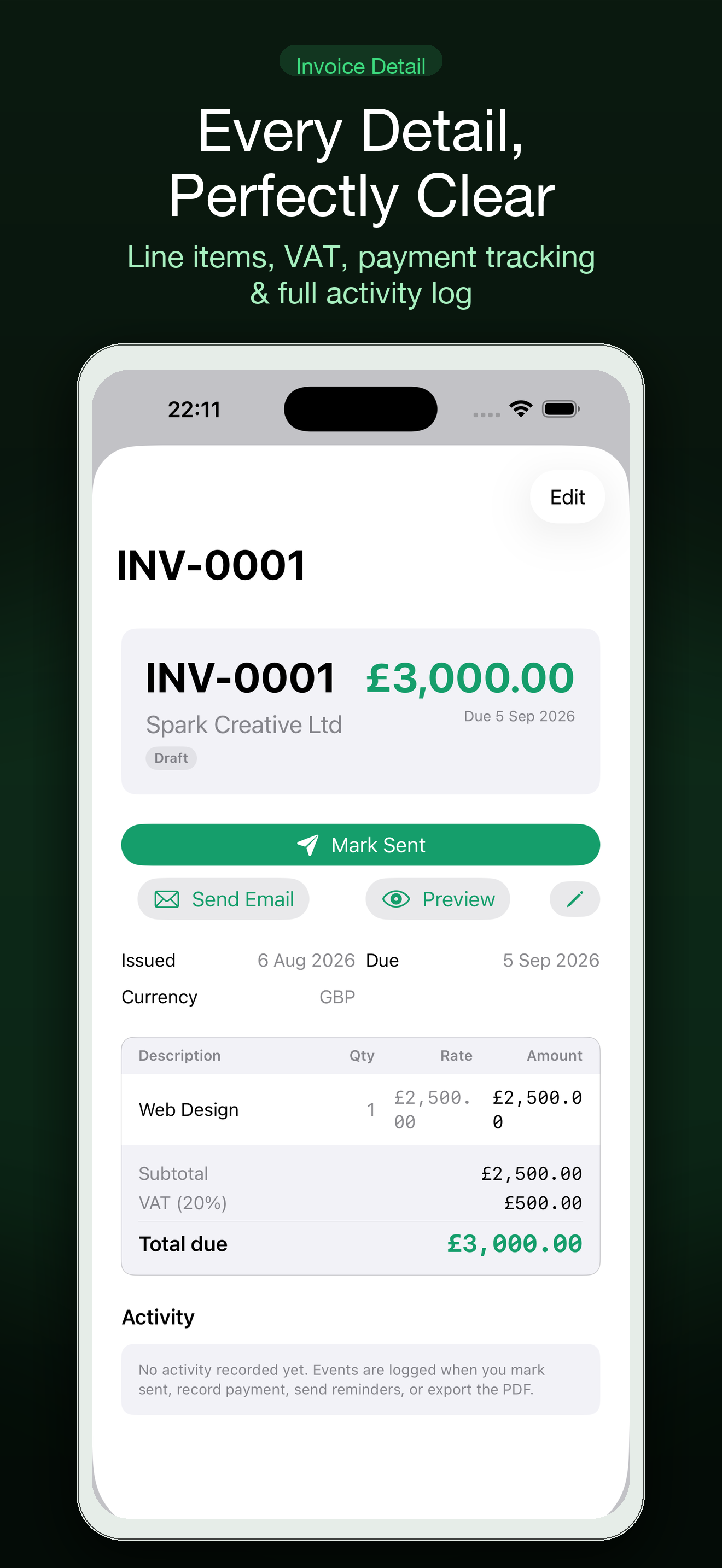
Invoice Detail
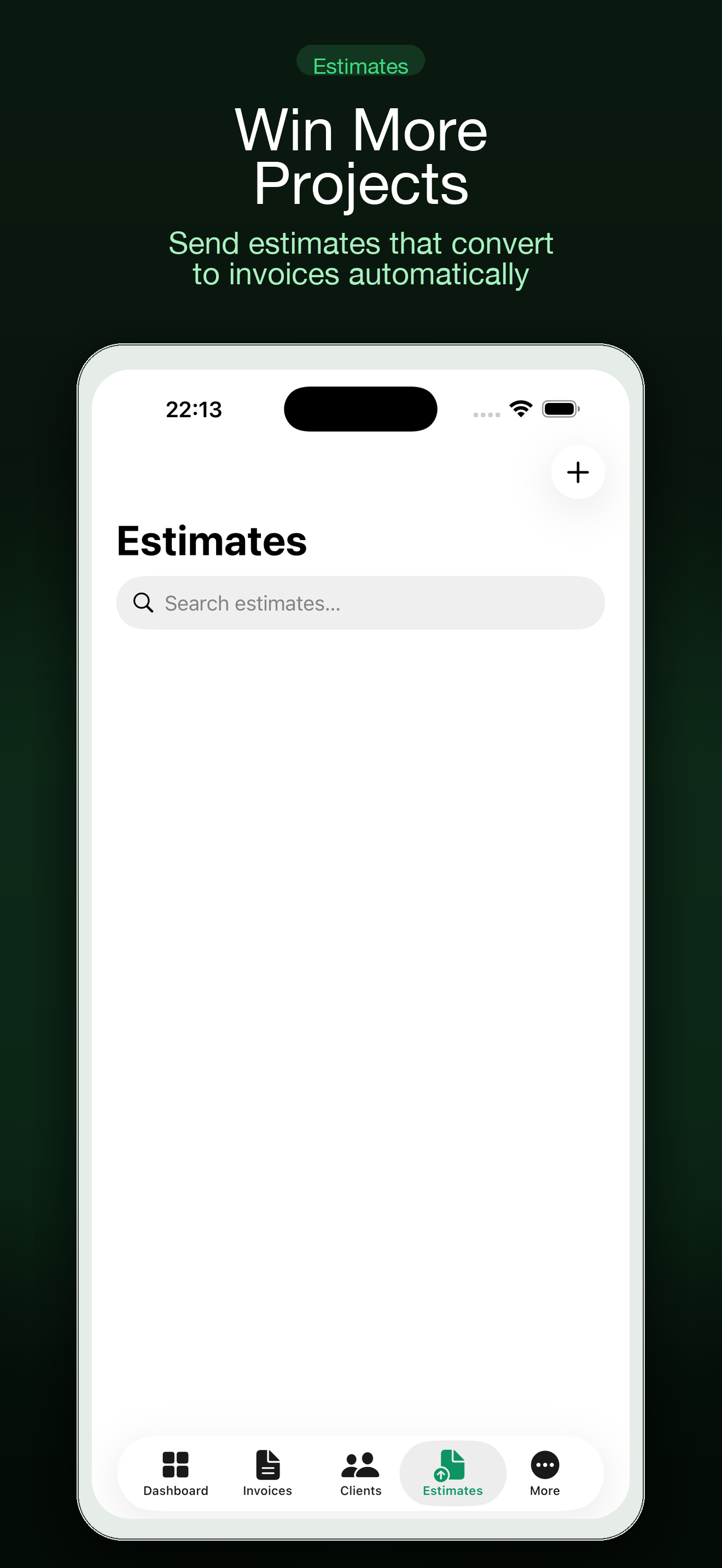
Estimates
Type something like "web work for Acme, three days at £500" and Settle drafts the invoice for you. Apple Intelligence on supported devices adds smart line items, client-aware rate suggestions, and due dates.
Describe the work in plain language and get a complete invoice draft with line items, rates, and payment terms.
Convert an accepted estimate into a final invoice without re-entering the work. Client and line items carry over automatically.
Generate proper invoice and statement PDFs entirely on-device with Apple's PDFKit. No uploads, no third-party servers.
Set up recurring billing for retainer clients. Settle generates the next invoice on schedule so you never miss a billing cycle.
Add deposit requirements, track partial payments, and calculate outstanding balances. Tax, discounts, and late fees included.
Invoice international clients in their currency. Live exchange rates update automatically so your numbers stay accurate.
Point your iPhone camera at a receipt or a business card. Settle reads it with Apple Vision OCR and puts the data exactly where it belongs — no manual entry.
Scan a paper receipt and Settle extracts the amount, date, and merchant. Categorise the expense against a project and it appears in your reports automatically.
Scan a business card, review the extracted fields, and save the contact directly to Apple Contacts — complete with their contact photo pulled from the card.
Create a Stripe payment link directly from the invoice. Clients pay online in seconds. Apple Pay may be offered at checkout. You see the money move.
Generate a hosted checkout link from any invoice. Clients click and pay with a card or Apple Pay — no Stripe account required on their end.
Share a unique hosted invoice link and see when it is opened. Know the moment your client has viewed the invoice, before they reply.
AI-drafted payment reminders that match your tone. Send from Mail when overdue invoices need a nudge, without the awkward chase.
Settle uses private iCloud/CloudKit storage to keep your invoices, clients, estimates, expenses, and timers in sync across every Apple device. Start an invoice on your Mac, send it from your iPhone. Everything stays aligned.
Your invoicing data lives in your iCloud account, encrypted and private. Settle never sees your client data or financial records.
One subscription unlocks Settle Pro on both your iPhone and Mac. Cancel anytime from your Apple Account settings.
Use our free online invoice generator — no account required, no sign-up. Fill in the details, download your PDF, done.
Generate a Free Invoice Online →Yes. Settle is free to download on the Mac App Store and iOS App Store. Core invoice creation, client management, estimates, expenses, and PDF export are included at no cost. Settle Pro unlocks advanced features like AI drafting, receipt scanning, recurring invoices, and widgets.
Yes. Settle is a universal app — one purchase covers both Mac and iPhone. Your data syncs privately via iCloud/CloudKit so your invoices, clients, and expenses stay in step across all your Apple devices.
Yes. Settle integrates with Stripe to generate hosted payment links directly from any invoice. Clients pay by card online, and Apple Pay may be offered at checkout when enabled on your Stripe account. You need a Stripe account to accept payments — it is free to create one.
Your invoicing data is stored in your private iCloud/CloudKit account — Settle never sees your client data or financial records. PDFs are generated entirely on-device using Apple's PDFKit. No data leaves your Apple ecosystem without your explicit action.
Yes. On supported devices, Settle uses Apple Intelligence for smart line items, client-aware rate suggestions, and payment-term due dates. On devices without Apple Intelligence, Settle falls back to fast deterministic on-device drafting — so smart drafting always works.
Yes — download Settle free from the App Store and explore at your own pace. Settle Pro is available as a monthly or annual subscription. A lifetime option is also available. Subscriptions renew automatically until cancelled through your Apple Account settings.