To track unpaid invoices, you need each invoice's due date, its status and a fixed follow-up schedule: a friendly reminder a few days before the due date, a nudge the day after, and firmer messages at one and two weeks. Settle shows outstanding and overdue invoices on its dashboard on iPhone and Mac, can tell you when a hosted invoice link was opened, and lets clients pay by card through a Stripe link.
Prevent the problem first
- Put terms on every invoice. A due date, not "payable on receipt". Fourteen or thirty days, stated as a date.
- Send it to the right person. Ask who processes invoices and whether they need a purchase order number.
- Make paying easy. A card payment link removes "I'll do it when I'm at my desk".
- Take a deposit on larger jobs. A client who has paid 30 to 50 percent up front rarely disappears.
- Invoice immediately. The day the work is delivered, while it still feels valuable.
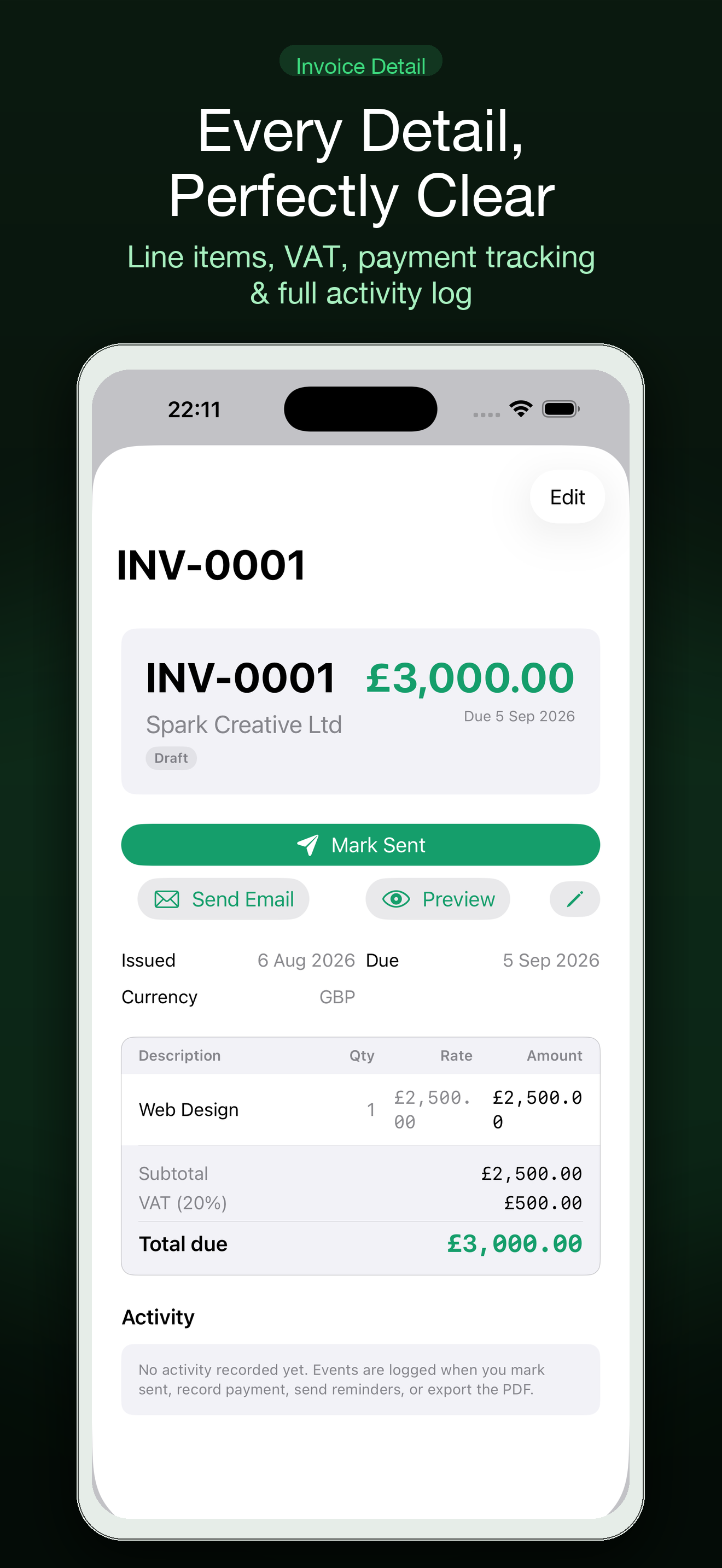
A follow-up timeline
| When | What to send | Tone |
|---|---|---|
| 3 days before due | "Just a reminder that invoice 1042 is due on Friday. Payment link below." | Helpful |
| 1 day after | "Invoice 1042 was due yesterday. Could you let me know when payment is scheduled?" | Neutral |
| 7 days after | "Following up on invoice 1042, now a week overdue. Is there anything you need from me to process it?" | Direct |
| 14 days after | "Invoice 1042 is two weeks overdue. Please confirm a payment date by Wednesday." Phone as well | Firm |
| 30 days after | Pause further work, apply any late fee in your terms, and consider formal options | Final |
Stick to facts: the invoice number, the amount, the due date, what you need. Do not apologize for asking. The free follow-up email generator writes these for you, and the follow-up calculator tells you which invoice to chase first.
How Settle keeps track
- Dashboard. Outstanding and overdue totals, and the invoices behind them, on iPhone and Mac.
- Invoice tracking. Share a hosted invoice link and see when it has been opened. "I never received it" becomes a shorter conversation.
- Payment links. Create a Stripe checkout link from the invoice. The client pays by card, and Apple Pay may be offered.
- Reminders. With Pro, Settle drafts a reminder in your tone that you send from Mail.
- Part-payments. Deposits and partial payments are recorded against the invoice, so the balance is always correct.
- Widgets. An overdue widget on your Home Screen keeps the number visible.
Late fees and stopping work
You can only charge a late fee if your contract or terms said so before the work started, and local law may set limits or give you statutory rights. Settle can add a late fee to an invoice; whether you are entitled to is a legal question. Pausing work on an account that is 30 days overdue is usually the most effective lever a freelancer has, and it is fair to say so in advance.
When to stop chasing
For small sums, weigh the amount against the hours spent. For larger ones, the usual escalation is a formal letter stating the debt and a deadline, then small-claims court or a collections service. Rules and limits differ by country, so check official guidance or take advice before acting.
A weekly ten minutes
- Open the dashboard and look at overdue.
- Send whatever the timeline says is due today.
- Note any promised payment dates.
- Invoice anything delivered this week.
Done every Friday, this is the difference between a 20-day and a 50-day average wait.
Free version and Settle Pro
| Free | Settle Pro |
|---|---|
| Invoices and PDF export | Invoice and reminder drafts from a plain-language description |
| Clients, estimates and expenses | Receipt and business-card scanning |
| Mac and iPhone, synced through your iCloud | Recurring invoices, deposits and retainers |
| No account to create | Widgets, Shortcuts and Siri |
One Settle Pro subscription covers both Mac and iPhone, and the yearly plan has a free trial. Apple shows current prices, and any lifetime option, at purchase.
Common questions
Can I see whether my client opened the invoice?
Yes, when you share it as a hosted invoice link. You see when it was opened.
Does Settle send reminders automatically?
It drafts them for you with Pro, and you send them from Mail. Nothing is sent without you.
Do I need Stripe?
Only for card payment links. You can send PDF invoices with bank details without it.
Can I record a part-payment?
Yes. Deposits and partial payments reduce the outstanding balance.
Does it work on iPhone only?
It works on iPhone and Mac, synced through iCloud.
Settle is an invoicing tool. It does not give tax, legal or accounting advice. Check requirements for your country with an accountant or the tax authority.
See what is overdue and chase it on schedule: Get Settle free.