Where Mimestream is strong
Mimestream describes itself as a native Mac email client for Gmail, and it goes deep on that one job. Instead of IMAP it uses the Gmail API, which lets it work with Gmail the way Gmail works: inbox categories, labels, server-side filters and Gmail-backed search. If you have spent years organising mail with labels and filters, that matters, because IMAP clients treat labels as folders and some of the nuance gets lost.
It is also a careful Mac app, with keyboard shortcuts, multiple Google accounts, profiles, a unified or separate inboxes, templates, Markdown, aliases and responses to calendar invitations. Its site says data is stored on your device and the app connects directly to the Gmail API, with tracking prevention built in.
As of November 2026, Mimestream's pricing page lists an individual plan at $49.99 a year or $4.99 a month, with a 14-day free trial, use on up to five devices and sharing with immediate family. It requires macOS 12 or later, and the site links to an iOS beta.
Where Suzume is different
The biggest difference is scope. Mimestream's site talks only about Google accounts. Suzume Mail uses IMAP and SMTP, so it works with Gmail (with OAuth sign-in) and also with iCloud, Outlook, Fastmail and any standard provider, all in one app. If your life is split across a Gmail account, a work domain on another host and an old iCloud address, Suzume can hold them together.
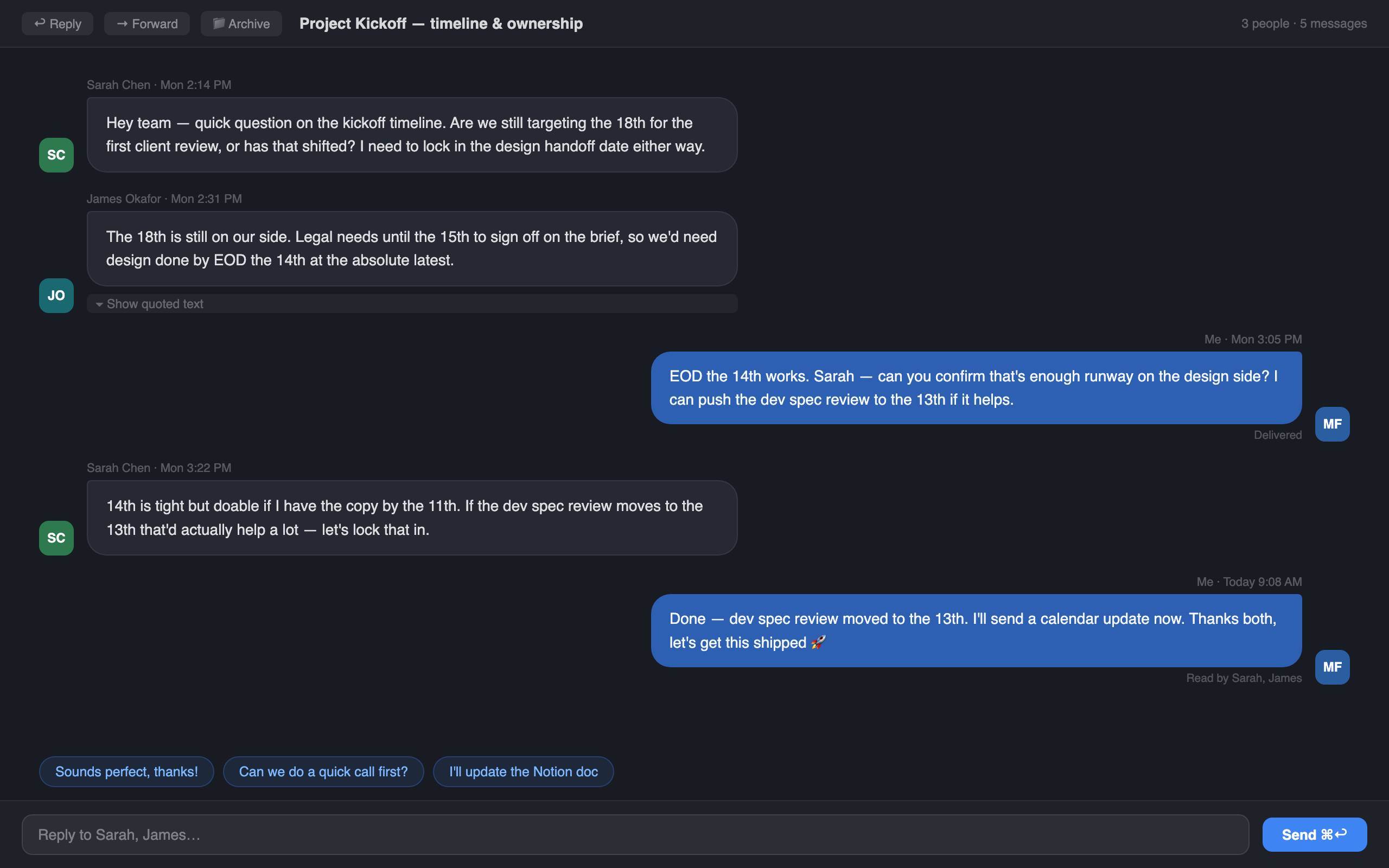
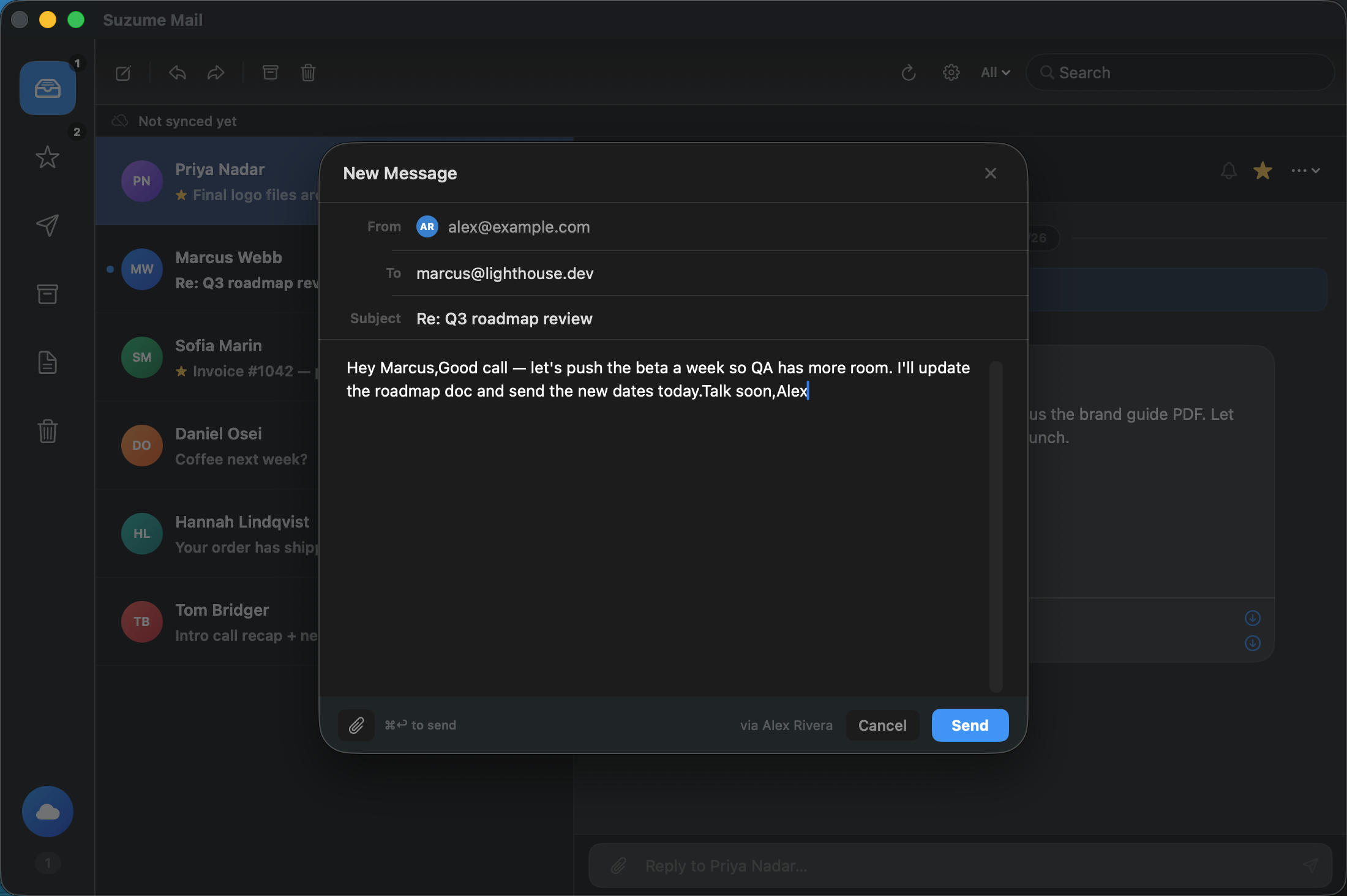
The second difference is how mail reads. Suzume turns a thread into chat bubbles, with your messages on one side and quoted text collapsed. Its AI features (summaries, quick replies, writing suggestions and smart inbox ranking) run on the device through Apple Intelligence on Macs with macOS 26 and Apple silicon. It also has rules, VIP senders, snooze, follow-up reminders and Undo Send.
The third is price. Suzume is free to download with a 14-day trial, then one $19.99 unlock covers your Mac, iPhone and Apple Watch. There is no subscription.
Feature comparison
Accounts
Mimestream: Google accounts. Suzume: Gmail, iCloud, Outlook, Fastmail and any IMAP/SMTP provider.
Gmail features
Mimestream works with labels, categories and server-side filters through the Gmail API. Suzume sees Gmail through IMAP, so labels appear as folders.
Reading
Suzume shows threads as chat bubbles. Mimestream uses a Gmail-style conversation view.
Pricing
Mimestream: $49.99 a year or $4.99 a month. Suzume: $19.99 once.
How I would decide
List your accounts. If they are all Google, Mimestream deserves a serious look, because it was designed around Gmail and nothing else. If even one important account is not Gmail, you will need a second app alongside Mimestream, and that is where Suzume makes more sense.
Next, look at how much you lean on labels. If you file mail under several labels at once, depend on Gmail categories such as Promotions and Updates, or edit server-side filters often, Mimestream's Gmail API approach keeps all of that intact. If you mostly read, reply and archive, the IMAP approach works fine.
Finally, do the maths over a few years. At $49.99 a year, Mimestream costs more than Suzume's one-time $19.99 within the first year. That does not make it poor value if the Gmail depth is what you need, but it is worth knowing.
When to choose Suzume
Choose Suzume if you have mail with more than one provider, if you prefer conversation-style threads, or if you want to stop paying yearly for an email app. It is also a good fit if you want AI help that stays on your Mac.
It suits Gmail users too, as long as you do not depend on the finer points of labels and categories. Our Gmail client for Mac guide explains how sign-in and access work.
When Mimestream is the better pick
Choose Mimestream if you are Gmail through and through, use labels and filters heavily, or manage several Google Workspace accounts and want them handled the Gmail way. Its group plan also suits small teams that all use Google.
It is a well-made, focused app. If its focus matches yours, it is a very good choice.
Verdict: Mimestream is the specialist for Gmail-only users who want Gmail's own features on a Mac. Suzume is the broader, one-time-price option for mixed accounts and people who want threads to read like conversations.
At a glance
| Suzume Mail | Mimestream | |
|---|---|---|
| Price (as of November 2026) | Free download, 14-day trial, $19.99 one-time unlock for all devices | $49.99/year or $4.99/month, 14-day trial |
| Accounts | Gmail, iCloud, Outlook, Fastmail, any IMAP/SMTP | Google accounts |
| Connection | IMAP/SMTP, OAuth for Gmail and Outlook | Gmail API |
| Labels and categories | Shown as folders over IMAP | Native Gmail labels, categories and filters |
| Platforms | Mac, iPhone, Apple Watch | Mac (macOS 12+); iOS in beta |
| Thread view | Chat-style bubbles | Gmail-style conversations |
Trying Suzume with a Gmail account
- Add your Gmail account to Suzume with Google sign-in, and keep Mimestream running.
- Use Suzume for a week of the free trial.
- Check that the labels you care about show up as folders the way you expect.
- Decide. Your mail stays in Gmail either way.
Questions people ask
Is Mimestream Gmail only?
Its website presents it as a Gmail client and talks only about Google accounts; it does not list iCloud, Outlook or general IMAP support.
Does Suzume need my Gmail password?
No. Suzume uses Google's OAuth sign-in, and the token is stored in your Keychain.
Will Suzume change my Gmail labels?
Suzume works through IMAP, where labels appear as folders. Moving a message between folders changes its labels in Gmail in the same way any IMAP client would.