Dispatch Kun
App Store Connect sales dashboard on iPhone: what to check each day
A full developer console is for administration. A daily phone check is for knowing what changed.
July 28, 2026 · Michael at Yuzool
App Store Connect is powerful, but it is not a particularly small place.
When I want to check a release, upload a build, answer a review or inspect a financial report, the full console is exactly where I should go. When I am walking to the train and want to know whether an app sold yesterday, it is more than I need.
That is the difference between an App Store Connect administration tool and an App Store sales dashboard on iPhone. They are related, but they are not the same job.
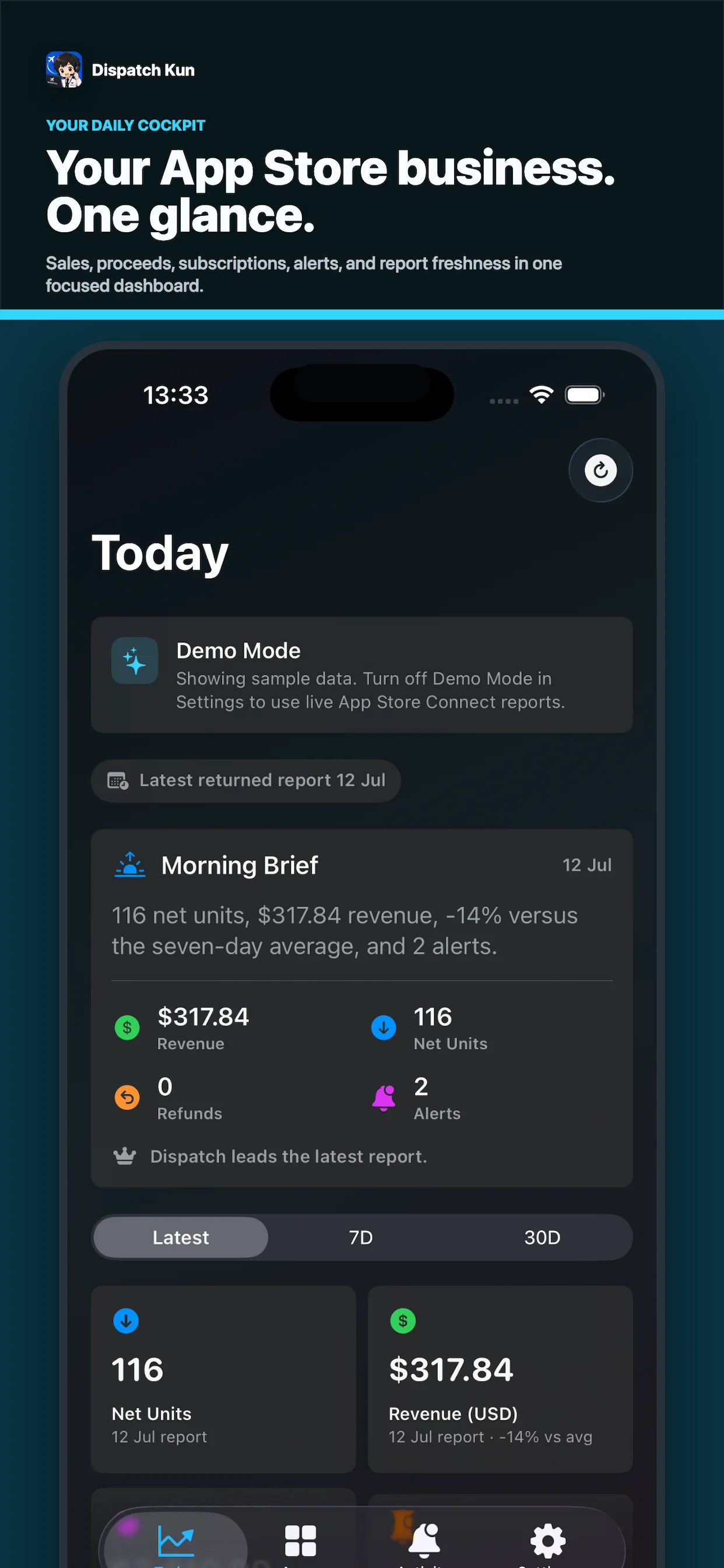
Start with the question, not the dashboard
Most indie developers do not open App Store Connect because they want to admire a chart. They are trying to answer one of four questions:
- Did anything sell?
- Did an update change downloads or proceeds?
- Is there a new review or submission problem?
- Is the app ready for the next launch step?
The useful phone view should answer those questions quickly, then get out of the way. It should not pretend to replace every financial report or publishing workflow Apple provides.
What belongs on an iPhone sales view
Today and the recent direction. A single day can be noisy, so today’s proceeds are more useful beside a seven-day or month-to-date view. The comparison does not need to be complicated; it only needs to show whether the current period is moving.
Per-app context. Small studios often have more than one app. A combined total can hide the fact that one title is gaining attention while another needs a better listing or a quieter maintenance plan.
Reviews and submissions. Revenue is not the only signal. A new review can reveal a product problem, and a submission status can determine whether a launch is actually ready. Keeping those close to sales makes the daily check more actionable.
Clear labels. Apple’s sales, proceeds, downloads and financial reports are not interchangeable. A useful companion should preserve that meaning instead of turning every number into a vague “revenue” card.
What should stay in App Store Connect
Some work belongs in the full console: managing agreements, editing metadata, uploading screenshots, reviewing detailed analytics, handling tax and banking information, and exporting reports for reconciliation.
A phone dashboard should be read-only by default. It should help you notice that a release or a review needs attention, not quietly become another place where sensitive account changes can happen.
The daily workflow I actually use
In the morning, I want a small sequence:
- Check today and the seven-day direction.
- See which app or product moved.
- Read any new review or submission alert.
- Choose one action that could improve the next check.
That last step matters. If sales moved after a new screenshot, keep learning from that page. If nothing moved after a launch post, look at impressions and product-page visits before changing the whole product. If there is a review, answer the person rather than refreshing the number again.
The dashboard is useful when it turns a vague worry into a specific next action.
Why an iPhone companion can be better than another web tab
The phone is where many founders notice the impulse to check. A small native view can make the answer immediate without asking you to open a laptop, find the right account and remember which report contains the number you wanted.
It also creates a healthier boundary. You can see the signal, take a note and return to the work. The goal is not to monitor the business every five minutes. It is to make the daily check honest enough that you can stop checking.
App Store Connect remains the source of truth. The small companion view simply helps you reach the right answer faster, especially when the question is as simple as: “What changed today?”