Mac email workflow
How to choose a Mac email client in 2026
The best email client is the one that makes your next email decision easier, not the one with the longest feature list.
July 22, 2026 · Michael at Yuzool
Most email-client comparisons start with a list of features. That is useful, but it is not where the daily frustration usually lives. The better question is: what part of email is making work slower today?
1. Start with the thread
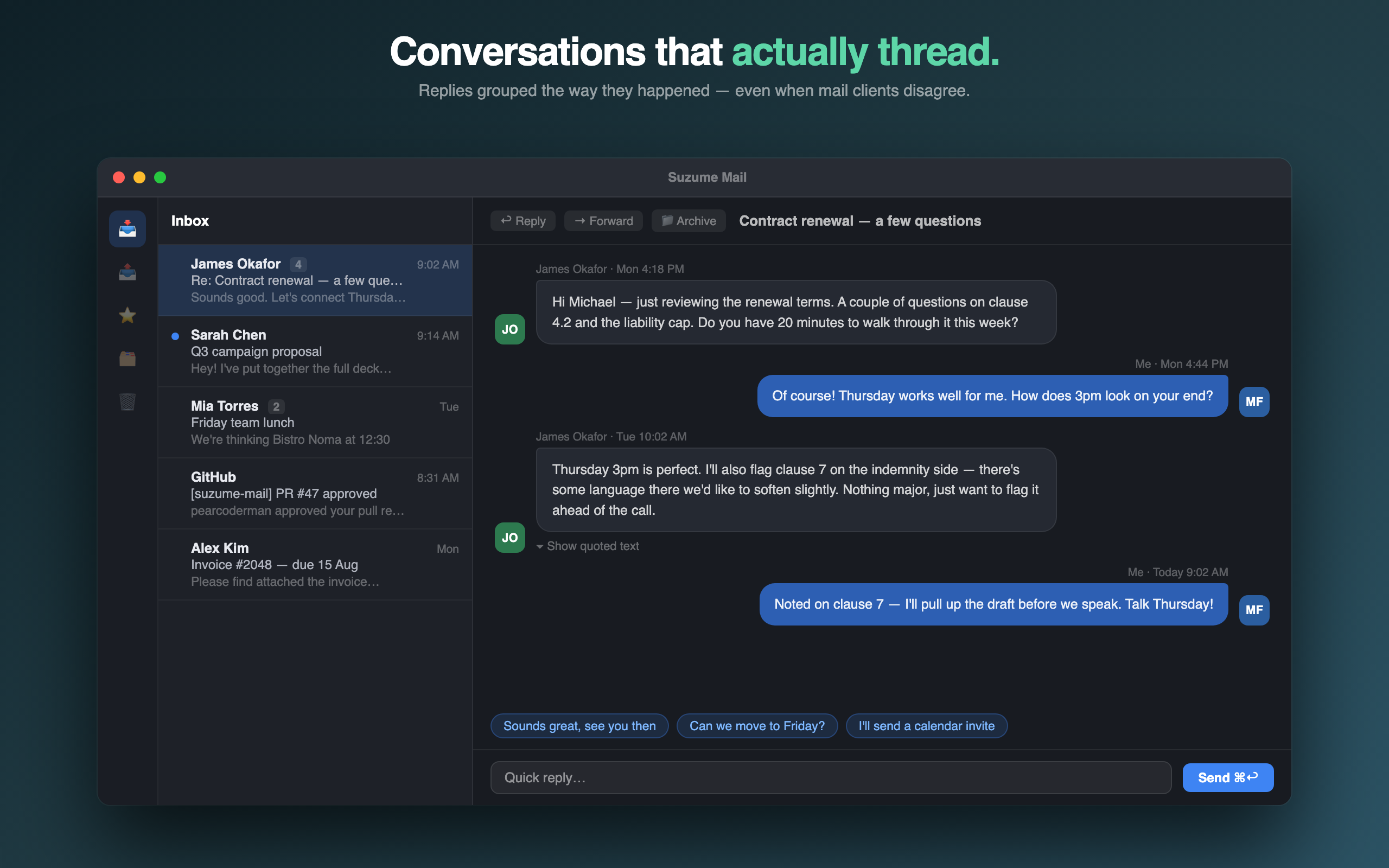
If you regularly reopen a conversation to find an agreement, an attachment or the last unanswered question, look closely at the reading surface. A good client should make participants, dates and message boundaries obvious without making you reconstruct a tower of quoted text.
2. Check the connection model
Ask whether the app talks directly to your mail provider, whether it supports the accounts you actually use, and where credentials are stored. “Private” should mean something specific. For Suzume, that means IMAP/SMTP connections, Keychain-secured credentials and no Yuzool mailbox proxy.
3. Treat AI as a boundary decision
Summaries and drafting help can be useful, but decide whether the feature is optional, where processing happens and whether you can still read and reply normally when AI is unavailable. The best assistant is often the one you can ignore.
4. Compare the price over time
A subscription can be the right choice for a service that continually provides hosted value. A native client may be a better fit when you want a stable tool with a clear ownership model. Look at the first year and the third year, not only the introductory price.
5. Test the boring edges
Before buying, check multiple accounts, search, attachments, offline or empty states, notifications and updates. These details decide whether the app becomes part of your routine.