Revenue Bear
Paddle revenue dashboard on iPhone: a practical daily workflow
Paddle’s reports are built for detail. Your phone check usually needs one honest answer and a little context.
July 28, 2026 · Michael at Yuzool
Paddle is a good place to run payments. It handles the hard parts of selling software: checkout, subscriptions, tax and the reports you eventually need for reconciliation.
But a founder asking “did we sell anything today?” is not always looking for the full Paddle dashboard. They may be on a train, between meetings, or checking whether yesterday’s launch post did anything at all.
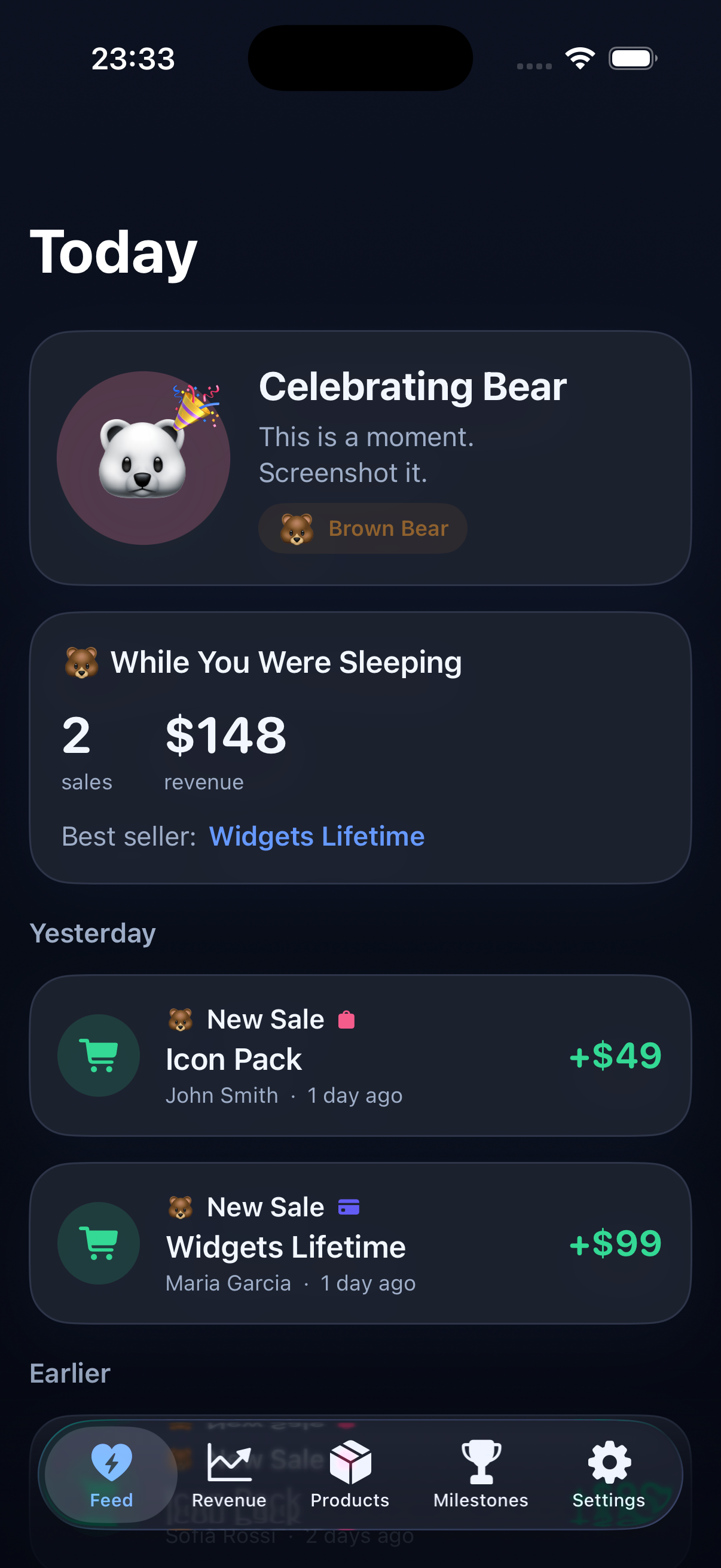
That is where a small Paddle revenue dashboard on iPhone can help. It is not a replacement for Paddle’s detailed reporting. It is a shorter path to the daily pulse.
What Paddle already does well
Paddle’s Billing dashboard gives subscription businesses detailed metrics and reports. When you need to understand churn, inspect a transaction, investigate a refund or download a payout reconciliation report, that source-level detail is exactly what you want.
The problem is not a lack of data. It is the distance between the data and the question. A detailed report might tell you everything about a payout while still making the simple answer—whether the business moved today—feel oddly hard to find.
The useful mobile questions
A good Paddle app should answer a few questions before it offers another chart:
- What came in today?
- How does the last seven days compare with the previous period?
- Was the movement a new purchase, a renewal or a refund?
- Which product or plan changed?
- Do I need to do anything now?
Those questions are small, but they are not superficial. They connect the payment to the work around it: a launch, a pricing change, a support reply, an article or a new product page.
Gross revenue is not the same as money you can spend
One important design choice is to label the number properly. Paddle can show transactions, adjustments, fees, refunds and payout information. An app that puts all of those into one unlabeled total may look simple while quietly making the business harder to understand.
A daily view should say whether it is showing gross sales, net sales, estimated proceeds or a provider’s own balance. It should keep the original transaction available when you need to investigate. Convenience is useful only when it does not create a new ambiguity.
Why founders often want more than Paddle
Many small software businesses do not sell through Paddle alone. There may be App Store Connect sales for a mobile app, Stripe for a service, Polar for a download or Gumroad for an older product. The founder’s question is usually about the business, not the payment provider.
That is why a combined feed can be more valuable than a prettier version of one dashboard. It can show the Paddle payment beside the App Store purchase, without pretending they are identical. The provider label, currency and transaction type should stay visible so the total remains trustworthy.
A calmer way to check revenue
My preferred rhythm is simple:
- Check the combined feed once in the morning.
- Look at today, seven days and month-to-date.
- Open a transaction only if something needs explanation.
- Write down one action, then close the app.
If there was a sale, ask what might have helped. If there was no sale, choose one controllable improvement instead of opening the dashboard again. Fix the landing page. Publish the next useful explanation. Reply to a customer. Make the checkout path shorter.
The aim is not to check revenue more often. The aim is to make the check good enough that you can return to building.
What to look for in a Paddle revenue tracker on iPhone
Before connecting any payment account, I would look for four things:
- Read-only access. A sales viewer should not need permission to change products or customers.
- Local credential storage. API keys should be protected on the device, not copied into an unknown analytics service.
- Useful time windows. Today, seven days and month-to-date are more actionable than a wall of lifetime charts.
- Provider clarity. If Paddle and Apple are combined, the source of each sale should remain obvious.
Paddle remains the place for full payment administration. A small iPhone companion has a different job: make the first answer—what changed today?—easy to see, then leave the detail where it belongs.