Search workflow
Grow traffic one useful page at a time.
Search growth is easier when every page has a job. Start with Search Console, choose the page with the clearest opportunity, make one careful change, then come back with memory.
The traffic loop
- Find pages with impressions, weak CTR or near-page-one rankings.
- Check whether the page answers the right buyer question.
- Improve titles, descriptions, structure, screenshots and internal links.
- Record the change so future you knows what happened.
- Review the next comparable Search Console window.
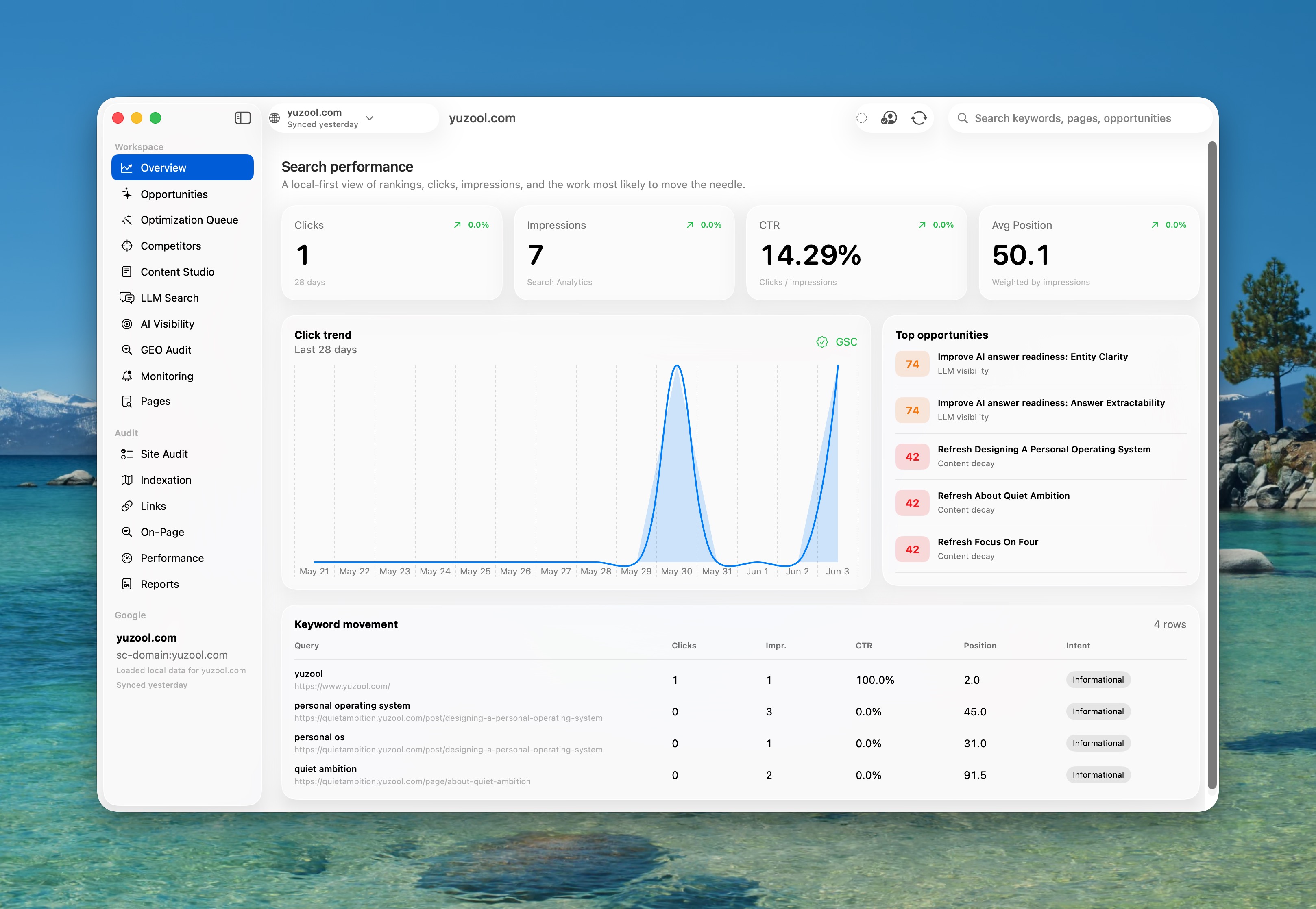
Search growth is a product habit.
For a small software site, SEO is not a separate department. It is part of product communication. Every useful page should help the right visitor understand whether the app fits their job, whether they can trust it, and what the next step is.
The mistake is trying to improve everything at once. You do not need to rewrite the whole site every week. You need a repeatable loop that finds the most promising page, makes one useful improvement, and records enough context that you can learn from it later.
Choose pages with evidence
A page with impressions but low CTR may need a clearer title or a stronger opening promise. A page ranking just below the first page may need more complete buyer information. A page with traffic but no clicks to buy may need stronger trust, screenshots, pricing clarity or a sharper comparison section.
Improve the buyer answer
Search traffic converts when the page answers the question behind the query. A visitor searching “Search Console app for Mac” is not asking for an abstract SEO essay. They want to know whether there is a native Mac workflow, what it replaces, how private it is, and whether it saves enough time to justify buying.
Keep a memory of changes
The hidden problem with SEO work is forgetting what you changed. If you rewrite a title, add a comparison, move a CTA or add a screenshot, future traffic changes need context. Rank is built around that loop: Search Console data, checks, experiments and change history in the same Mac workspace.
Pick one or two pages with visible opportunity instead of trying to refresh everything.
Rewrite the above-the-fold promise, add missing privacy answers, improve screenshot context or strengthen internal links.
Review after a comparable Search Console window so you are not reacting to daily noise.
Useful entry points
These pages explain the workflow before asking anyone to buy.
Search Console app for Mac
Why a native workflow can be better than browser tabs for repeat SEO work.
Read guide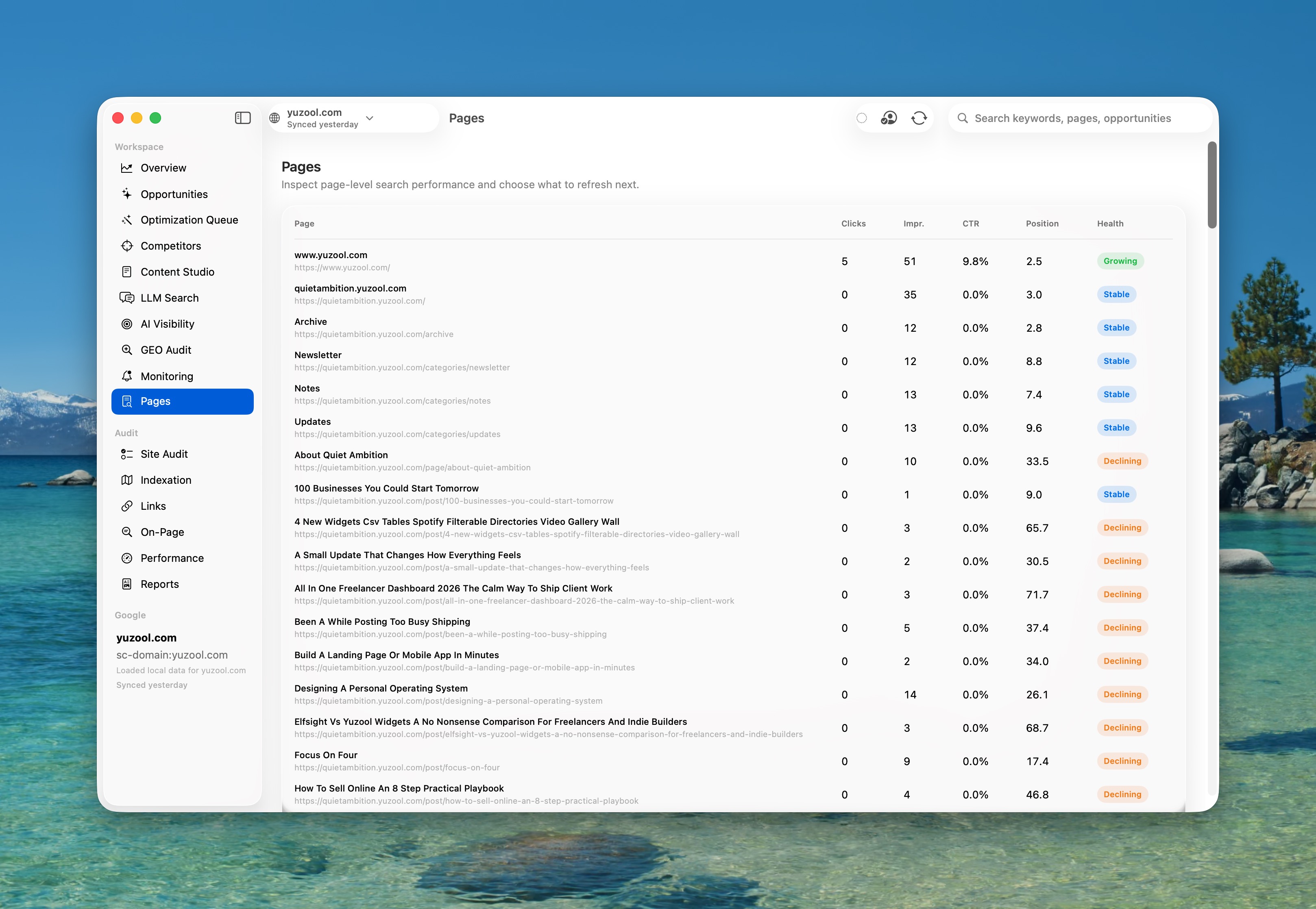
How I use SEO for indie apps
A practical path from buyer intent to product pages and measurable changes.
Read post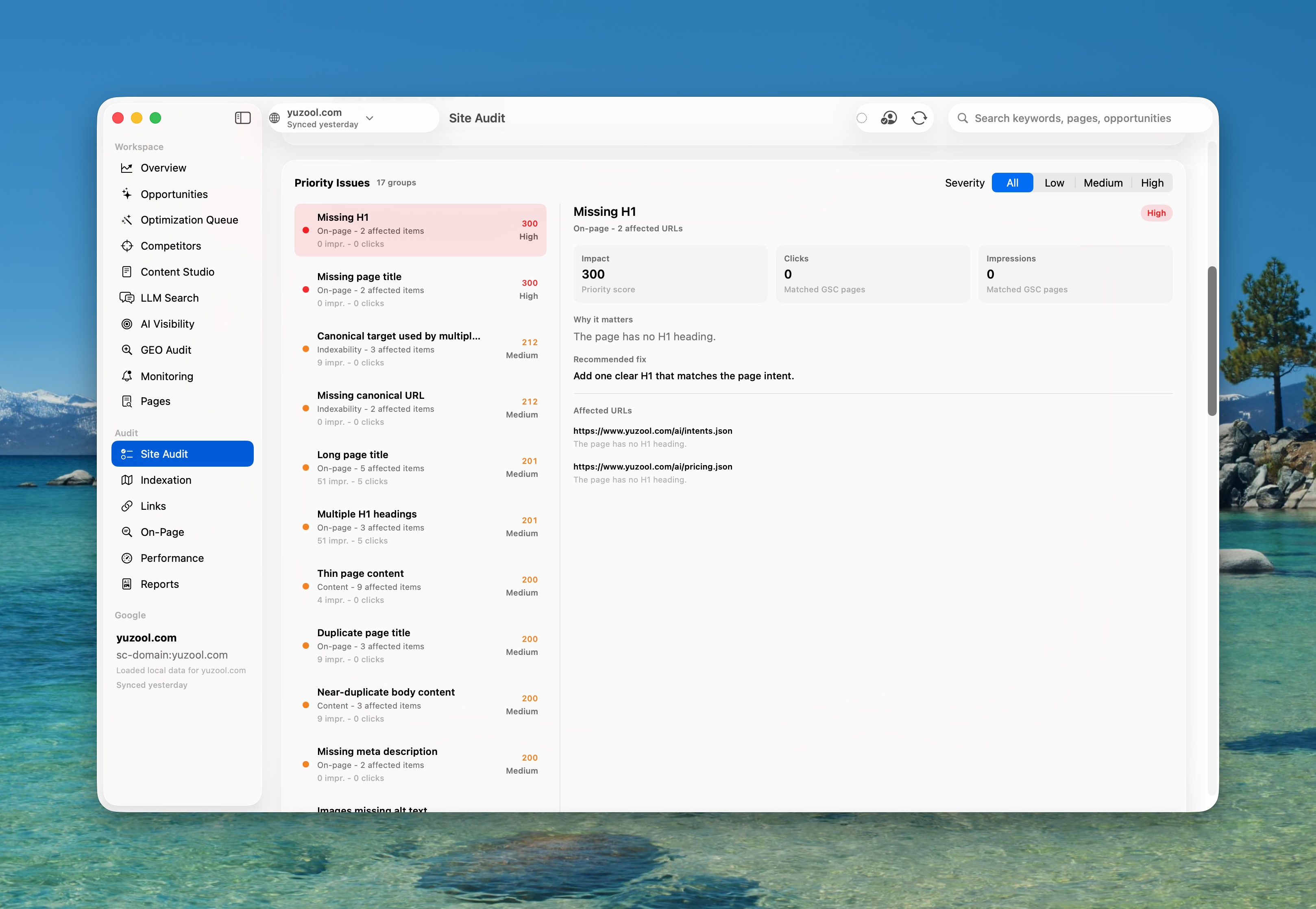
A better Search Console workflow
Search Console is essential, but the follow-up work needs somewhere to live.
Read postMake SEO a weekly workflow.
Rank keeps Search Console data, technical checks, metadata experiments and change history together on your Mac.