Drag to reschedule
When a task slips, drag it to tomorrow or later in the week. You preserve the intent without rewriting the plan.
Cadence features
Cadence is built for people who think in weeks. Add the task, put it on the right day, drag it forward when reality changes, and keep the whole week visible.
Weekly planning
Most task apps are powerful because they add projects, labels, filters and smart views. Cadence stays smaller: days, tasks and movement. That makes it easier to notice what is slipping and choose what happens next.
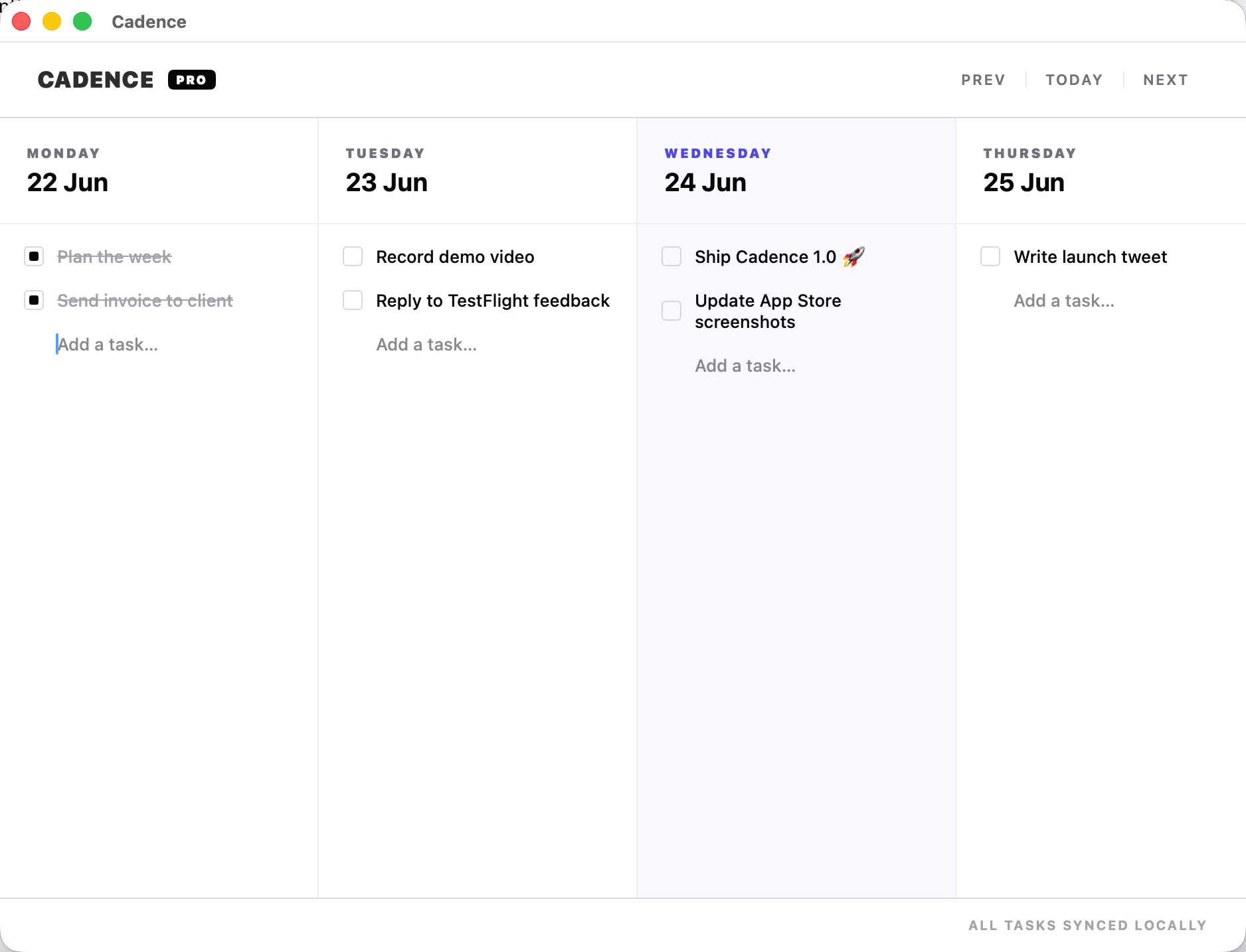
When a task slips, drag it to tomorrow or later in the week. You preserve the intent without rewriting the plan.
Capture the task when it appears, then place it in the week instead of letting it float in a generic inbox.
Use Cadence on Mac and iPhone through your own iCloud account. No separate Cadence account required.
Built natively for Mac, with shortcuts and interactions that fit desktop work rather than a web dashboard.
Best fit
It works especially well for freelancers, indie developers and solo operators who need a light planning rhythm: capture, schedule, do, drag, review. It is intentionally less complex than a project management system.