 Settle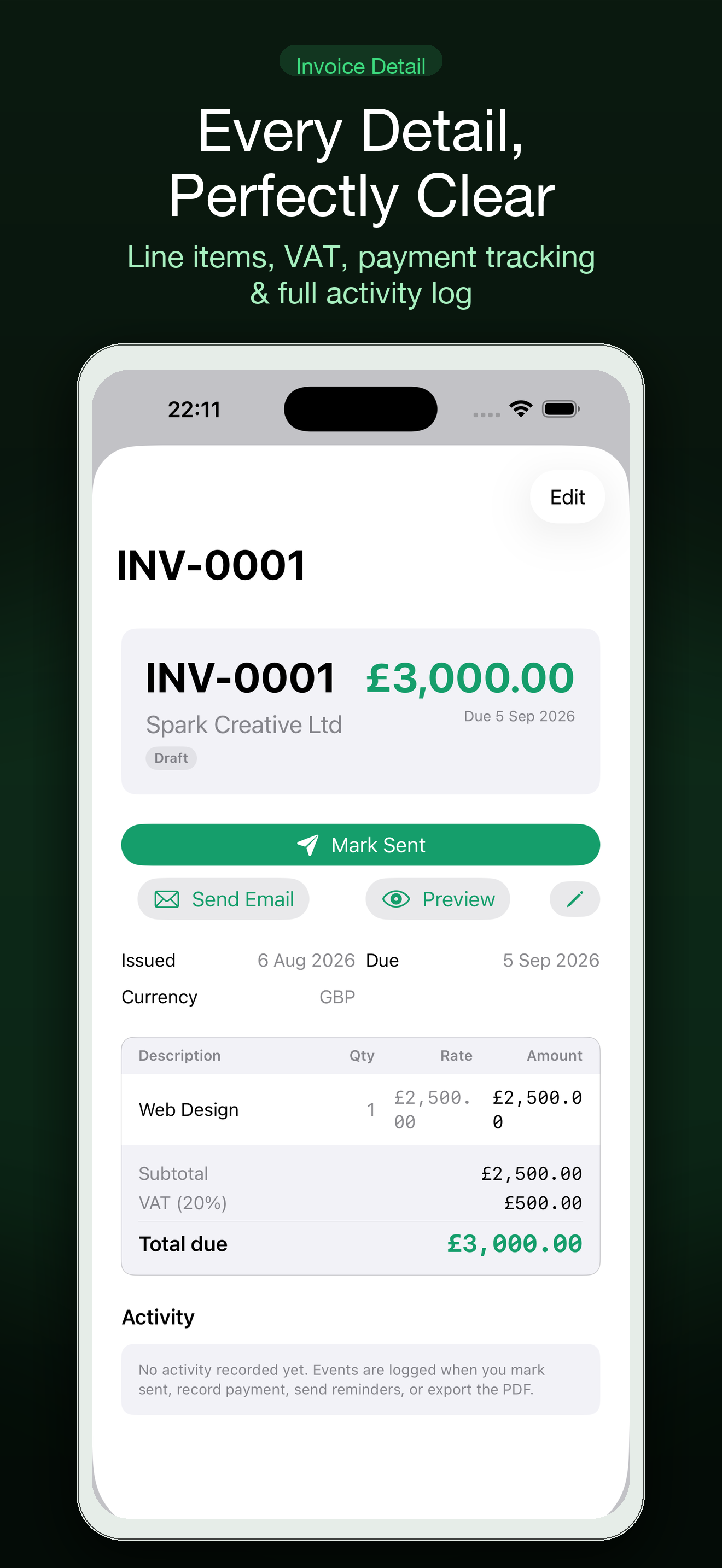
Check the record before you write
Confirm the invoice number, issue date, due date, amount and payment instructions. Check whether a payment or credit has already arrived. If the due date has not passed, frame the message as a status check or resend, not as an overdue notice.
Use a neutral opening
Assume the message may have been missed or routed to the wrong person. A neutral tone preserves the relationship and makes it easier for the client to tell you if something needs correcting. Keep the subject line recognizable by including the invoice number.
Ask one simple question
Ask whether the invoice is in the payment queue or if the client needs another copy. If there is a dispute, invite them to identify the line item so you can resolve it. Avoid adding several unrelated asks to one reminder.
Make the next step concrete
Attach or link the invoice, restate the payment method and include a date for a follow-up if appropriate. Your contract, jurisdiction and client relationship govern late fees and collection steps; this template is not legal or tax advice.
Keep a record of the follow-up
Note when the message went out and what reply came back. Set a calm next reminder rather than repeatedly checking your inbox. Settle brings client records, invoices, PDFs, time and expenses together across Mac and iPhone.
Frequently asked questions
Is this tool free to use?
Yes. It runs in your browser without an account. You can use your browser’s print dialog to save a copy where appropriate.
Does this page replace professional advice?
No. It is an organizational aid. For medical, safety, legal, tax or reimbursement decisions, follow qualified professional guidance and the rules that apply to your situation.
What does Settle add beyond this free page?
Settle is the related iPhone app. Visit its product page and App Store listing to check the current feature set, availability and terms.
Continue with Settle
Use the free tool for a quick start, then see how the app supports the ongoing version of this workflow.