PHOTO TO ACTION · SNAPDO
Turn a photo of class notes into a study checklist
A handout or classroom whiteboard can hold several kinds of information at once: facts to learn, tasks to complete and dates to remember. Separate them before they become one long, confusing list.
Capture a readable source
Flatten the page, move into even light and keep the camera parallel to the text. For a whiteboard, capture it before it is erased and include enough of the board to preserve headings and context. One clear image is easier to review than a gallery of nearly identical shots.
Separate facts from actions
OCR can recognize words, but it cannot decide what your teacher meant or which lines deserve a reminder. Review the result and sort it into three buckets:
- Study: concepts, terms or examples to revisit.
- Do: homework, reading or preparation that needs an action.
- Remember: a date, room change or material to bring.
Keep the original image nearby until you have checked names, numbers and due dates. This is especially important when punctuation or handwriting changes the meaning.
Turn broad instructions into the next action
“Study chapter four” is hard to start. “Review pages 42–50 and write down three questions” is clearer. Break large assignments into a first step you can complete, but do not invent details that were not on the handout. Add a due date only when the source states one or you have confirmed it yourself.
Review before adding reminders
Before exporting tasks into a calendar or reminder list, check that each item is accurate, specific and still relevant. Remove duplicated instructions and leave reference material as notes rather than making every line a task. A short, trustworthy list is better than importing the whole page unchanged.
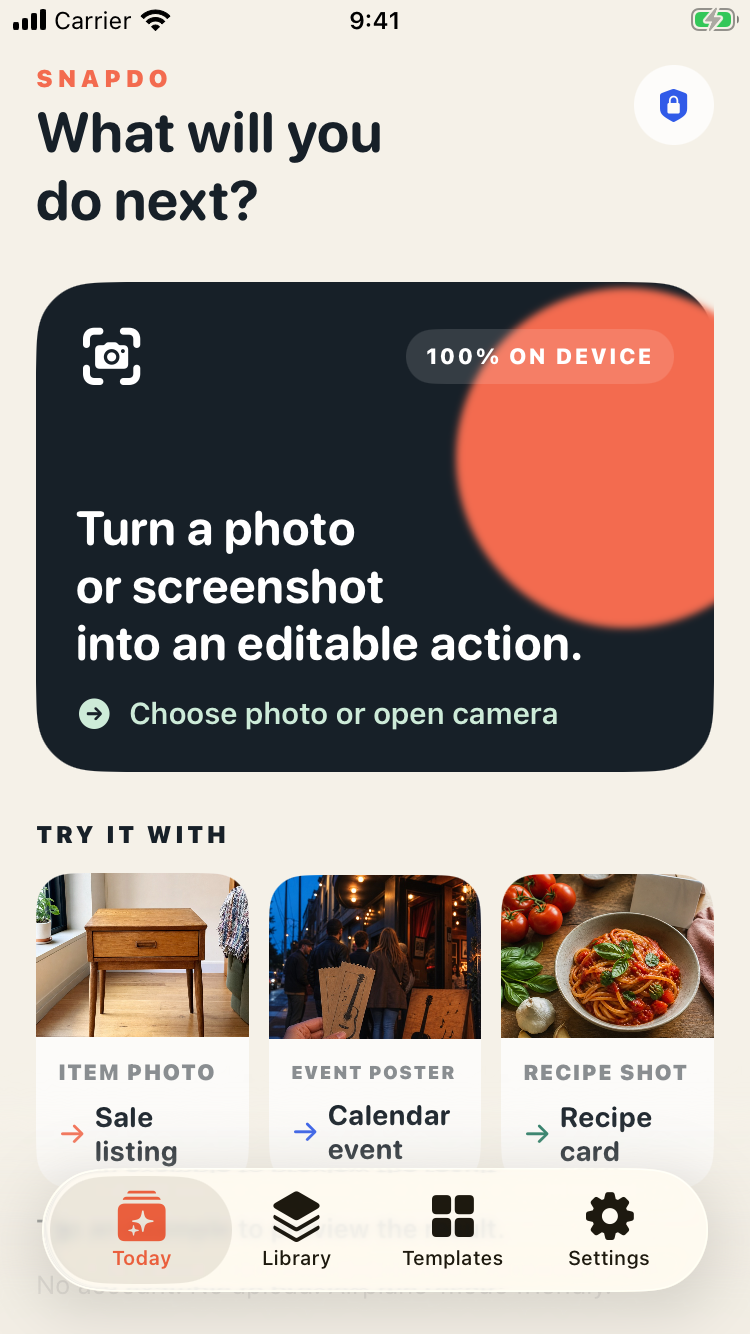
SnapDo is designed for turning photos and screenshots into editable actions on iPhone. Compare this flow with the whiteboard-to-action guide or learn how to turn screenshots into tasks.
Keep the workflow private and in your control
Class notes can include names or personal details. Check how your chosen app handles recognition and storage, and crop out information you do not need. Treat extracted text as a draft: you decide what becomes a task and what stays in the source photo.
See SnapDo’s current features before downloading. The App Store page has the current compatibility and purchase details.
Make the next step visible
Capture once, review carefully, then keep only the actions you can actually use.