 SnapTrack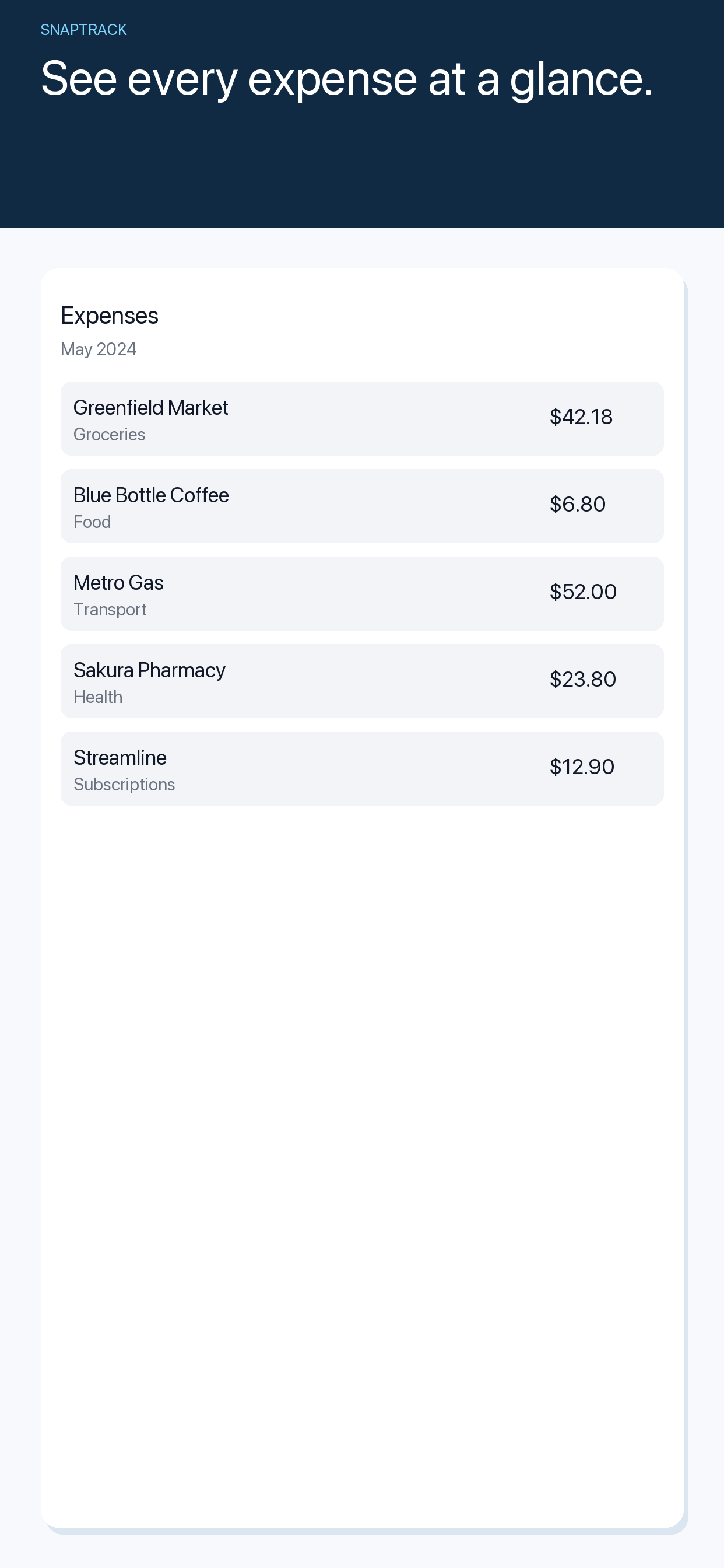
Capture each item while you still remember it
Record merchant, date, amount, currency and why the purchase relates to the trip. Keep a photo of the receipt if your company or client requires evidence. A short note like “train to client site” is much more useful later than a number on its own.
Keep original currencies separate
Do not add yen, euros and dollars into one total as if they were interchangeable. Preserve the receipt amount and currency. If you must report in a home currency, use the exchange-rate method and date required by your employer, client agreement or accounting process, and document it.
Separate business and personal purchases
A mixed trip can include personal meals or extra nights. Label the business portion clearly and keep personal spending out of the reimbursement total. When an item is split, retain the calculation and receipt so the reviewer can understand it.
Reconcile the list against your records
Before submitting, check your card statement, email confirmations and receipt photos for missing items or duplicates. Confirm that dates and amounts match the original receipts and that each line belongs to the correct project or trip.
Make the next trip easier
A repeatable capture routine is more reliable than a post-trip memory exercise. SnapTrack scans receipts for review, keeps original currency visible, and helps maintain a searchable iPhone expense history. The organizer below is a manual worksheet, not a tax or reimbursement ruling.
Frequently asked questions
Is this tool free to use?
Yes. It runs in your browser without an account. You can use your browser’s print dialog to save a copy where appropriate.
Does this page replace professional advice?
No. It is an organizational aid. For medical, safety, legal, tax or reimbursement decisions, follow qualified professional guidance and the rules that apply to your situation.
What does SnapTrack add beyond this free page?
SnapTrack is the related iPhone app. Visit its product page and App Store listing to check the current feature set, availability and terms.
Continue with SnapTrack
Use the free tool for a quick start, then see how the app supports the ongoing version of this workflow.